TOP 15 Enterprise CRM Software in 2026


Most enterprise CRM projects don't fail for lack of features. They fail because the work never actually unifies.
Sales data lives in the CRM. Approvals travel through email threads. Forecasts get rebuilt in spreadsheets every Monday morning. Each tool works fine in isolation — but together they create a system where decisions are slow, accountability is blurry, and adoption quietly erodes.
At enterprise scale, that fragmentation has a cost: longer sales cycles, lower forecast accuracy, and teams that work around the CRM rather than within it.
This guide compares 15 leading enterprise CRM platforms for 2026 on the criteria that matter when complexity increases: governance, workflow automation, reporting, collaboration, customization, and platform unification. Because the right platform isn't the one with the most features; it's the one that removes the most friction from how your organization actually runs.
TL;DR
- Enterprise CRM projects fail 20–70% of the time, usually because fragmented workflows (CRM, approvals, reporting, and collaboration in separate systems) create friction that compounds at scale.
- The 15 leading platforms in 2026 split into unified operations platforms (Bitrix24, Microsoft Dynamics 365), customization-heavy ecosystems (Salesforce, SugarCRM, Creatio), and lighter specialized tools (HubSpot, Pipedrive, Zoho, Monday).
- The right choice depends less on feature count and more on where your organization is actually losing time today.
- Match the platform to that friction (tool sprawl, ERP integration, pipeline clarity, or marketing alignment), and selection becomes straightforward.
Key definitions
Enterprise CRM: A customer relationship management platform built to support large teams, complex permissions, cross-functional workflows, and high data volume.
Unified platform: A system that combines CRM, automation, collaboration, and reporting in one environment rather than relying on multiple disconnected tools.
Fragmentation tax: The time, data inconsistency, and decision risk created when sales, approvals, reporting, and collaboration happen across separate systems.
RevOps: Revenue operations, the function responsible for aligning sales, marketing, and customer success systems and processes.
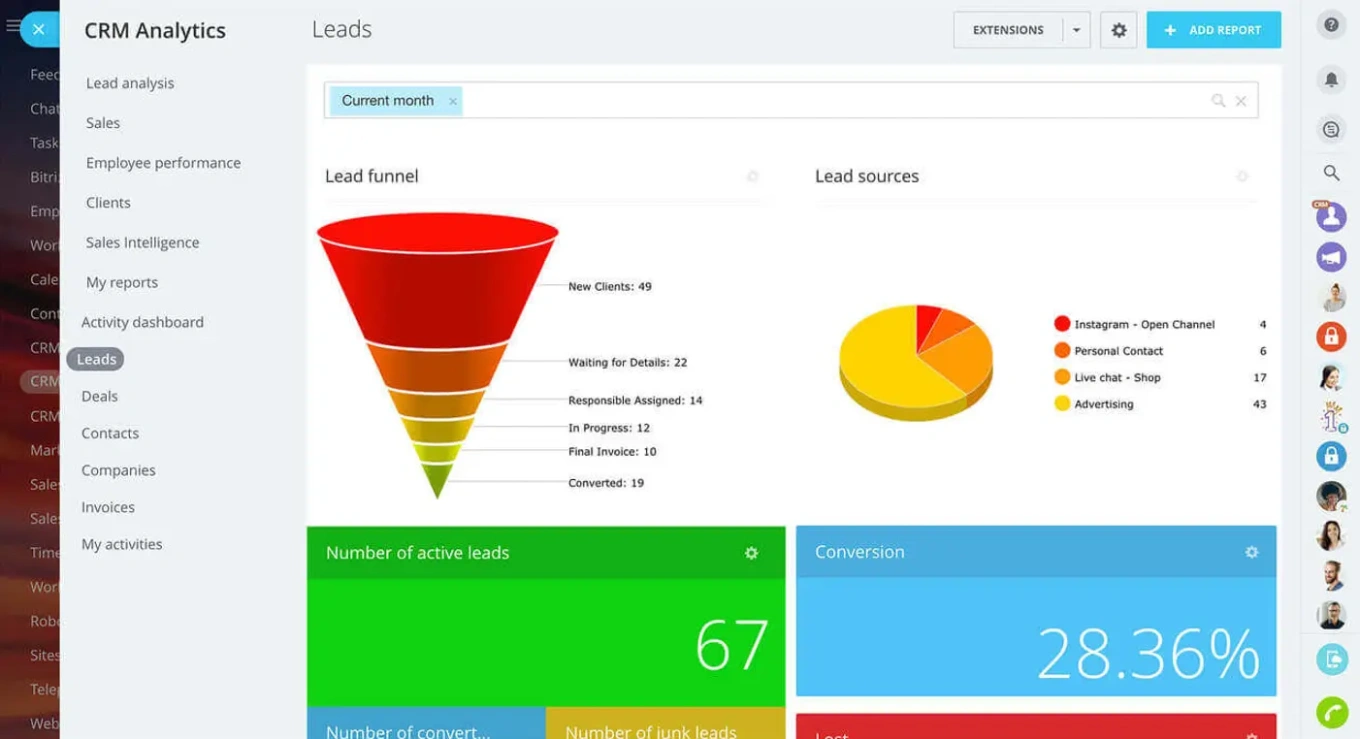
Why enterprise CRM selection is harder than it looks
The CRM market is crowded with capable platforms, yet implementation outcomes remain poor. Nearly two decades of research across multiple analysts show that 20–70% of CRM projects fail, most often because user adoption collapses when the system doesn't fit how the organization actually works.
At enterprise scale, the stakes are higher.
Gartner has noted that CFOs are relying more heavily on CRM data for forecast accuracy. When the CRM becomes a source of truth for finance as well as sales, fragmentation stops being a sales-ops headache and becomes a board-level reporting risk, and a missed opportunity to turn CRM data into a competitive advantage.
What to look for in enterprise CRM software
Six capabilities separate platforms that scale from platforms that create new bottlenecks.
|
Capability |
What to look for |
|
Governance & permissions |
Role-based access across teams/regions/units, field-level permissions for sensitive data, audit logs for compliance |
|
Workflow automation |
Cross-team automation, built-in approval workflows, no-code/low-code builders |
|
Reporting & visibility |
Native dashboards, real-time pipeline views, custom reports for RevOps and leadership |
|
Built-in collaboration |
Comments and mentions on records, tasks and projects inside the platform, centralized communication |
|
Customization without complexity |
Configurable pipelines, fields, and workflows that don't require engineering support |
|
Unified platform |
Native CRM + automation + collaboration + reporting instead of stitched-together integrations |
The integration point is especially worth stressing. A patchwork of CRM, PM tools, chat app, and BI stack looks flexible on paper. In practice, it produces data inconsistencies, broken workflows, and rising maintenance costs from unmanaged business process automation. This is the exact dynamic that sits behind the 20–70% failure statistic.
Enterprise CRM Vendor Scorecard Template for Confident Shortlists
Enter your email address to get a comprehensive, step-by-step guide

Quick comparison: top 15 enterprise CRM platforms
|
# |
Platform |
Strongest fit |
Primary trade-off |
|---|---|---|---|
|
1 |
Bitrix24 |
Unified operations across CRM, collaboration, automation |
Broad feature set requires structured rollout |
|
2 |
Salesforce |
Large-scale customization and ecosystem depth |
Core features often require paid add-ons |
|
3 |
Microsoft Dynamics 365 |
Organizations deep in the Microsoft stack |
Fragmented UX across modules |
|
4 |
HubSpot Enterprise |
Marketing–sales–service alignment |
Cost scales quickly at enterprise tier |
|
5 |
SAP CX |
ERP-integrated enterprise process control |
Resource-intensive implementation |
|
6 |
Oracle CX Cloud |
Data-heavy analytics and forecasting |
Complex setup, slower UX |
|
7 |
Zoho CRM |
Cost-conscious feature breadth |
Fragmented experience as usage scales |
|
8 |
Freshworks CRM |
Simplicity with AI-assisted workflows |
Shallow governance and cross-team depth |
|
9 |
Pipedrive |
Sales pipeline clarity |
Missing broader enterprise capabilities |
|
10 |
SugarCRM |
Highly customizable for unique processes |
Requires technical expertise |
|
11 |
Creatio |
No-code BPM and process-heavy orgs |
Implementation learning curve |
|
12 |
Insightly |
Sales + project/delivery in one system |
Scale limits at large enterprise |
|
13 |
Copper |
Google Workspace-centric teams |
Limited governance and automation depth |
|
14 |
Nimble |
Relationship-driven contact management |
Not built for enterprise workflows |
|
15 |
Monday Sales CRM |
Visual, flexible pipeline management |
Thin on governance and advanced reporting |
The 15 platforms in detail
1. Bitrix24 — best for unified enterprise operations
Combines CRM, collaboration, automation, and reporting natively rather than through integrations.
- Strengths: Chat, video, and task management alongside the CRM; cross-department workflow automation; role-based access controls; native dashboards.
- Limitation: The sheer breadth of functionality means large teams need structured onboarding.
- Best for: Enterprises looking to reduce tool sprawl and run sales, operations, and collaboration in one system.
2. Salesforce
- Strengths: Customization depth, vast app marketplace, global partner ecosystem.
- Limitation: Core functions often require paid add-ons, raising total cost and complexity.
- Best for: Enterprises with dedicated CRM teams and budget for ongoing customization.
3. Microsoft Dynamics 365
- Strengths: Native Teams/Outlook/Azure integration, enterprise-grade security, modular sales/service/ops coverage.
- Limitation: UX can feel fragmented across modules.
- Best for: Organizations already heavily invested in Microsoft infrastructure.
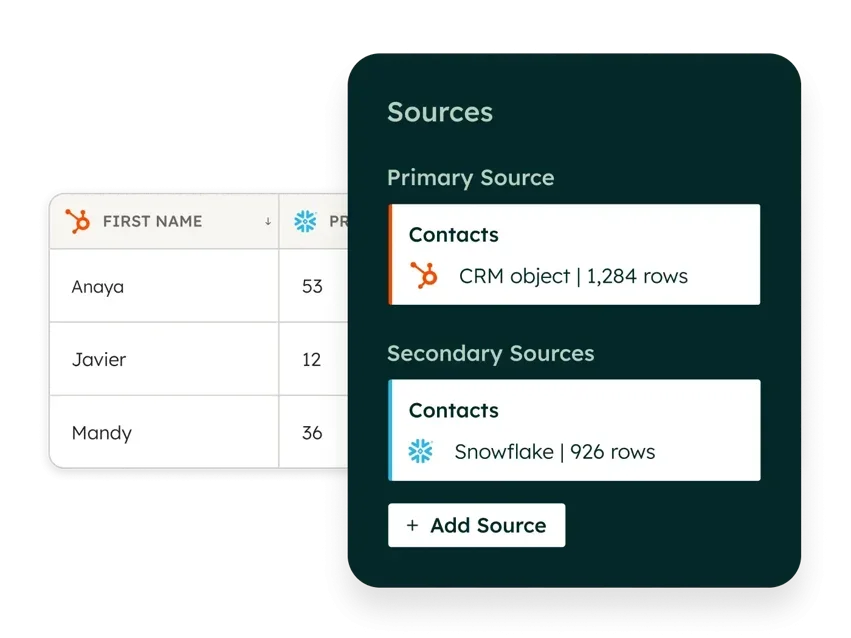
4. HubSpot Enterprise
- Strengths: Intuitive interface, strong marketing automation, unified front-office tooling.
- Limitation: Costs climb quickly with advanced features and contact volume.
- Best for: Enterprises prioritizing ease of use and marketing–sales alignment.
5. SAP CX
- Strengths: Deep SAP ERP integration, strong process control, handles complex global data.
- Limitation: Resource-intensive to implement and adapt.
- Best for: Large enterprises already operating in the SAP ecosystem.
6. Oracle CX Cloud
- Strengths: Advanced analytics, AI-driven customer insights, scalable architecture.
- Limitation: Setup complexity and slower UX can hurt adoption.
- Best for: Data-driven enterprises with complex customer journeys.
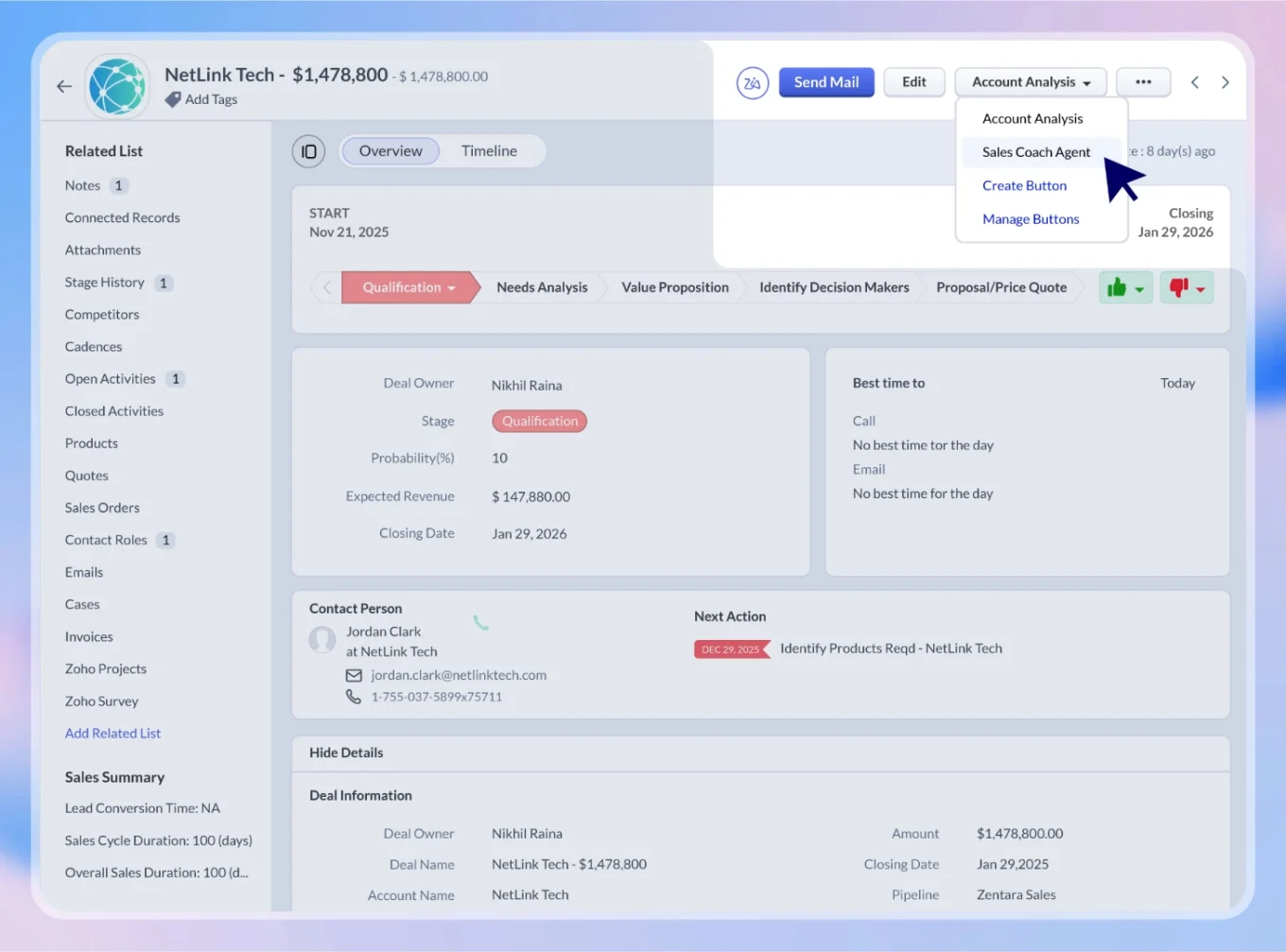
7. Zoho CRM
- Strengths: Broad app suite, flexible customization, competitive pricing.
- Limitation: Experience fragments across apps as usage grows.
- Best for: Cost-conscious enterprises comfortable managing multiple tools in one ecosystem.
8. Freshworks CRM
- Strengths: Quick deployment, built-in AI for lead scoring, clean interface.
- Limitation: Thin on governance, customization, and cross-team workflows at true enterprise scale.
- Best for: Mid-to-large teams moving toward enterprise complexity.
9. Pipedrive
- Strengths: Clear pipeline management, fast sales-team onboarding.
- Limitation: Lacks governance, cross-functional workflows, and advanced reporting.
- Best for: Sales-driven teams that prioritize pipeline clarity over operational breadth.
10. SugarCRM
- Strengths: Open, highly customizable; strong automation; adapts to unique processes.
- Limitation: Needs technical expertise to configure and maintain.
- Best for: Enterprises with internal technical resources and specific operational requirements.
11. Creatio
- Strengths: Advanced no-code automation, strong BPM capabilities, flexible process design.
- Limitation: Complex implementations introduce a learning curve.
- Best for: Process-heavy organizations that redesign workflows frequently.
12. Insightly
- Strengths: Built-in project tracking tied to deals, strong for service workflows.
- Limitation: Limited scalability for very large, complex environments.
- Best for: Organizations managing sales and delivery in one system.
13. Copper
- Strengths: Native Google Workspace integration, simple setup.
- Limitation: Limited advanced functionality for governance and automation.
- Best for: Google-centric teams valuing simplicity over depth.
14. Nimble
- Strengths: Contact enrichment, social and relationship tracking, lightweight.
- Limitation: Not built for enterprise-scale workflows.
- Best for: Smaller teams or single departments starting CRM adoption.
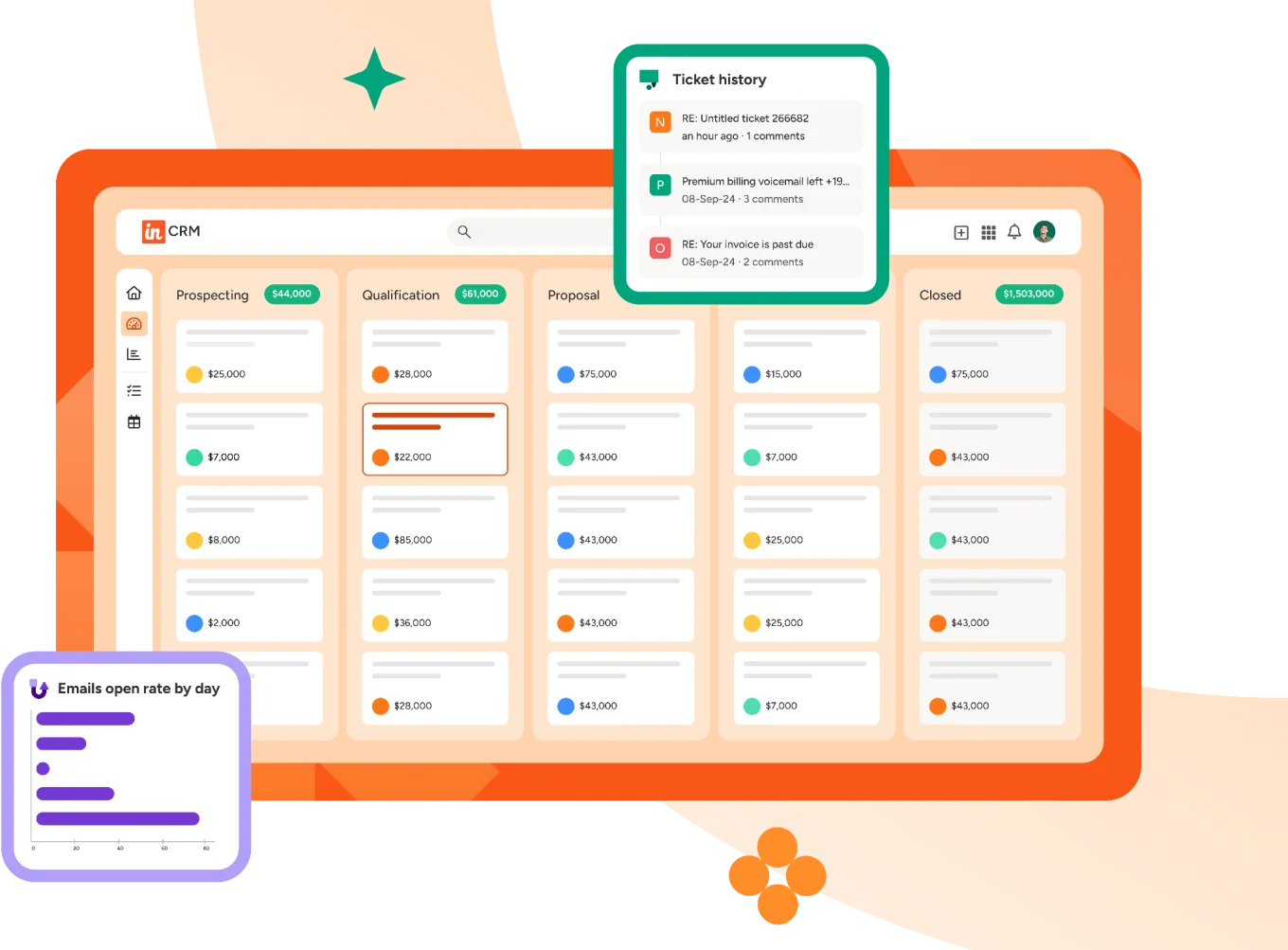
15. Monday Sales CRM
- Strengths: Highly visual interface, easy workflow customization, fast onboarding.
- Limitation: Missing deeper enterprise governance and reporting.
- Best for: Teams prioritizing usability and flexibility over enterprise depth.

How to choose: match the platform to your operational friction
The decision comes down to where your organization loses time today. Match the pattern to the platform.
|
If your biggest friction is… |
Look closely at |
|
Tool sprawl and fragmented workflows |
Bitrix24, Microsoft Dynamics 365 |
|
Need for deep customization and a large ecosystem |
Salesforce, SugarCRM |
|
ERP integration for financial reporting |
SAP CX, Microsoft Dynamics 365 |
|
Marketing–sales–service alignment |
HubSpot Enterprise |
|
Process-heavy workflows needing constant redesign |
Creatio, SugarCRM |
|
Data and forecasting complexity |
Oracle CX Cloud, Salesforce |
|
Cost pressure with broad feature needs |
Zoho, Bitrix24 |
|
Sales pipeline clarity above all else |
Pipedrive, Monday Sales CRM |
|
Sales + delivery in one system |
Insightly, Bitrix24 |
|
Google Workspace alignment |
Copper |
Edge cases most CRM roundups skip
Standard advice breaks down in specific enterprise scenarios. Here's when the default recommendations shift.
1. Highly regulated industries (financial services, healthcare, defense). Audit logs, field-level permissions, and GDPR-grade data handling become non-negotiable. The governance tier of Salesforce, Microsoft Dynamics 365, and SAP CX typically wins over more flexible but less audited platforms (even when those would fit the workflow better).
2. Post-merger or post-acquisition organizations. Two CRMs are almost never merged cleanly. Prioritize platforms with strong data import, deduplication, and migration tooling over feature depth. Expect 6–12 months of parallel operation regardless of the vendor promise.
3. Global teams across time zones and languages. Look at localization depth (not just language packs), regional data residency, and the quality of regional support. A platform that's rock-solid in North America can be materially weaker in APAC or EMEA.
4. Enterprises with strong internal developer capacity. SugarCRM, Creatio, and the Salesforce platform reward in-house engineering. Platforms optimized for business-user configuration may feel limiting and force engineering teams to work against the grain.
5. Field-heavy operations (manufacturing, construction, field service). Mobile experience, offline mode, and field data capture matter more than desktop UX. Many otherwise-strong platforms are weak here — pilot with actual field users before committing.
6. Fast-scaling companies (100 → 1,000 employees in 24 months). The CRM that fits you today is unlikely to fit you in 18 months. Weight the evaluation toward platforms that handle the transition from startup to scale-up without rearchitecting — typically Bitrix24, Salesforce, or Microsoft Dynamics 365 — even if a lighter option would feel better at today's scale.
7. Organizations already running a mature BI stack. Native reporting is less critical. Focus on data portability and quality of the CRM's data warehouse connector; the BI tool can handle the dashboarding layer.
Common selection mistakes and what to do instead
|
Mistake |
What to do instead |
|---|---|
|
Choosing on feature count |
Map a real deal or customer journey end-to-end; choose based on where the friction actually is |
|
Underestimating integration tax |
Prioritize native capabilities for reporting, automation, approvals, and collaboration |
|
Treating CRM as sales-only |
Include RevOps, customer success, finance, and legal stakeholders in the evaluation |
|
Ignoring adoption risk |
Pilot with actual daily users before signing; run a 30-day adoption check post-launch |
|
Buying for today's scale |
Stress-test the shortlist against your 18-month projected user count and transaction volume |
The bottom line: CRM as the operating system of the enterprise
Enterprise CRM has outgrown its original job. It's no longer a place to log sales activity — it's the environment in which cross-functional execution either holds together or falls apart.
When that environment is unified, decisions move faster, teams stay aligned, and operations scale without adding coordination overhead. When it isn't, the organization pays a visibility and coordination tax every single day: in slower deals, murkier forecasts, and teams that build shadow processes to compensate.
The right evaluation question isn't which platform has the most features. It's which platform eliminates the specific friction slowing your organization down.
For enterprises where fragmentation is the dominant pain, the answer increasingly points toward full-stack platforms — and it's why Bitrix24 keeps appearing on shortlists where unification is the priority.
Stop paying the coordination tax. Start free today.
Unify your enterprise tasks
Revamp your business processes with Bitrix24, a singular CRM solution that streamlines corporate workflows, improves collaboration, and enhances decision-making.
Get Started NowFrequently asked questions
What's the biggest predictor of enterprise CRM failure?
Poor user adoption, driven by systems that don't fit how teams actually work. The underlying fix is rarely more training; it's better alignment between the platform and day-to-day workflows.
Should we prioritize native features or best-of-breed integrations?
Native features for anything in the daily execution loop — reporting, approvals, automation, collaboration. Best-of-breed for specialized functions that change independently (marketing automation, contract management).
How long does an enterprise CRM implementation typically take?
Budget 6–12 months for a full enterprise rollout with change management, and expect parallel-running of any legacy system for at least a quarter. Anything faster usually means scope was cut.
How do we measure whether the CRM is working?
Adoption rate (weekly active users relative to licensed seats), cycle-time changes on key workflows, and forecast accuracy over time. These outperform feature-usage reports as health indicators.
Do we need a separate BI tool if the CRM has native reporting?
Only if your analytics requirements span multiple systems beyond the CRM. For single-source sales and service reporting, a well-configured native layer usually suffices — and avoids the sync problems that drive the fragmentation tax.
AI readiness score: 47/50