Event Command Center: Where Project Management Meets CRM


Key takeaways:
-
Closed-loop feedback means every survey score or comment automatically becomes an owned task (recovery, improvement, or advocacy) the moment it’s submitted.
-
It matters once feedback volume makes manual triage unreliable (roughly 50–100+ responses/week) because speed and accountability drive retention and referrals.
-
Use score tiers to route action: detractors get fast, SLA-backed recovery with escalation; passives become improvement tickets; promoters get a timely referral/review ask with frequency caps.
-
A connected system like Bitrix24 keeps feedback, CRM context, tasks, and reporting in one place, so follow-up happens consistently and can be measured (response time, SLA completion, promoter activation).
Closed-loop feedback is what stops customer surveys from becoming “interesting data” and starts turning them into real outcomes.
Instead of collecting NPS or CSAT scores and reviewing them later, you trigger the next step the moment feedback arrives.
A low score creates a recovery task with a deadline. A mid-range score becomes an improvement ticket. A high score triggers a referral or review ask while the customer is still engaged.
This approach is built for customer success, support, and ops teams, and it becomes especially valuable once feedback volume makes manual follow-up inconsistent (typically 50–100+ responses per week).
In this article, you’ll learn the score tiers, routing rules, SLAs, and escalation paths that make follow-up predictable, plus how to run the full loop inside Bitrix24 so tasks, ownership, and customer context stay in one place.
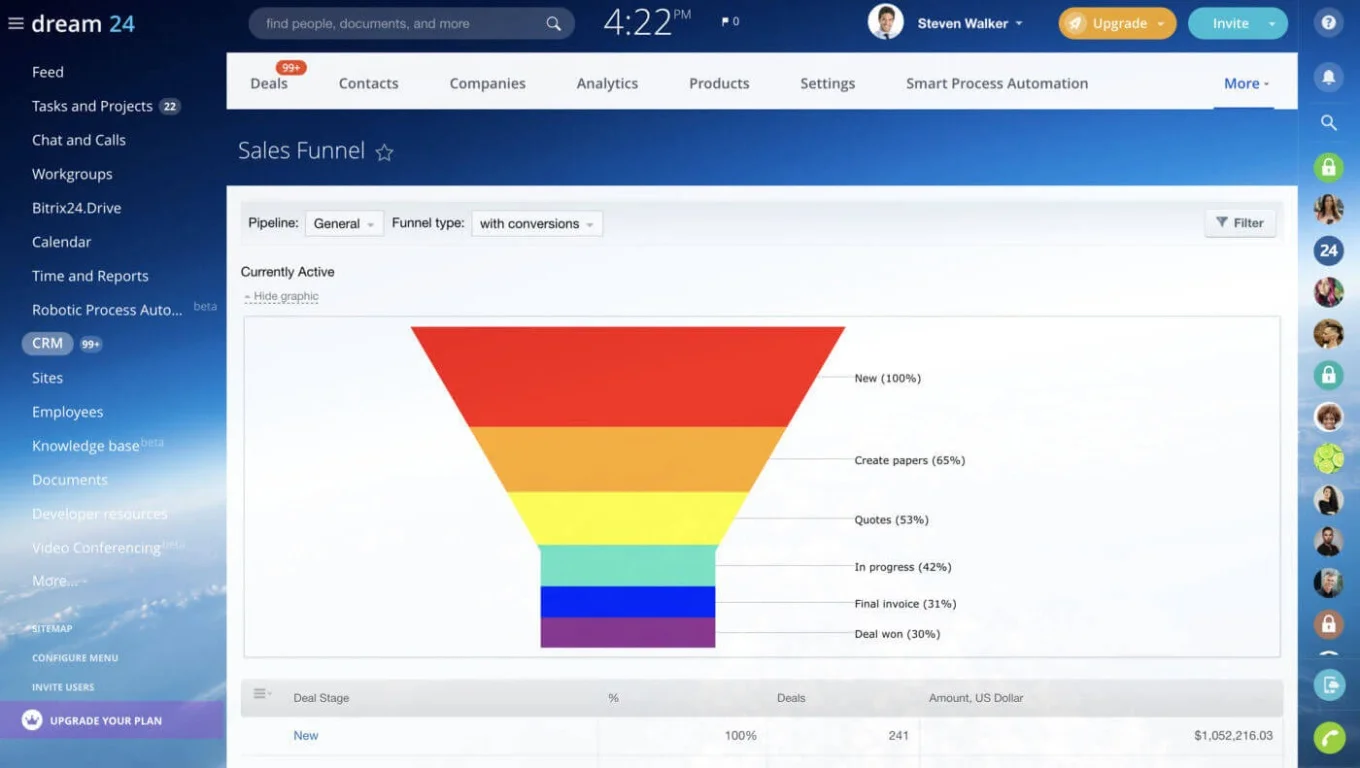
Why feedback without follow-up fails
Collecting feedback can look productive. Surveys go out, NPS gets tracked, scores get reviewed in meetings. But when nothing happens after that, customers notice.
If someone takes two minutes to fill out a survey and hears nothing back, they don’t assume you’re busy. They assume their input didn’t matter. After a negative experience, that silence speeds up churn. After a positive one, it wastes the short window when they’re most likely to leave a review, make a referral, or agree to a testimonial.
Why manual follow-up breaks at scale
Manual follow-up makes it worse. When the process depends on someone checking a spreadsheet and assigning a task, busy weeks stretch response times and blur ownership. Detractors escalate, promoters cool off, and insights stay trapped in dashboards.
The fix is structural, not motivational. Feedback needs to automatically become a task with an owner, a deadline, and an escalation path — so your team shifts from “review later” to “act now.”
What “closing the loop” actually means
The phrase gets bandied around to the extent that it has almost lost its meaning. In practice, “closing the loop” means every piece of customer feedback produces a defined next step, and the customer can feel that response within a reasonable timeframe — ideally, the same business day.
It's not "we read your comment." It's "we acted on it, and you know we did."
The four stages of a closed-loop process
A functional closed-loop system moves through four connected stages:
-
Collect feedback at the right moment — post-purchase, post-support, post-onboarding, or at regular relationship checkpoints.
-
Interpret the signal — categorize the score and comment into an action tier (recovery, advocacy, or improvement).
-
Trigger the appropriate workflow immediately — create a task, assign an owner, set a deadline, and attach context.
-
Communicate back to the customer — acknowledge the feedback and, where relevant, share what you did with it.
Most teams execute stages one and two. The loop breaks at stage three, where interpretation needs to become action. Speed matters here more than polish; companies that act on real-time customer feedback are 33% more likely to retain customers, showing that prompt acknowledgment builds more trust than a delayed, polished response.

Defining actions by score tier
Not all feedback warrants the same workflow. The most effective closed-loop systems define distinct action paths based on where a response falls on the scoring spectrum.
For context: NPS (Net Promoter Score) asks customers to rate their likelihood of recommending your company on a 0–10 scale. Respondents are grouped into three tiers: detractors (0–6), passives (7–8), and promoters (9–10). CSAT (Customer Satisfaction Score) uses a similar logic, typically on a 1–5 scale, to measure satisfaction with a specific interaction rather than overall loyalty.
|
Score Tier |
Goal |
Automated Actions |
Ownership |
|---|---|---|---|
|
Detractors (NPS 0–6) |
Recover the relationship |
Create recovery task with SLA deadline · Escalate critical scores (0–3) to a manager · Attach feedback + full CRM history |
Account owner or support lead |
|
Passives (NPS 7–8) |
Identify and remove friction |
Log feedback theme (pricing, onboarding, support speed, product gaps) · Create internal improvement ticket · Route insight to relevant team |
Customer success or product ops |
|
Promoters (NPS 9–10) |
Convert satisfaction into advocacy |
Trigger referral or review request · Assign outreach to relationship owner · Flag expansion opportunity for sales |
CSM or account manager |
The key distinction: detractor workflows are reactive and urgent (contain the damage), promoter workflows are proactive and time-sensitive (capture the opportunity), and passive workflows are diagnostic (find the root cause of indifference).
Automating recovery for low scores
Low scores represent risk, but also the clearest recovery opportunity. Customers who report a bad experience and receive a fast, genuine response often become more loyal than those who never had a problem at all. The research calls this the "service recovery paradox," and it holds when the response is timely and substantive.
What recovery looks like in practice
-
Task creation — a recovery task is generated automatically with a clear deadline. For most B2B teams, a 4-hour SLA for scores of 0–3 and a 24-hour SLA for scores of 4–6 is a reasonable starting point.
-
Ownership assignment — the task routes to the right person based on account type, deal stage, region, or customer segment. No one has to claim it manually.
-
Context attachment — the feedback comment, CRM record, recent support tickets, and account history are attached to the task. The assigned person can see the full picture before reaching out.
-
Escalation rules — if the task isn't addressed within the SLA window, it escalates to a manager. If the same customer has submitted multiple low scores in the past 90 days, the escalation is immediate.
Where this breaks down
Recovery automation fails when:
-
CRM data is stale or incomplete. If account ownership fields aren't maintained, tasks route to the wrong person (or to no one). Clean CRM hygiene is a prerequisite, not an afterthought.
-
SLAs are set but not enforced. A deadline without an escalation path is a suggestion. Build the escalation into the workflow.
-
The follow-up is generic. A templated "we're sorry" email with no reference to the specific issue does more harm than silence in some cases. Automation should deliver context to the person who responds, not auto-generate the response itself.
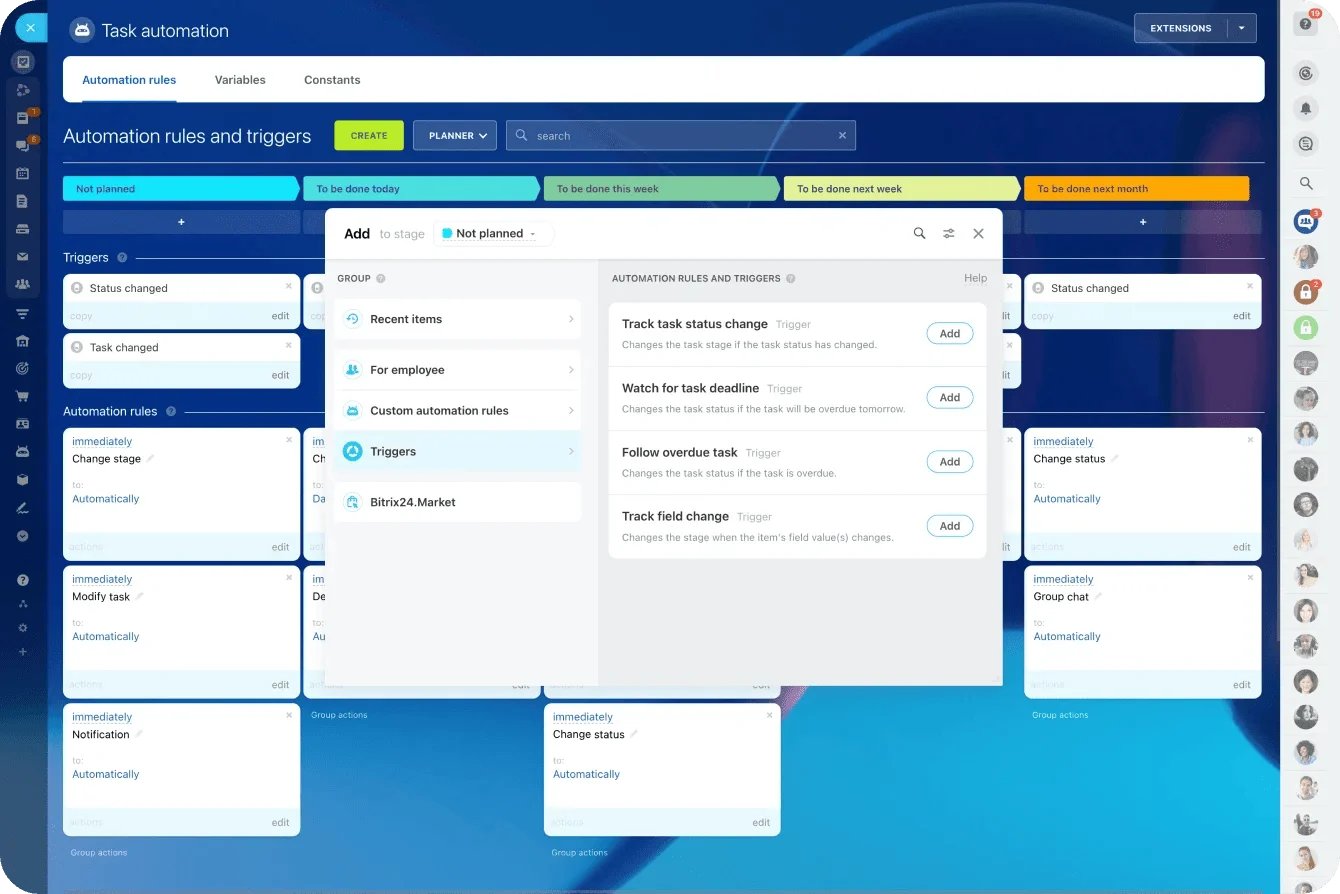
With Bitrix24's task automation, a low score triggers a task with a deadline, assigns it to the right owner, attaches the CRM record, and notifies stakeholders. All without anyone checking a dashboard.
Automating advocacy for high scores
High scores are more than validation. They're signals that a customer is willing to act on your behalf right now — leave a review, make a referral, participate in a case study, or expand their account. Most teams celebrate the score internally and never follow up. Three weeks later the willingness has faded, and the opportunity is gone.
What to automate for promoters
Effective advocacy workflows trigger specific, well-timed actions:
-
Referral requests — sent within 24–48 hours of a high score, while satisfaction is fresh. Include a simple mechanism (a link, a form, a one-click email introduction) to reduce friction.
-
Review invitations — direct the customer to the platform that matters most for your business (G2, Google Business, Trustpilot, industry-specific directories).
-
Testimonial or case study outreach — for high-value accounts with strong results, assign the relationship owner to make a personal ask.
-
Expansion signals — flag the account in your CRM for a sales conversation. A customer who just gave you a 9 or 10 is more receptive to an upsell or cross-sell than one who hasn't been asked how they feel.
Avoiding advocacy fatigue
Over-automation is a real risk here. If a customer receives a referral request after every support interaction, every quarterly survey, and every product update, the asks stop feeling genuine and start feeling extractive.
Set frequency caps: no more than one advocacy request per customer per quarter, unless the customer has actively opted into a referral program. Vary the type of ask (a review request this quarter, a case study inquiry next quarter) and always pull CRM context so the outreach acknowledges recent activity rather than arriving in a vacuum.
Bitrix24 connects feedback workflows directly to contacts, deals, and communication tools, so you can automate the trigger while keeping the interaction both relevant and personal.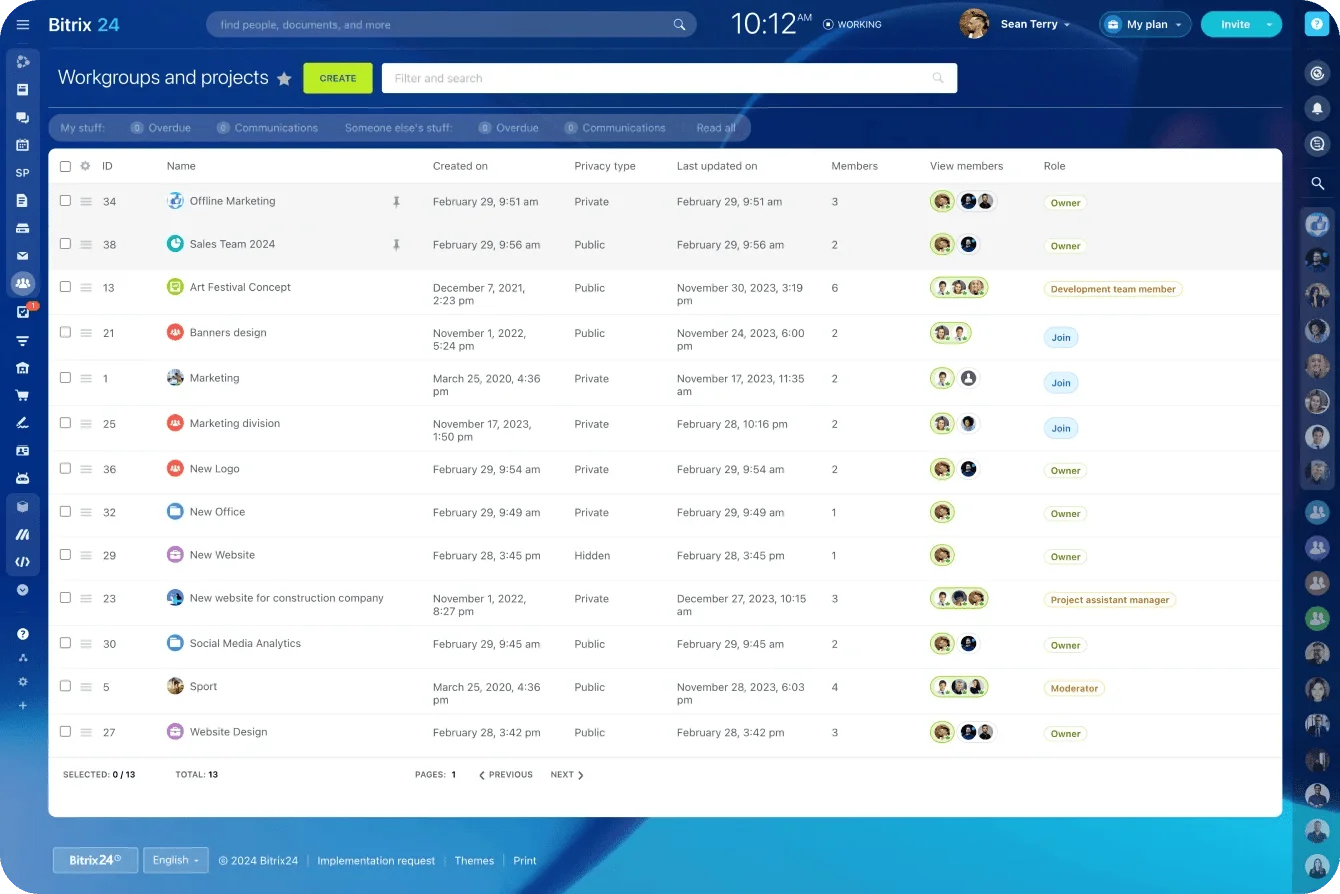
Measuring whether the loop is actually closed
Collecting NPS and CSAT scores tells you how customers feel. It doesn't tell you whether your team did anything about it.
To measure closed-loop effectiveness, you need operational metrics that track what happens after feedback is submitted.
|
Metric |
What It Reveals |
Benchmark Range |
|---|---|---|
|
Response time to low scores |
How fast your team acknowledges detractors |
Same business day (target < 4 hours for critical scores) |
|
Recovery task completion rate |
Whether follow-ups actually get done |
> 90% within SLA |
|
Escalation frequency |
How often tasks miss their initial deadline |
< 15% of total recovery tasks |
|
Promoter activation rate |
Percentage of promoters who receive an advocacy ask |
> 70% within 48 hours |
|
Repeat detractor rate |
Whether the same customers keep scoring low |
Declining quarter over quarter |
|
Post-recovery sentiment shift |
Whether recovered detractors improve their scores later |
> 30% score improvement on re-survey |
Identifying bottlenecks
When follow-up slows down, trackable workflows reveal the source — unassigned tasks, overloaded teams, or recurring complaints that point to systemic issues rather than one-off failures. With Bitrix24, every automated task's assignment, deadline, and completion status is reportable through the platform's analytics and reporting tools.
When closed-loop automation doesn't work
Automating feedback follow-up is powerful, but it’s not universal. It underperforms or backfires under these conditions:
-
Low feedback volume: Fewer than ~30 responses per month can create noisy, misleading signals. At low volume, use lightweight automation (alerts instead of full task creation) and review responses manually.
-
Dirty CRM data: Automation routes based on your data. Outdated ownership fields or mislabeled segments send tasks to the wrong people—or nowhere at all. Audit routing fields before building workflows.
-
No process owner: Score thresholds, SLAs, and escalation rules require periodic review. Without a named owner in ops or customer success, the system drifts out of alignment within a quarter or two.
-
Survey fatigue distorting sentiment: Over-surveying lowers response rates and skews results toward extremes. If your input is biased, your automation will overreact to detractors and miss disengaged passives.
Closed-loop automation only works when the signal is reliable and the rules stay maintained. Clean up the inputs, assign ownership, and scale the workflow to your response volume before you rely on it.
Event Command Center Template: Project and CRM Alignment Board
Enter your email address to get a comprehensive, step-by-step guide

Building the system in a connected platform
Closing the loop consistently requires that feedback, customer records, task management, and team communication live in the same environment. When these are spread across disconnected tools (surveys in one system, CRM in another, tasks in a third), every handoff introduces delay and data loss.
|
Capability |
Disconnected Tools |
Connected Platform (Bitrix24) |
|---|---|---|
|
Feedback → Task creation |
Manual export/import or fragile integrations |
Automatic, rule-based, instant |
|
Customer context on tasks |
Requires switching between systems |
CRM record attached to every task |
|
Ownership assignment |
Depends on someone knowing the right person |
Routed by account type, segment, or region |
|
Escalation |
Ad hoc (email, Slack, hallway conversation) |
Structured, deadline-driven, visible |
|
Cross-team visibility |
Each team sees their own silo |
Shared workspace with unified timeline |
|
Measurement |
Assembled manually from multiple dashboards |
Built-in reporting on task completion, SLA adherence, and resolution time |
With Bitrix24, you define the routing rules once — score thresholds, ownership logic, SLA timelines, escalation paths — and the system applies them consistently as volume scales. You're not pushing data between platforms. You're activating it where the work already happens.
Feedback is a signal—action is the strategy
Customer feedback isn’t valuable because you collected it. It’s valuable when it changes what happens next.
Closed-loop follow-up makes that change automatic: the right person gets the right task at the right time, with the context to respond like a human. That’s how you protect retention on bad days, earn advocacy on good days, and surface patterns before they turn into churn.
If you want feedback to pay off, don’t optimize your dashboards; optimize your response system.
Start for free with Bitrix24 and build connected workflows that turn every score into real follow-through.
Reinvent Event Management
Discover Bitrix24's unified workspace merging CRM and project management for seamless, connected event management from planning to post-event follow-up.
Get Started NowFrequently Asked Questions
What is closed-loop feedback?
Closed-loop feedback is a system where every customer response (a survey score, a comment, a rating) automatically triggers a defined follow-up action. The "loop" is closed when the customer can see or feel that their input led to a real response, not just a data point in a report.
What is the best time to send a customer survey?
The best time depends on what you're measuring. For transactional feedback (support interactions, purchases, onboarding), send the survey within 1–24 hours of the event while the experience is fresh. For relationship surveys (quarterly or annual NPS), mid-week mornings tend to produce higher response rates. Avoid surveying immediately after billing events or known service disruptions, which skew results negative.
How can I automate actions based on survey results?
Connect your survey tool to your CRM and task management platform. Define rules based on score thresholds: for example, any NPS score of 0–6 creates a recovery task assigned to the account owner with a 24-hour deadline, while any score of 9–10 triggers a referral request email. In Bitrix24, these rules are configured through automation workflows that link feedback directly to task creation, assignment, and escalation. No manual handoff required.