Project Expenses
"Project Expenses" helps project managers associate project Tasks with project expenses and categories.
Free
In-app purchases
-
Rating
-
Installations1055
-
DeveloperRENVIS P. C.
-
Added03/20/2020
Description
Project Expenses App helps project managers associate project Tasks with Project expenses and categories.
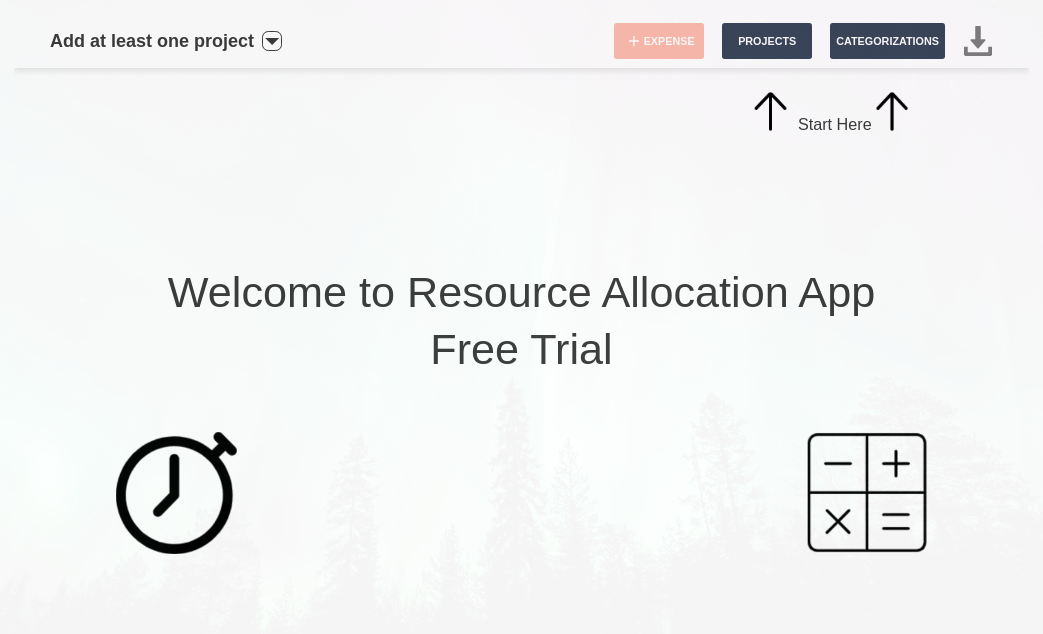
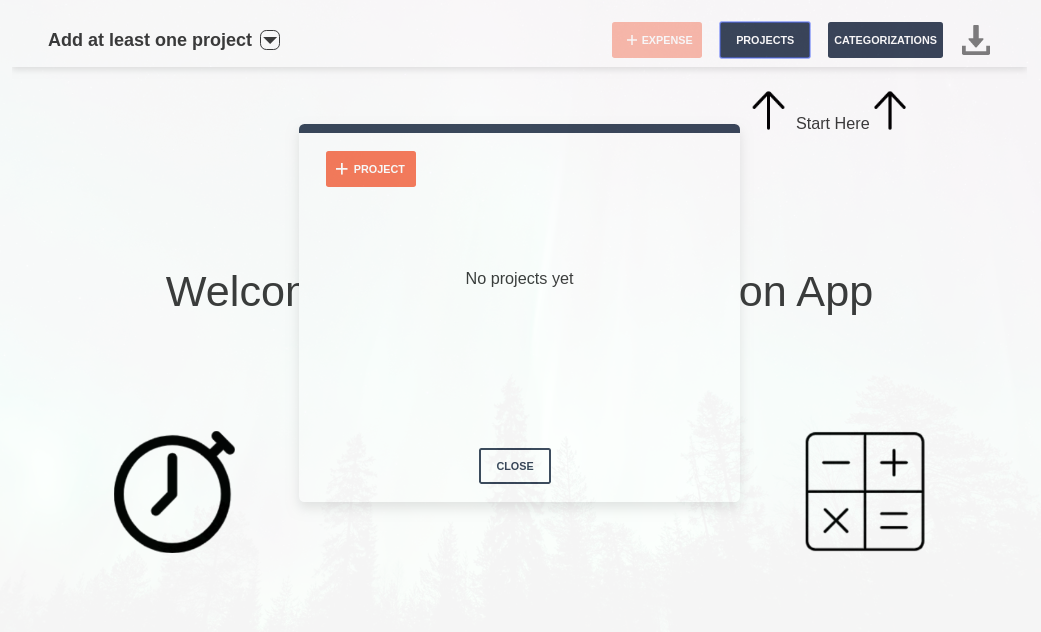
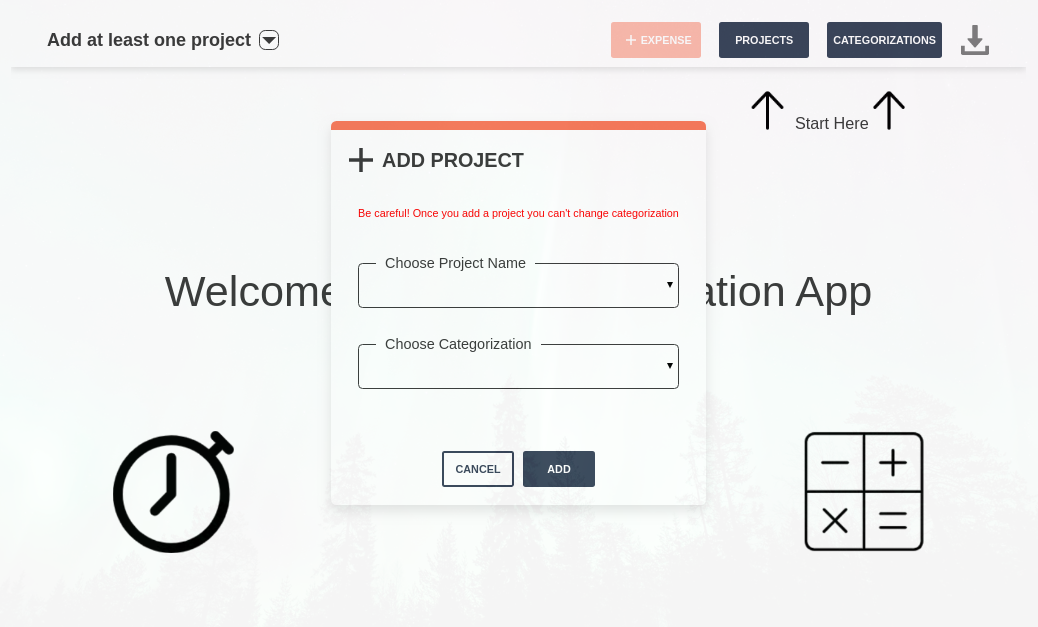
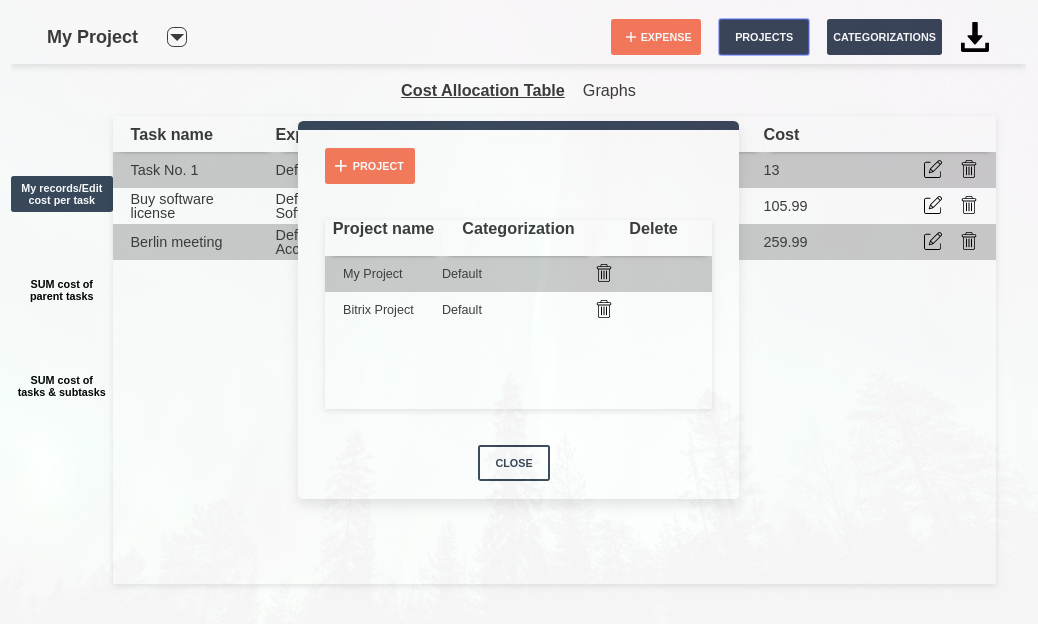
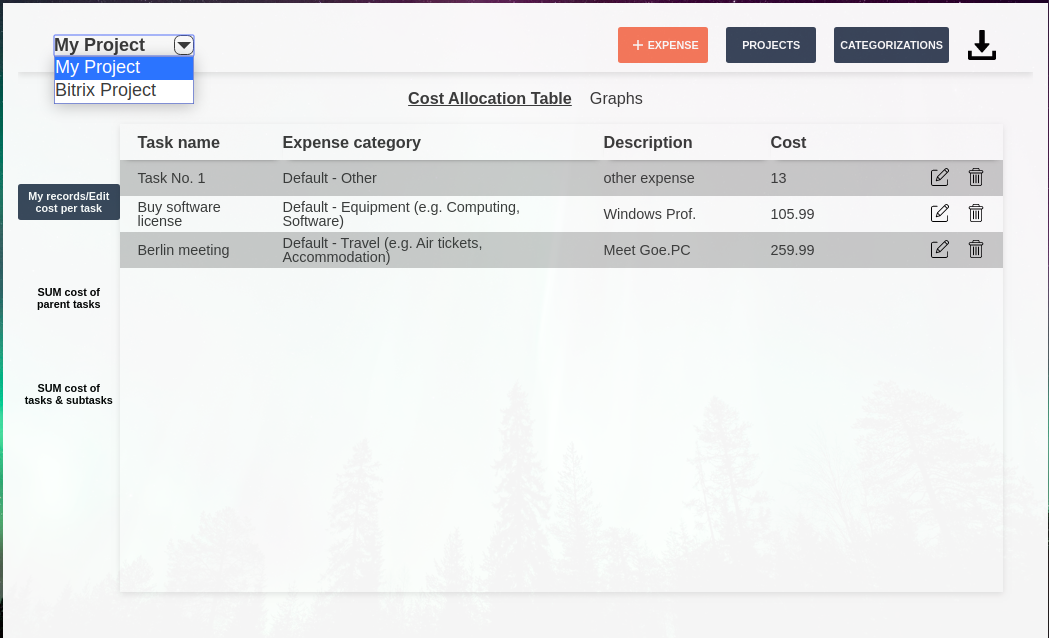
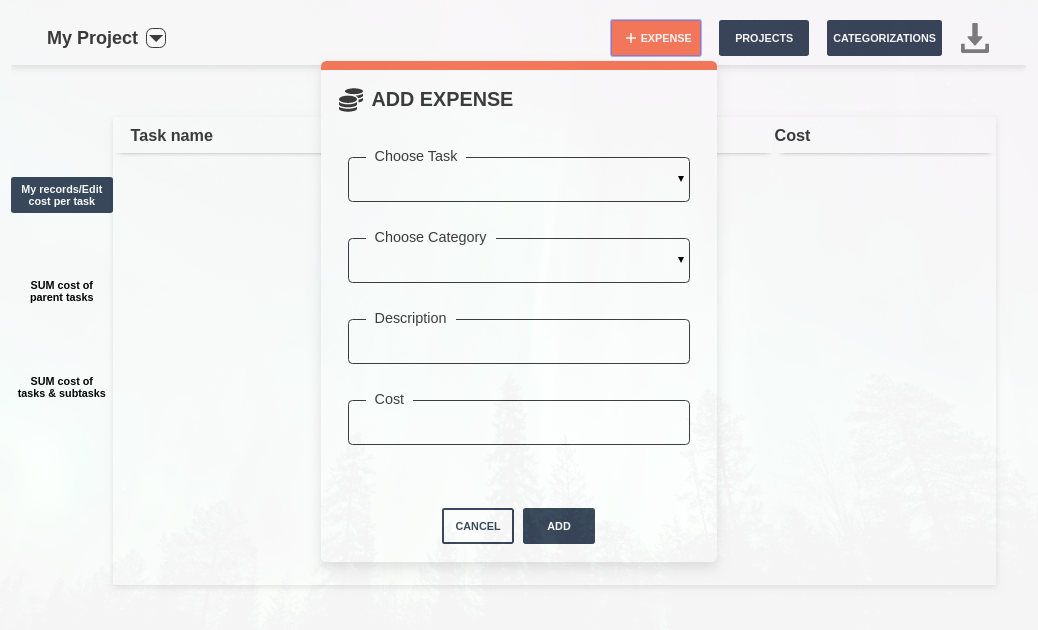
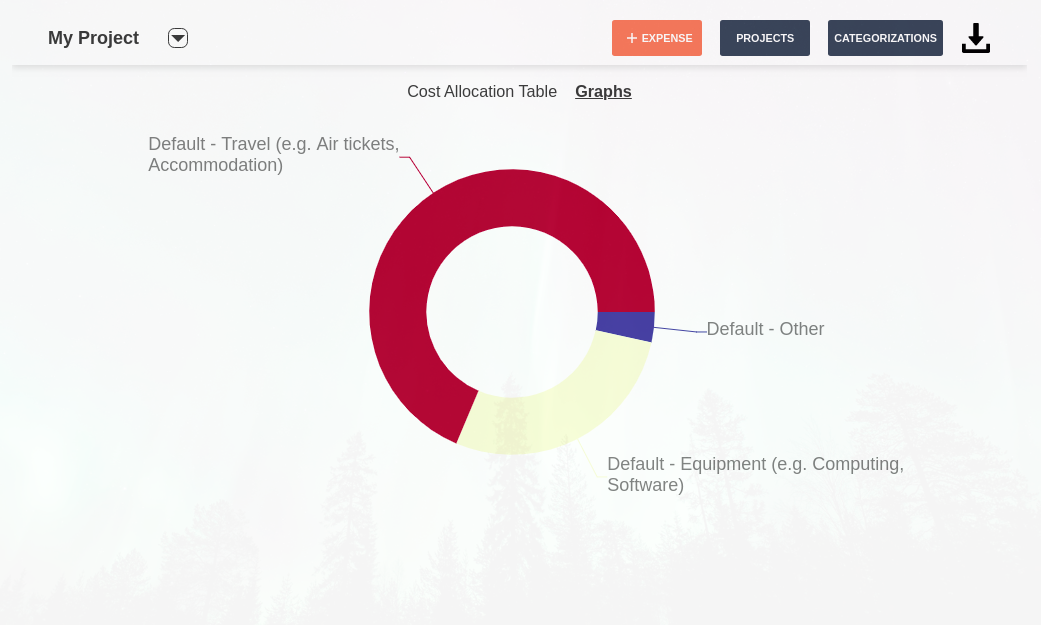
Project Expenses App is an essential tool that facilitates everyday project and expense management, by providing an easy way to connect the type of expenses and their respective cost with a specific project task. You can link a specific project together with expense categories by selecting “Add Project” and then add multiple expenses to this Project’s Tasks by selecting “Add Expense” for a specific task, cost and expense category.
Free trial 14 days.
ONE-TIME FEE is 56.45€
Note that the currency is automatically taken from the base currency set in the CRM when a project is created.
Project Expenses App is an essential tool that facilitates everyday project and expense management, by providing an easy way to connect the type of expenses and their respective cost with a specific project task. You can link a specific project together with expense categories by selecting “Add Project” and then add multiple expenses to this Project’s Tasks by selecting “Add Expense” for a specific task, cost and expense category.
Free trial 14 days.
ONE-TIME FEE is 56.45€
Note that the currency is automatically taken from the base currency set in the CRM when a project is created.


Version history
Version 6
Update Privacy policy and EULA web pages and the time waiting to fetch projects from Bitrix24.
27.01.2021
Version 5
We updated 2 links to the payment forms
02.11.2020
Version 4
1. Now you can Add Expense and choose type of costs between simple cost, cost per hour and/or cost per month
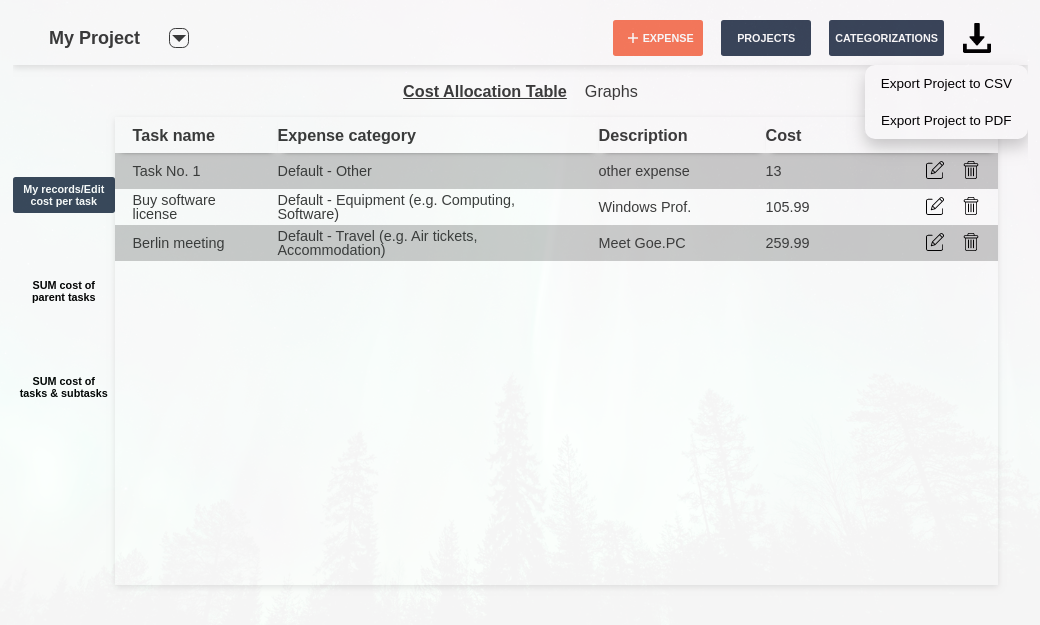
2. PDF export functionality is even better and has a nicer format
3. Edit functionality is more complete
4. New styles in the table
2. PDF export functionality is even better and has a nicer format
3. Edit functionality is more complete
4. New styles in the table
15.10.2020
Version 3
1) If a project is already paired with a specific categorization in a company, another user that is adding the same project can only sel ect the same categorization.
2) When a project is created, it is also associated with the base currency from CRM
2) When a project is created, it is also associated with the base currency from CRM
04.06.2020
Version 2
Besides the basic functionality you already know, we made sure to provide the following new features:
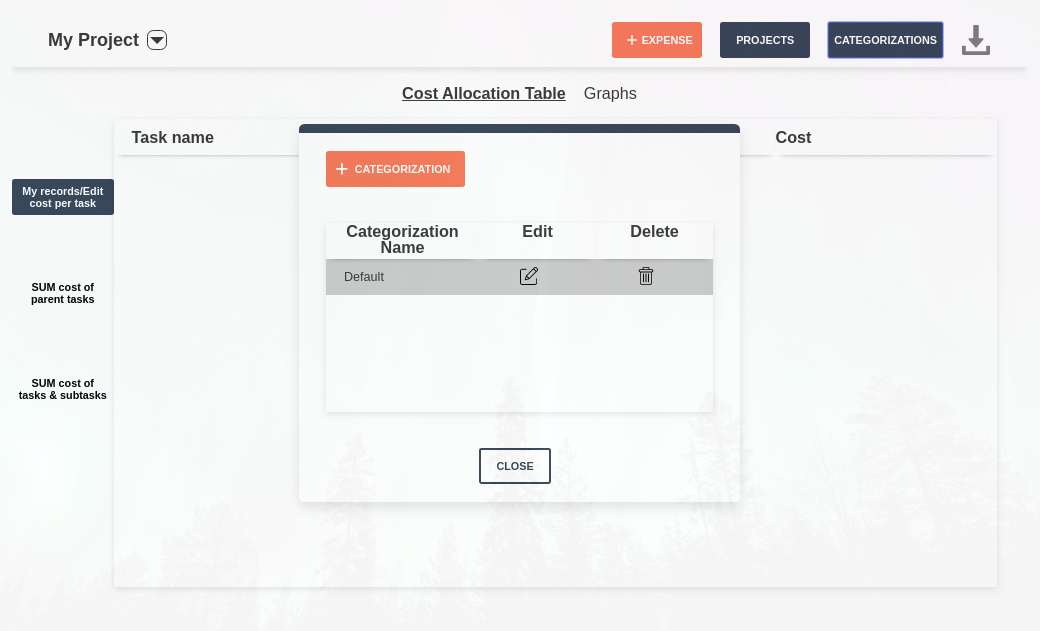
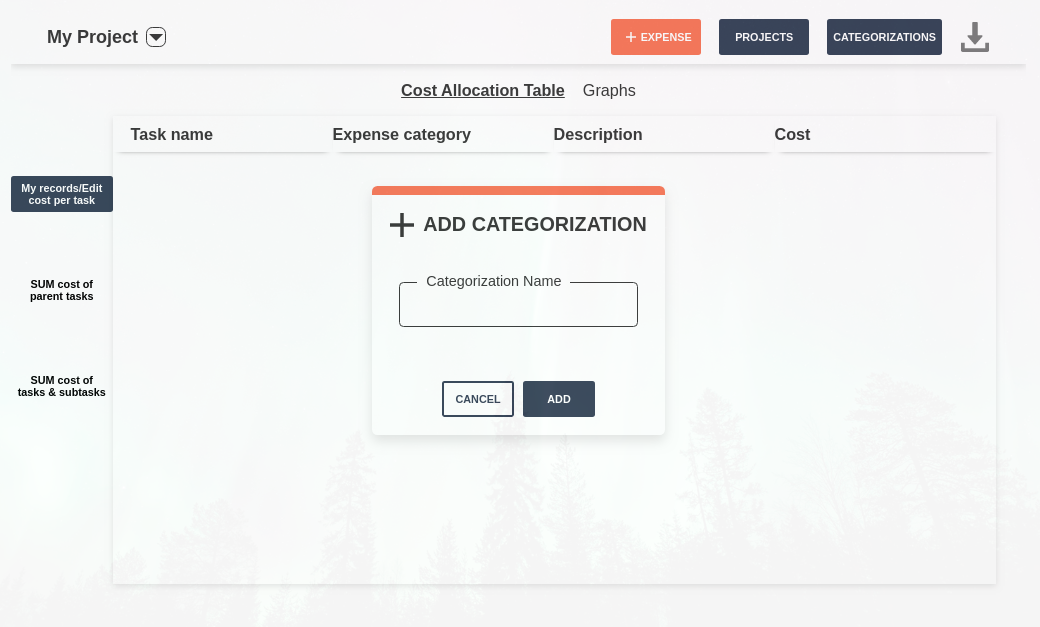
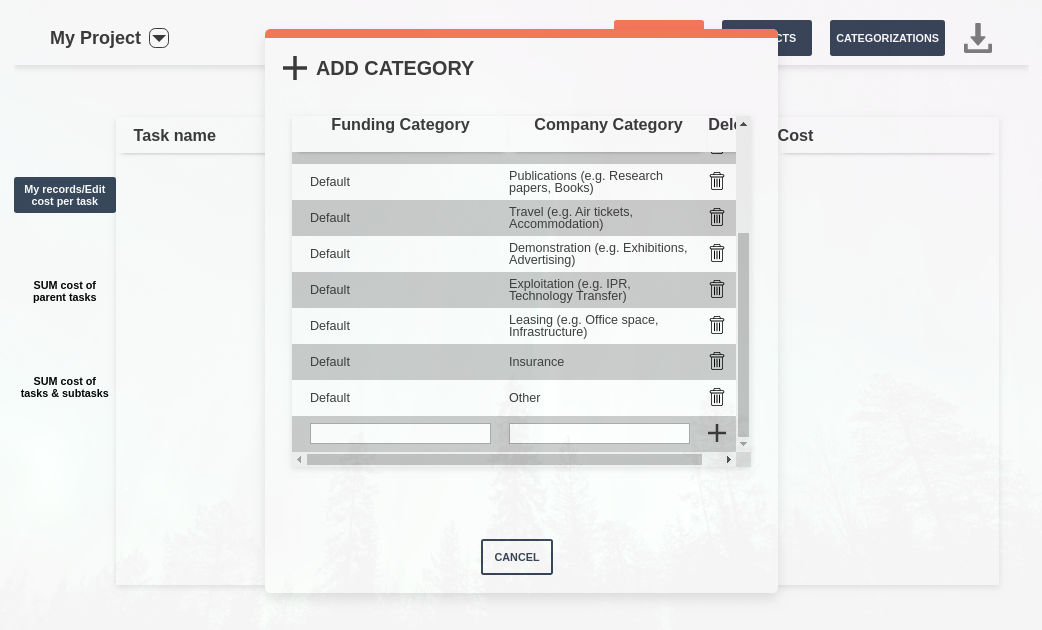
1. Create and manage your own custom Expense Categorizations and Categories. Each company has its own specific Categorizations and Categories.
2. Manage Projects and their Expense Categorizations.
3. Export your data to CSV and/or PDF to use them anywhere.
1. Create and manage your own custom Expense Categorizations and Categories. Each company has its own specific Categorizations and Categories.
2. Manage Projects and their Expense Categorizations.
3. Export your data to CSV and/or PDF to use them anywhere.
07.05.2020