Track packages and remaining sessions
Coaching is a lifecycle, not a one-time sale: a prospect reaches out, you book a discovery call, you agree on a package, you deliver sessions, you track payment status, and you stay in touch for renewals and referrals. A CRM for coaches should make that lifecycle easy to run day to day, with clear next actions for every person.
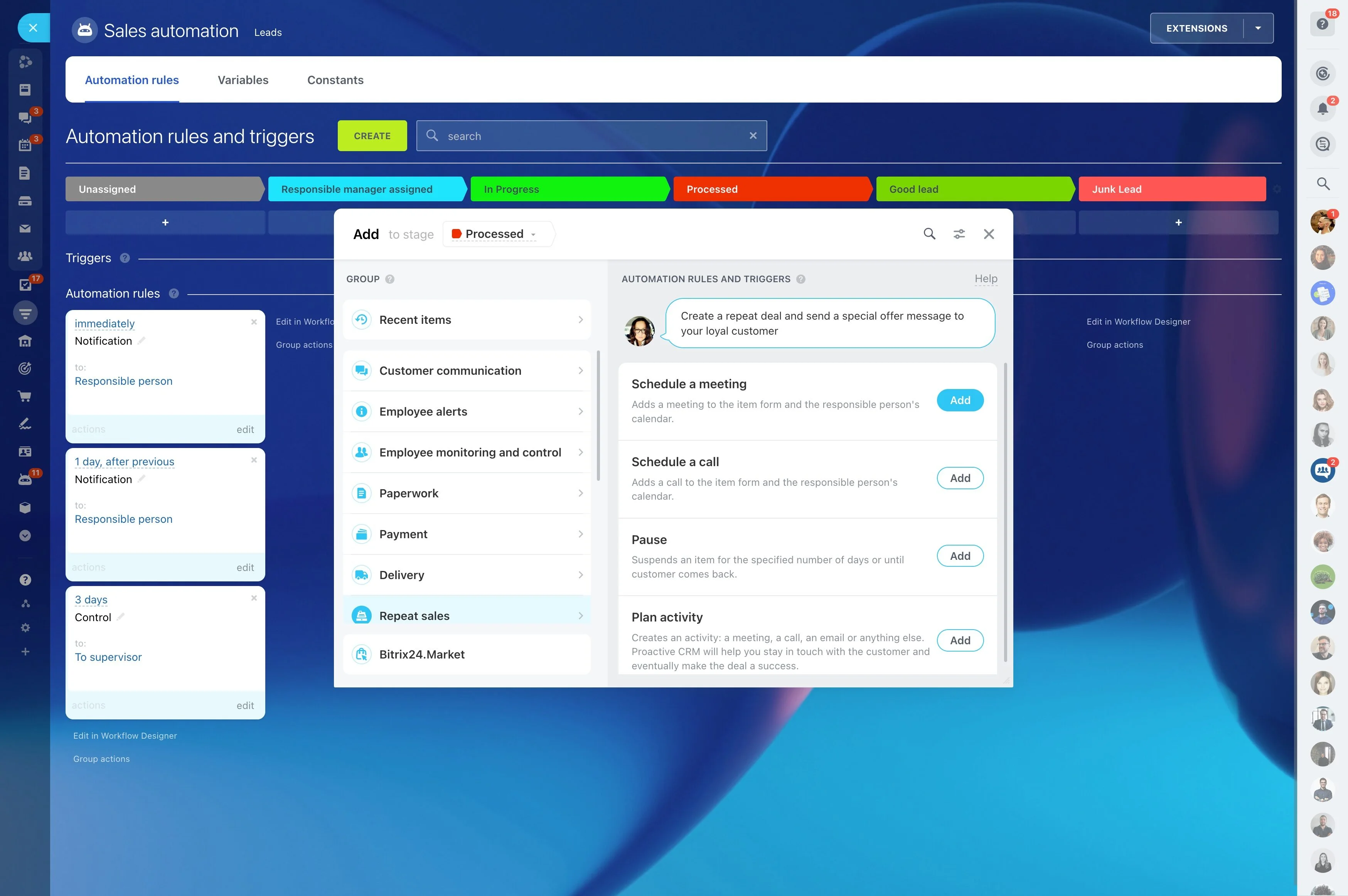
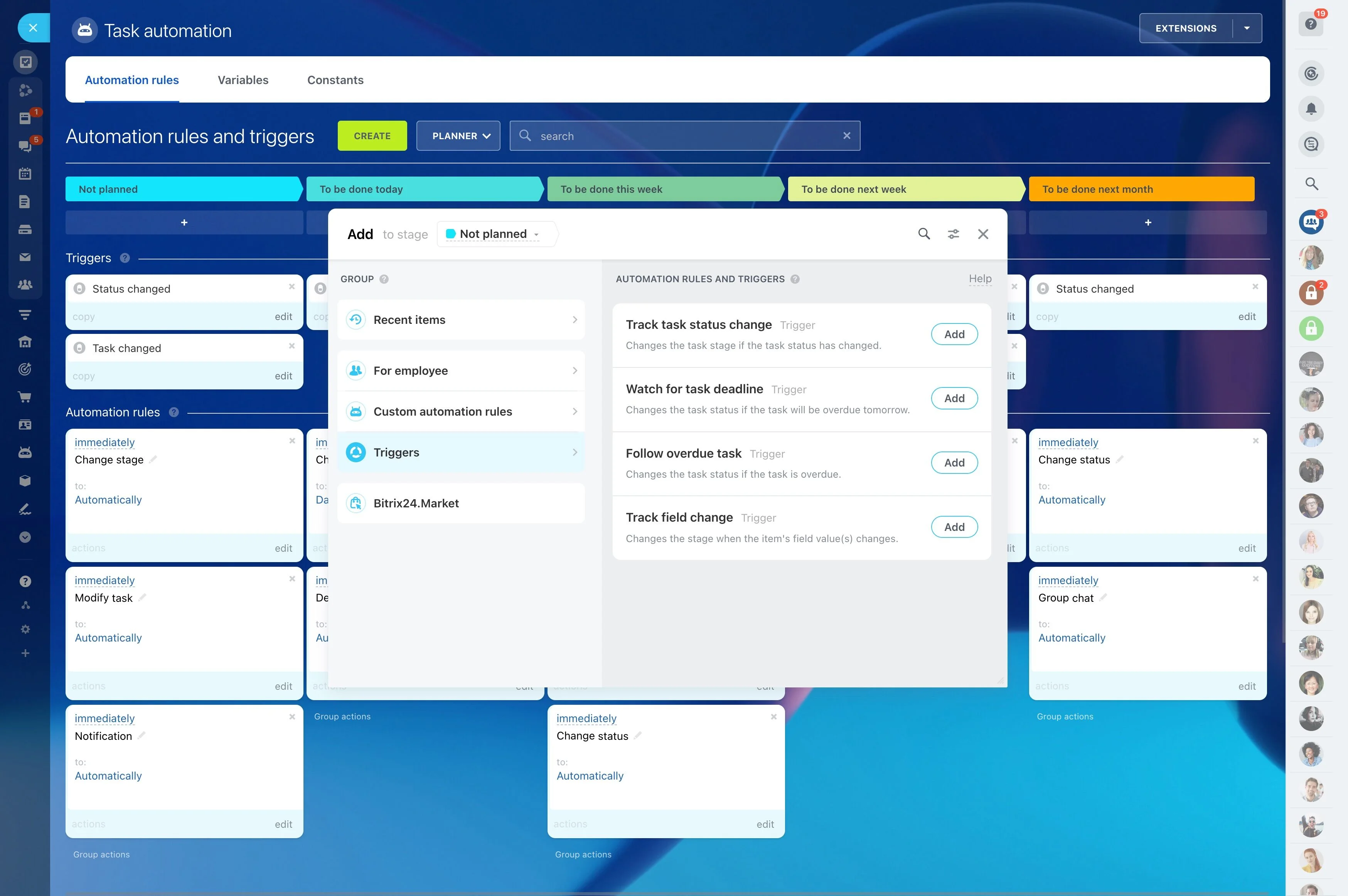
Bitrix24 lets you map your coaching process into CRM stages, then keep delivery work connected to the same record. Schedule discovery calls and sessions as activities, assign tasks for prep and follow-up, and use automation to prompt reminders when a deal moves stages or a due date is coming up. That way, each client has a documented plan, a consistent cadence, and fewer gaps between conversations.
- Move prospects from inquiry to package purchase with defined stages
- Run session delivery with repeatable prep and follow-up tasks
- Track packages, payments, and what’s already been delivered
Forecast starts and manage delivery capacity
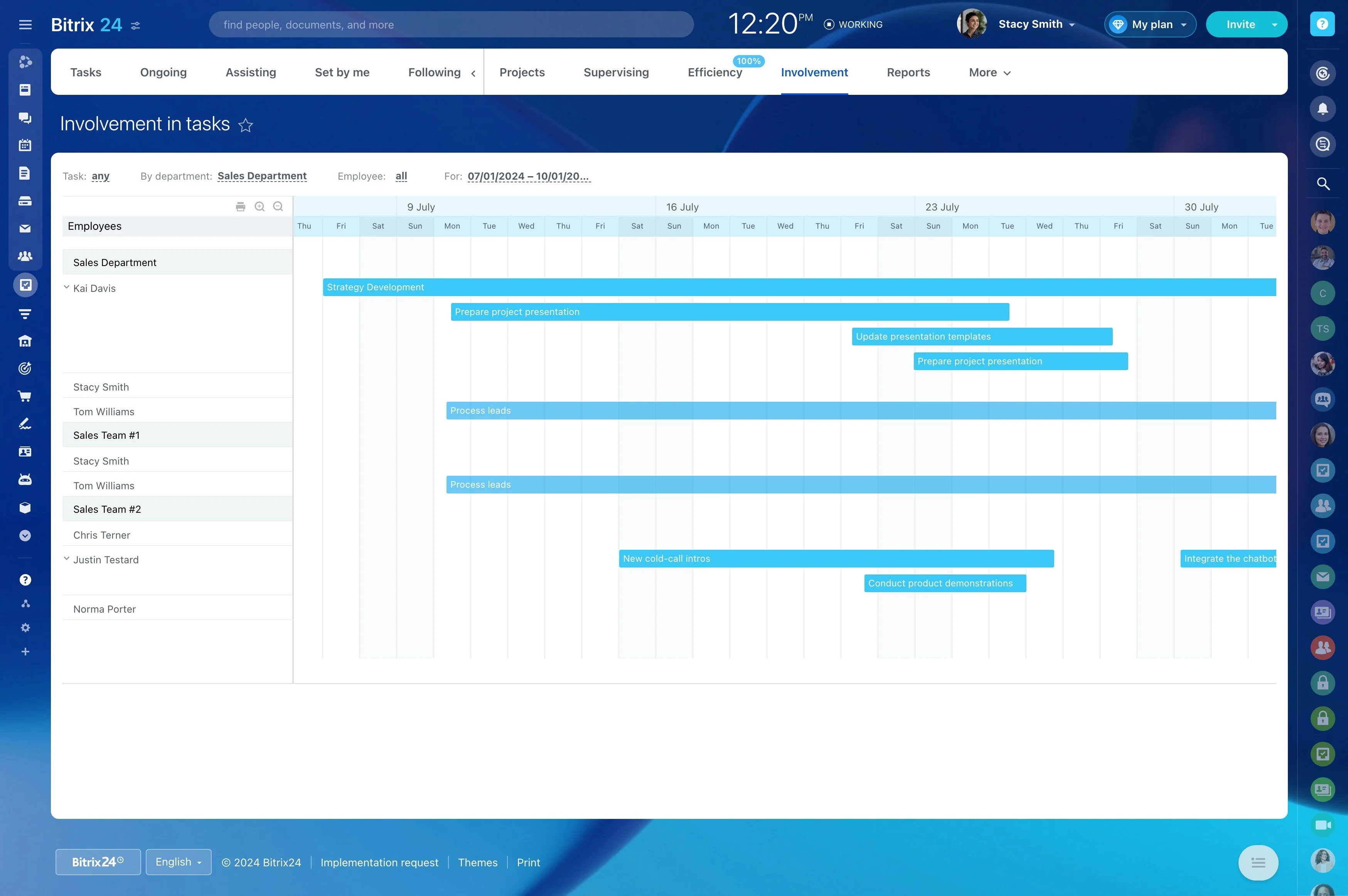
A coaching CRM should show both demand and delivery: which prospects are likely to start soon and how full your upcoming schedule is. With consistent stages and scheduled activities, you can spot where inquiries stall, see what’s in negotiation, and anticipate workload based on booked sessions.
This helps you prioritize follow-ups and protect capacity so you don’t overbook delivery.
Track packages and remaining sessions
Store package details on the deal or client record—sessions included, time window, and any add-ons—so you can quickly see what was purchased. As sessions are scheduled and completed, you can keep an accurate picture of what’s been delivered and what remains.
This makes end-of-package conversations easier to time and more consistent.
Build a coaching pipeline around real milestones
Define CRM stages around how clients actually commit to coaching: inquiry, qualified, discovery booked, proposal sent, package agreed, onboarding, active coaching, renewal. With stages that mirror your lifecycle, each record clearly shows what’s next and what “done” means for the current step.
When someone becomes a client, you keep using the same record for notes, agreements, and ongoing follow-ups—no handoff to a separate tracker.
Standardize discovery calls with scheduled next actions
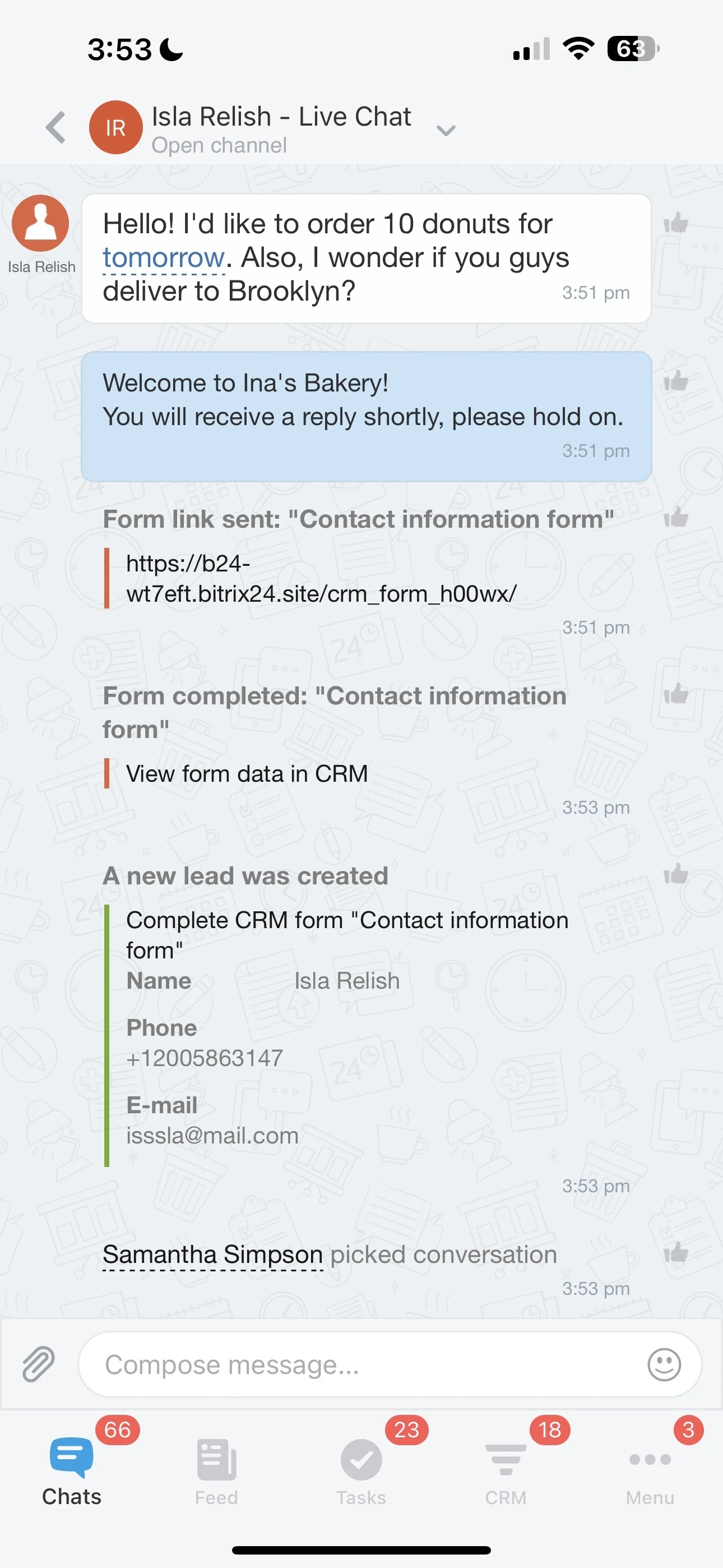
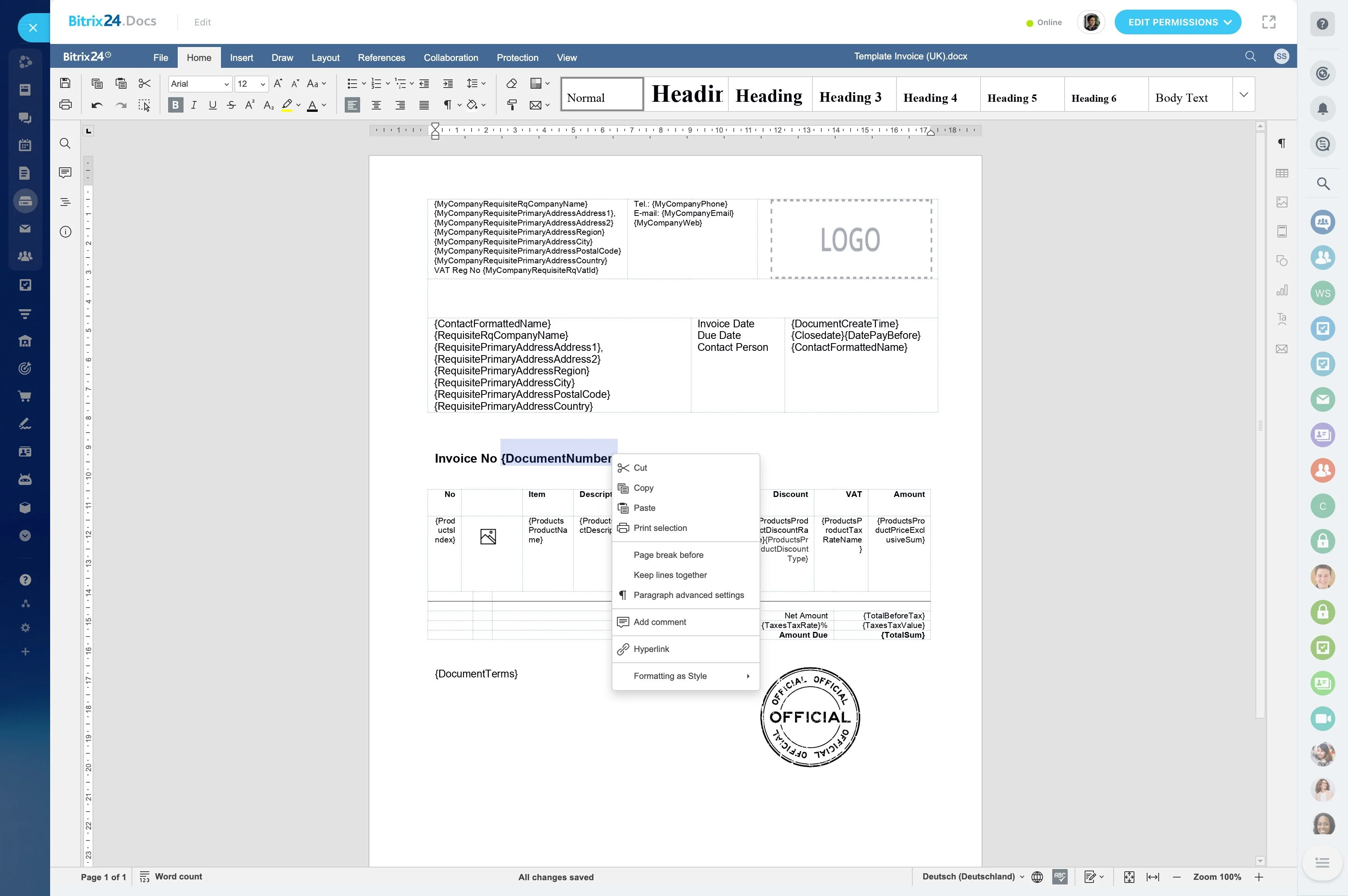
Capture each inquiry in the CRM and immediately schedule the next activity—discovery call, intake request, or follow-up message—with an owner and due date. After the call, log the outcome and set the next step so momentum doesn’t drop.
- Use a repeatable checklist for prep, agenda, and follow-up
- Record goals, constraints, and decision timing in one place
- Book the next touchpoint before moving the stage
Run session delivery from the client record
Once the client starts, use the same CRM record to plan sessions, capture key notes, and schedule check-ins between calls. Delivery stays tied to the client’s timeline, not scattered across separate documents.
Create tasks around each session—pre-session review, materials, recap—and assign them to yourself or collaborators if you share delivery responsibilities.
Keep payment status visible in your workflow
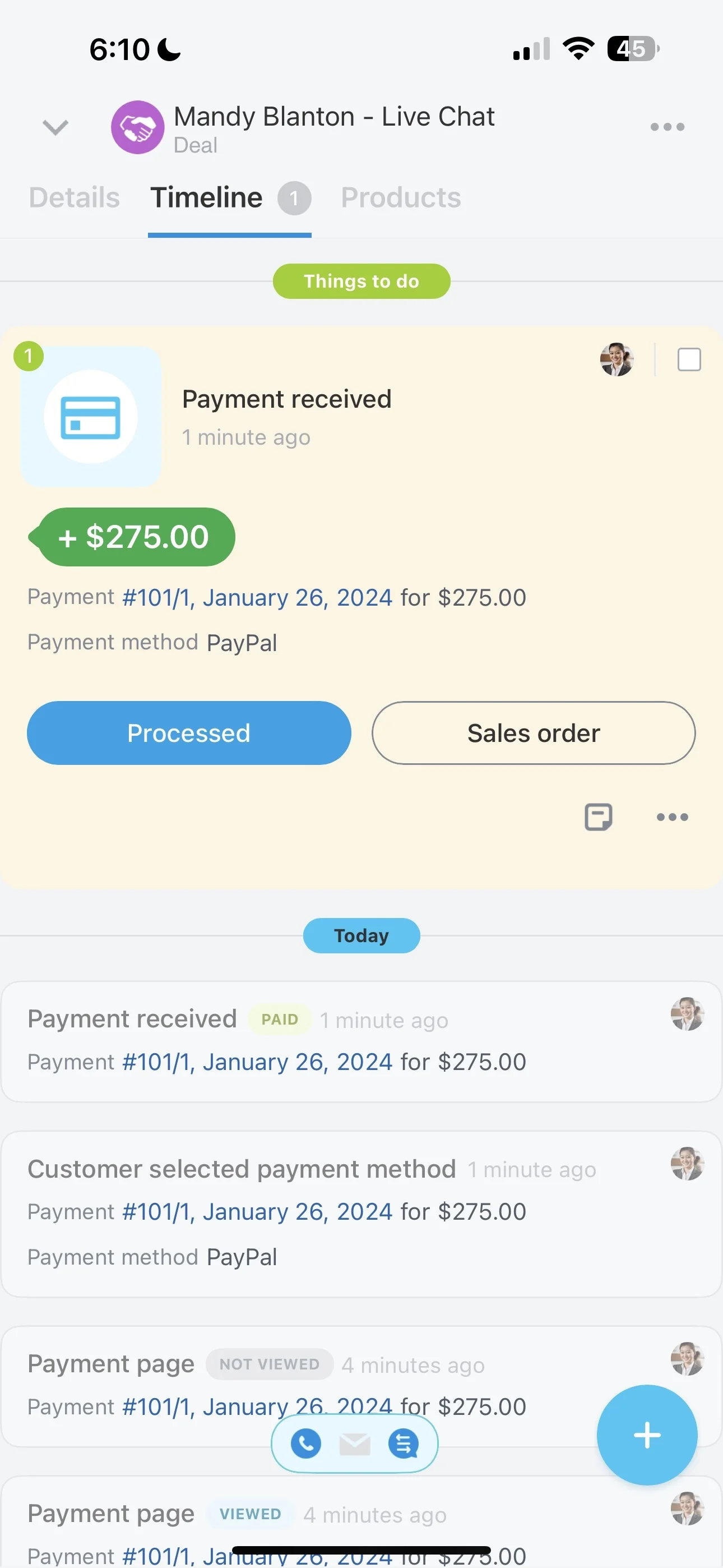
Track payment status alongside delivery so you always know where a client stands before the next session. Whether you use deposits, installments, or renewals, the key is making payment follow-up part of the same process.
- Maintain clear payment status fields on the record
- Create tasks to request or confirm payments
- Set reminders ahead of installment or renewal dates
Automate reminders for follow-ups and onboarding
Coaching relationships often stall in predictable moments—after discovery, between sessions, or when a package is nearly complete. Use CRM automation and activity reminders to trigger the next action when a stage changes or a deadline approaches.
You can also automate internal handoffs, such as creating onboarding tasks after agreement or generating prep tasks before a scheduled session.