Measure follow-up behavior, not just closes
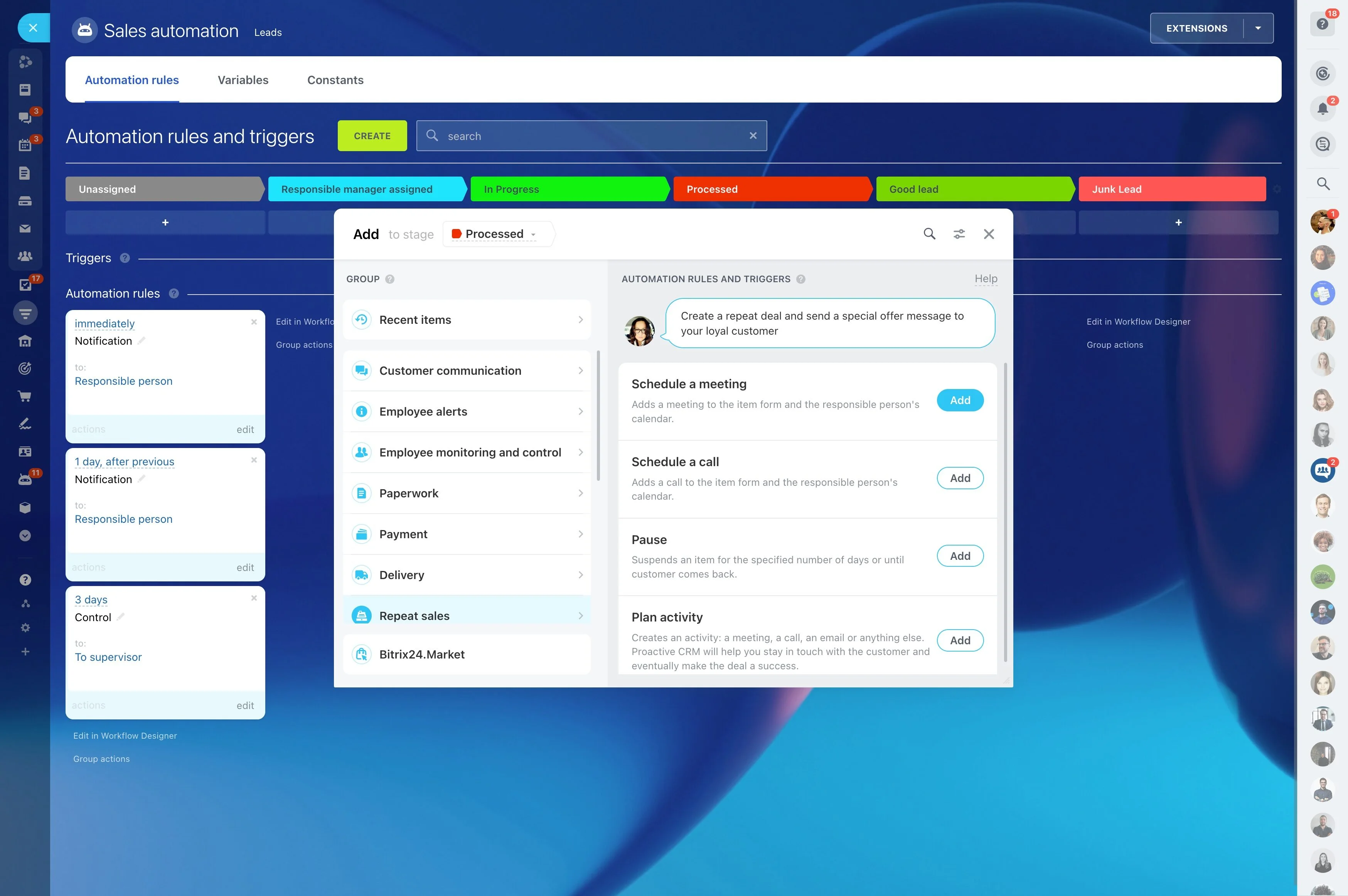
When a lead is active, timing is part of the deal: call back after a demo request, send the quote the same day, and check in before a decision stalls. CRM follow-up reminders turn those next steps into scheduled work, with a clear owner, a due date, and a visible status tied to the opportunity.
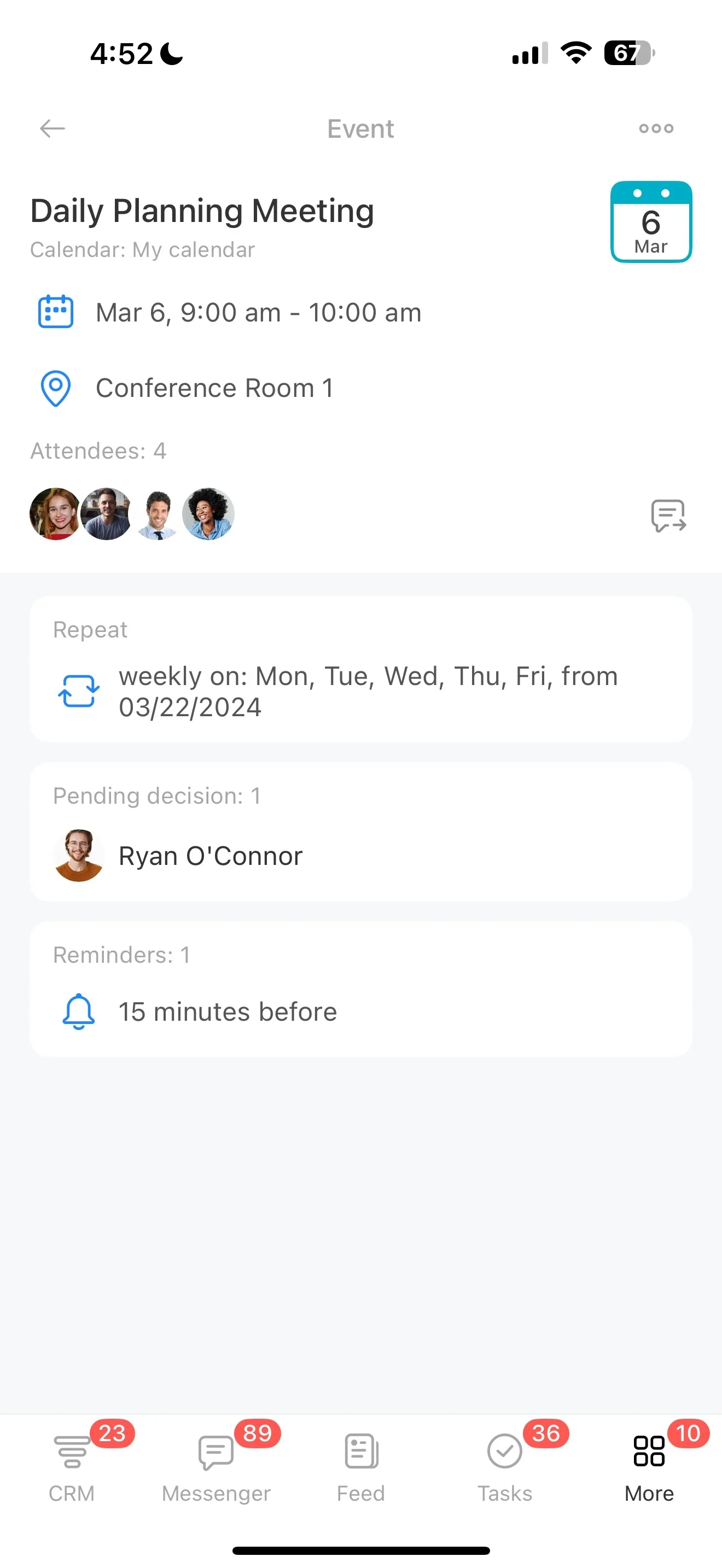
In Bitrix24, reps can add the next activity directly from the lead or deal record while the context is still fresh (call, meeting, message, or task). Managers get an operational view of follow-up health—what’s coming due, what’s overdue, and whether each pipeline stage is being worked at the pace your process expects.
- Set expectations for follow-ups by stage
- Assign ownership and due dates at the moment of handoff
- Use due/overdue visibility to keep active leads moving
Define a follow-up rule set reps can repeat
Keep your follow-up rules simple and stage-specific so they’re easy to apply in real conversations. Typical standards include a first-response activity for new inbound leads, a scheduled check-in after a quote is sent, and a requirement that negotiation never sits without a next step.
- Standardize what “next step” means by stage
- Decide which reminders are required vs. optional
- Use consistent activity names and due-date logic for review
Connect stages to a required next action
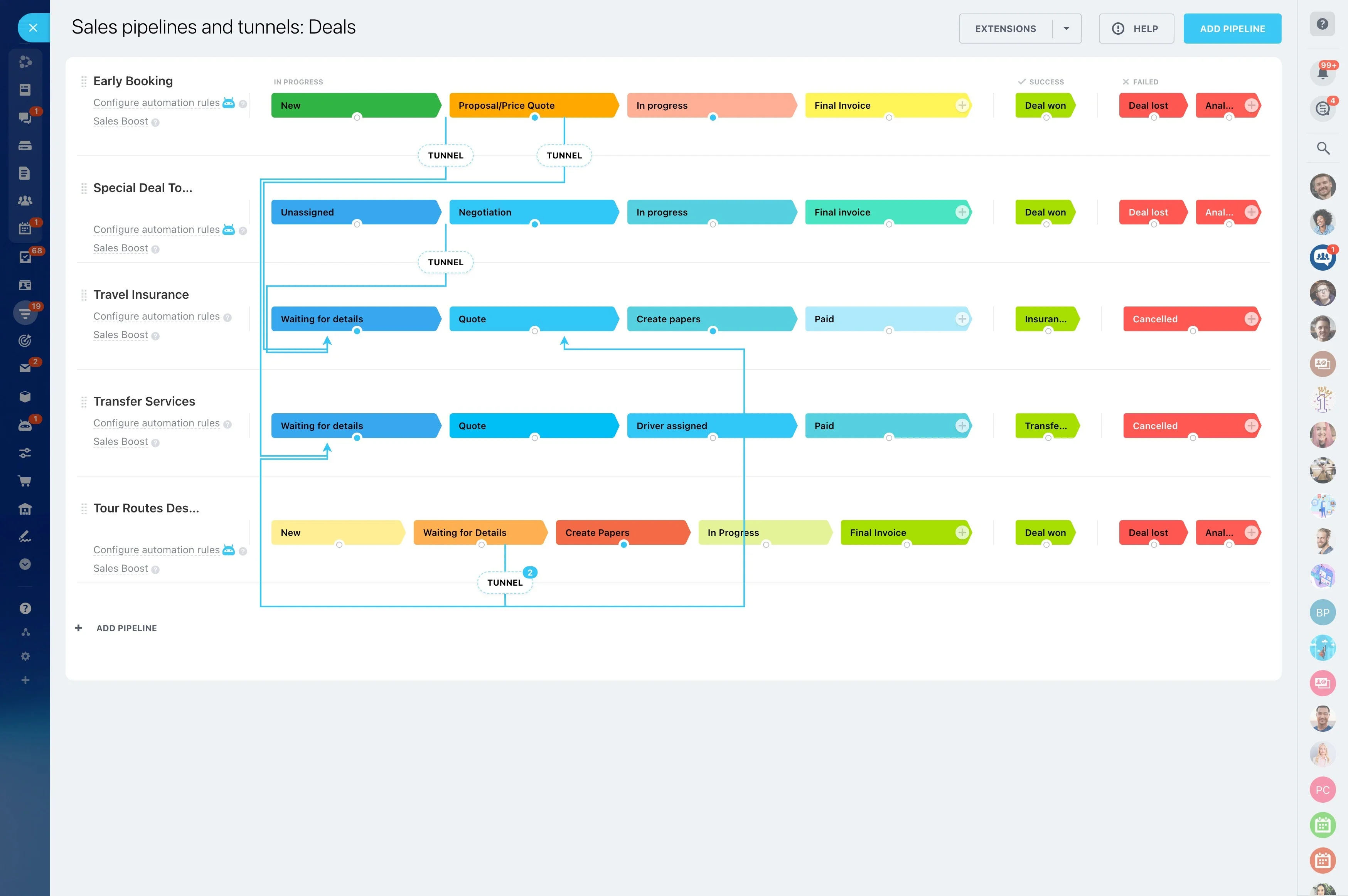
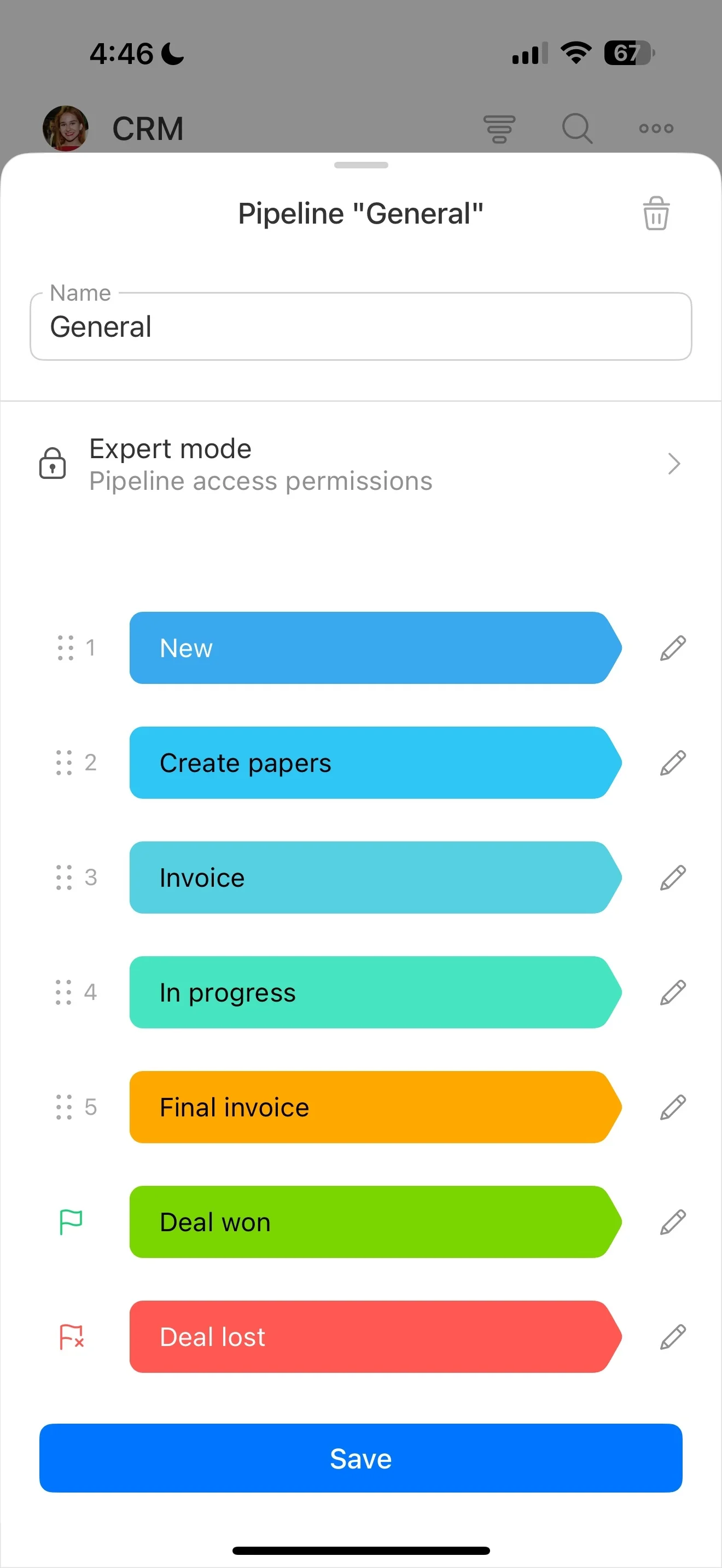
Follow-up reminders are most effective when they reflect your actual pipeline stages (new inquiry, qualified, proposal sent, negotiation). Use each stage change as the moment to define what “next step” should be and when it’s due.
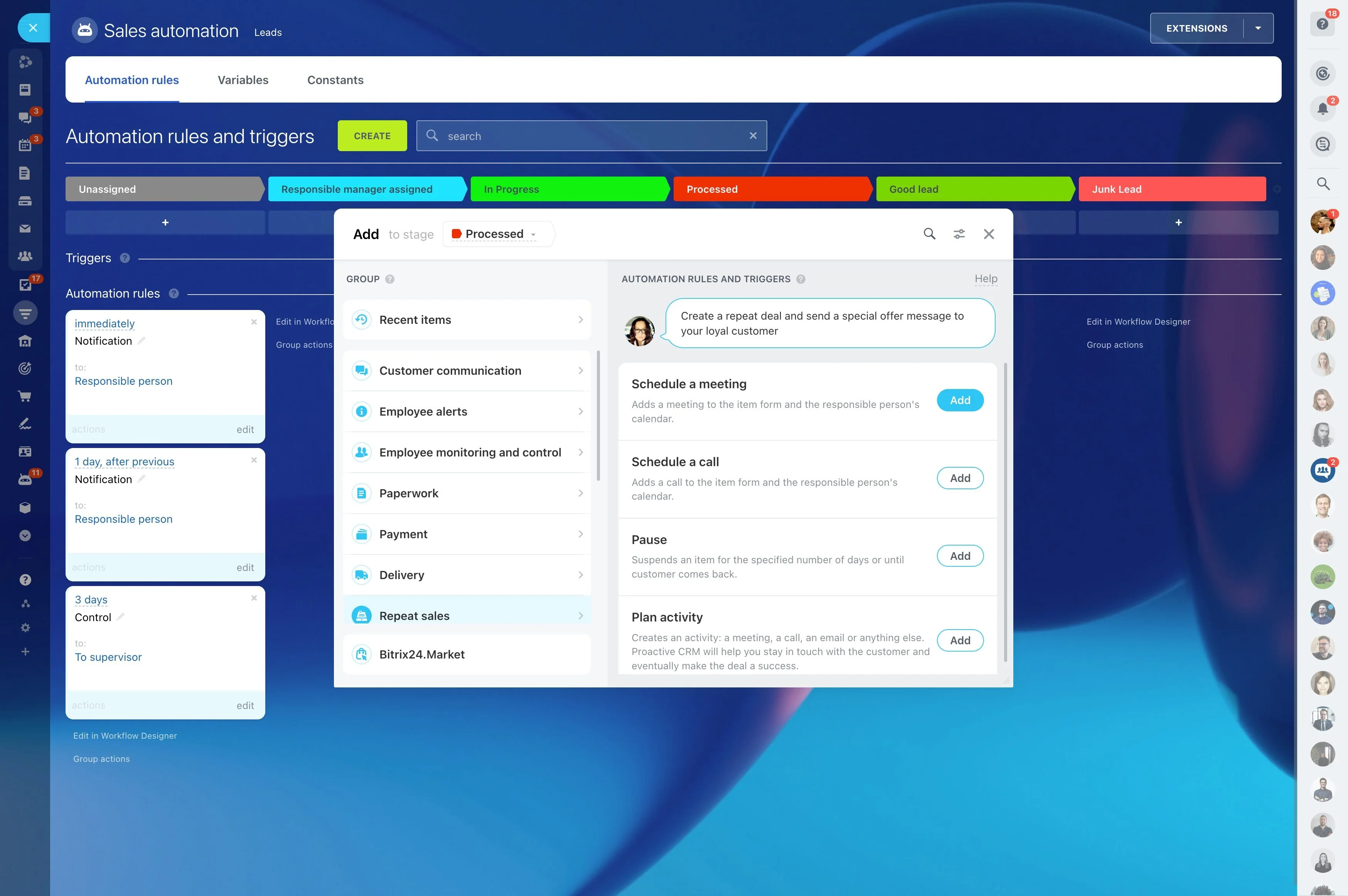
Example: a lead moves to “Qualified” (trigger) → the owner schedules a follow-up activity (CRM action) → you can review how many qualified leads have a follow-up due today vs. overdue (measurable outcome).
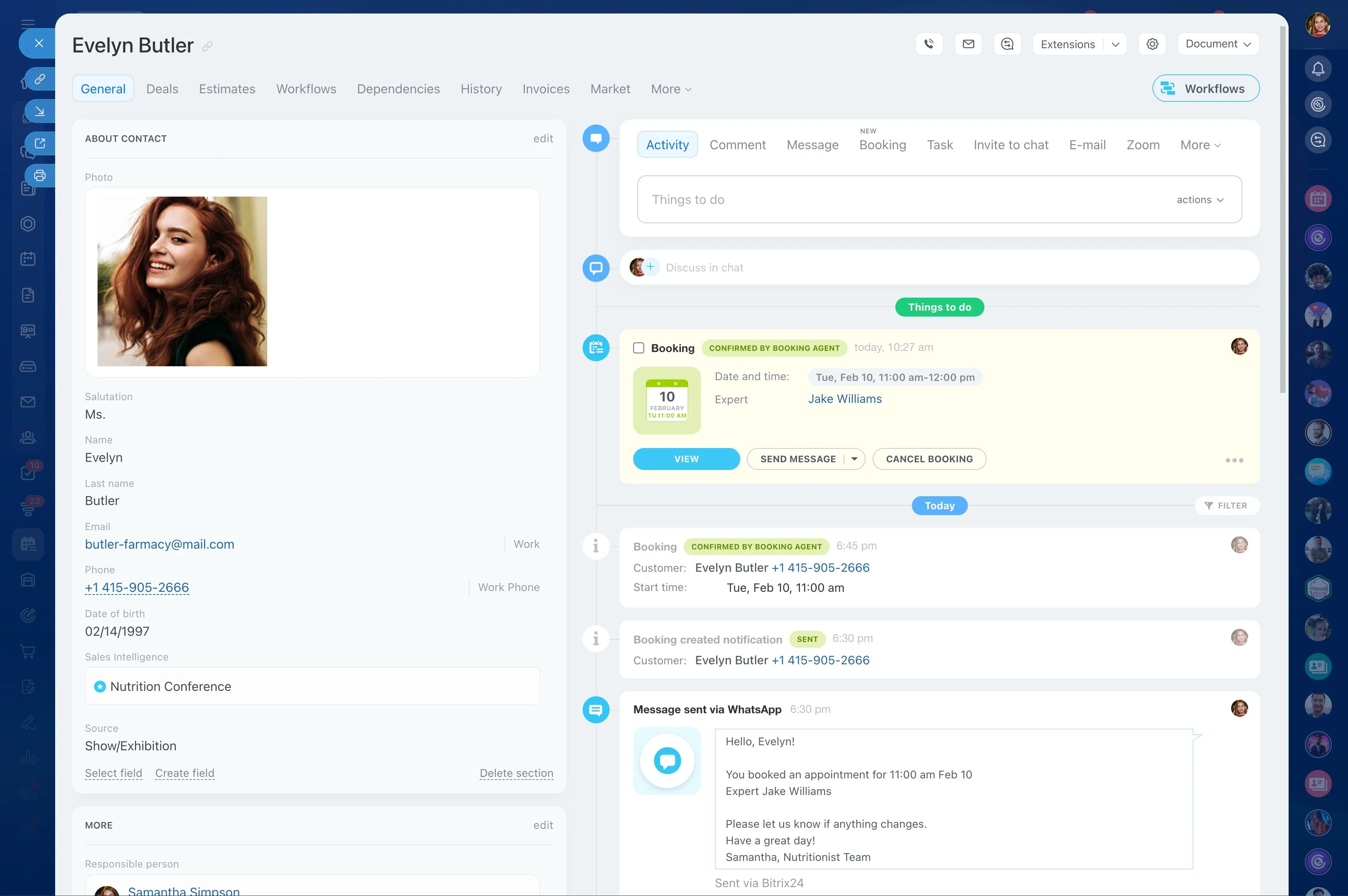
Schedule follow-ups from the CRM record
Create reminders while viewing the lead or deal so the activity stays tied to the right contact, company, stage, and history. This makes it easier to work the opportunity in sequence instead of relying on separate notes or calendars.
- Set the owner and due date for the next touch
- Keep the full follow-up trail on the same record
- Close one activity and schedule the next immediately
Work from due and overdue activity lists
A reminder only protects revenue if it’s visible before it’s late. Use due and overdue activity views to prioritize daily outreach and catch at-risk opportunities early.
For managers, the same view supports coaching: identify where follow-ups are slipping (by owner or stage) and intervene before a backlog becomes a pipeline problem.
Protect ownership and edits with CRM permissions
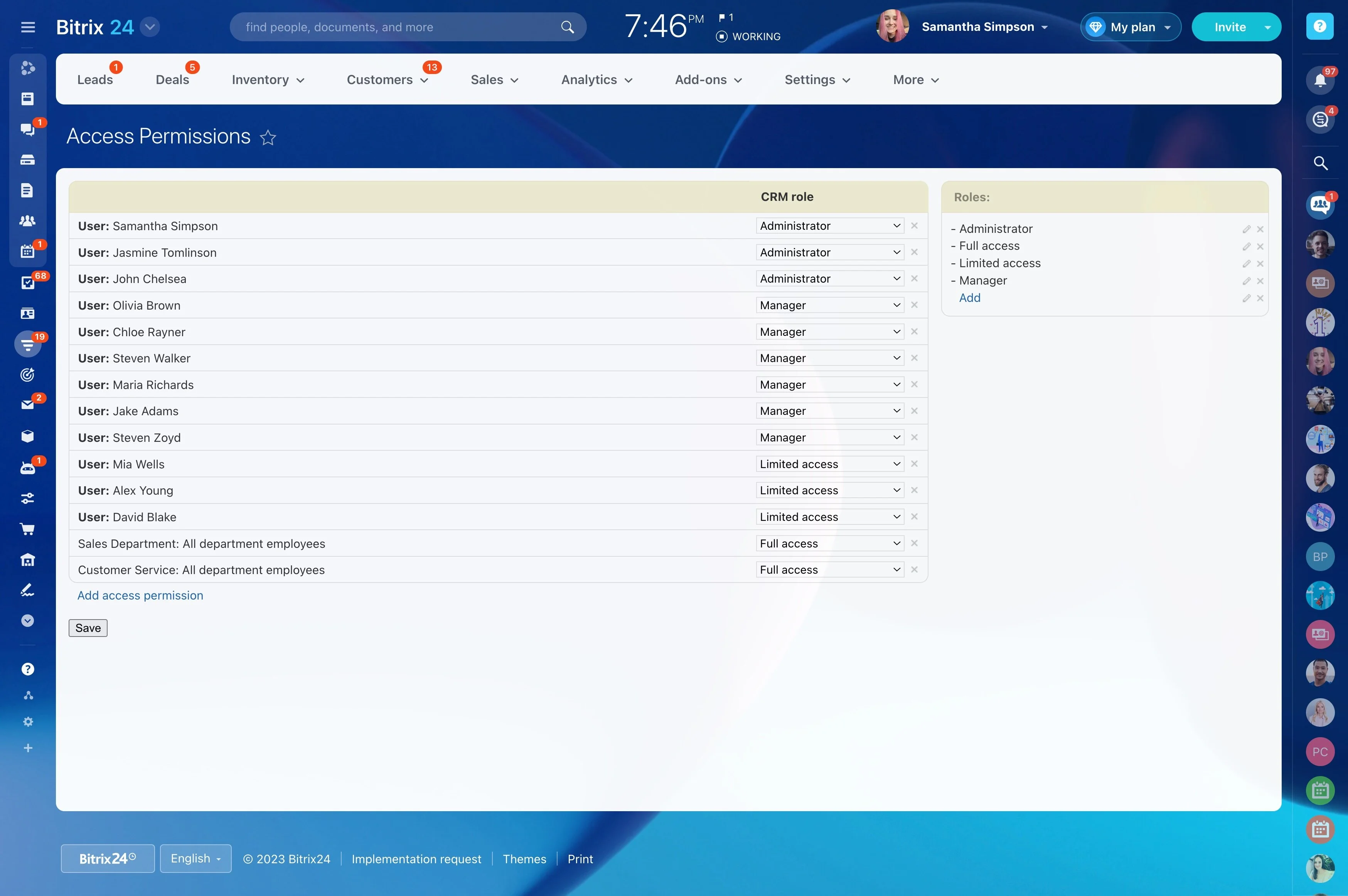
Follow-up reminders impact pipeline integrity, so teams often need clear boundaries. Use CRM permissions to control who can create or edit activities, reassign ownership, and change deal stages that your follow-up rules depend on.
This helps keep reminders consistent while making accountability clear for each lead and deal.
Measure follow-up behavior, not just closes
Preventing cold leads starts with visibility into follow-up discipline. Review activity load by owner, due vs. overdue volume, and stage-level backlogs where next steps aren’t being scheduled or completed.
Use those signals to adjust stage expectations and response standards before pipeline quality drops.