Govern apps as you scale

You’re evaluating a CRM marketplace because your CRM has to match how the business actually runs: industry-specific stages, specialized data fields, regulated document steps, and connections to the systems that power billing, delivery, support, and reporting. The goal isn’t “more features.” It’s a CRM you can extend as your process evolves—without breaking daily work for sales, marketing, service, and operations.
This page explains how to use the Bitrix24 CRM marketplace to add apps and integrations that fit your workflow, keep ownership clear across teams, and create an extension strategy you can maintain over time. Use it as a practical checklist for platform-level evaluation: extensibility, administration, portability, reliability, and the day-to-day impact on the people who live in the CRM.
- Extend CRM for industry and operational needs
- Connect CRM records to external systems and workflows
- Standardize how add-ons are selected, governed, and adopted
Roll out extensions with minimal user friction
Adoption works when an extension fits the moments users already follow: qualifying a lead, moving a deal stage, requesting a document, scheduling a meeting, or handing off to service. Keep the workflow change small and explicit.
Publish a simple usage contract: what changes, which fields/actions become required, and what to do when the extension can’t complete its step (fallback path and escalation).
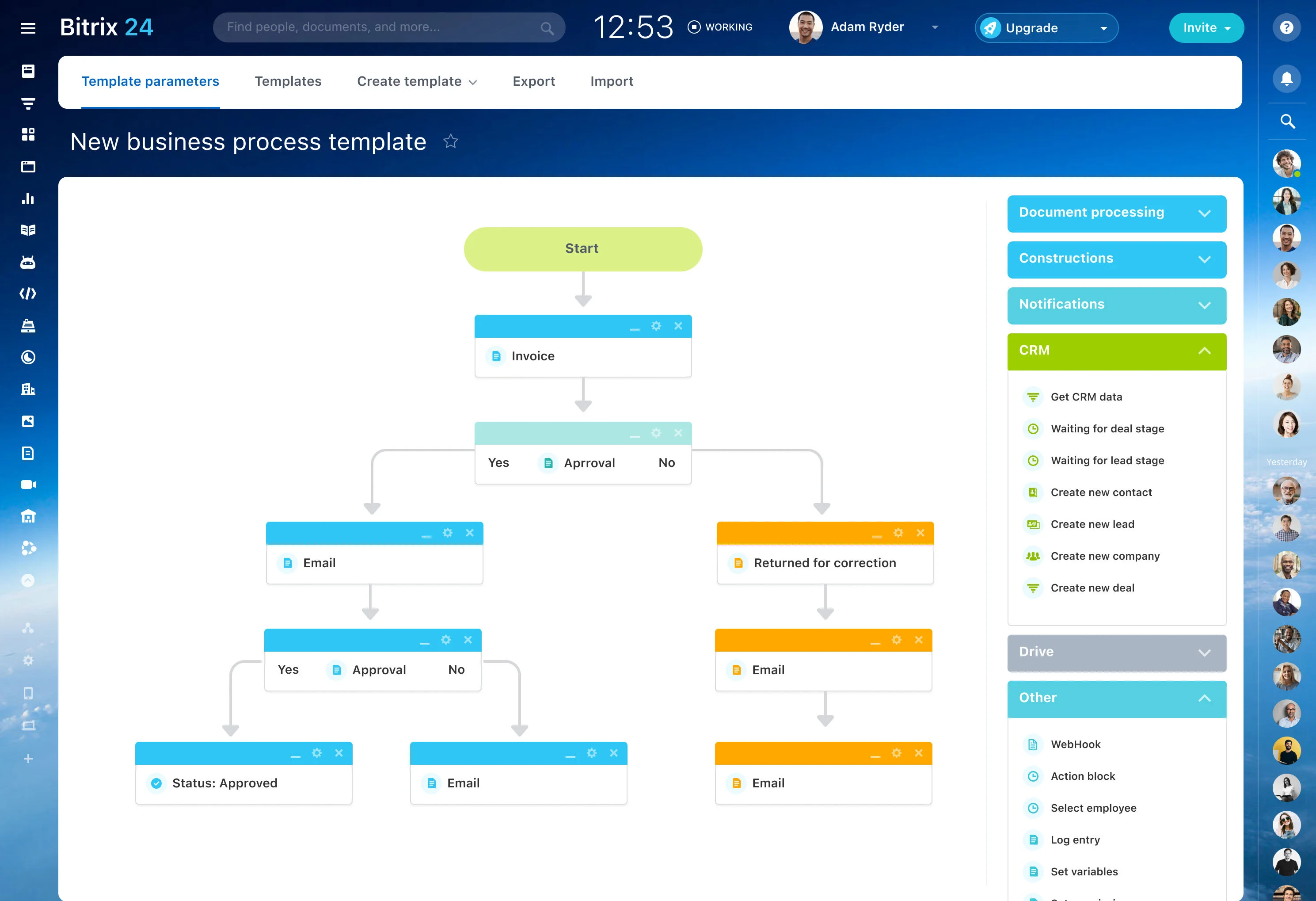
Choose between configuration and an app
Start by defining what the extension changes in the CRM: which record (lead, deal, contact, company), who updates it, and what downstream step depends on it. If the requirement is mostly about capturing information or guiding users through stages, adjust the CRM setup (fields, stages, forms). If it needs to connect systems, introduce a specialized workflow layer, or be reused across multiple teams, treat it as a marketplace extension.
Before rollout, document success criteria (data created/updated, handoffs improved, exceptions handled) so you can validate impact in a pilot.
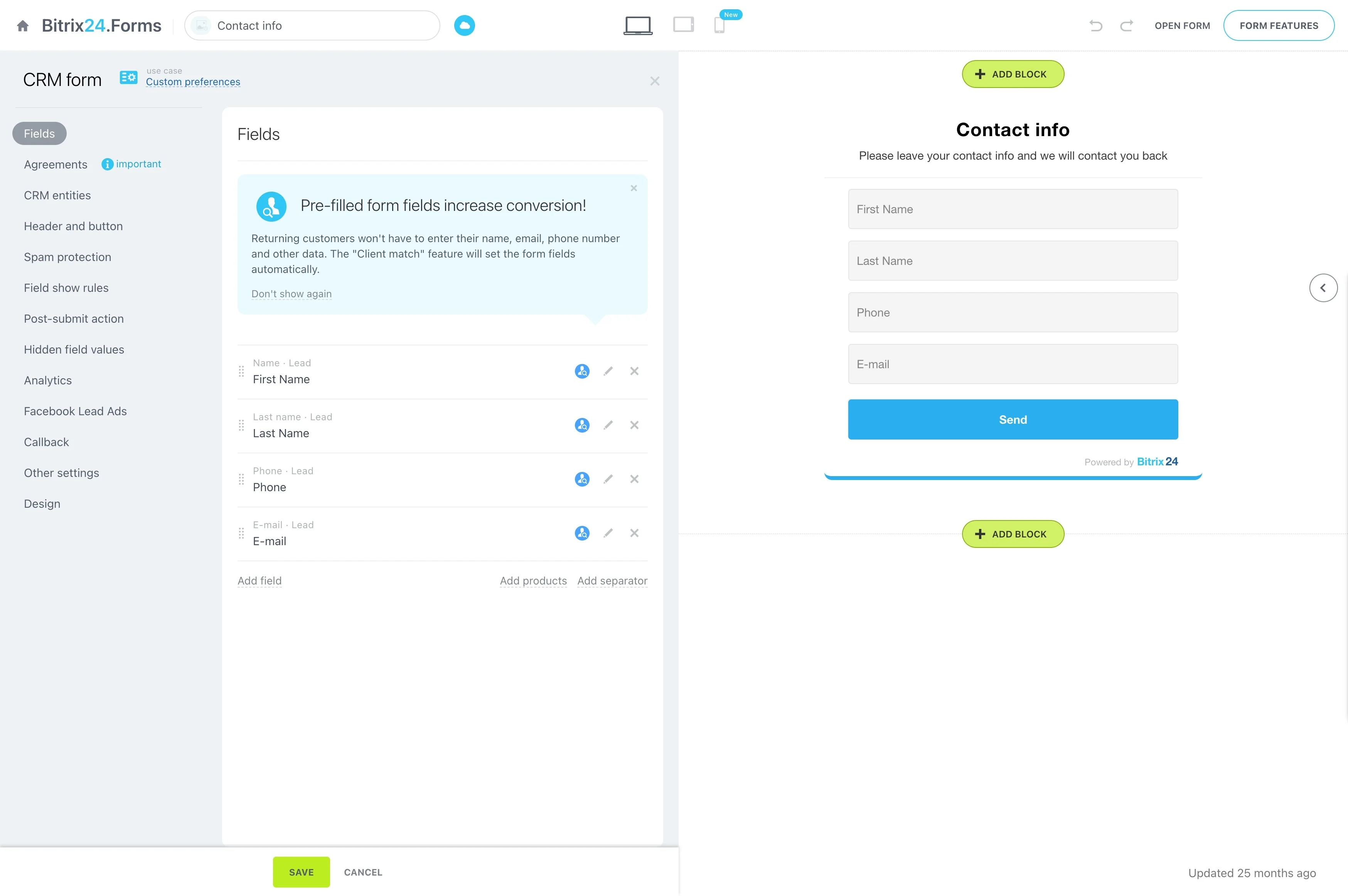
Support vertical workflows inside CRM records
Industry workflows often require details generic pipelines miss—special terms, asset identifiers, compliance documents, or multi-step fulfillment. A CRM marketplace is where you look for extensions that let teams keep working from CRM records while meeting those operational requirements.
Evaluate each option by checking what CRM entities it uses, which roles touch it (sales, service, finance, operations), and which handoffs it improves (for example, deal-to-delivery or request-to-resolution).
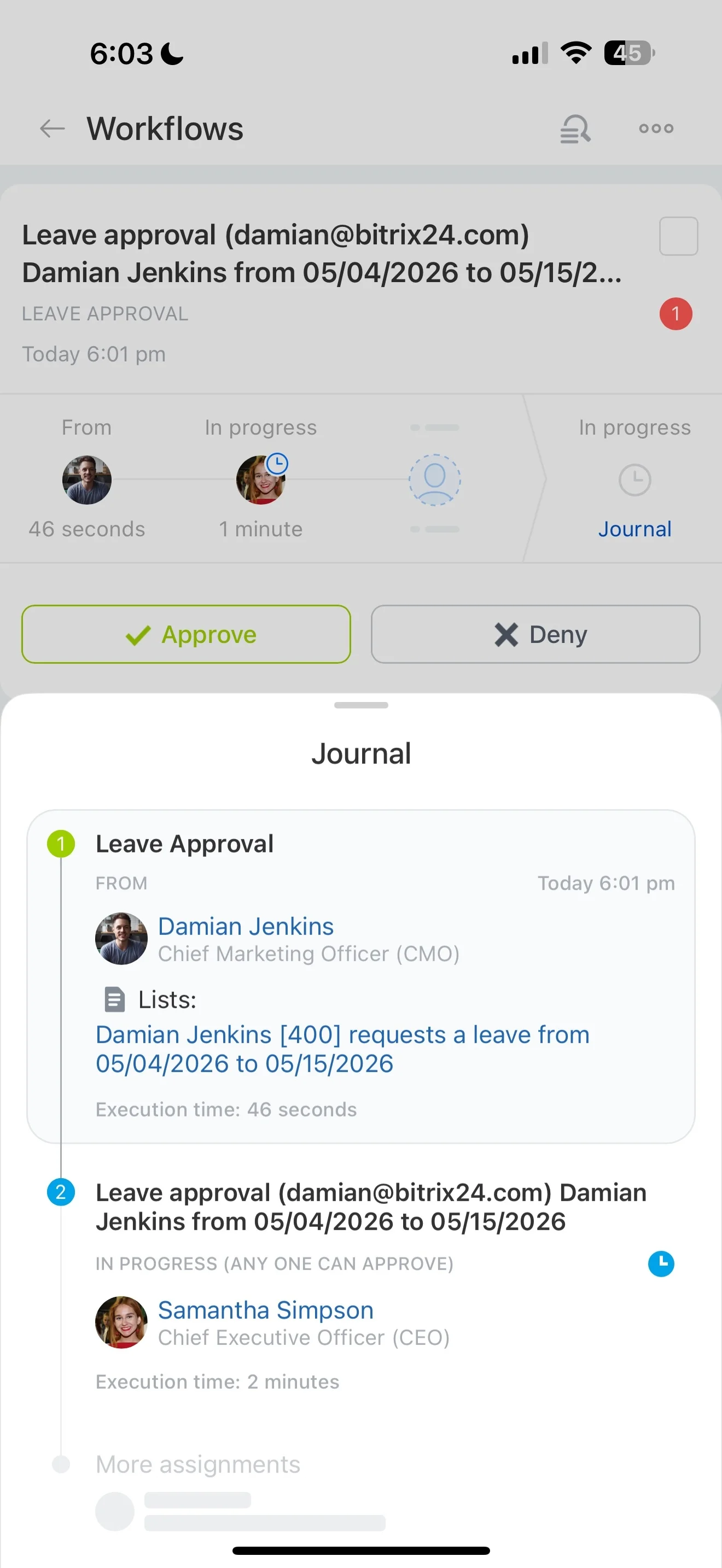
Connect CRM to billing, delivery, and service
Integrations matter when the CRM needs to reflect what happens after a deal: invoice status, delivery milestones, renewals, service activity, or inventory signals. Marketplace integrations can link CRM records to those workflows so teams can act on current context without rebuilding the entire process.
Compare candidates on ownership (who triggers actions), data mapping (fields and identifiers), and exceptions (missing, duplicated, or late data).
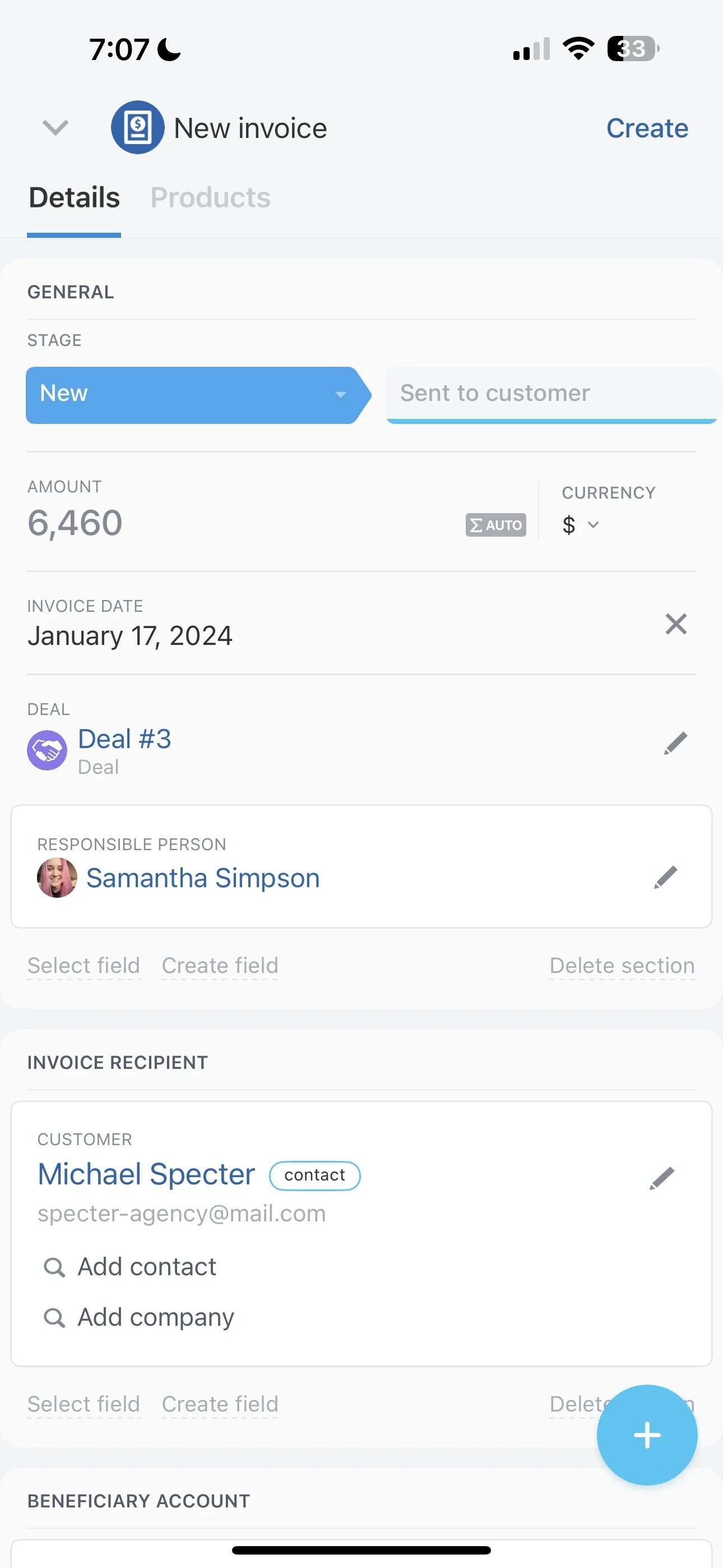
Govern apps as you scale
As more extensions are installed, lightweight governance keeps the CRM stable and predictable. Define who can request new apps, who approves them, and how you validate impact before wider deployment.
- Use consistent evaluation criteria (data access, affected teams, ownership, supportability)
- Pilot first, then roll out with a feedback window and release notes
- Track dependencies so updates don’t break critical workflows
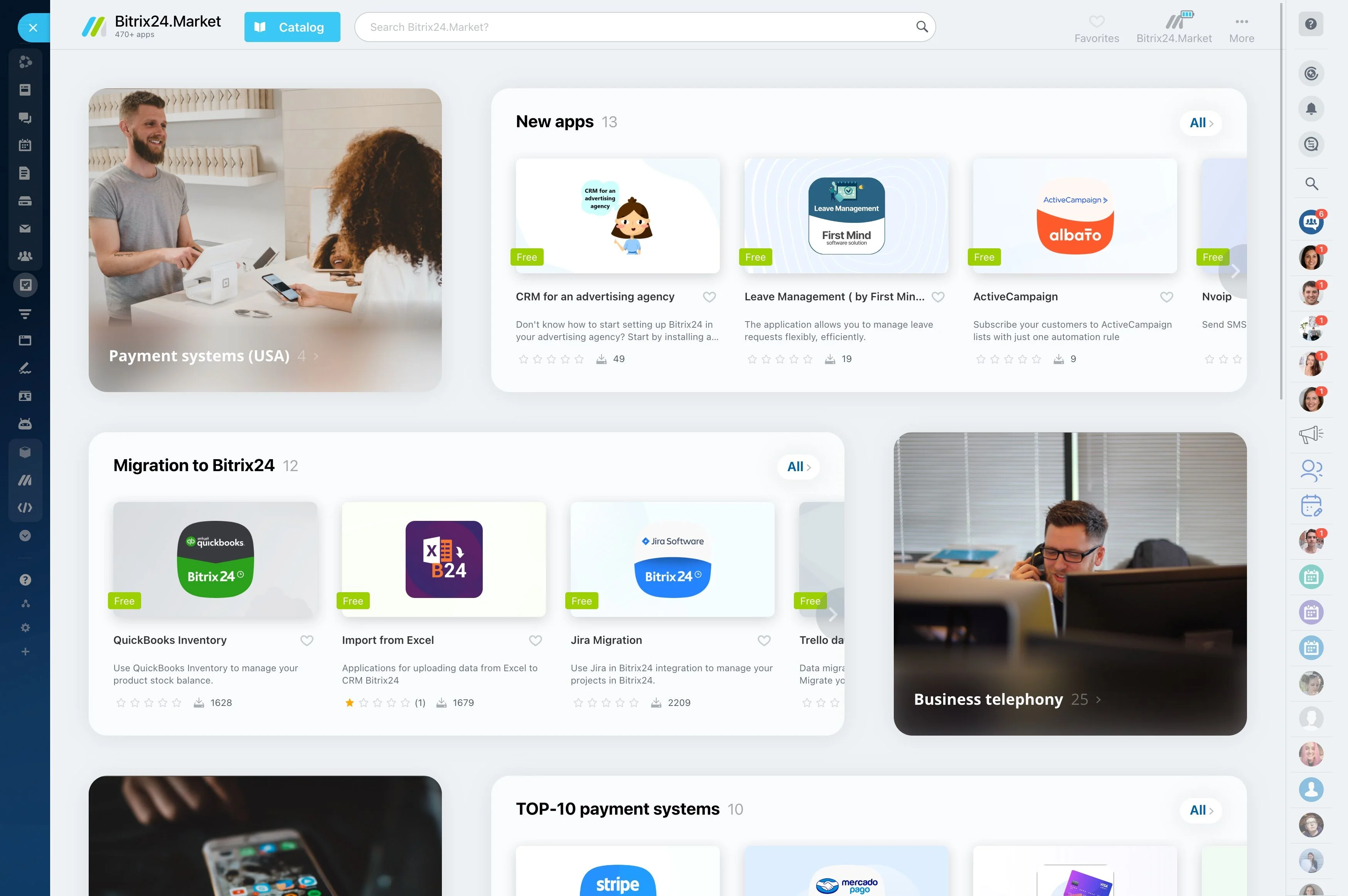
Keep your extension portfolio maintainable
Apps become part of your operating model, so plan for change: vendors evolve, workflows shift, and teams reorganize. Maintain an inventory of what each extension does, what data it touches, and which business process it supports.
When comparing “best CRM marketplace” options, prioritize clarity over sheer volume—predictable administration and repeatable adoption matter more than the longest list of add-ons.