Reduce risk with a defined scope and a simple validation routine
CRM data export isn’t just a checkbox for “portability.” It’s what you rely on when an auditor asks for a specific period, when an analyst needs a clean dataset, or when a migration cutover depends on accurate record counts and field mapping.
The hard part usually isn’t generating a file once—it’s producing the right objects with consistent structure, definitions, and ownership so the export can be reused. Bitrix24 supports practical export workflows across CRM records and reporting outputs, so admins, ops, and team leads can pull the datasets they need for backup, analysis, or migration with less rework.
- Export the CRM objects and fields your process depends on
- Deliver datasets that match how teams work (pipelines, stages, owners)
- Reduce risk with a defined scope and a simple validation routine
Migration exports: cutover, then validation
Most migration issues show up at cutover: missing fields, values that don’t map, or record counts that don’t reconcile. Treat export as a staged process—test extract, mapping review, final extract, and validation after import.
- Mapping sheet for fields and key reference values
- Rules for history (migrate vs. archive)
- Validation checklist for counts, required fields, and key segments
Define the export scope before you click
“Can we export our data?” is only the starting point. For evaluation, the real test is whether you can export the specific CRM objects you rely on, with the context that makes them usable.
- Purpose: backup, analysis, or migration
- Objects: records you must carry forward (companies, contacts, deals) plus supporting fields your process depends on
- Time range: full history vs. a defined window
- Consumer: admin, analyst, or implementation partner
Keep exports readable for real workflows
Usable exports preserve structure—consistent naming, required fields, and the operational context teams report on. Instead of a single “everything” dump, export in slices that match how work is managed.
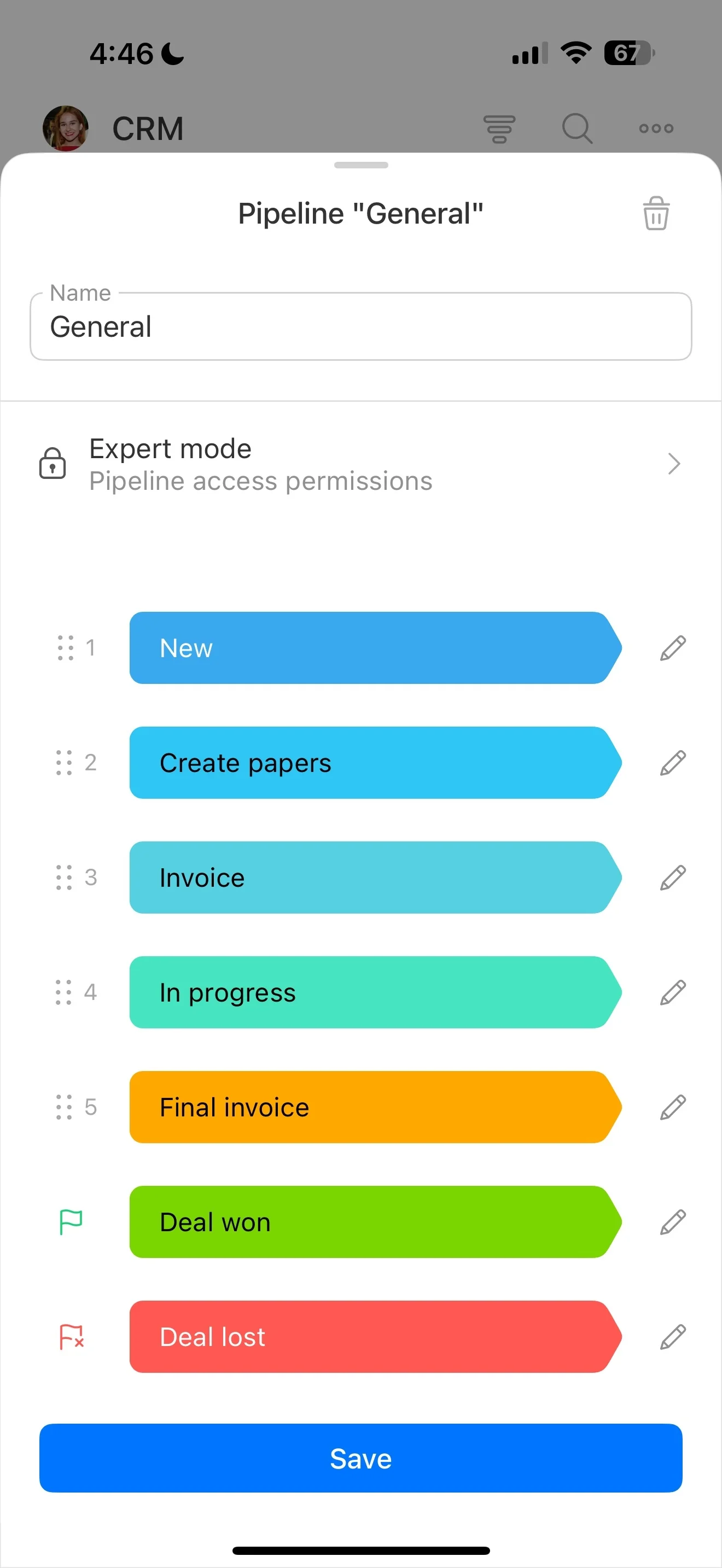
- Pipeline/stage datasets for forecasting or cutover planning
- Contact and company segments for list work and analysis
- Activity or interaction histories when review is required
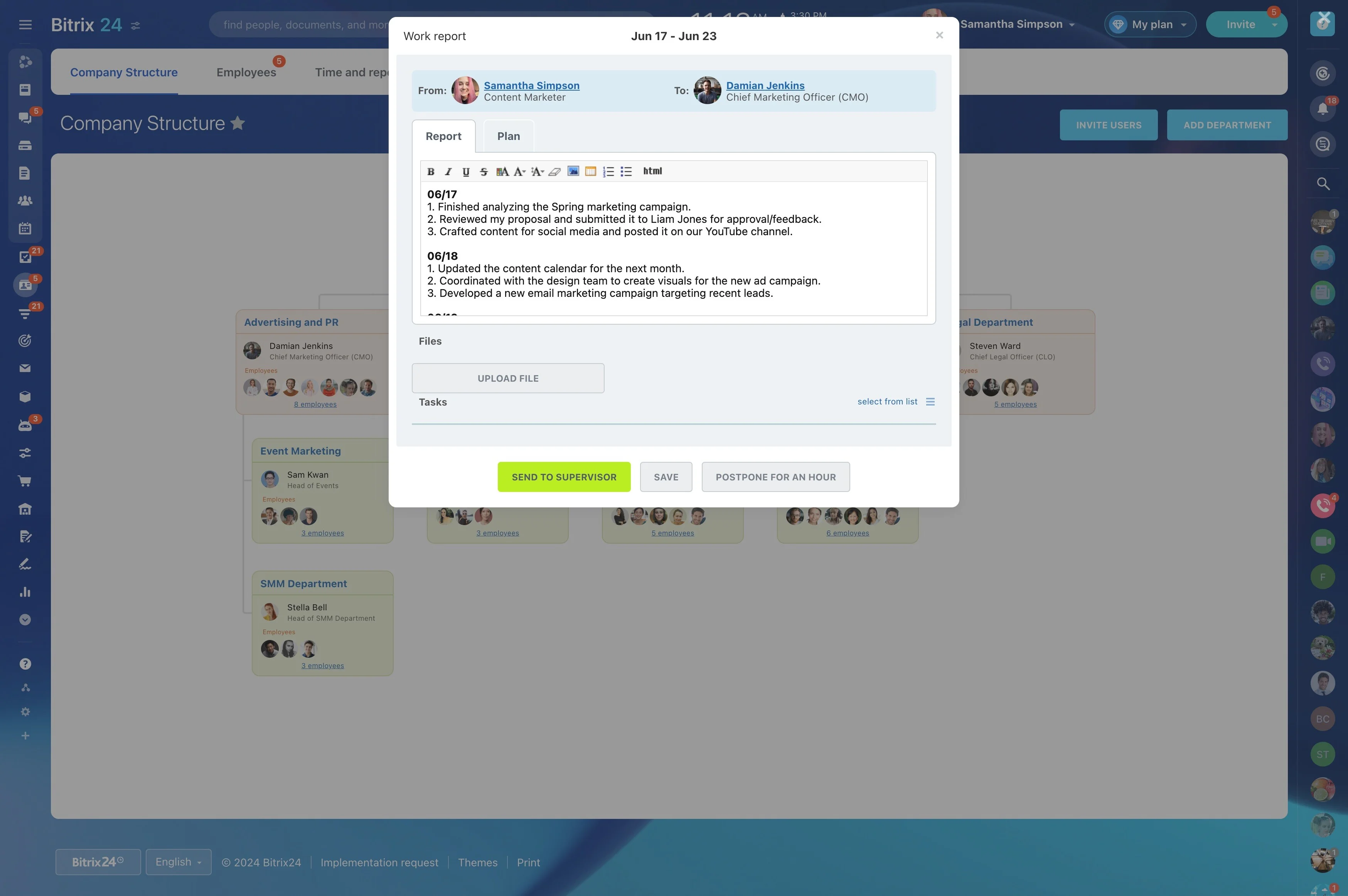
Make reporting exports analytics-ready
When data is going to finance, BI, or an external analyst, the dataset needs stable meanings—not just columns. Standardizing a few elements reduces rework and prevents mismatched interpretations.
- Field definitions and naming conventions
- Owner/team mapping aligned to your org structure
- Clear interpretation of statuses and stages
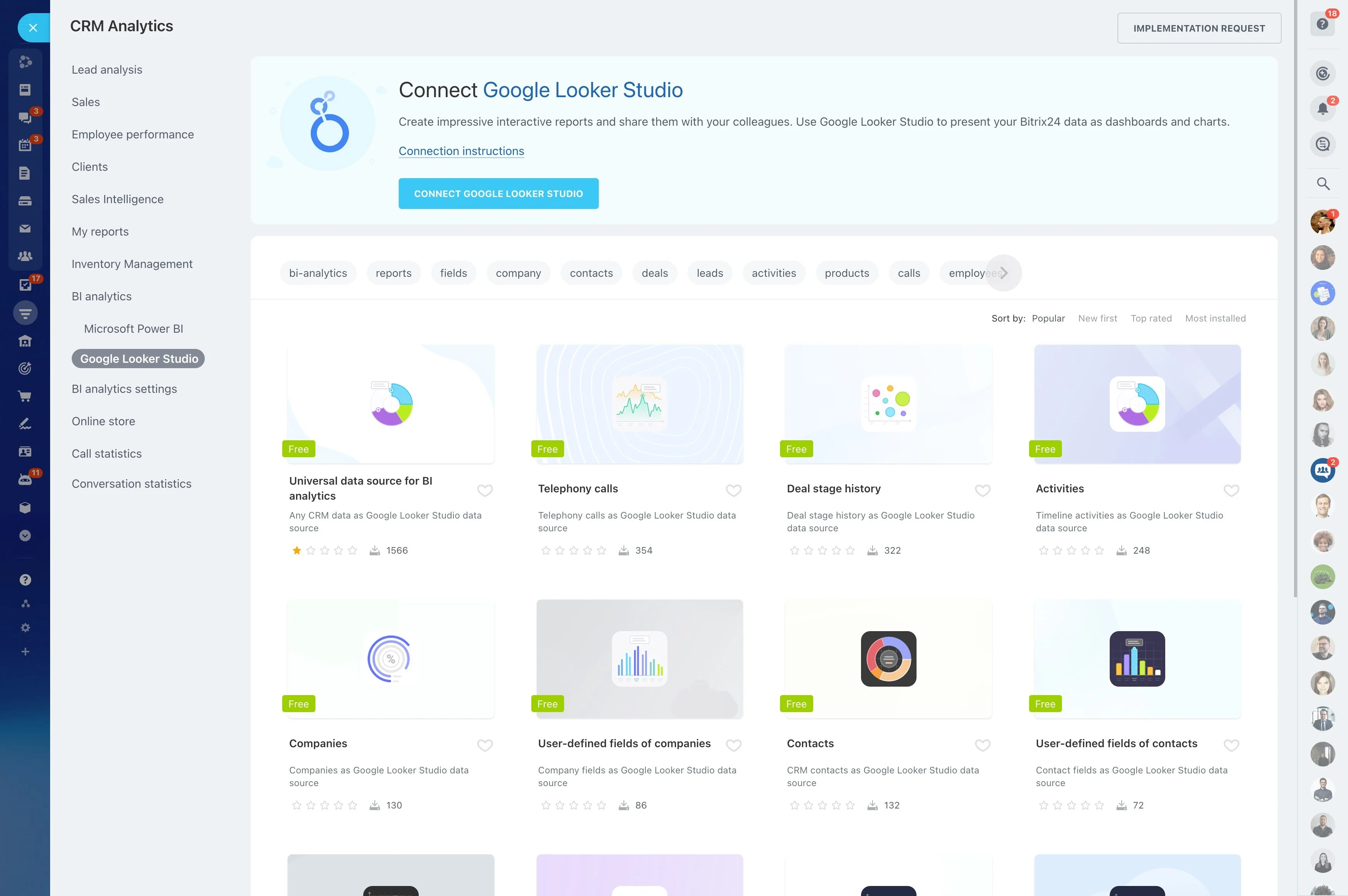
Assign export ownership and basic governance
Portability depends on repeatability. Define who can generate “official” exports, what the standard scopes are, and how files are labeled and stored so they can be found later.
- Named export owner (admin or ops)
- Standard scopes by team, pipeline, or lifecycle stage
- Runbook: scope → export → check → deliver
Align teams on one version of the data
Sales, marketing, and service often export for different purposes. A shared workflow reduces conflicting numbers and duplicated effort, especially when exports are recurring.
- Common definitions (source, qualified, won/lost reasons)
- Shared filters and segments for recurring exports
- A single location for the latest approved export and notes