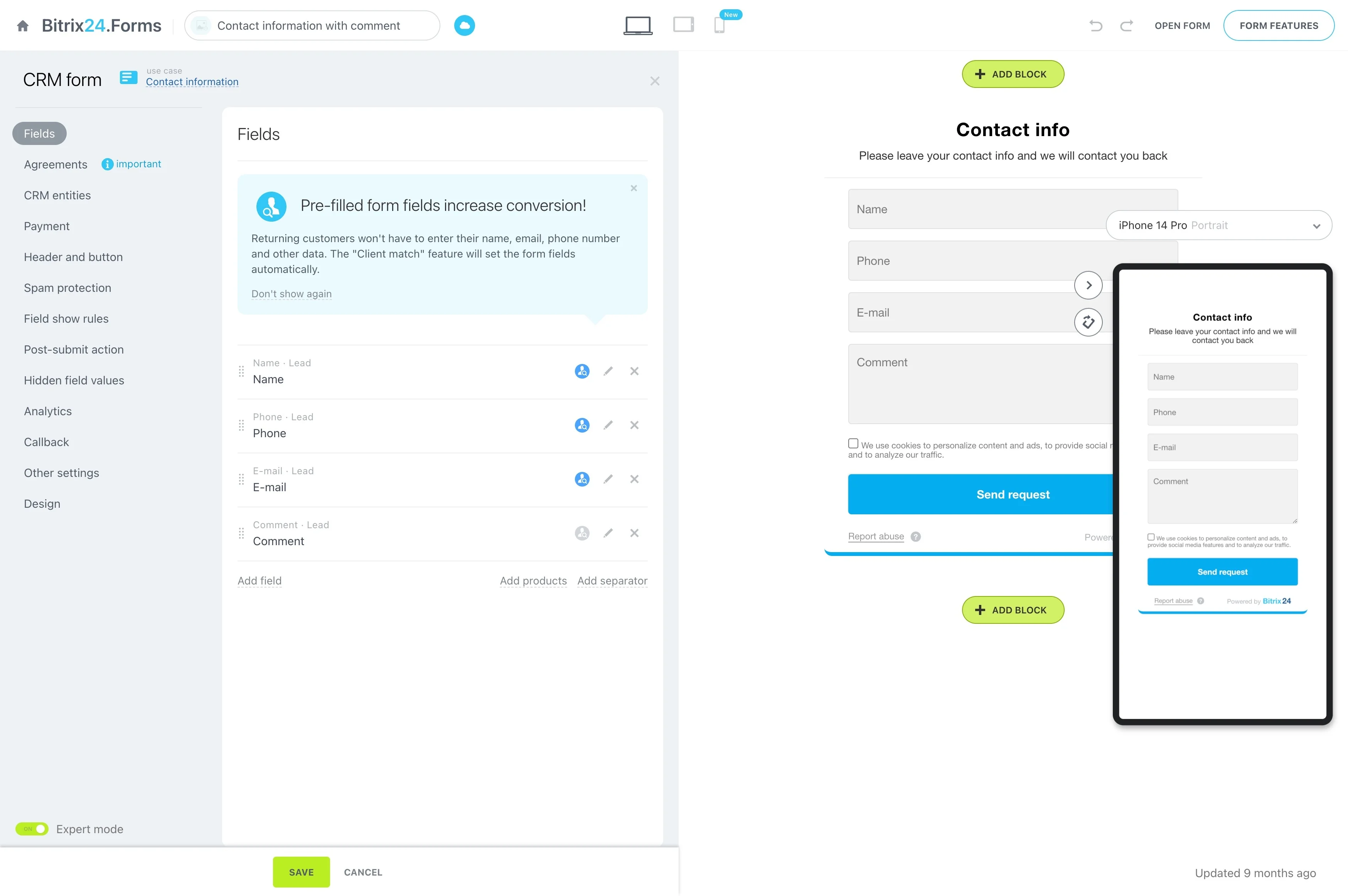
Connect inquiries to the right property
Property management follows a long lifecycle: a rental inquiry becomes a viewing, an application, a lease, ongoing tenancy, service requests, and eventually a renewal or vacancy. Each step involves different people and property details.
A CRM for property management gives leasing and property teams a consistent way to organize those relationships and handoffs. In Bitrix24, teams can structure records around prospects, tenants, owners, properties, leases, requests, and planned follow-ups so the next action is clear from first contact through renewal.
Evaluate CRM software for property management
Compare property management CRM software against the handoffs your team manages every day, not just its feature list. The system should make relationships, property context, responsibilities, and dates easy to organize.
- Can inquiries stay connected to properties and prospects?
- Can tenant, owner, lease, and request information support ongoing work?
- Can teams assign follow-ups across leasing and property management?
- Can renewal activity begin before key lease dates?
Keep service requests tied to tenancy
A service request may start with a tenant and then pass to a property manager, maintenance coordinator, vendor, or owner. Keep the issue connected to the tenant, property, and prior communication as responsibility changes.
The team can record the request, assign the next action, document updates, and follow through until the issue is resolved or appropriately handed off.
Connect inquiries to the right property
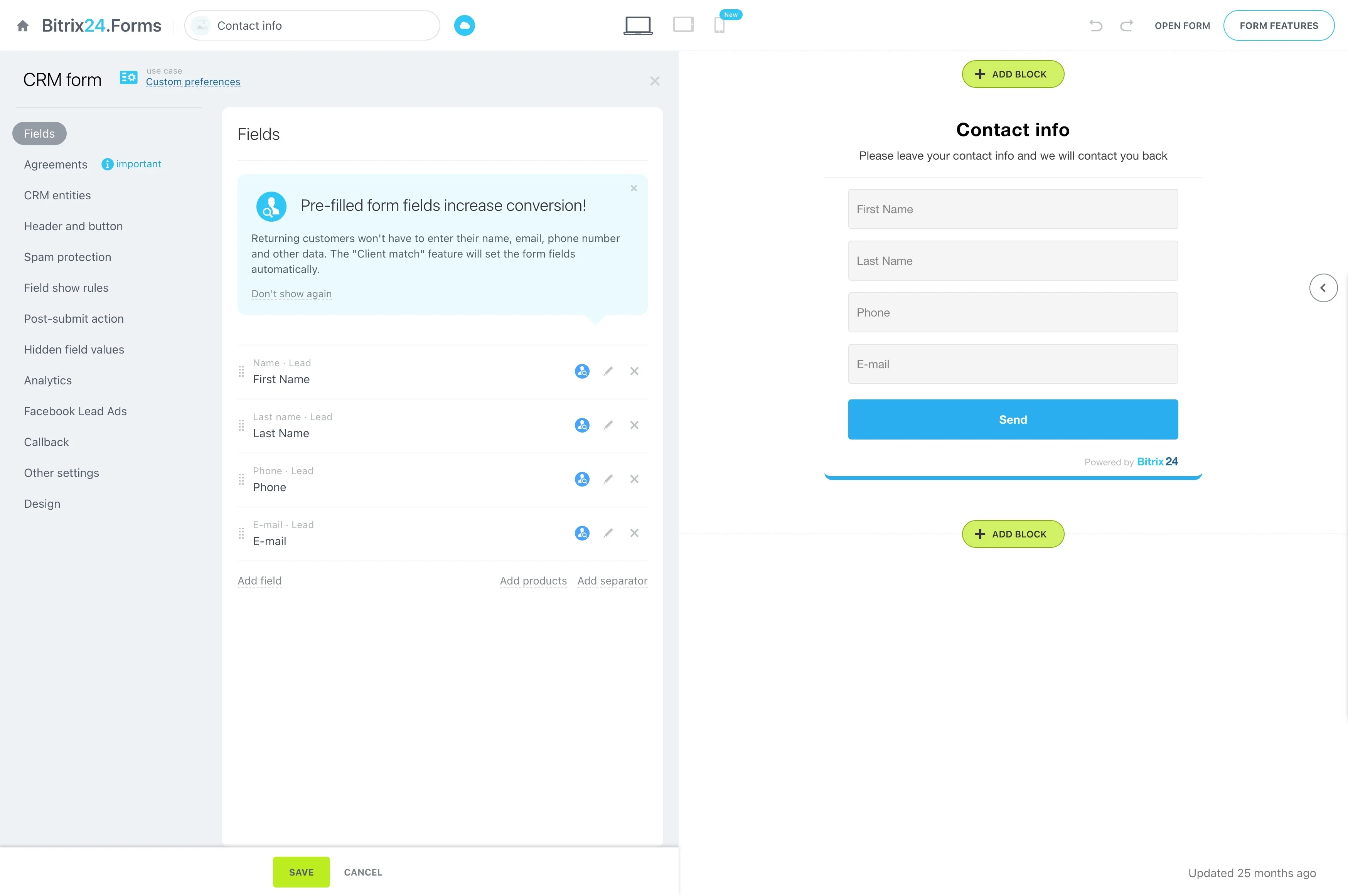
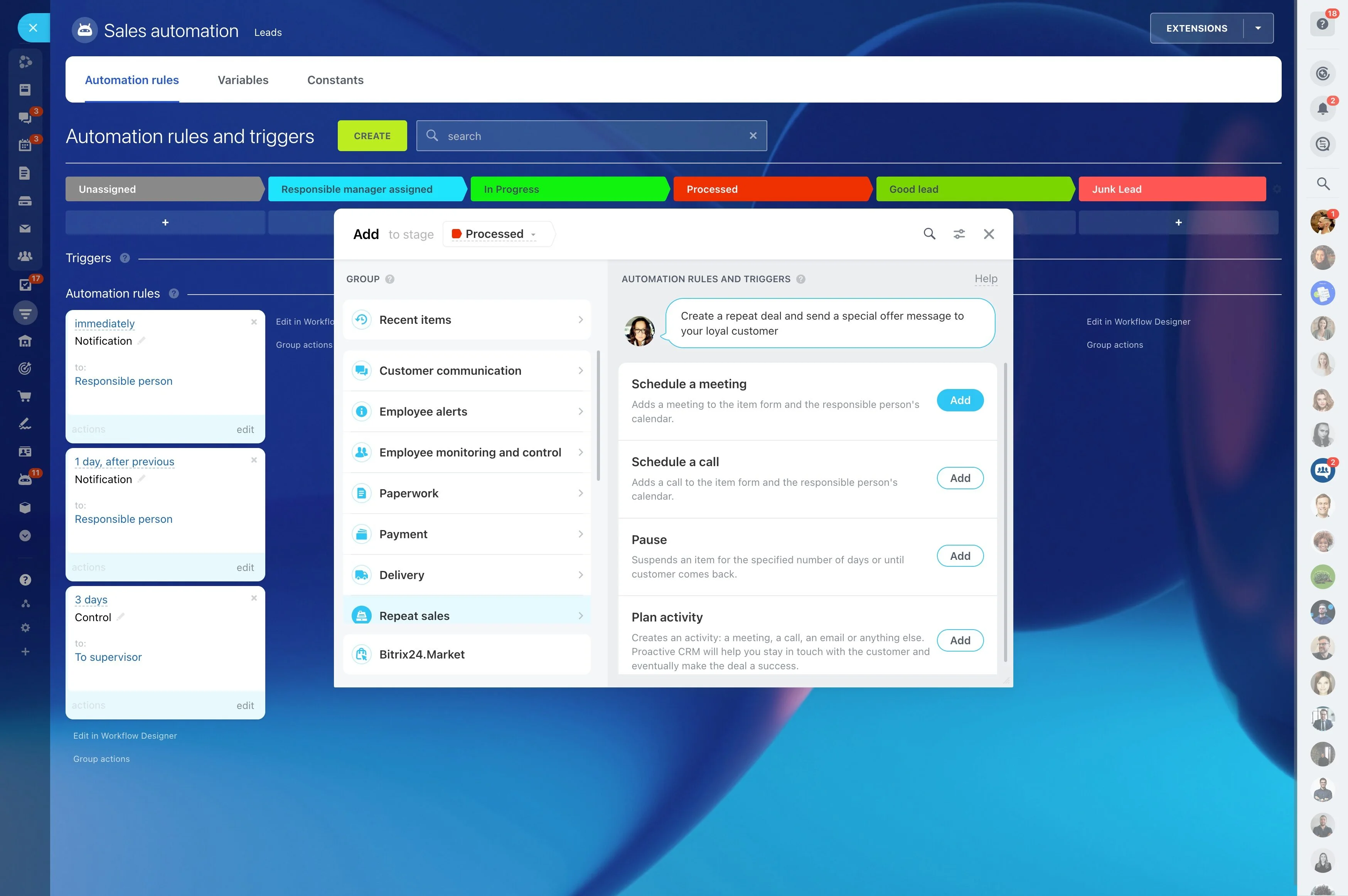
When a prospect asks about a unit, the conversation needs to retain its property context. Record the building or listing, prospect requirements, viewing details, and next step together so the leasing specialist can continue the process without recreating the history.
A defined inquiry process can move suitable prospects from qualification to viewing, application, and leasing while keeping each opportunity tied to the relevant property.
Separate tenant and owner workflows
Tenants and owners have different information needs and follow-up cycles. Tenant records may center on the lease and service requests, while owner communication may concern occupancy, maintenance, or leasing activity for a property.
Distinct records, responsibilities, and communication histories help leasing staff, property managers, and administrators address each relationship accurately without mixing their next actions.
Manage leases beyond signing
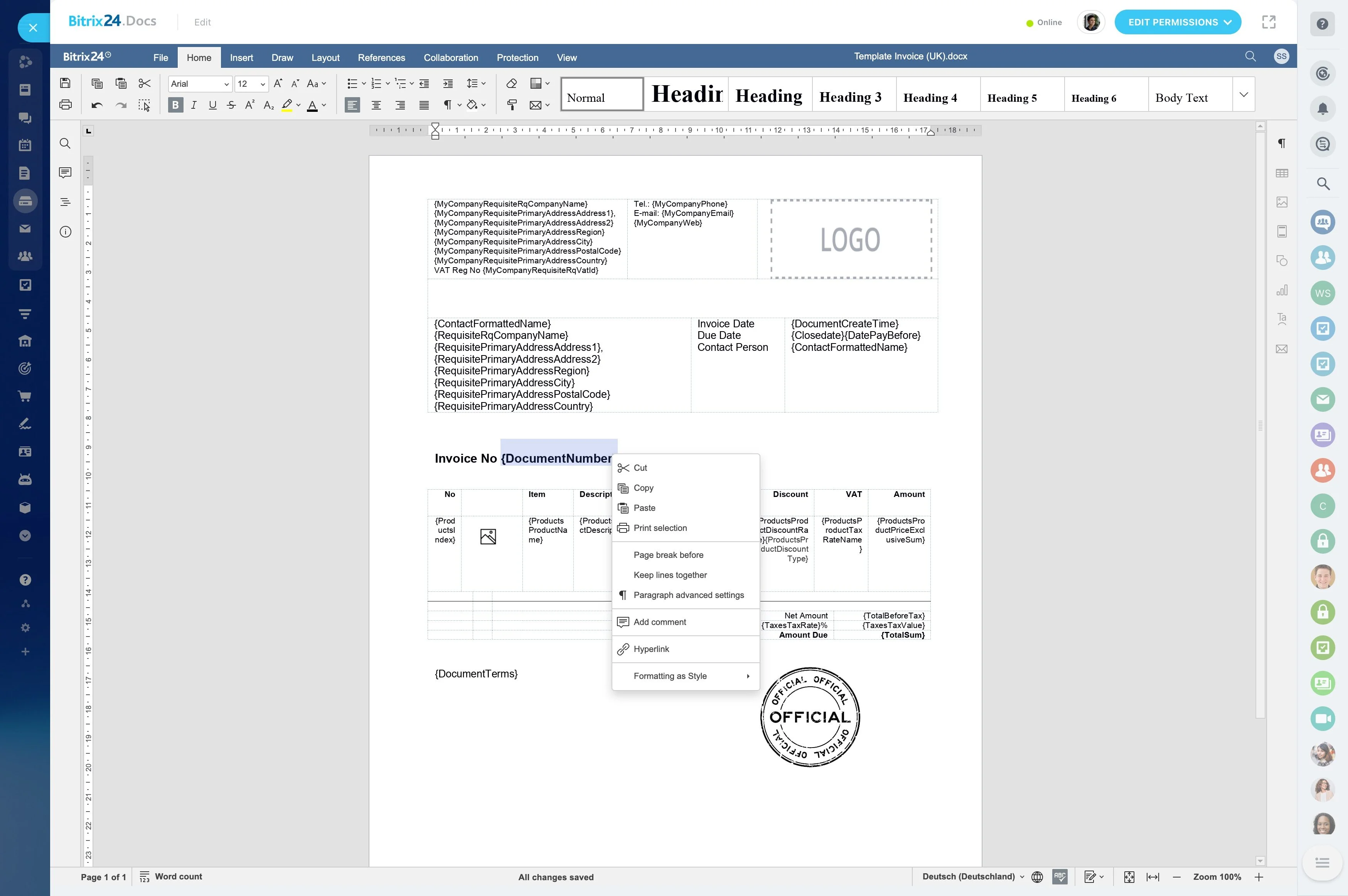
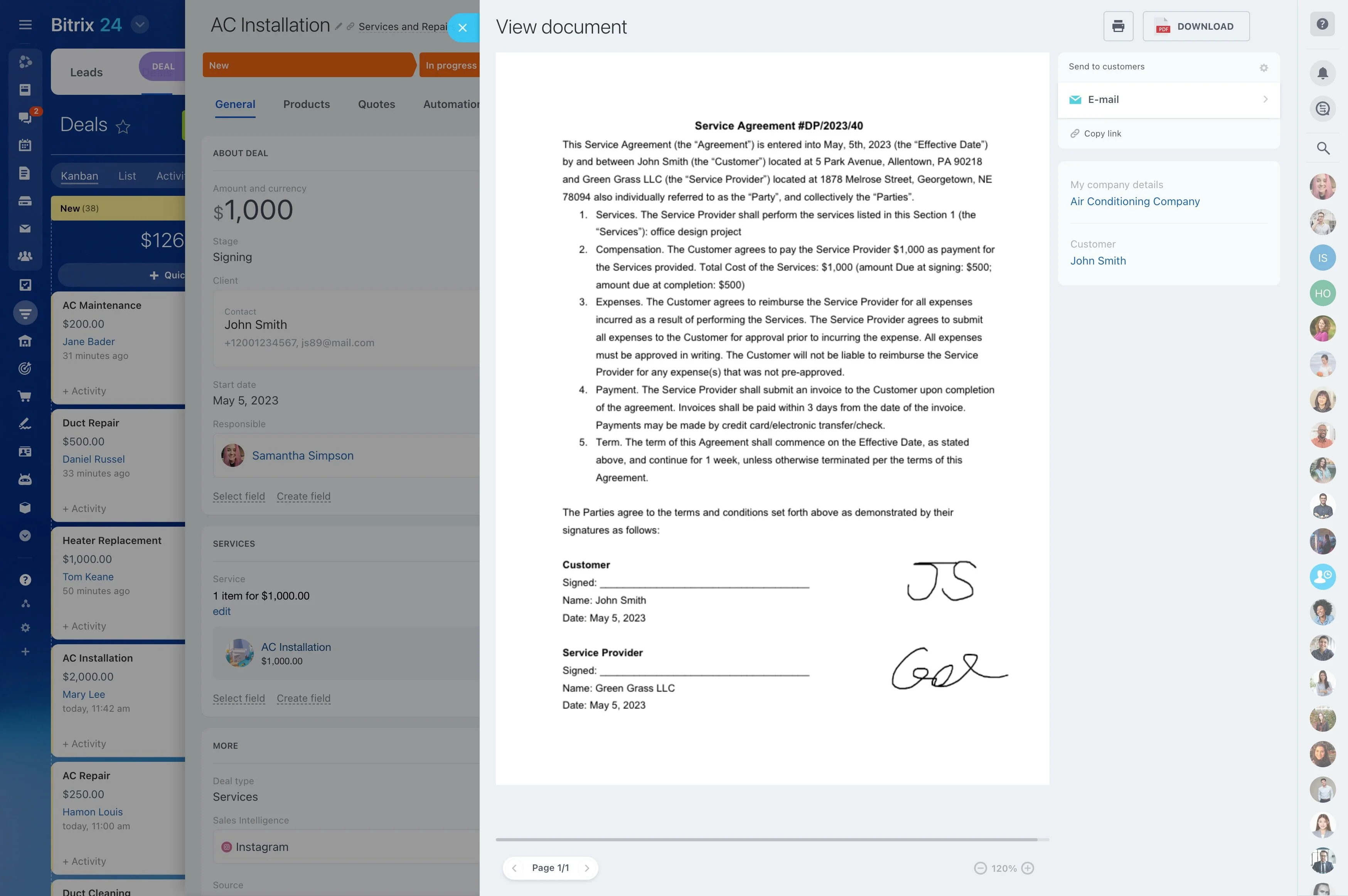
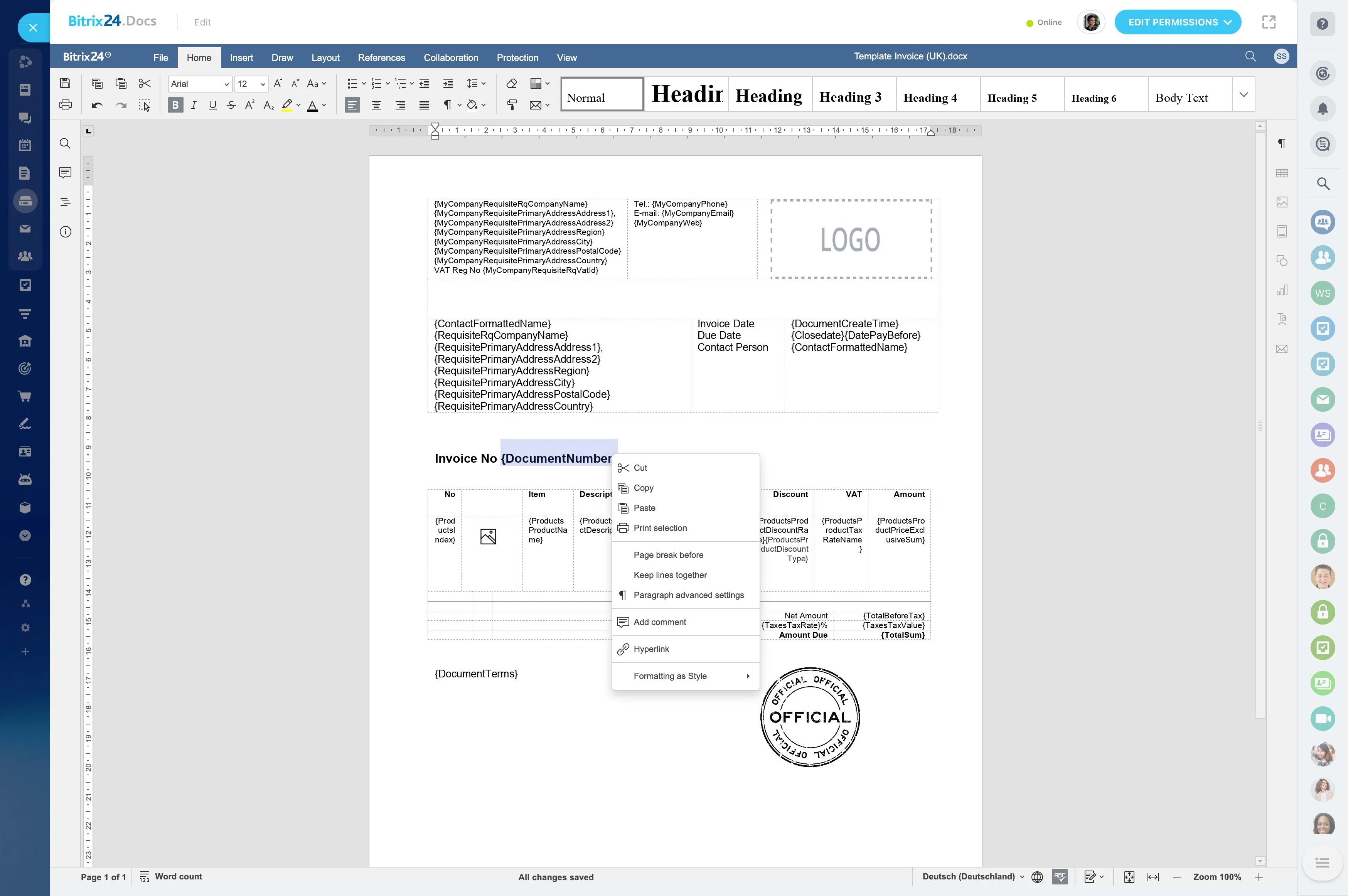
Lease work continues after an agreement is signed. Teams may need the lease stage, property, tenant details, key dates, and upcoming actions available throughout the tenancy.
Organizing agreements by defined stages and assigning ownership makes it easier to distinguish leases being prepared from active agreements and those that need attention before an important date.
Start renewal work ahead of lease end
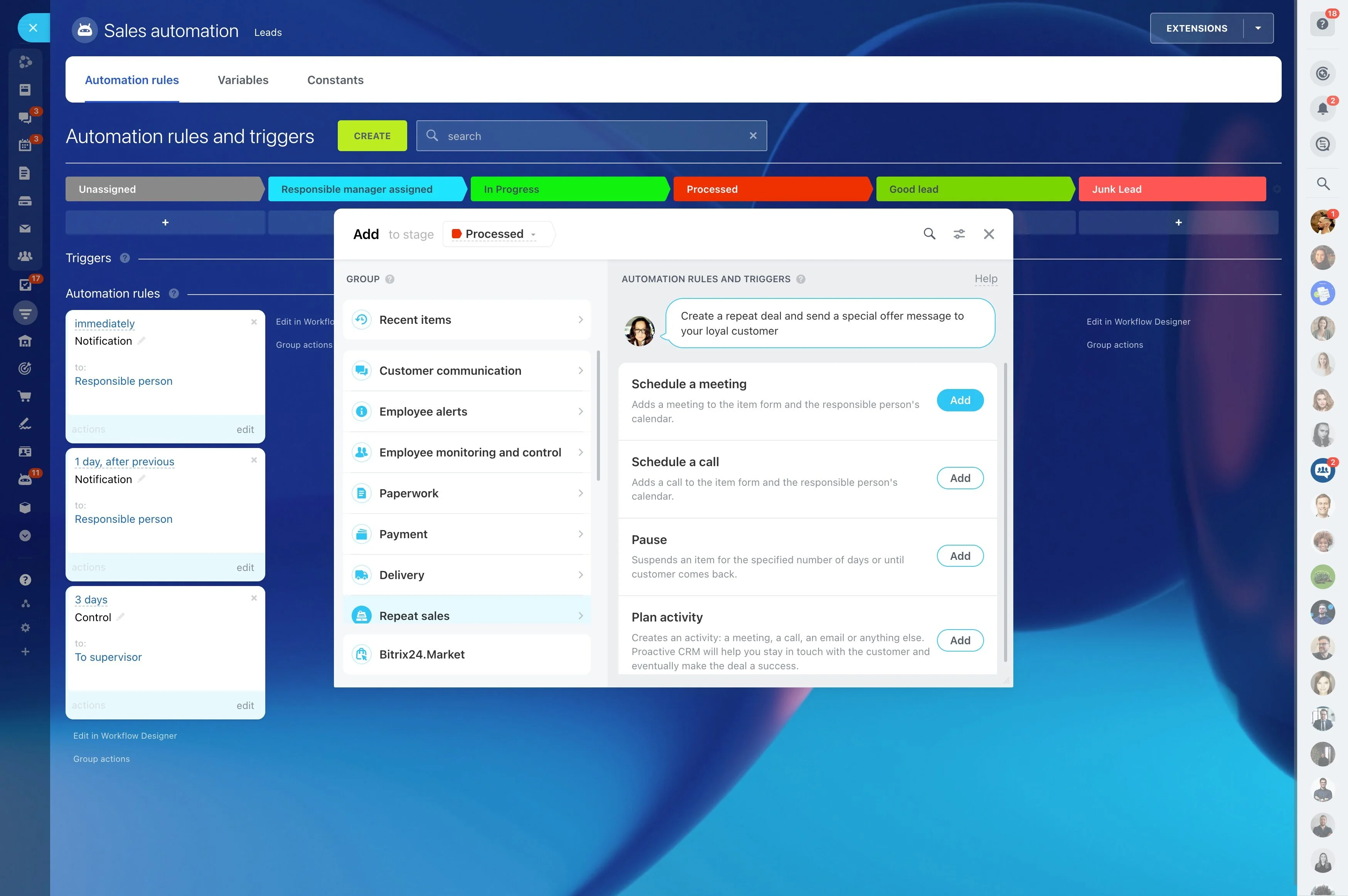
Renewals require more than a reminder on the lease end date. Before contacting the tenant or owner, review the property context, relationship history, and any open service matters that may affect the decision.
A planned process can identify upcoming leases, assign responsibility, record conversations, and move the agreement toward renewal or begin the next leasing step.
Example: inquiry through renewal
A prospect asks about an apartment, so a leasing specialist records the inquiry, links it to the property, qualifies the prospect, and follows up after a viewing. After the application and signing, the record continues as an active tenancy associated with the lease and property.
When the tenant submits a service request, the property manager assigns it and records updates in the same context. Before the lease ends, the team reviews the relationship, contacts the tenant and owner, and tracks either the renewal or the next leasing action.