Trigger → action → outcome (reactivation segment)
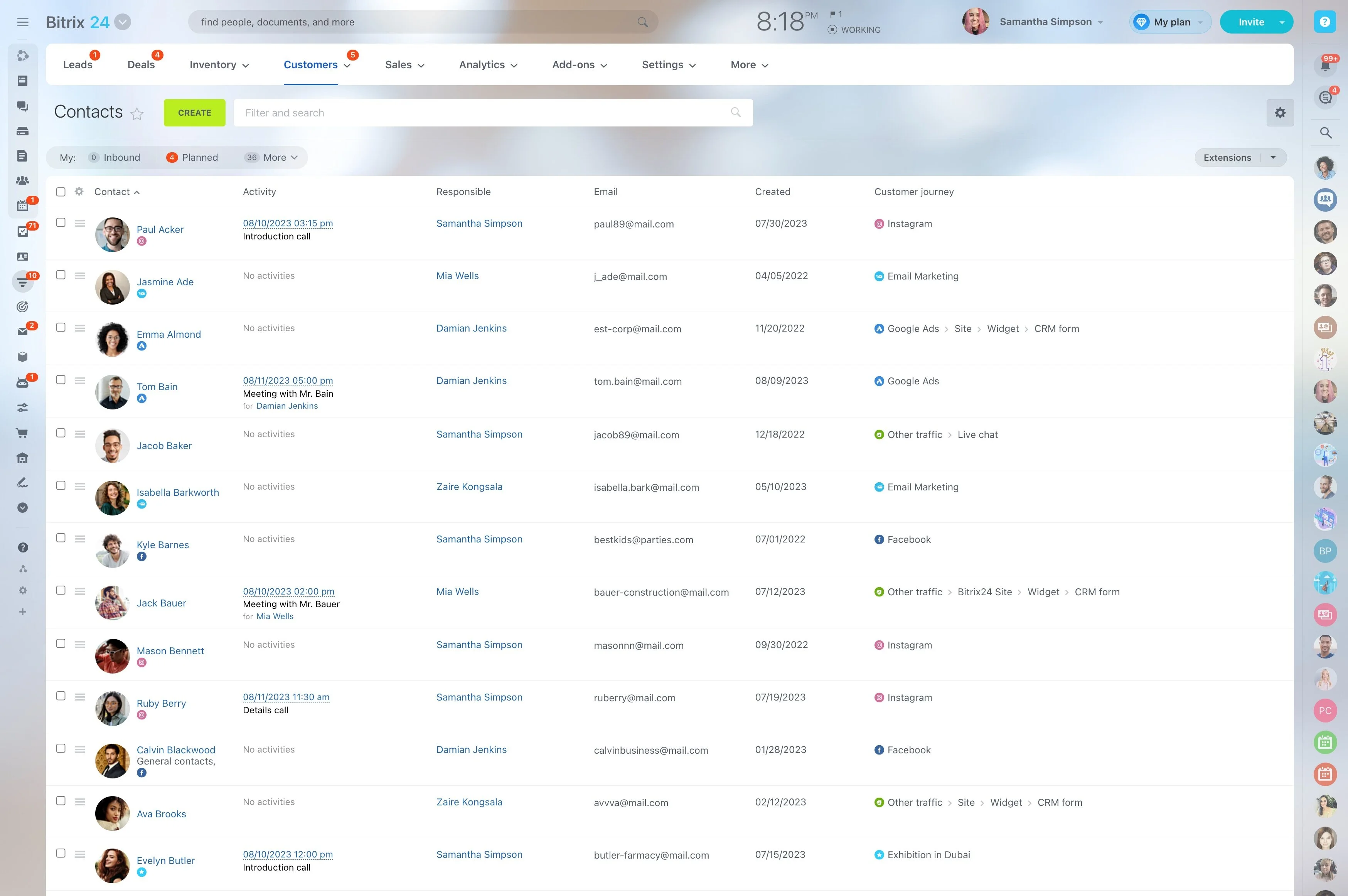
Targeted outreach only works when “the right audience” is defined in a way your team can repeat. That means grouping contacts by profile (industry, location, role), behavior (requests, purchases, replies), lifecycle stage (new, active, churn-risk), and sales value—then using those segments consistently in day-to-day sales and retention work.
Bitrix24 customer segmentation software starts with the CRM data your team already maintains on contacts, companies, and deals. Set clear criteria, turn the result into an actionable list for outreach, and measure outcomes by segment so you can refine the rules over time.
- Define segments you can reuse: profile, activity, stage, and value criteria
- Activate segments: assign owners and next steps for follow-up
- Validate targeting: compare responses and conversions by segment
What to look for when comparing tools
When evaluating customer segmentation software for small business or larger teams, focus on whether segmentation drives daily action—not just labels.
- Criteria flexibility: profile + behavior + stage + value in one model
- Activation: segments become assignable working lists
- Governance: permissions and field standards prevent drift
- Measurement: outcomes can be compared by segment
Reduce “segment drift” with field standards
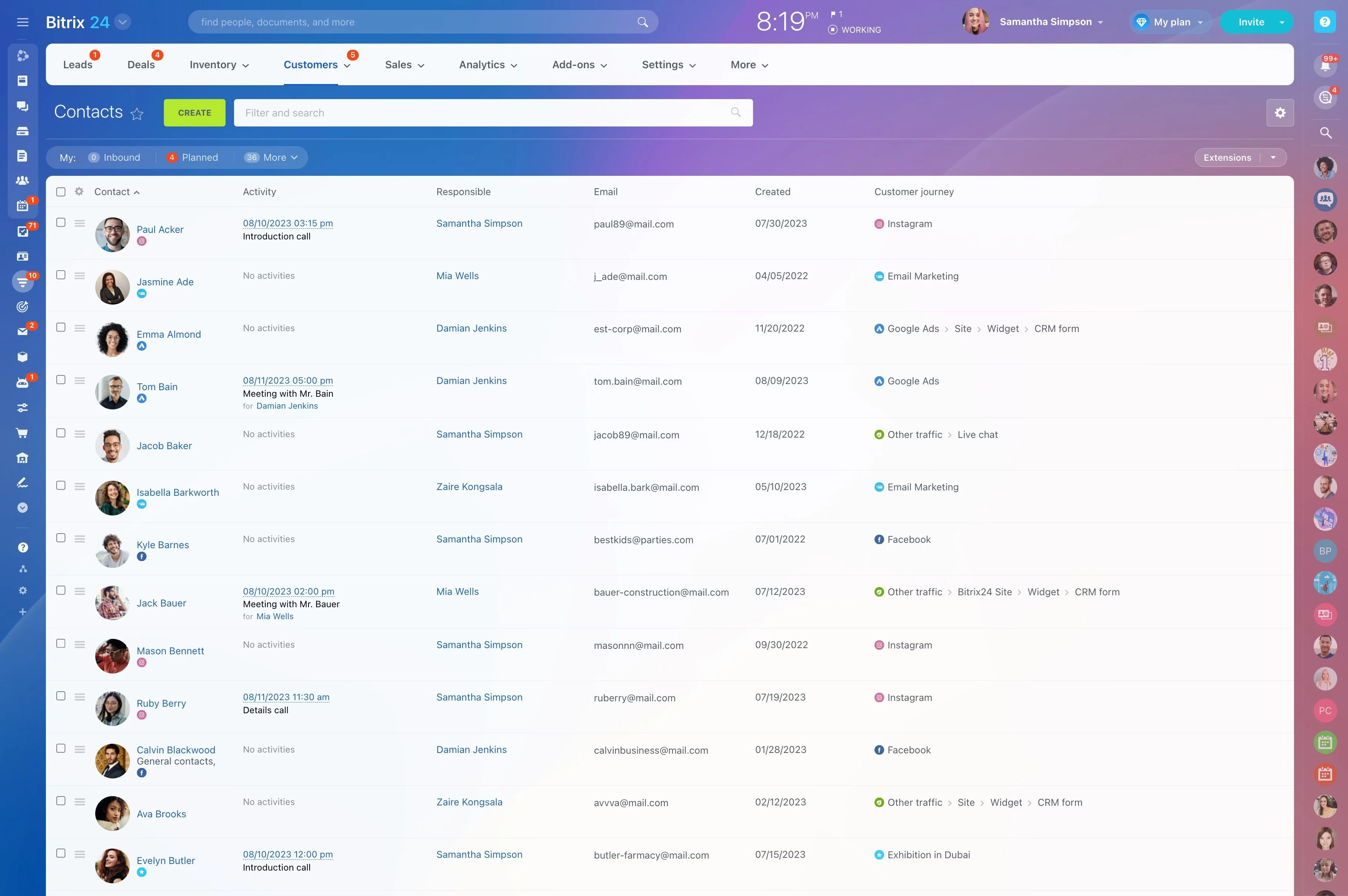
Online customer segmentation software is only as accurate as the data behind it. Keep segments stable by standardizing the fields that define them and agreeing on when they can change.
- Standard inputs: use picklists for key fields (e.g., industry) instead of free text.
- Lifecycle rules: define when a stage changes and who updates it.
- Hygiene checks: review outliers (missing fields, outdated statuses) and fix the source field, not the list.
Build segments from CRM fields you control
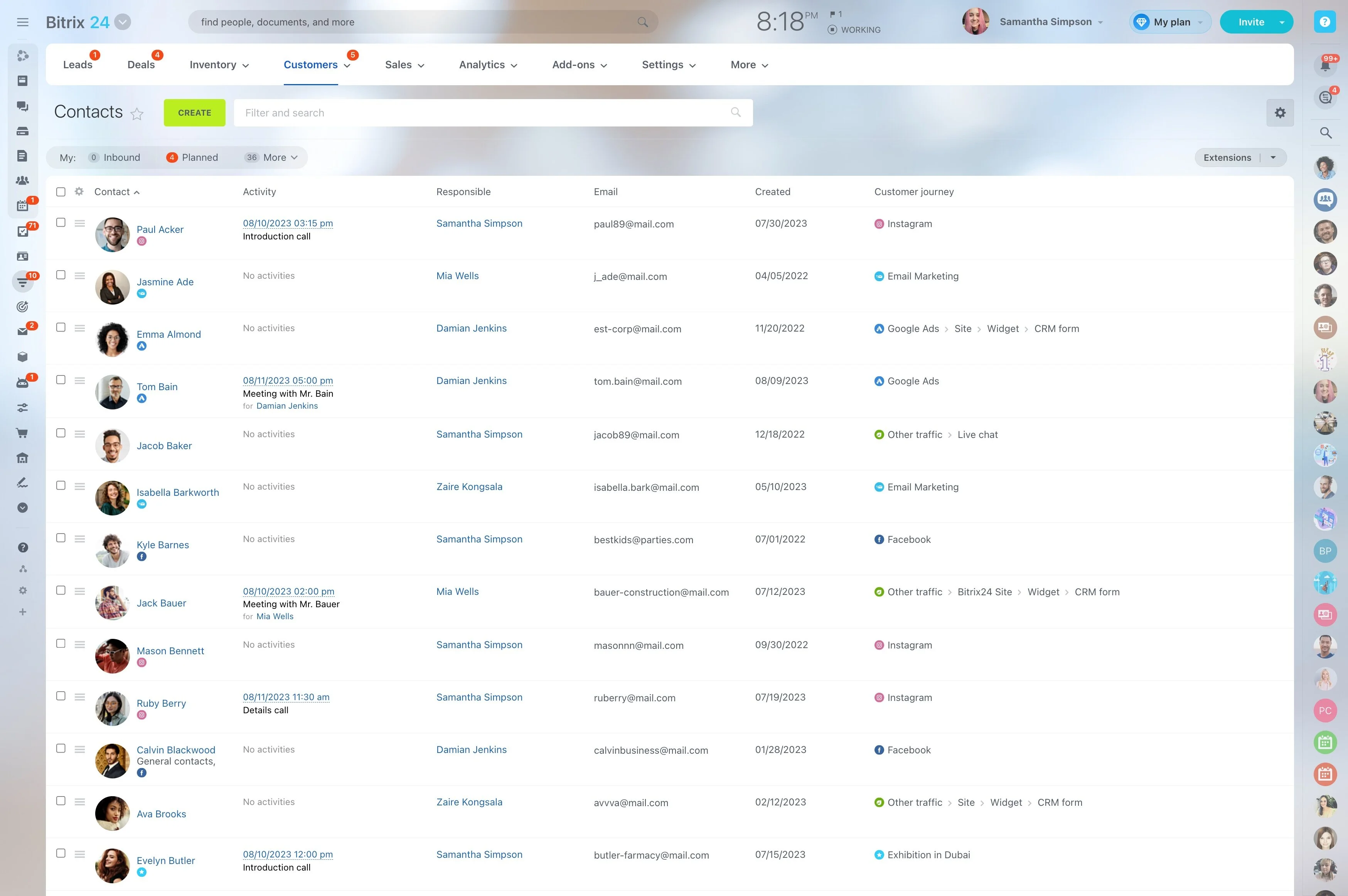
Segmentation is most reliable when it’s based on the fields your team actually uses in CRM. In Bitrix24, you can group contacts and companies using record data (and deal context) instead of maintaining separate lists.
- Profile: industry, location, role, account type, lead source
- Lifecycle: new vs. returning, active vs. inactive, stage-based groups
- Value: tier, deal size bands, revenue signals you track in CRM
- Behavior: interactions and activities recorded on the CRM timeline
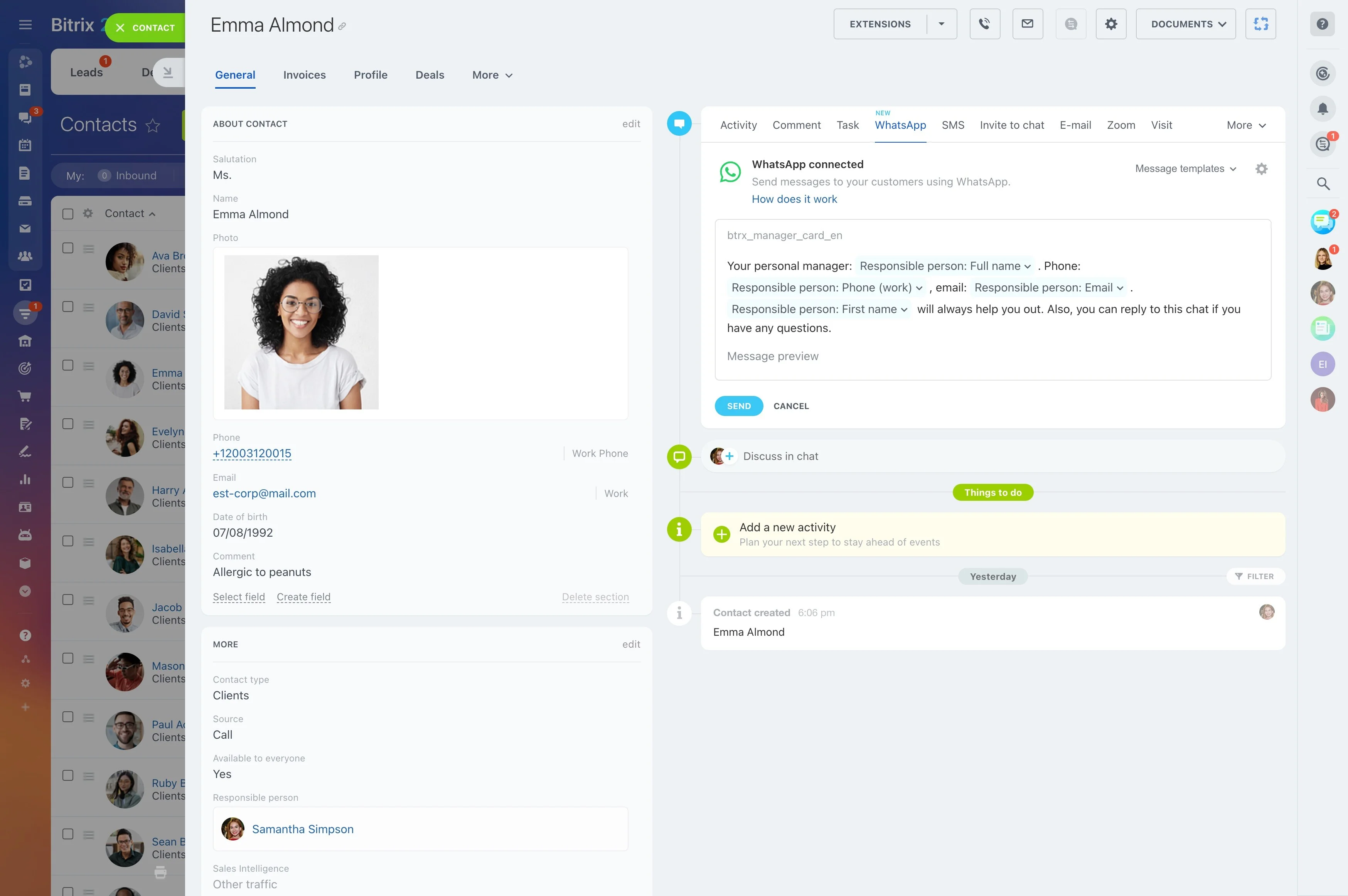
Trigger → action → outcome (reactivation segment)
Trigger: A customer hasn’t engaged in 60 days and previously purchased a mid-tier package.
Action: Create a “Reactivation — Mid-tier” segment from your criteria, assign an owner, and run outreach tailored to that group’s likely next step.
Outcome: Compare results for that segment (replies, meetings booked, reopened deals, repeat purchases) against other segments to confirm what’s working.
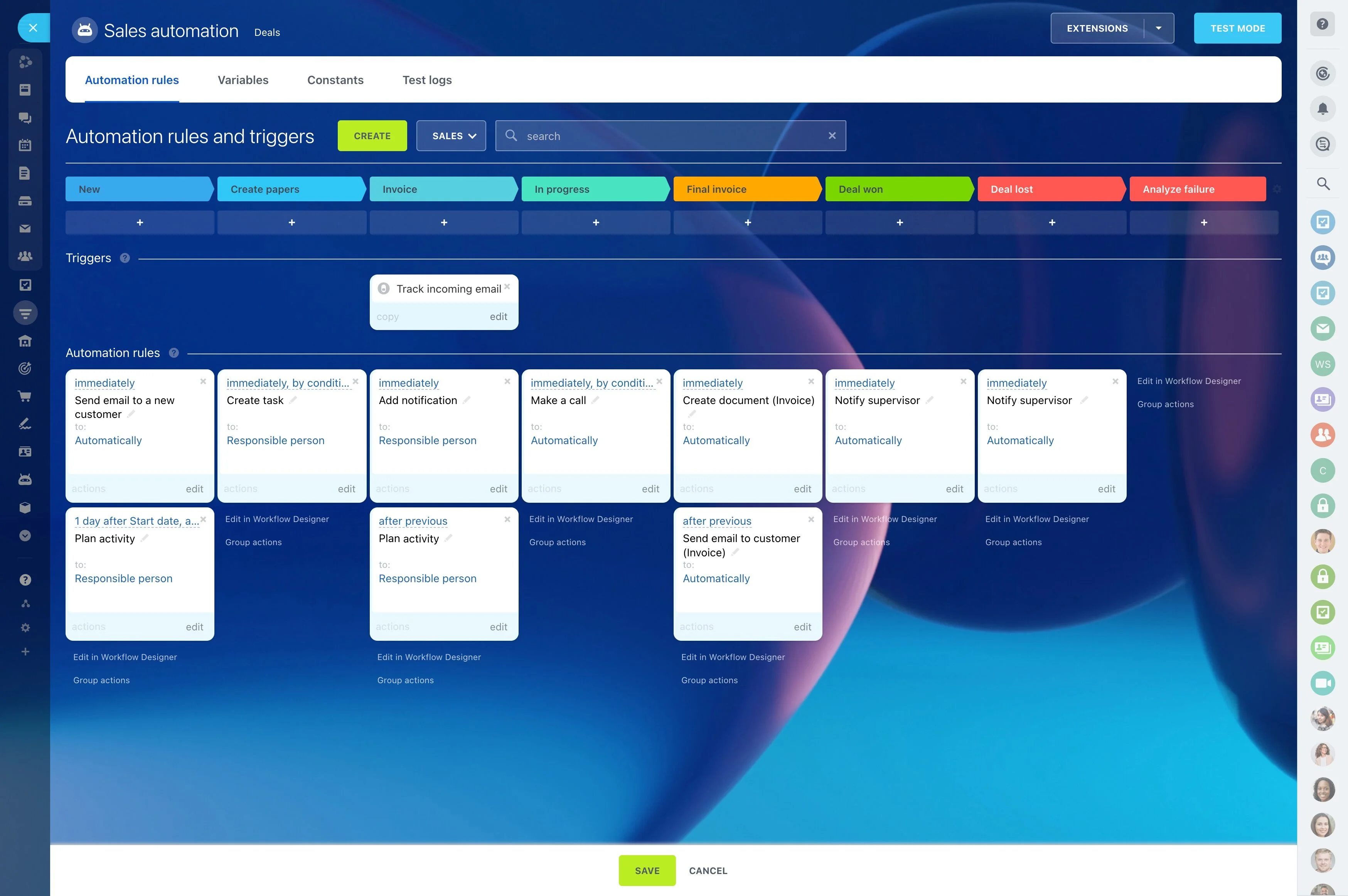
Segment by lifecycle stage, then route by owner
Segments become more actionable when they match how work is assigned. Start with lifecycle criteria (prospect, active customer, renewal, win-back), then filter by owner, team, or territory so every record has a clear next action.
- Separate outreach plays by lifecycle stage so messaging stays consistent.
- Use ownership filters to prevent duplicated contact and unclear handoffs.
- Keep segment rules stable so the same criteria produces the same list.
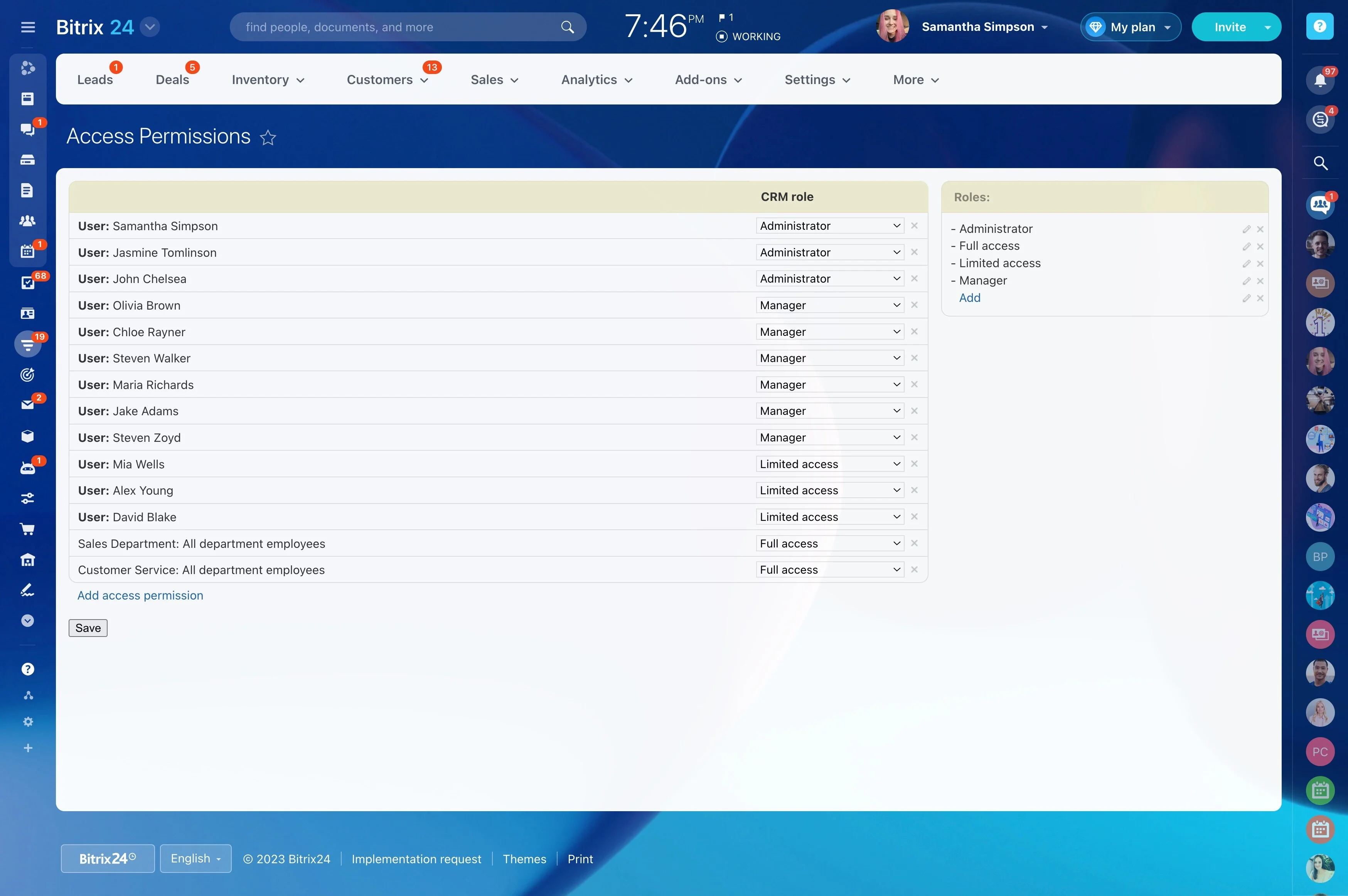
Permissions for sensitive segment criteria
Segmentation can surface sensitive details like value tiers, pipeline status, or account health. Use Bitrix24 CRM permissions to control who can view and edit the fields that drive segments—so teams can act on segments without exposing or changing data they shouldn’t.
- Edit segmentation fields
- Create and apply segment criteria
- Run outreach actions for a segment
- Access segment performance reporting
Reporting: prove what each segment responds to
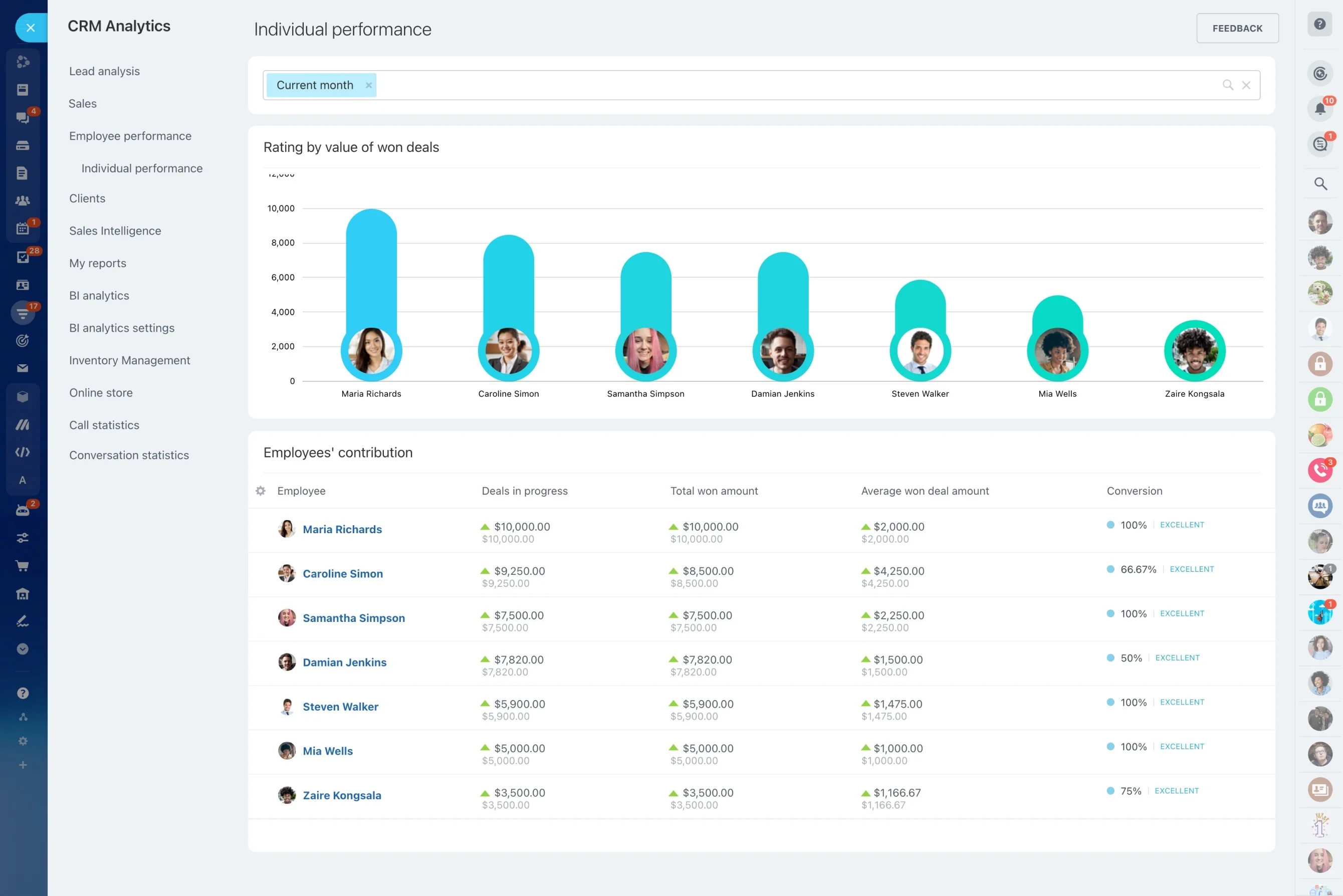
Segments are only useful if you can evaluate outcomes. Use CRM reporting to compare performance by segment so you can refine criteria and messaging based on results, not assumptions.
- Conversion differences across lifecycle segments
- Win rate and cycle time by value tier
- Pipeline contribution after segment-based outreach