Standardize stages and stage definitions across teams
Rolling out a new product line, territory, or sales team usually isn’t blocked by creating “a pipeline.” It’s blocked by getting the same stages, the same required deal data, and the same follow-up discipline applied consistently from day one.
Sales pipeline templates in Bitrix24 are designed for that rollout moment. You define the stages your deals must move through, set which fields are required at each checkpoint, and add automation rules and sales activities tied to stage changes—then reuse that structure whenever you launch a new pipeline.
- Standardize stages and stage definitions across teams
- Require the right data at the stage where it’s needed
- Automate stage-based actions so follow-up is built into the process
How templates support day-one CRM execution
A good template doesn’t just name stages—it sets the checkpoints that make deals workable. By pairing stage requirements with assigned ownership and stage-based activities, each new pipeline starts operational instead of “empty,” with the same baseline expectations for data capture and follow-through.
Template setup logic that avoids rework
Build templates from decision points in your sales cycle: what must be true at each stage, and what should happen next to move the deal forward.
- Define stages around external milestones (qualification, proposal, negotiation)
- Set stage-based required fields so data appears when it’s needed
- Add minimum follow-up activities so every deal gets the same baseline execution
- Update automation rules when you introduce new approvals or handoffs
What a pipeline template standardizes
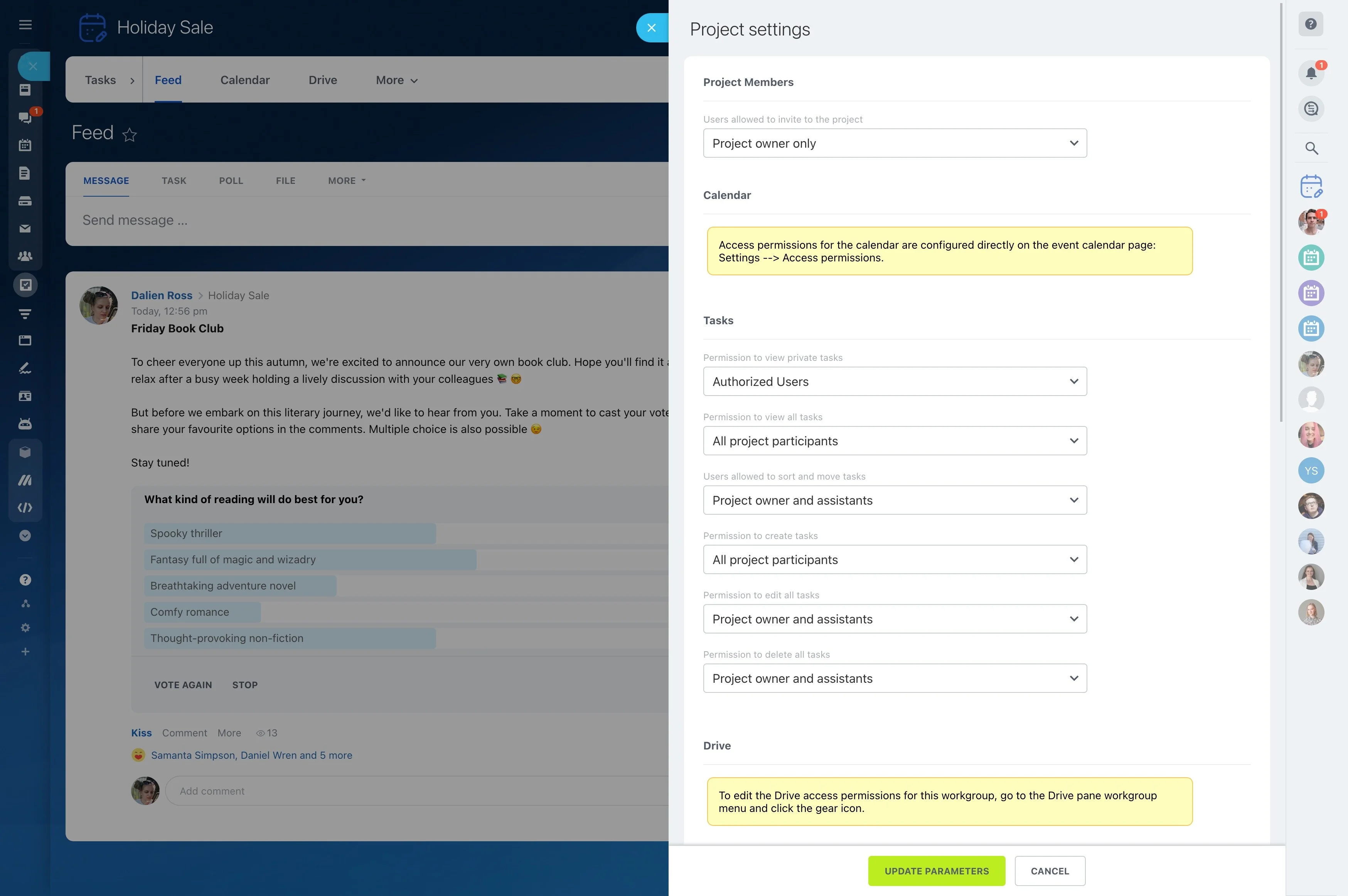
A pipeline template sets the default operating rules for a specific sales motion, so every new pipeline starts with the same structure and expectations.
- Stages: the milestones deals must pass to reach a close
- Fields: required data for forecasting, handoffs, and approvals
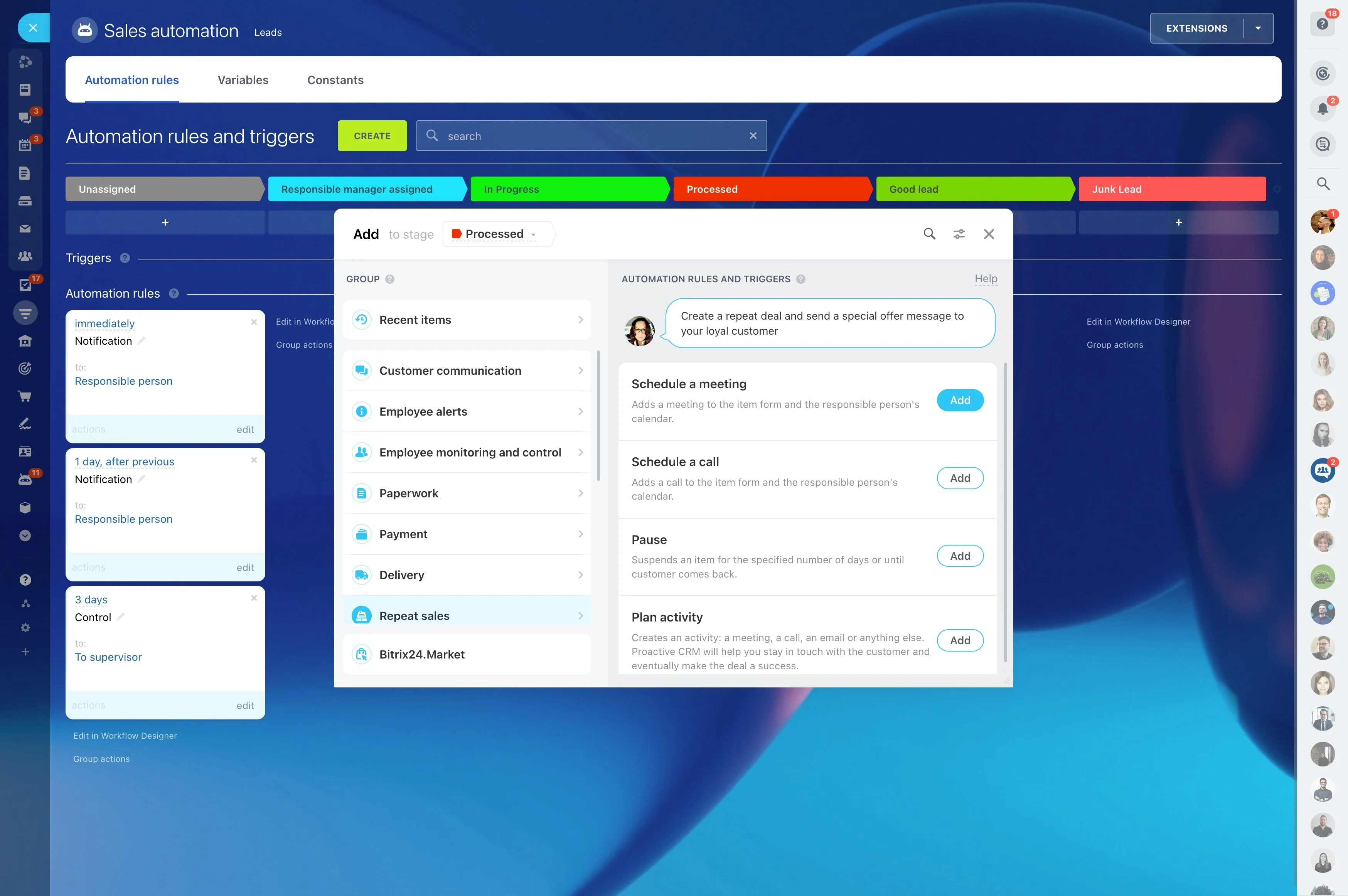
- Automation and activities: actions that run when a deal changes stage or meets a condition
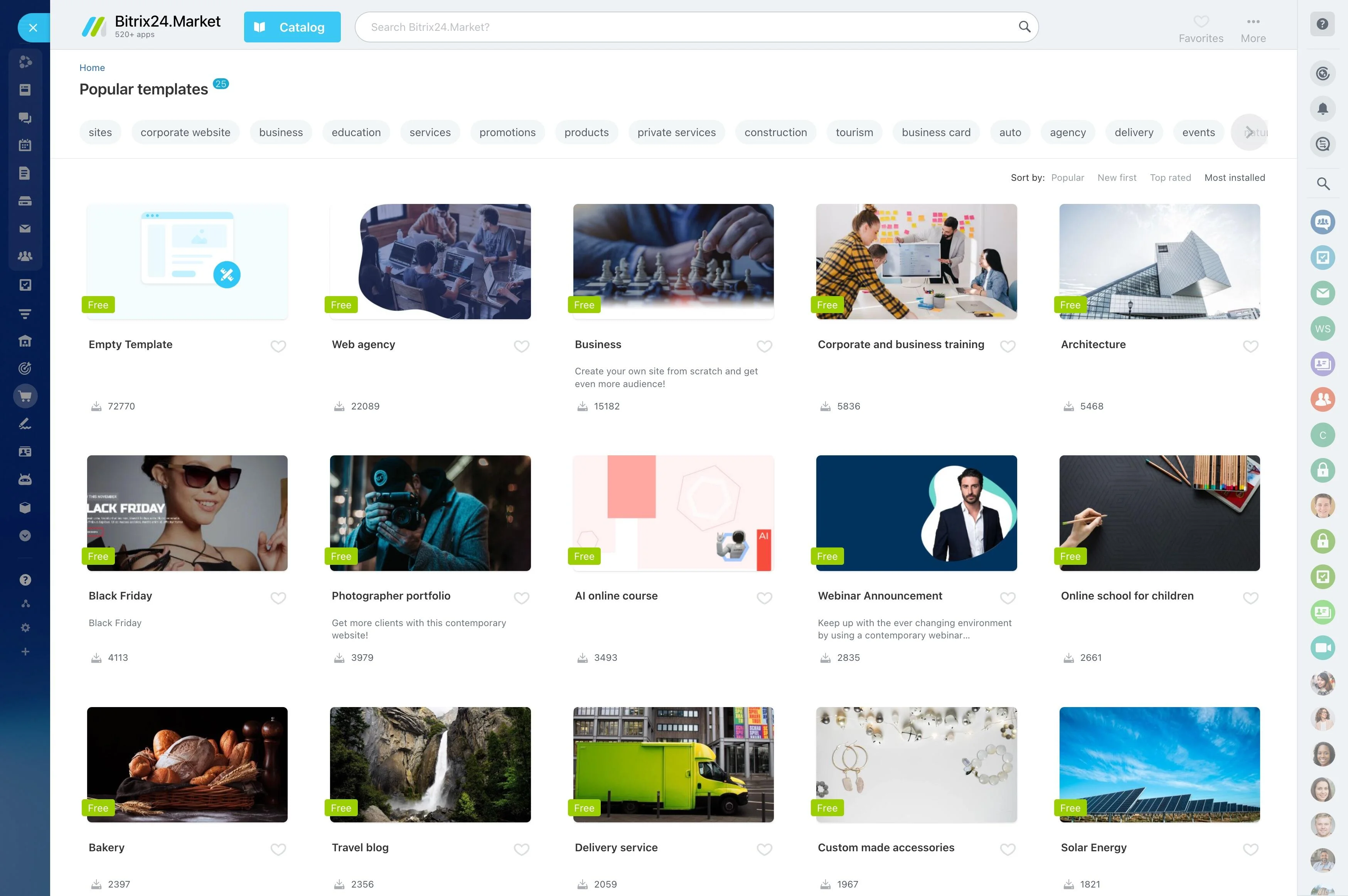
Roll out repeatable pipelines by region or product
Use a template when the process should stay the same across multiple pipelines—different regions, teams, products, or channels. Start from the proven stage model, then adjust only what truly differs (stage labels, required fields, or approval steps).
This reduces process drift and keeps new pipelines aligned with how you want deals qualified, progressed, and closed.
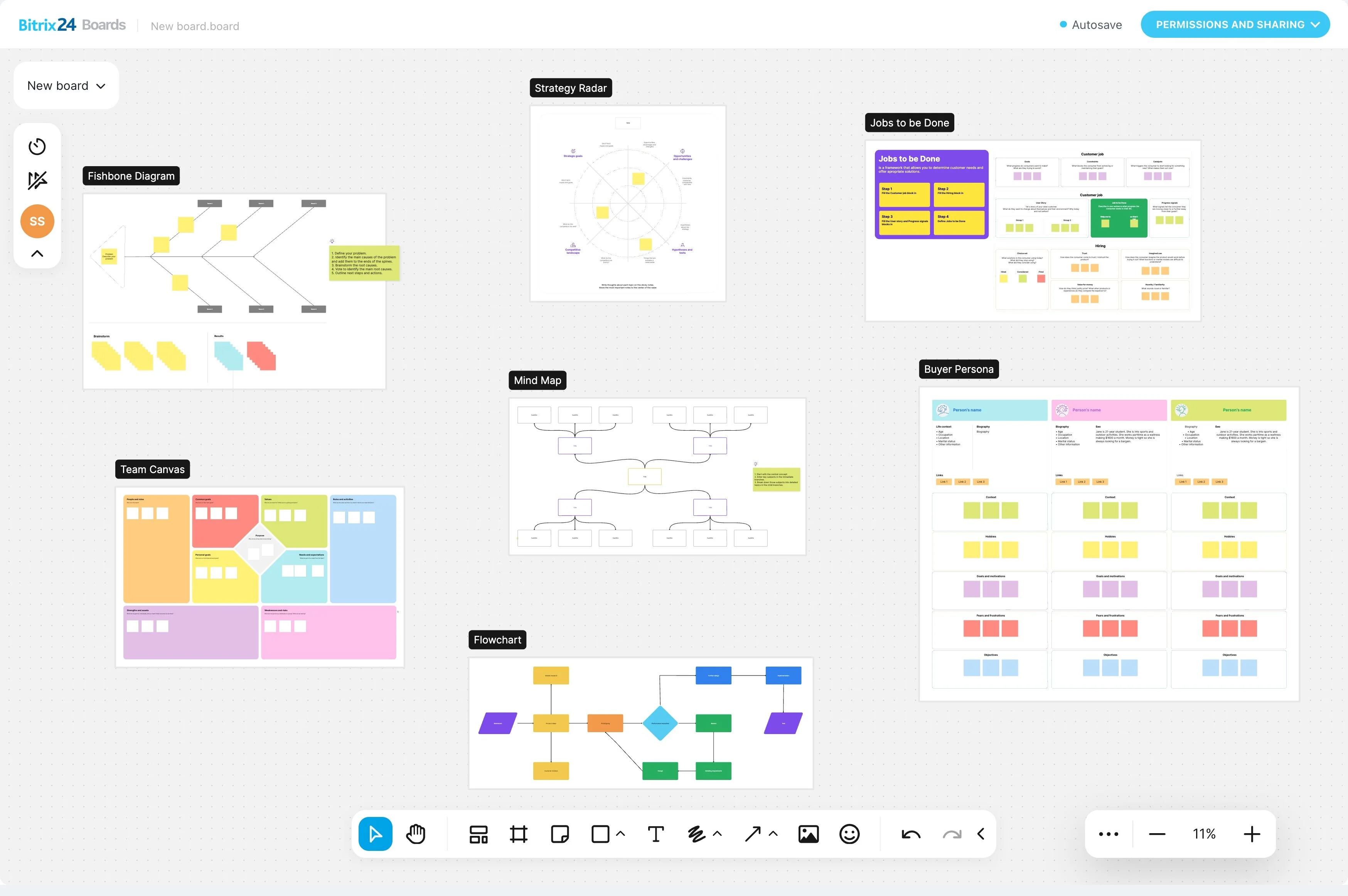
Trigger → CRM action → outcome example
Trigger: A deal enters the “Proposal sent” stage.
CRM action: Create a follow-up activity for the owner and require key fields (for example, expected close date and proposal value) before the deal can move forward.
Measurable outcome: Forecasting reports reflect complete data at the proposal checkpoint, and managers can see whether follow-ups are being completed without manually checking each deal.
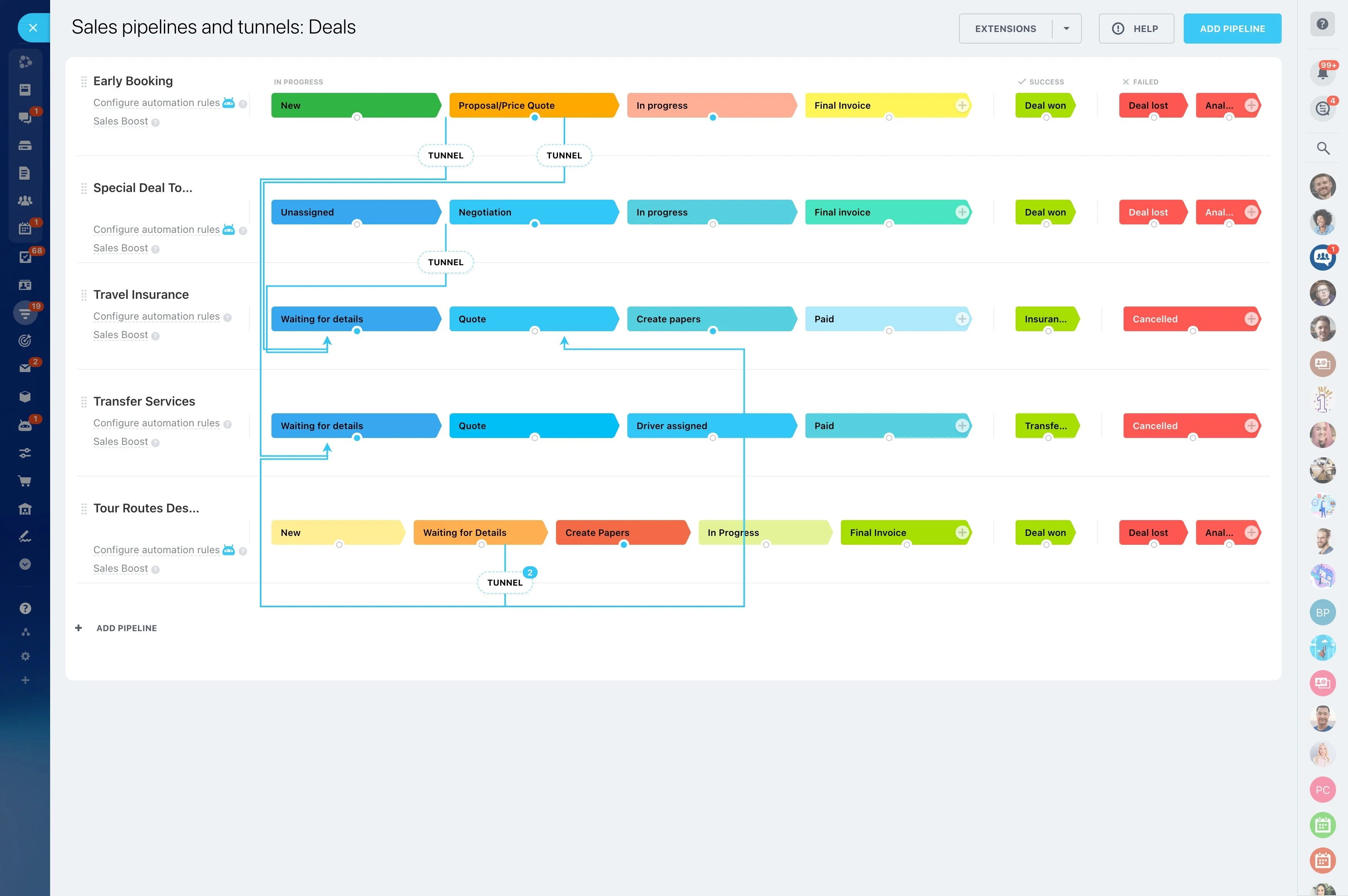
Permissions for consistent pipeline governance
Templates only stay reliable when changes are controlled. Restrict who can edit stage structure, required fields, and automation rules so pipeline behavior and reporting don’t change unexpectedly.
That keeps reps focused on execution while managers refine the template intentionally based on results.
Comparable reporting across templated pipelines
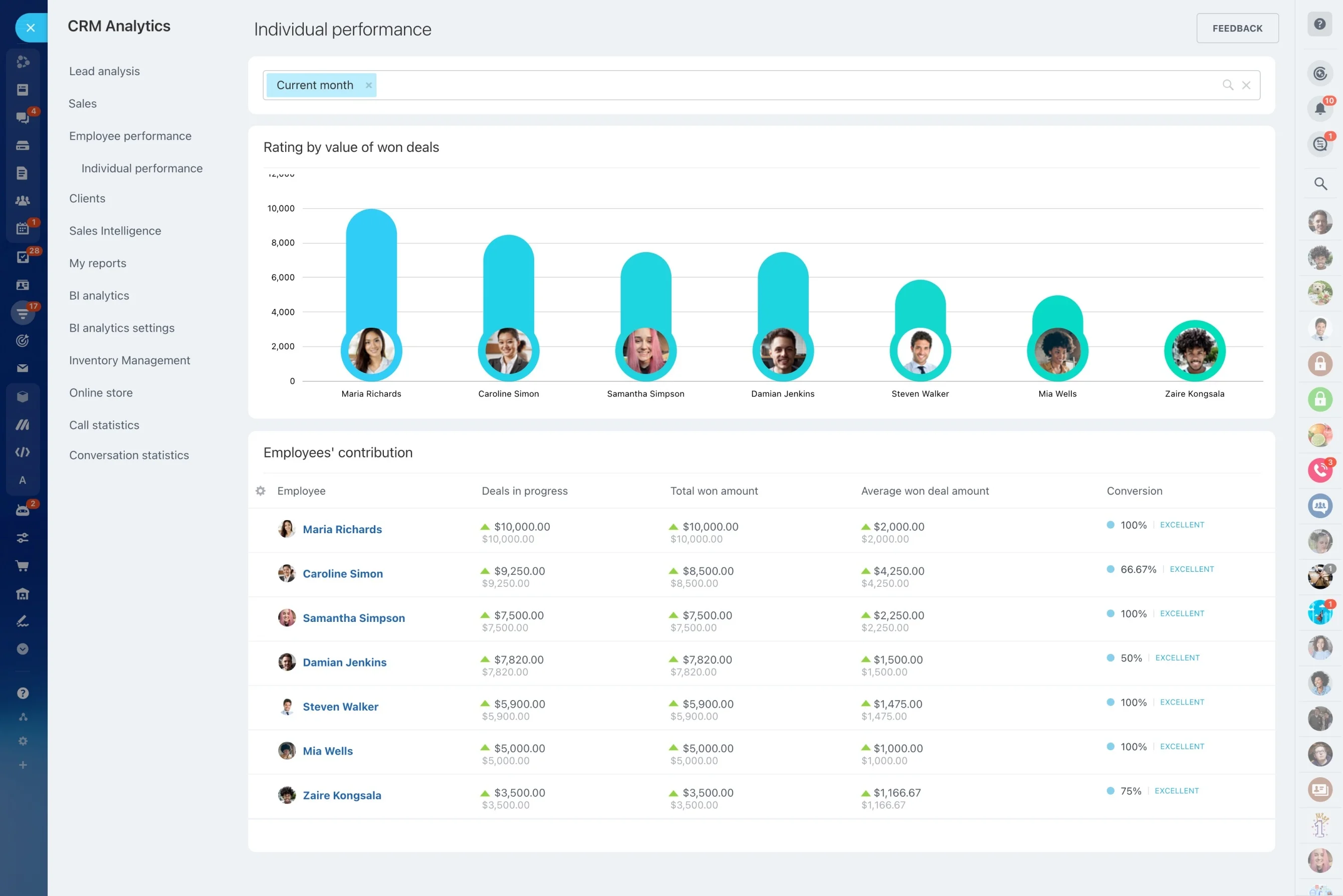
When pipelines share the same stage logic, performance comparisons become meaningful. Review conversion and cycle time by stage, pinpoint where deals stall, and check whether required actions are improving progression.
Consistent stage names and definitions also make pipeline reviews repeatable across teams and time periods.