Build a clear appointment pipeline
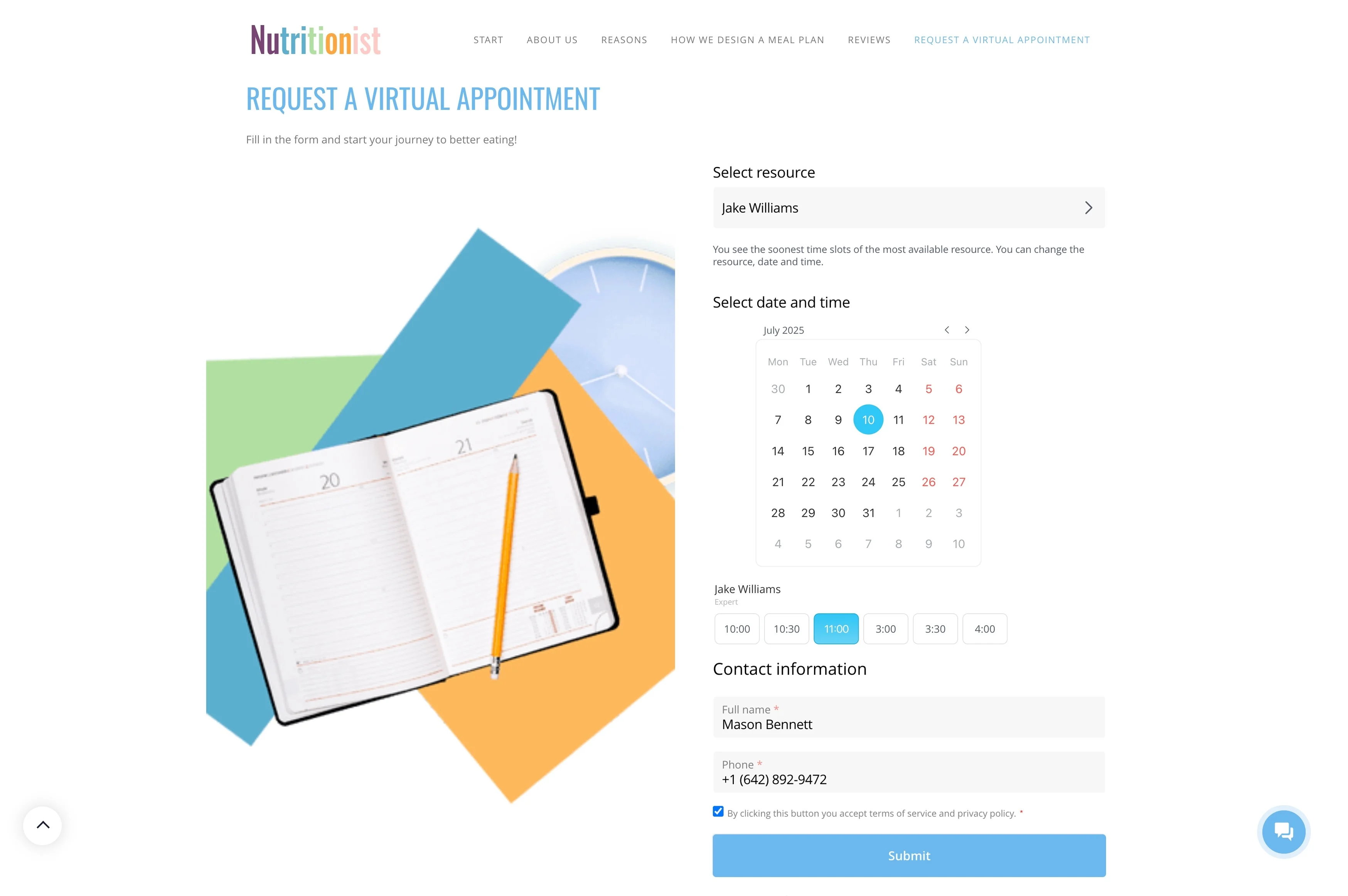
In a spa or salon, a “booking” is more than a time slot. It’s a service choice, a specialist’s availability, client preferences, and a set of follow-ups that protect your schedule and increase repeat visits.
With Bitrix24, each appointment can be handled as a CRM record that moves through stages such as request, confirmation, check-in, and completion. As the booking progresses, you can assign an owner, capture what happened during the visit, and automatically create the next action—client reminders, internal prep tasks, and post-visit outreach—so the experience stays consistent no matter who’s working the front desk.
- Keep client history, notes, and preferences attached to each booking
- Coordinate staff ownership and preparation steps around appointments
- Trigger reminders and rebooking follow-ups from the booking stage
Keep daily workload focused on next actions
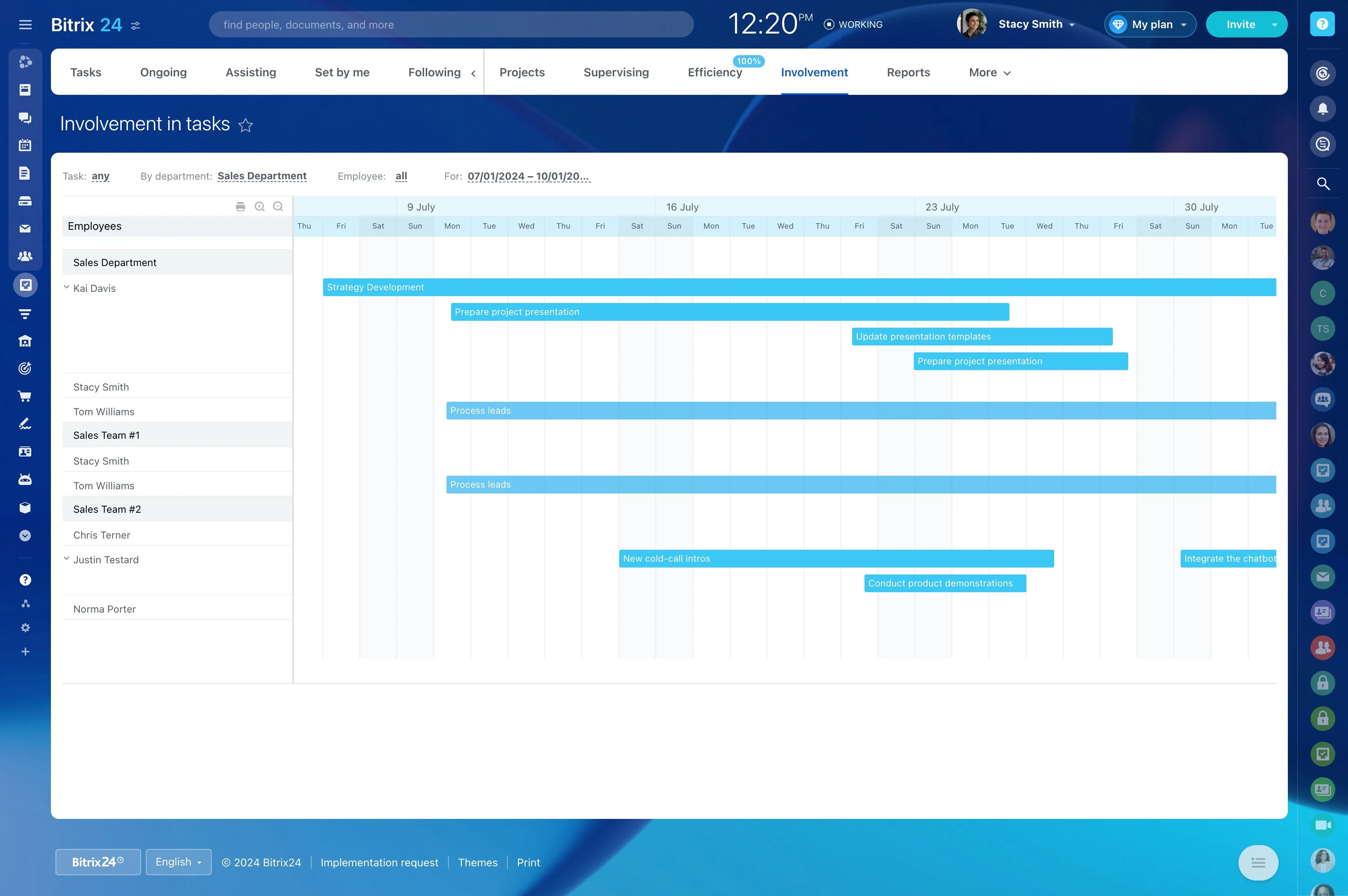
A stage-based booking flow makes today’s priorities visible: requests waiting for confirmation, upcoming appointments needing prep, overdue follow-ups, and clients due for a return visit. Instead of relying on memory, the team works from a clear list of next steps tied to each booking.
Trigger confirmations and reminders by stage
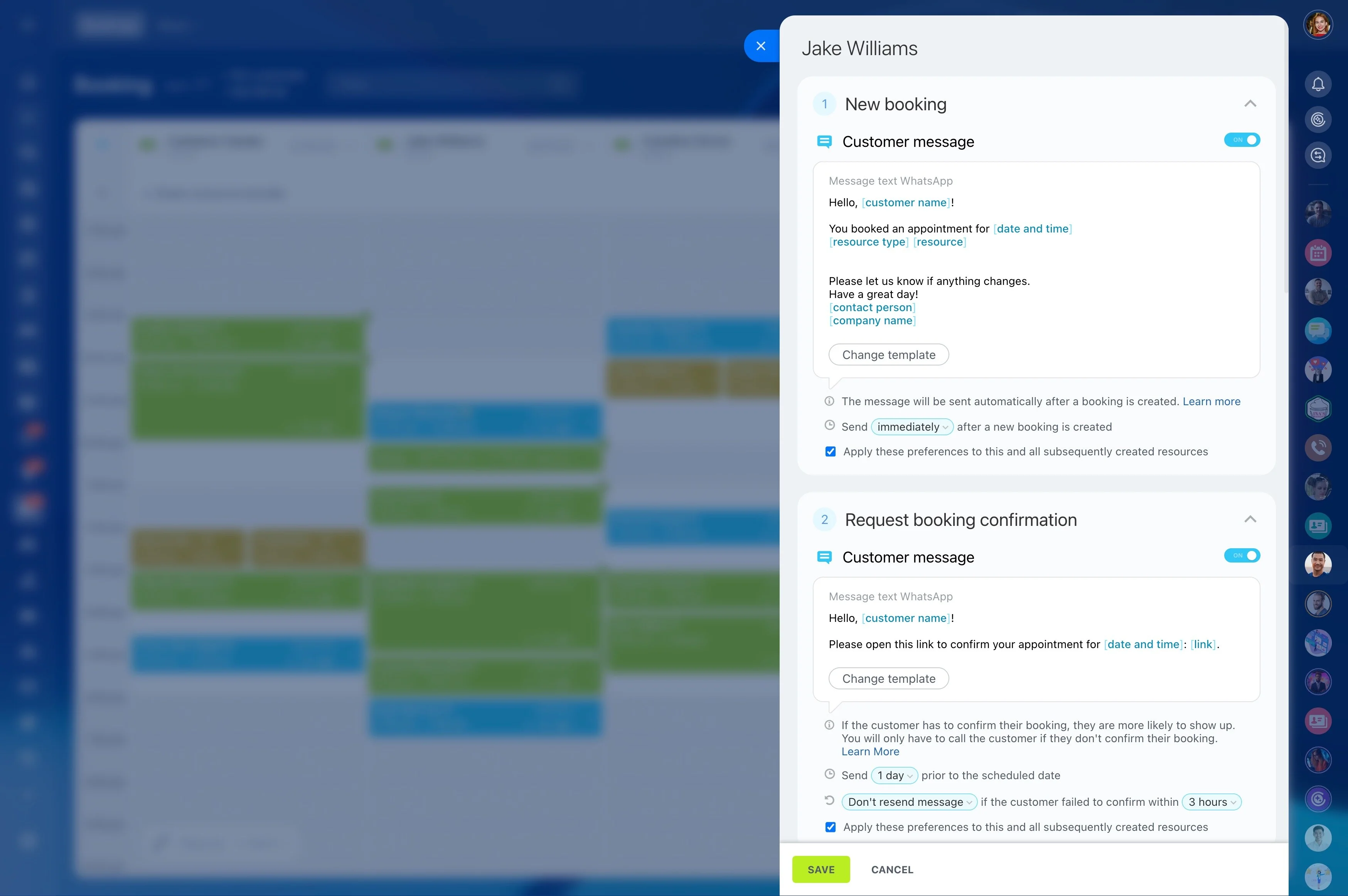
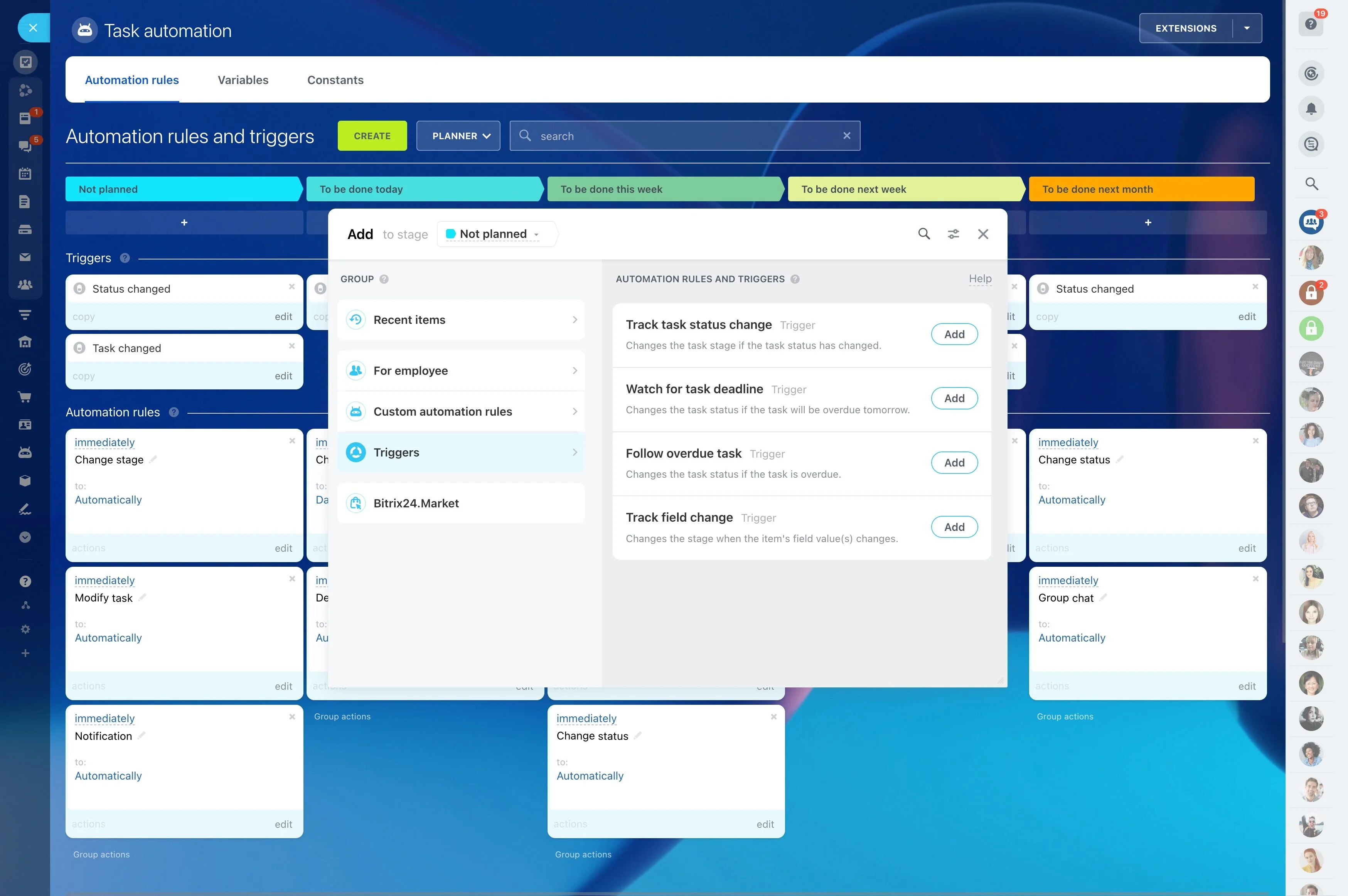
Use automation around booking stages to reduce avoidable gaps. When an appointment is confirmed or approaching, the workflow can trigger a reminder to the client and create internal tasks for staff when a manual touch is needed (such as re-confirming a high-value booking).
Build a clear appointment pipeline
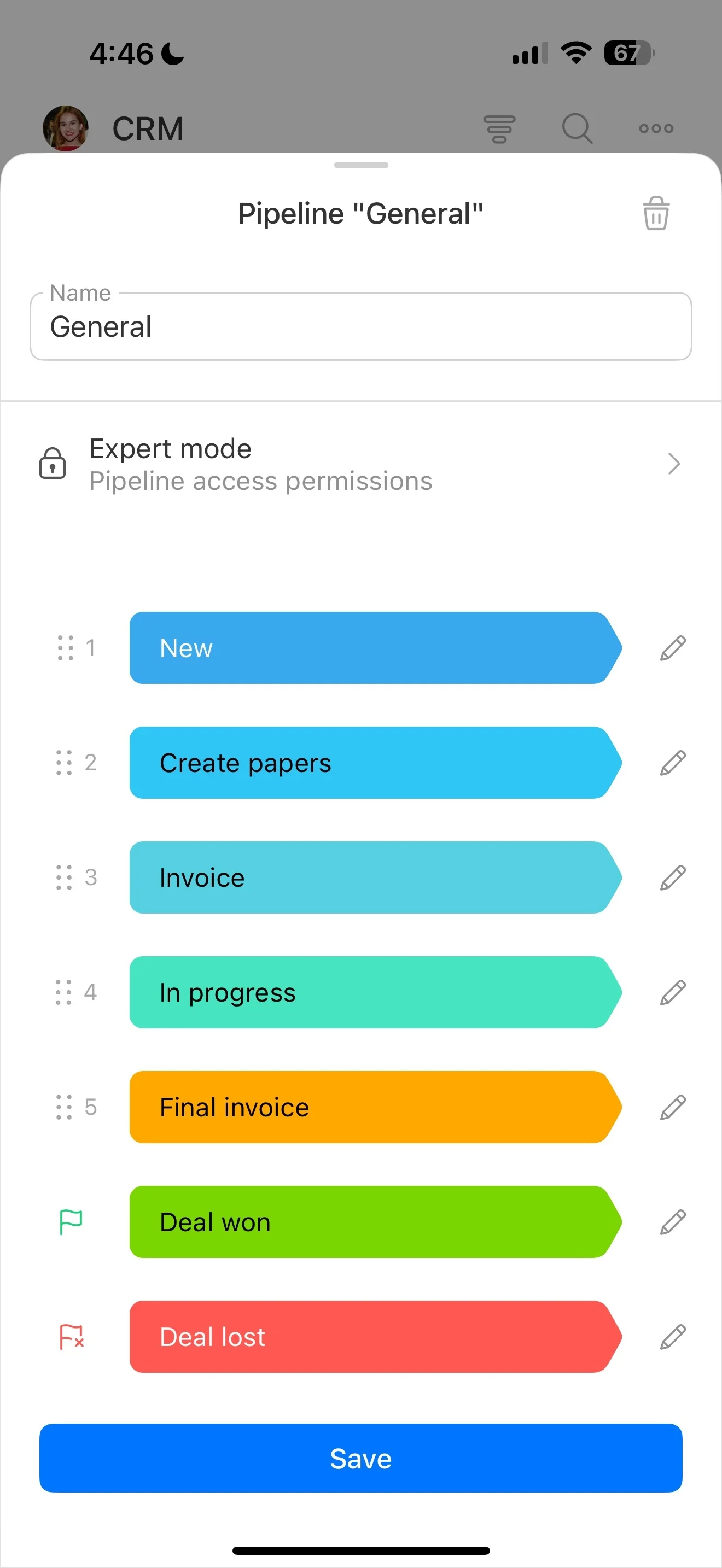
Create a dedicated CRM pipeline for bookings so every appointment follows the same path from inquiry to completion. Front desk staff can update the record as details change, and specialists can add notes as the visit happens.
- New request
- Consultation / service selection
- Confirmed
- Checked in
- Completed
- No-show / canceled
Assign owners and coordinate staff schedules
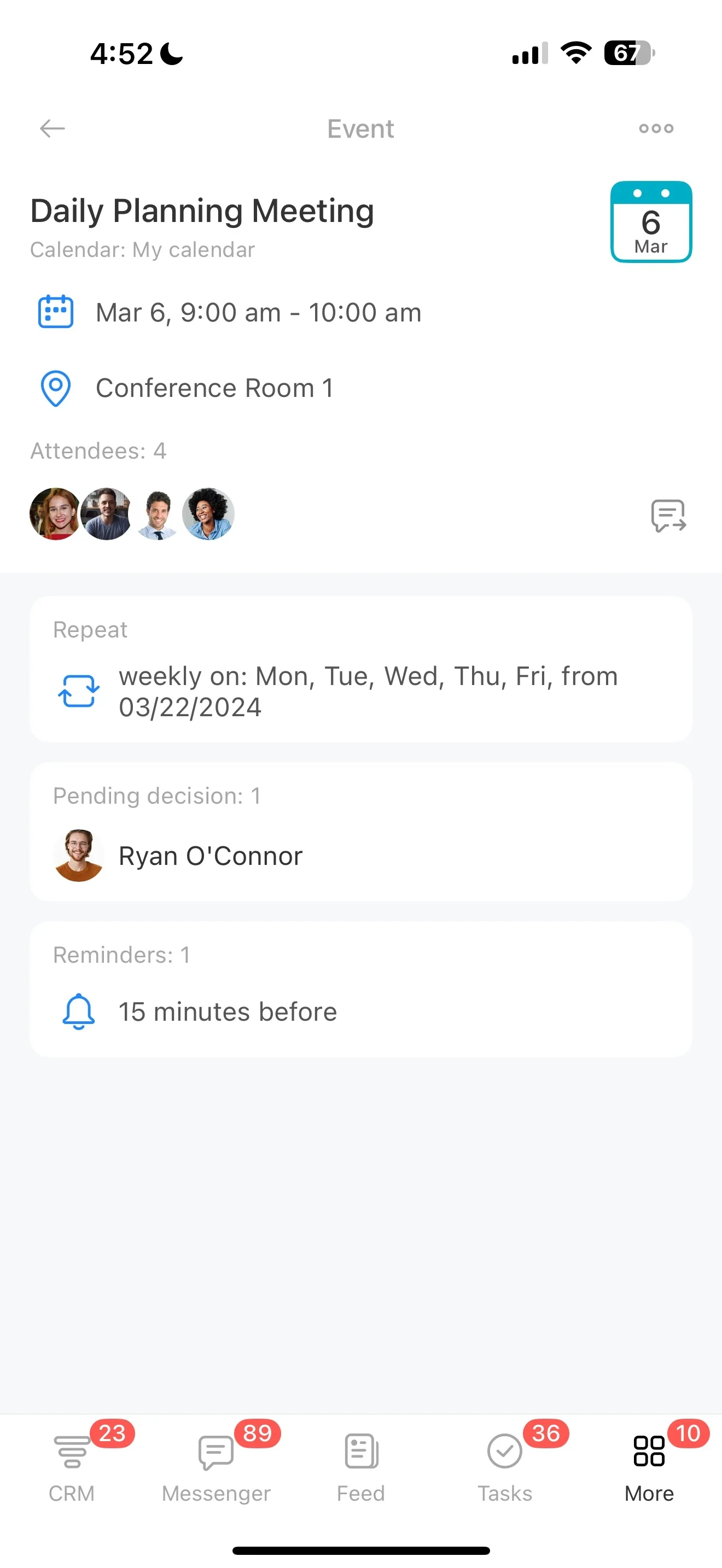
Give each booking an owner to confirm details, manage changes, and keep the appointment on track. Use tasks for handoffs and preparation steps (front desk → specialist → manager) so rooms, products, and add-ons are ready before the client arrives.
Capture client history and preferences at check-in
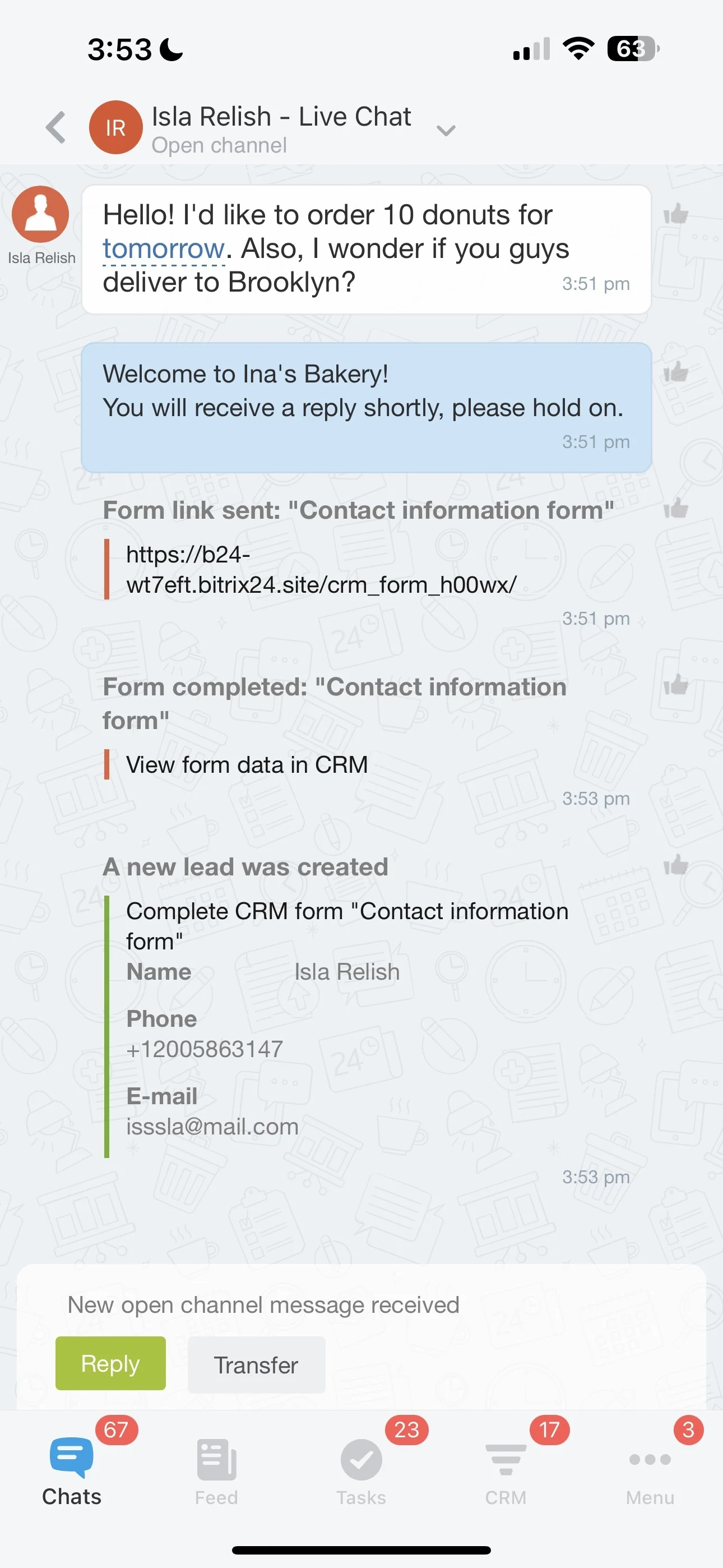
Keep the client record practical: contact details, preferences, and notes from previous visits. Before the service starts, staff can review what the client received last time and any important context, then document outcomes to make the next visit easier to personalize.
Standardize post-visit follow-ups
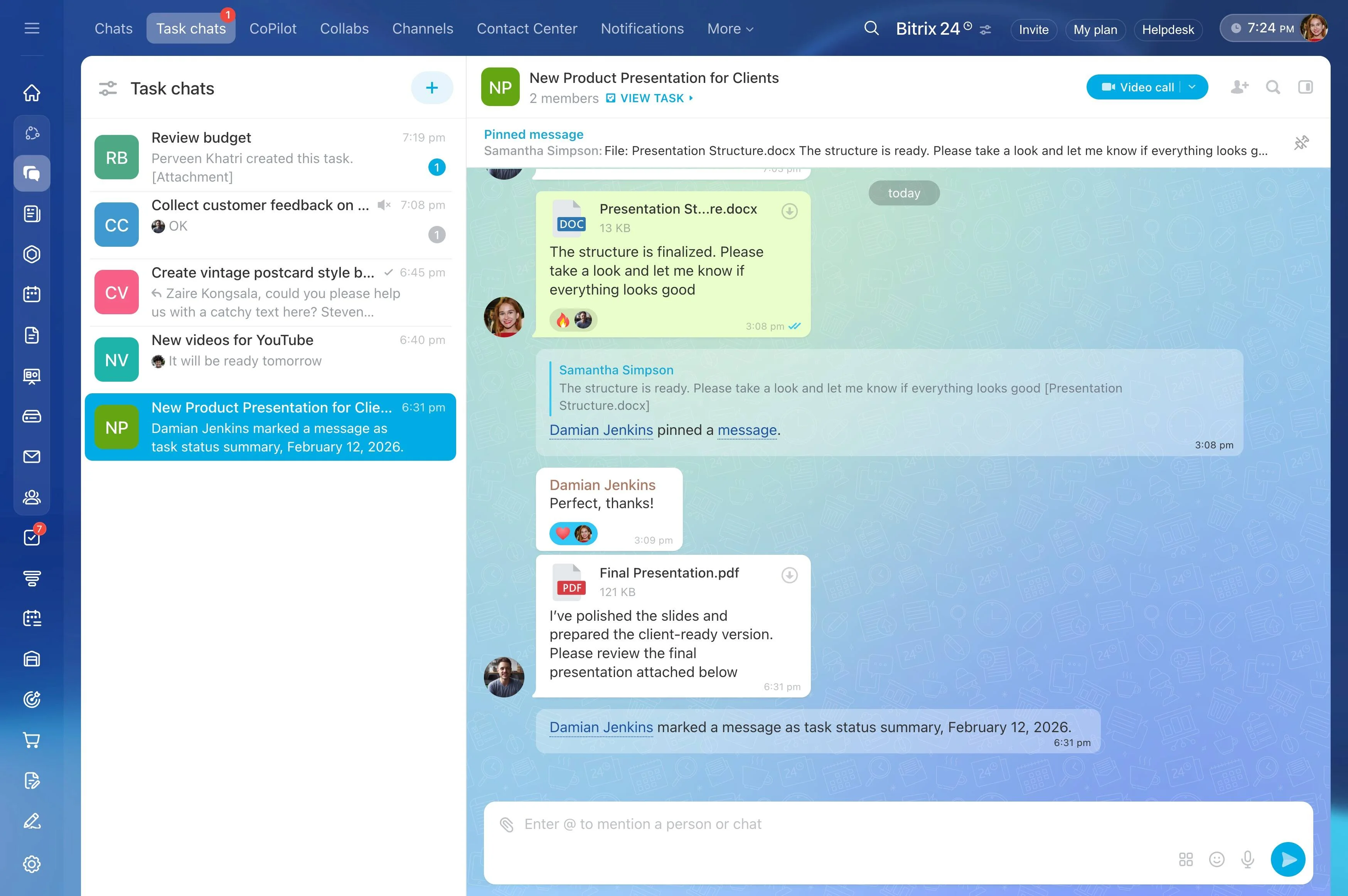
After completion, keep follow-up consistent: thank-you messages, care instructions, and a defined next step toward rebooking. Stage-based actions can create a front desk task to propose the next service window or schedule a check-in message after a set period.
Segment repeat-visit outreach from booking data
Target rebooking messages based on what you already know—service type, last visit date, and client status (new vs. regular). This lets you run outreach at the right cadence and track responses against the same records your team uses for daily scheduling.