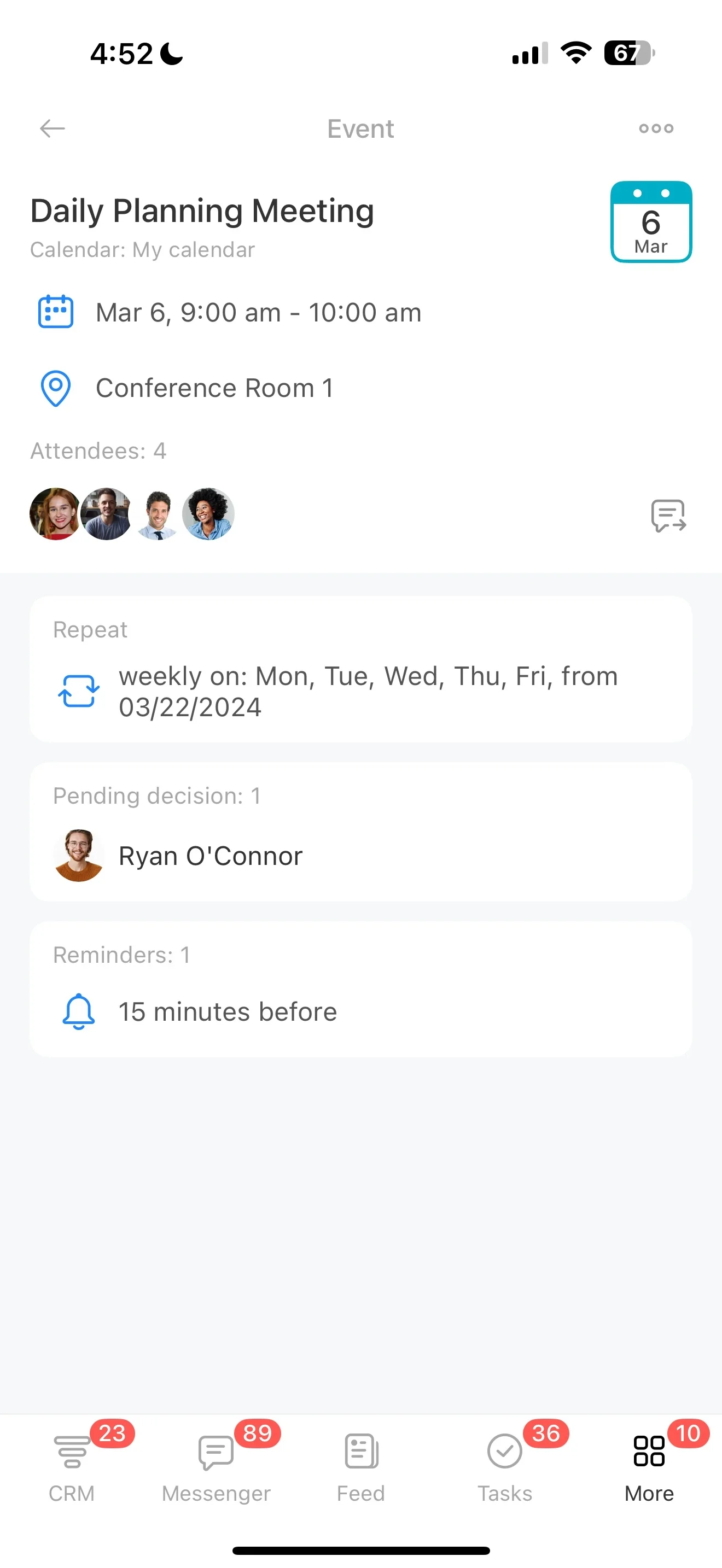
Log updates and changes against the job
Landscaping work is a mix of quick-turn estimates, scheduled crew time, weather-driven changes, and repeat services that come back every season. The challenge isn’t just winning the job—it’s keeping the quoted scope, customer approvals, and delivery details connected from the first call through completion.
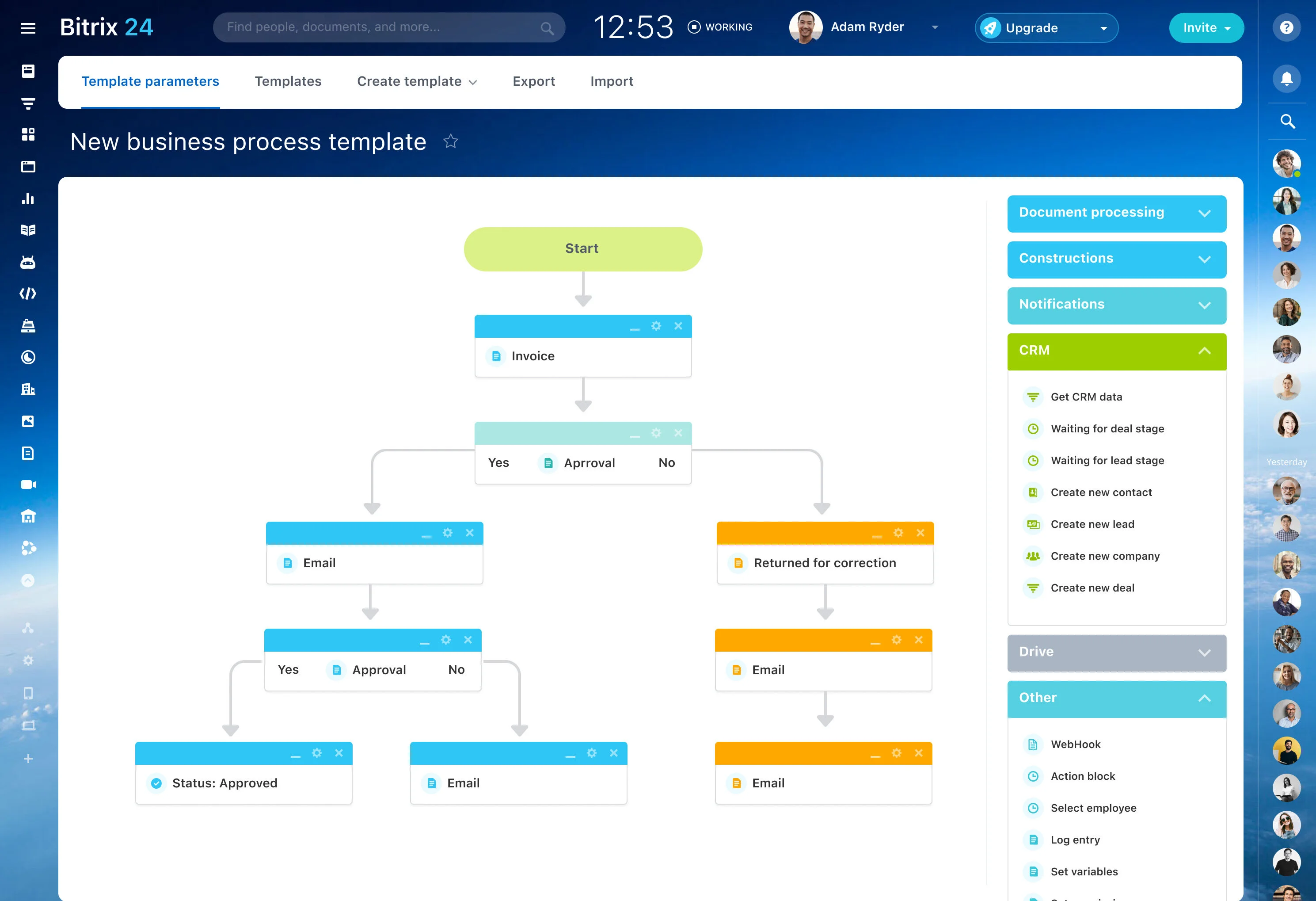
This page walks through how a CRM for landscaping businesses can fit a real workflow: log an inquiry by property, schedule a site visit, build and revise an estimate, hand off approved work to a crew, and keep every update tied to the same record. In Bitrix24, you can structure your pipeline and job handoffs around how landscaping work actually runs—so the office, estimator, and crew lead are working from one source of truth.
- Track inquiries, site visits, and estimates by property
- Manage one-time installs and recurring maintenance in one workflow
- Keep customer decisions and crew handoffs tied to the job record
Scenario: cleanup request to recurring maintenance
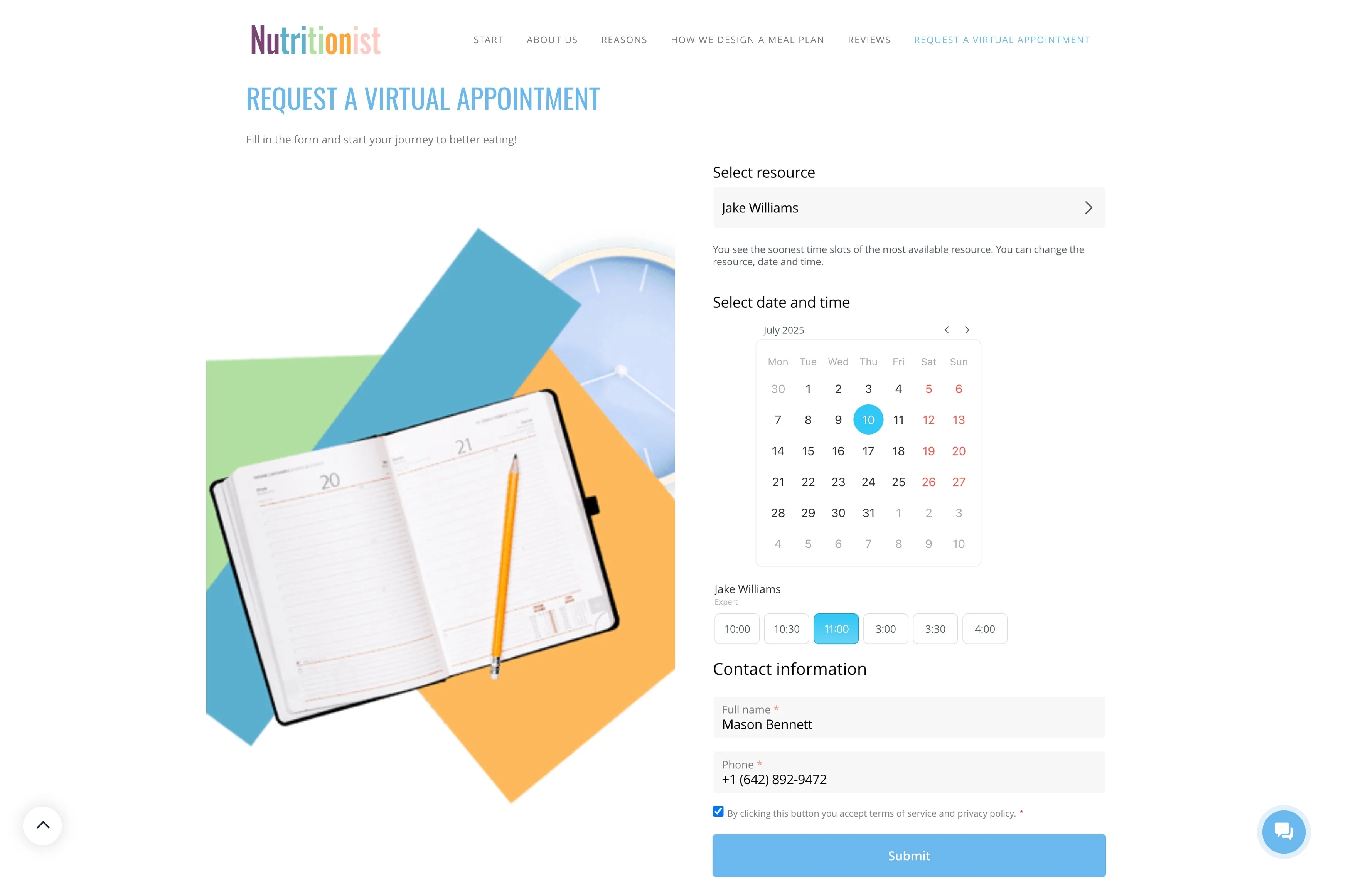
A homeowner requests a yard cleanup and mulch refresh at a specific address. The office logs the inquiry, schedules a site visit, and captures photos plus notes about beds, debris removal, and access.
After the walkthrough, the estimator sends an estimate for cleanup, mulch, and edging. The customer asks to add pruning, so the estimate is revised and approved. The job is scheduled, assigned to a crew, and delivered against the approved scope stored on the record. After completion, the office follows up and proposes a recurring plan for mowing and seasonal cleanups, keeping every future visit tied to the same property history.
Hand off approved work to the crew lead
Once approved, the job needs a clean transition from estimating to delivery. Assign a crew, schedule the visit, and make the definition of “done” explicit—scope, materials, equipment needs, and property notes like gate codes or parking constraints.
A single job record helps office staff, estimators, and crew leads reference the same information and keep status updates consistent.
Build stages that match a landscaping job
Generic “lead > won” stages don’t reflect how landscaping work moves. Set up stages that mirror your reality—new inquiry, site visit scheduled, estimate sent, revision needed, approved, scheduled, in progress, completed, and recurring follow-up.
With clear stages, you can quickly spot what needs action: estimates waiting on measurements, approved work not yet scheduled, and completed jobs ready for a seasonal maintenance offer.
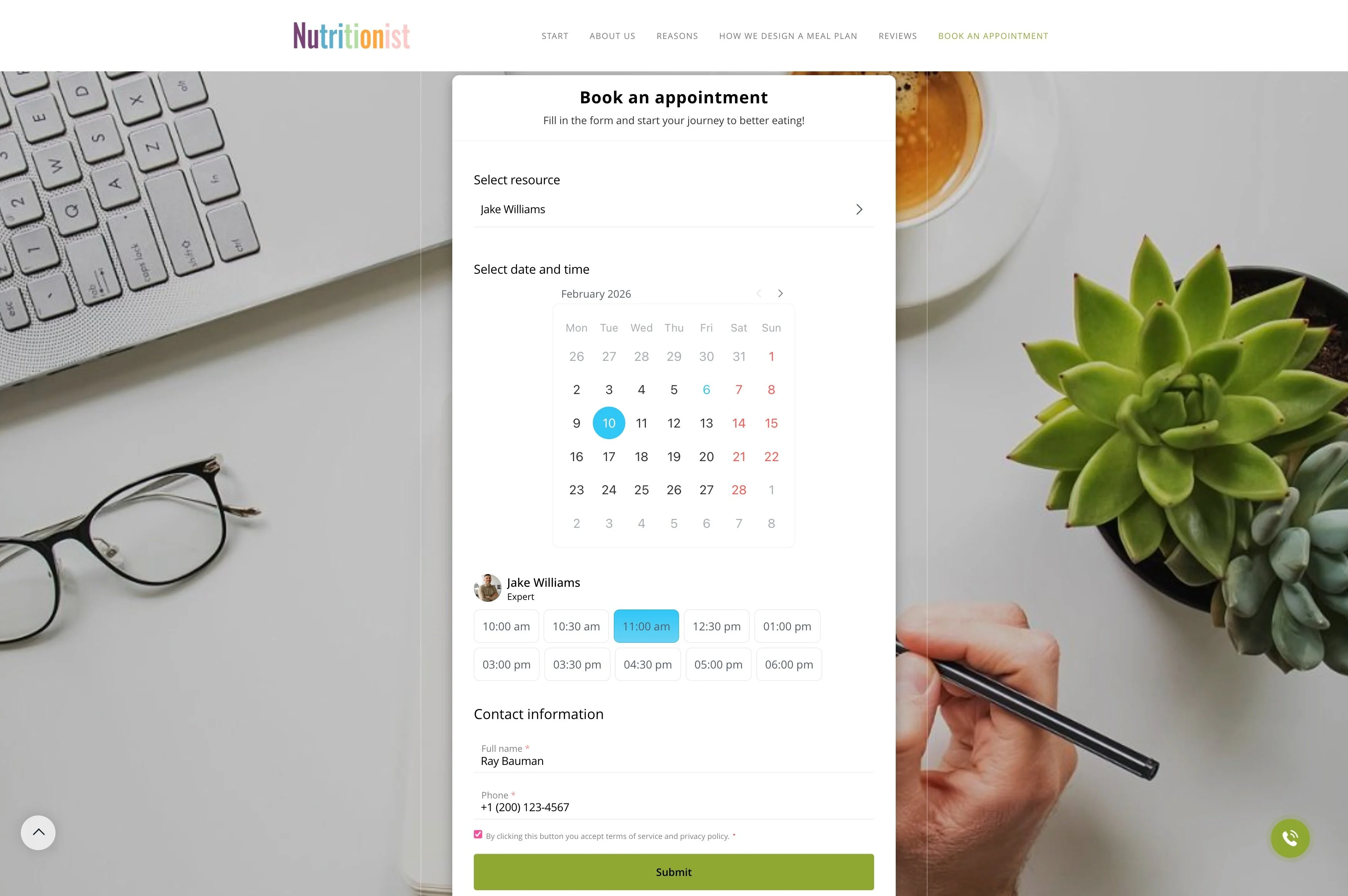
Standardize intake details before the walkthrough
Good quotes start with consistent intake. Capture the property address, service area (front/back/commercial), requested work (mow, cleanup, mulch, planting, hardscape), preferred timing, and any photos or notes the customer shares.
Keeping that information on the same record helps estimators and crew leads show up prepared and reduces back-and-forth when the same property comes back for repeat services.
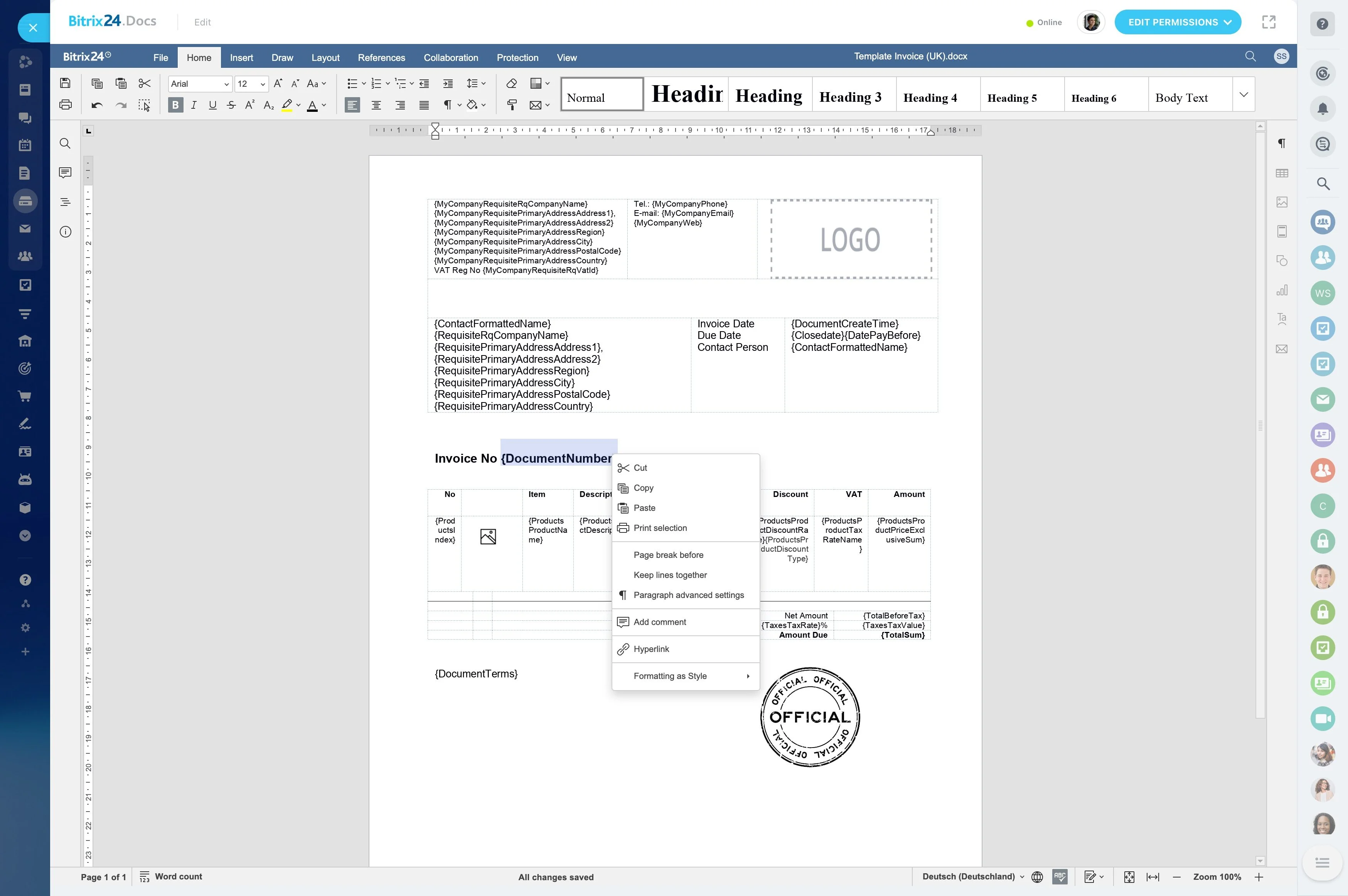
Track estimates, revisions, and approvals in one place
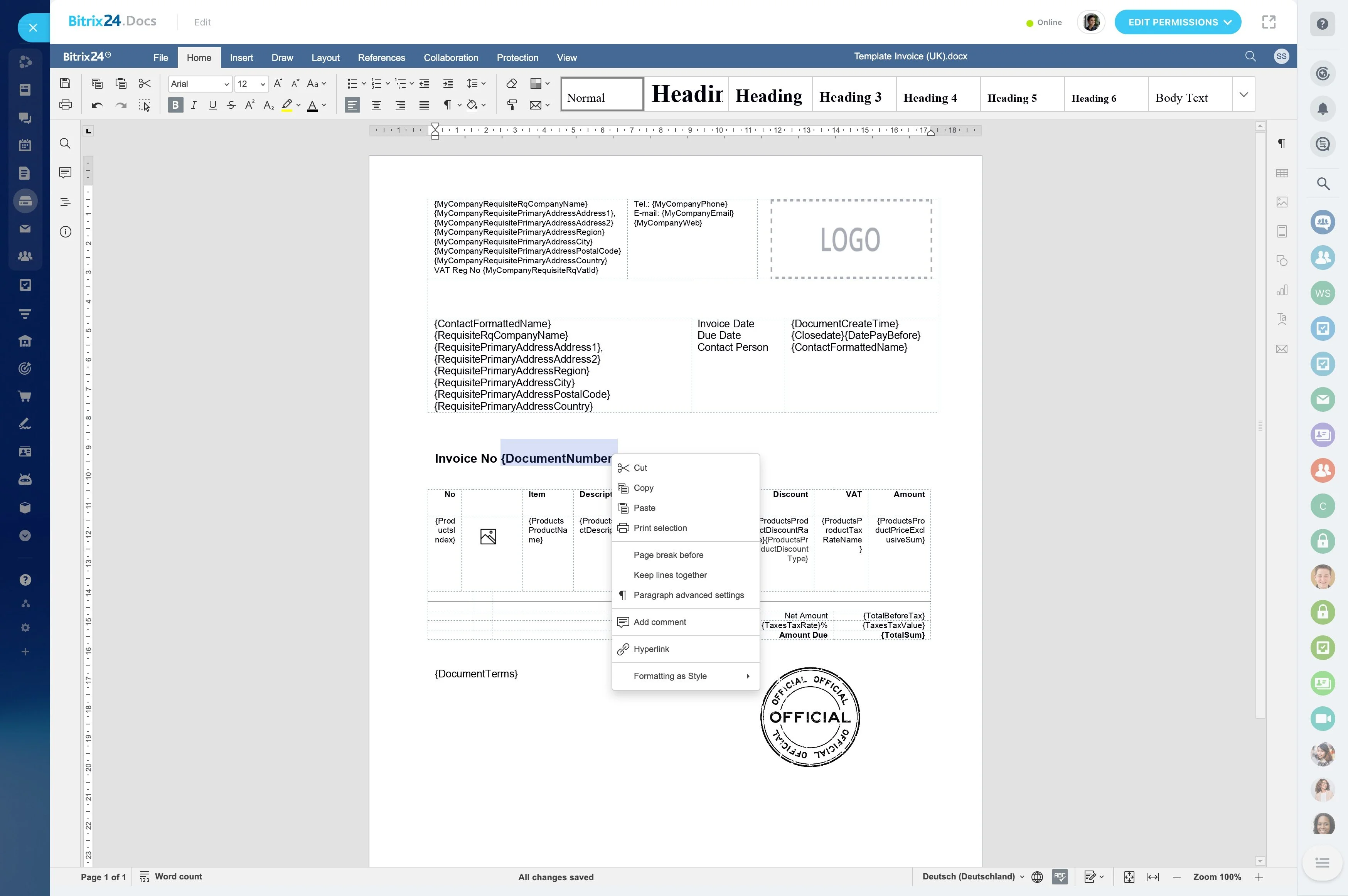
After the walkthrough, scope changes are common—materials, square footage, added pruning, or removing a line item. Track each estimate from “sent” through “approved,” with a clear owner for revisions so quotes don’t stall during peak season.
Store the latest approved scope and key constraints (access notes, irrigation considerations, disposal requirements) on the job record so scheduling and delivery match what the customer signed off on.
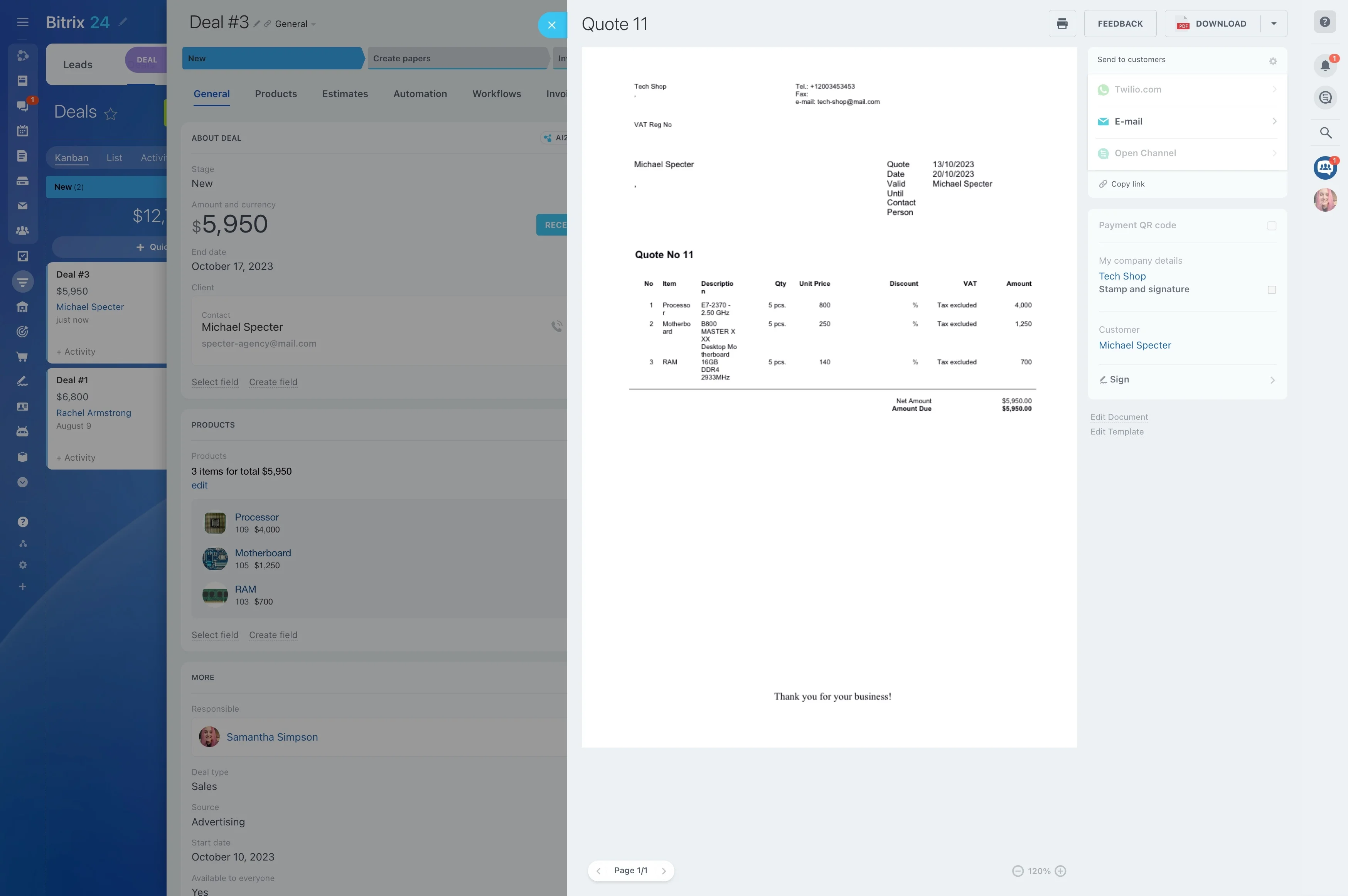
Log updates and changes against the job
Customers will ask about ETA, weather reschedules, and last-minute scope adjustments. Record those conversations and decisions on the job so anyone can respond with context—even if the estimator is out on site or the dispatcher is juggling multiple crews.
This also makes it easier to confirm approvals, document change requests, and follow up after completion without relying on memory.
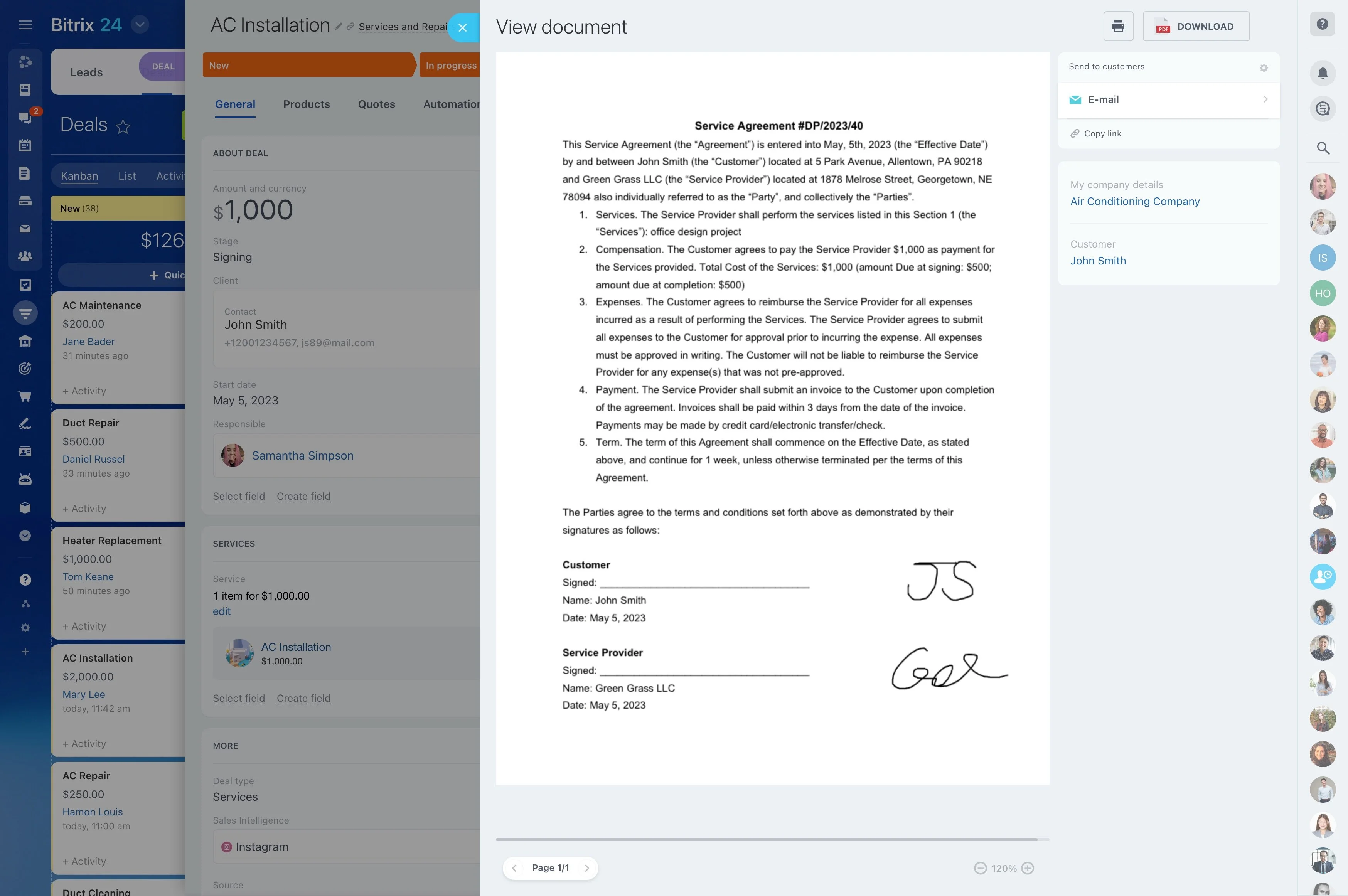
Turn finished work into seasonal repeat business
Many landscaping businesses rely on recurring work: weekly mowing, seasonal cleanup, pruning cycles, mulching, fertilization, snow removal, and spring/fall packages. After a one-time install or cleanup, the next step is often a planned schedule.
Use the same customer and property history to propose a maintenance plan, track upcoming renewals, and keep future visits tied to past work and preferences.