Selection checklist for an integrated helpdesk CRM
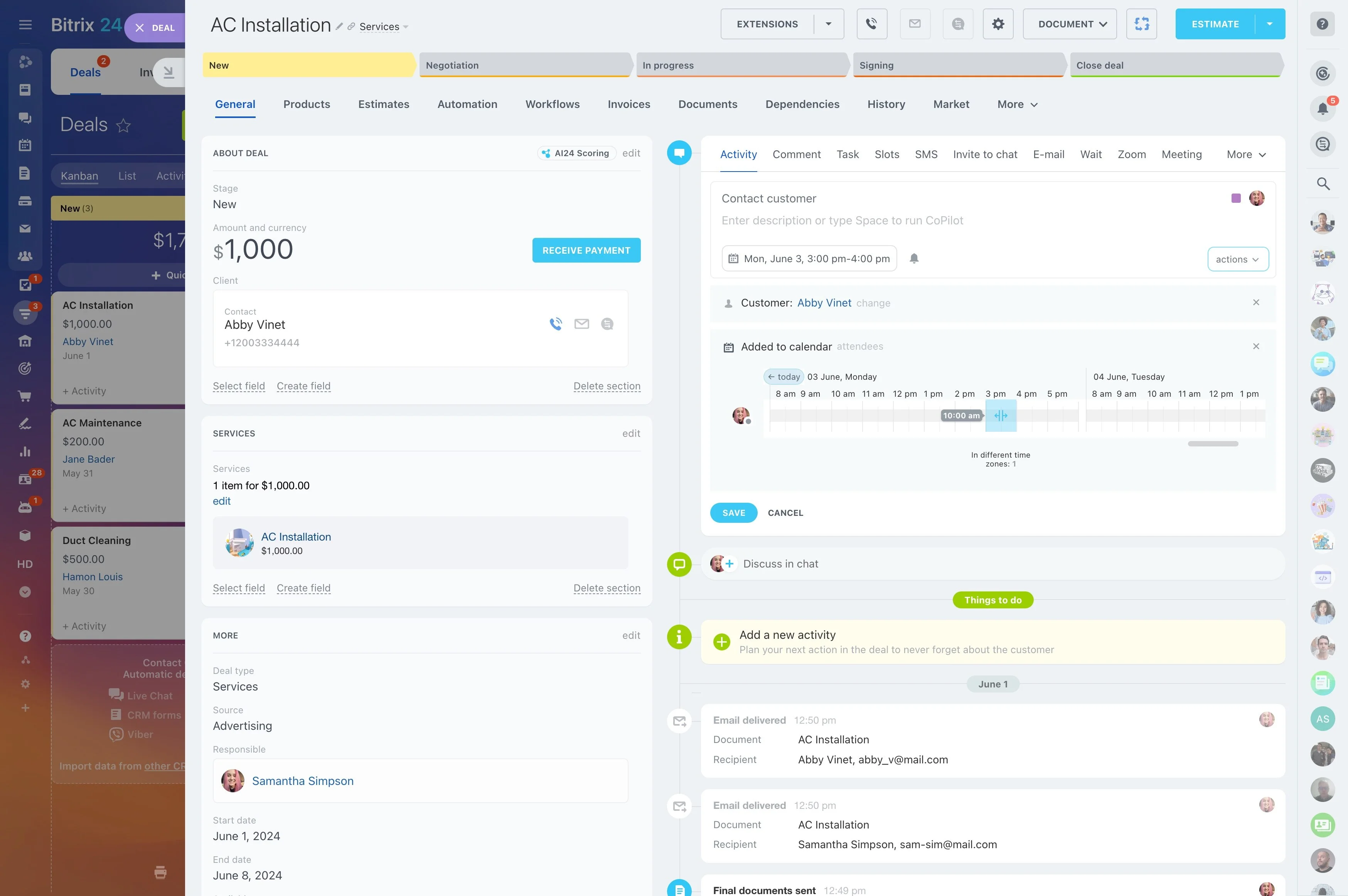
When a customer asks for help, your team needs the full account story: who the person is, which company they belong to, what was promised, and whether there’s an active deal in motion. A CRM with helpdesk keeps service and sales working from the same customer record, so answers are accurate and follow-ups don’t conflict.
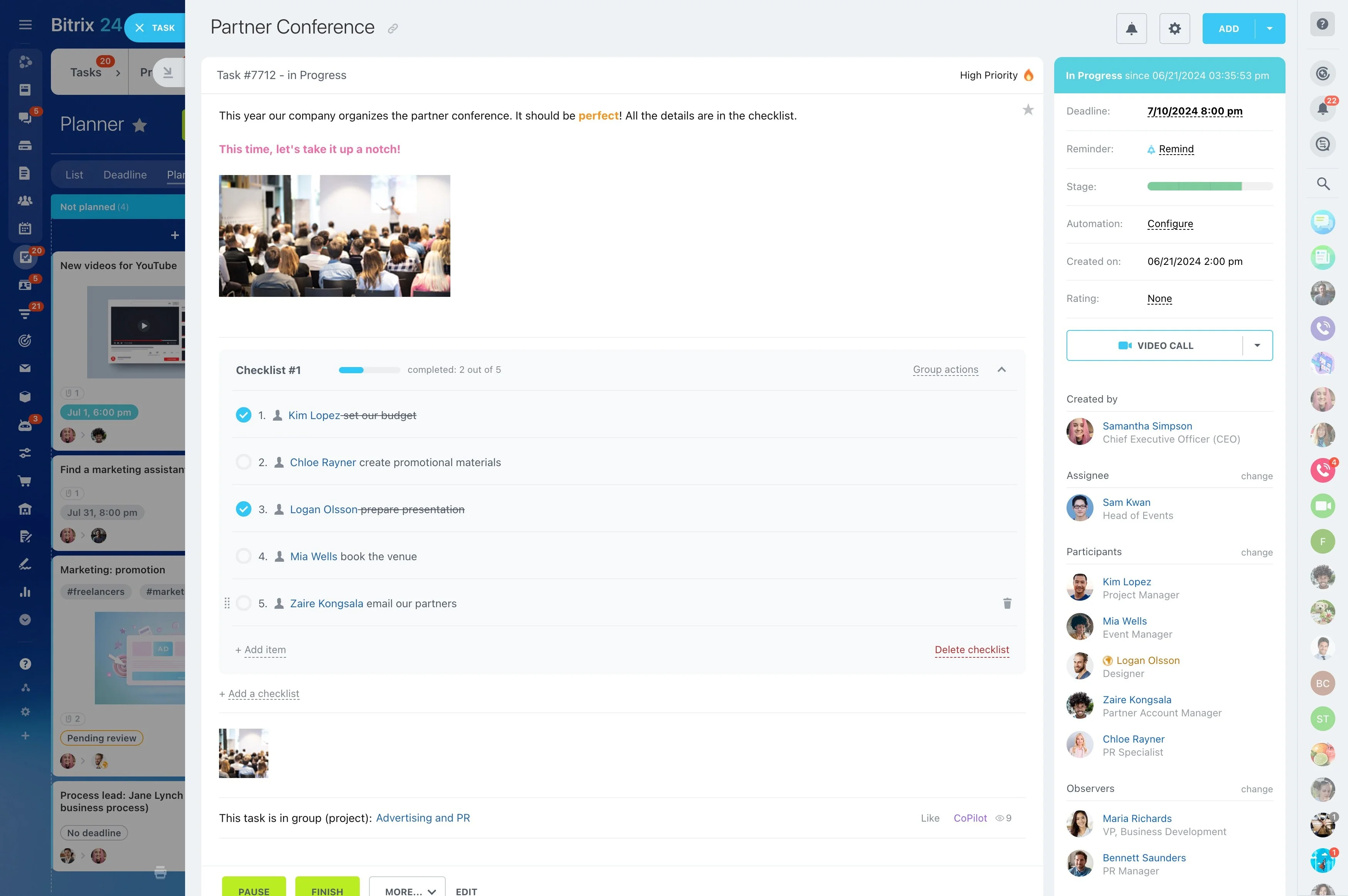
Bitrix24 lets you connect support conversations and cases to contacts, companies, and deals. As updates happen, they stay attached to the same customer timeline, making handoffs smoother and helping both teams understand what’s been discussed, what’s pending, and who owns the next step.
- Attach support work to CRM entities (contact, company, deal)
- Keep service and sales activity in a shared customer history
- Make responsibility and collaboration visible across teams
Make ownership clear during cross-team handoffs
Some cases touch onboarding, renewals, or active negotiations, so multiple teams may need to act. A helpdesk CRM should make the current owner and collaborators explicit on the record.
With Bitrix24, responsibility can stay aligned to the CRM entity and the connected support activity, so handoffs happen with clear accountability instead of informal forwarding.
Capture the request with the right CRM context
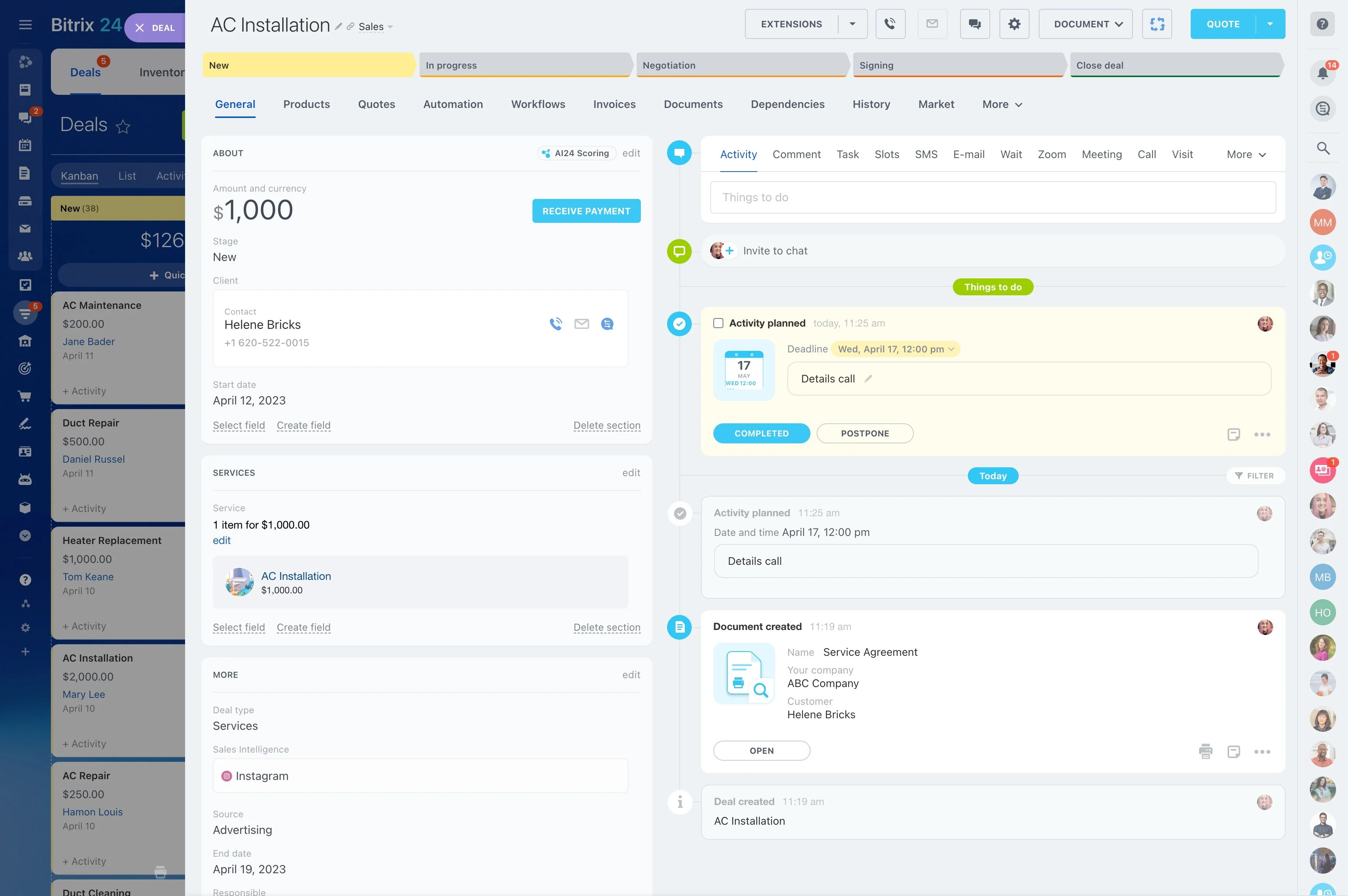
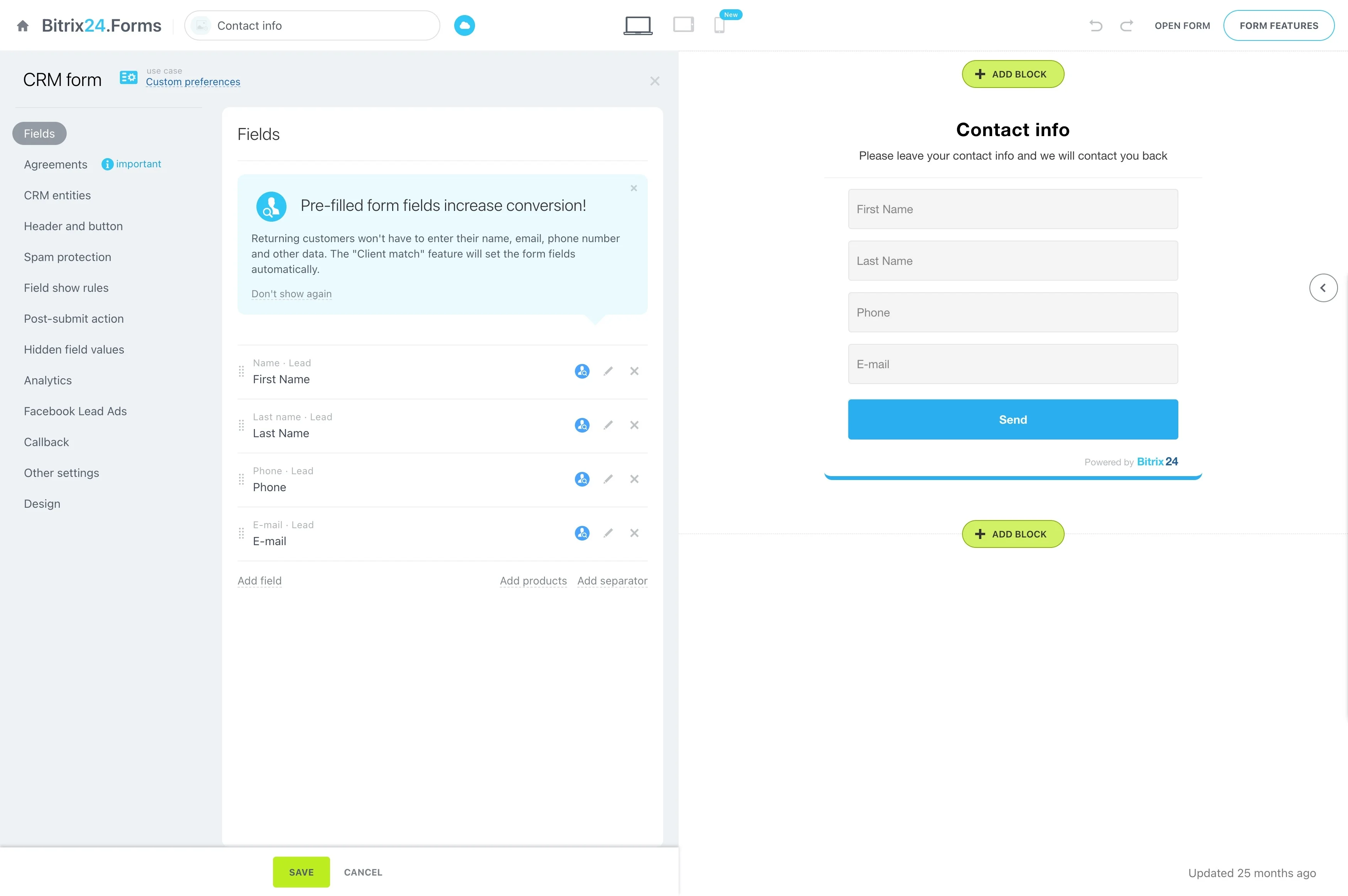
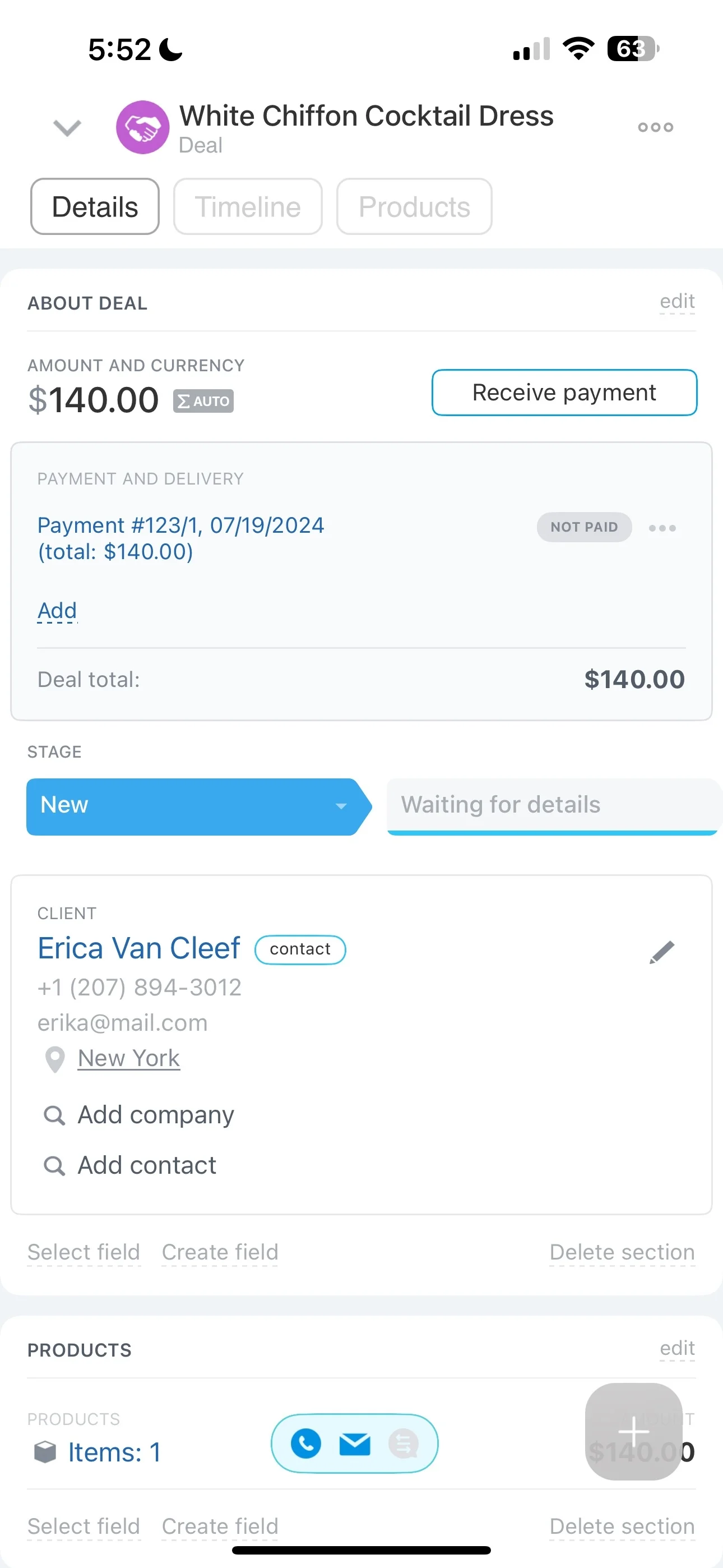
The first win of an integrated helpdesk CRM is making sure a new request lands on the correct customer record. That link determines what history the agent sees and where the issue should be routed.
In Bitrix24, connect the interaction to the relevant contact or company, and add the related deal when the request affects an opportunity or renewal.
Use a single customer timeline for service and sales
Support is faster when agents can see prior conversations, open items, and commercial context without switching views. A shared timeline keeps commitments and updates tied to the customer record.
In Bitrix24, service activity and CRM activity can sit in the same history so support answers reflect what sales is doing—and sales can see when an issue is still in progress.
Keep multi-channel conversations tied to one record
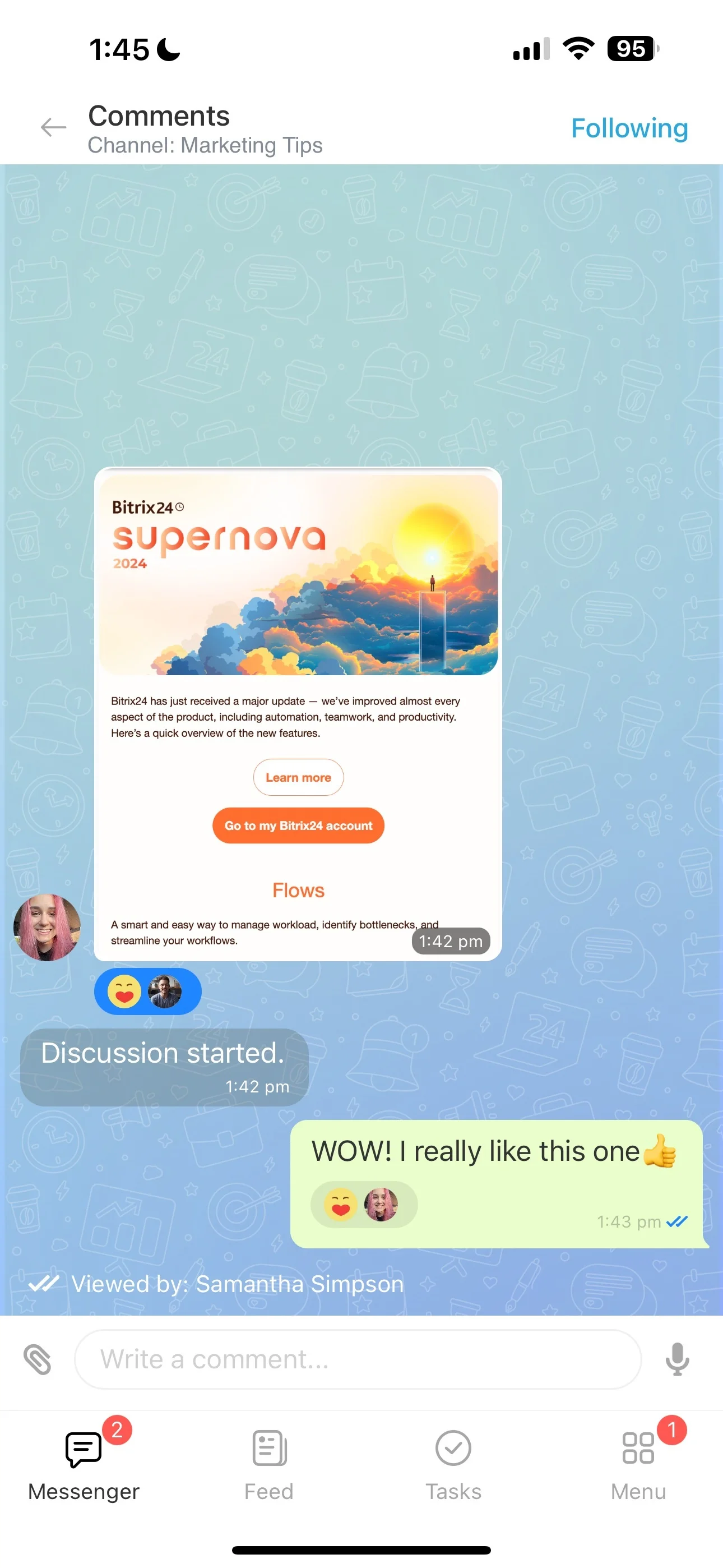
Customers may continue the same issue across different messages and touchpoints. The key is keeping every update connected to the same account so context isn’t rebuilt from scratch each time.
Bitrix24 supports linking support conversations to the appropriate contact, company, and deal, so the team can review what was asked, what was agreed, and what’s been done.
Run follow-ups as part of the same customer thread
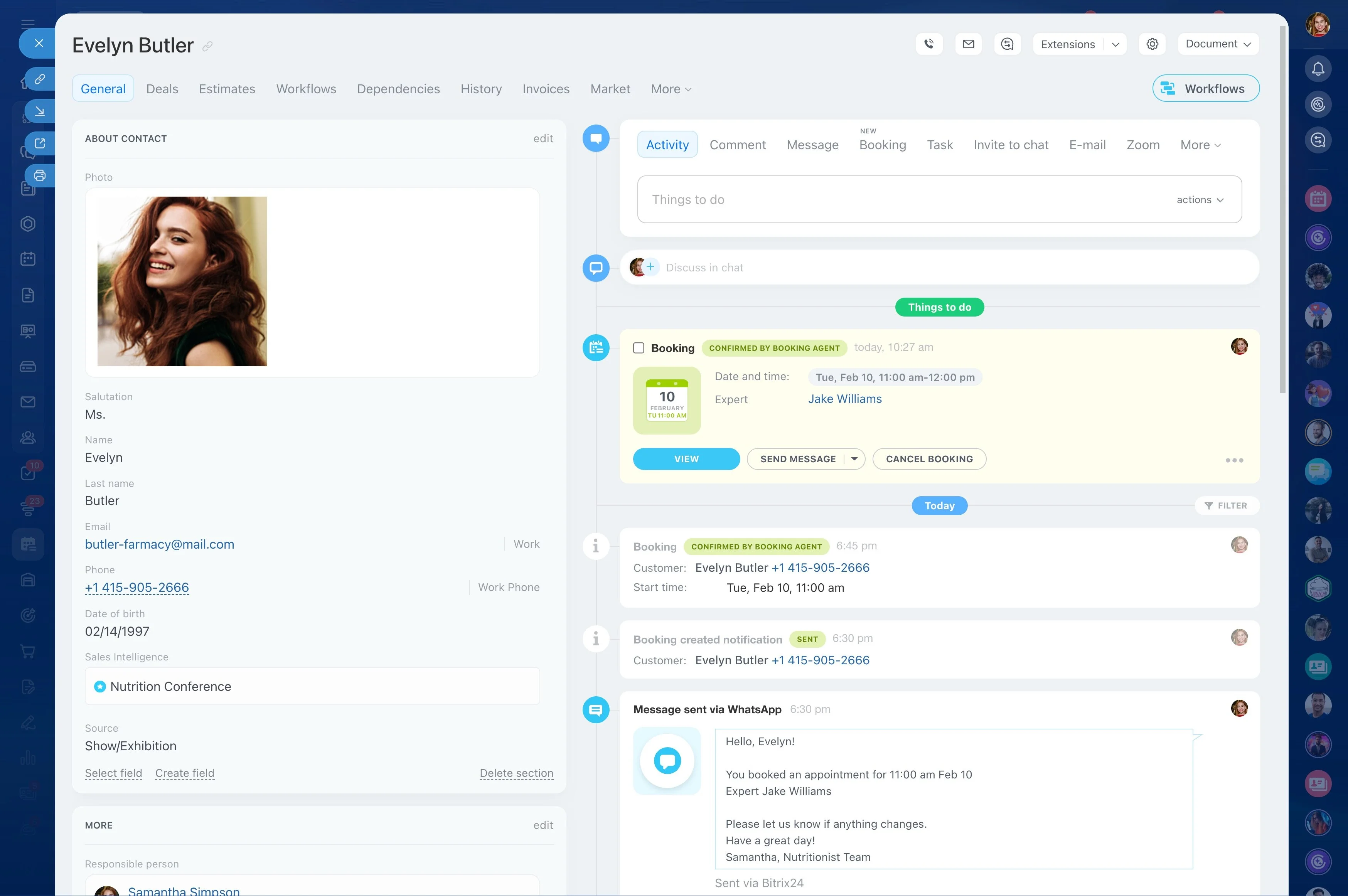
Resolution often includes a confirmation, a scheduled call, or a status update to the account owner. If follow-ups live outside the customer record, the next touch feels disconnected.
When ticket progress and communication history stay attached to CRM records in Bitrix24, anyone stepping in can see the full thread and continue the conversation consistently.
Selection checklist for an integrated helpdesk CRM
When evaluating CRM and helpdesk together, focus on whether the system preserves context during real support work—not just whether it has both functions.
- Can support interactions be linked to contacts, companies, and deals?
- Is there one timeline that shows both service and sales activity?
- Can service and sales collaborate with visible ownership on the same record?
- Do handoffs keep history intact from first request to follow-up?