Sales representatives, managers, finance staff, and administrators rarely need identical access to CRM data.
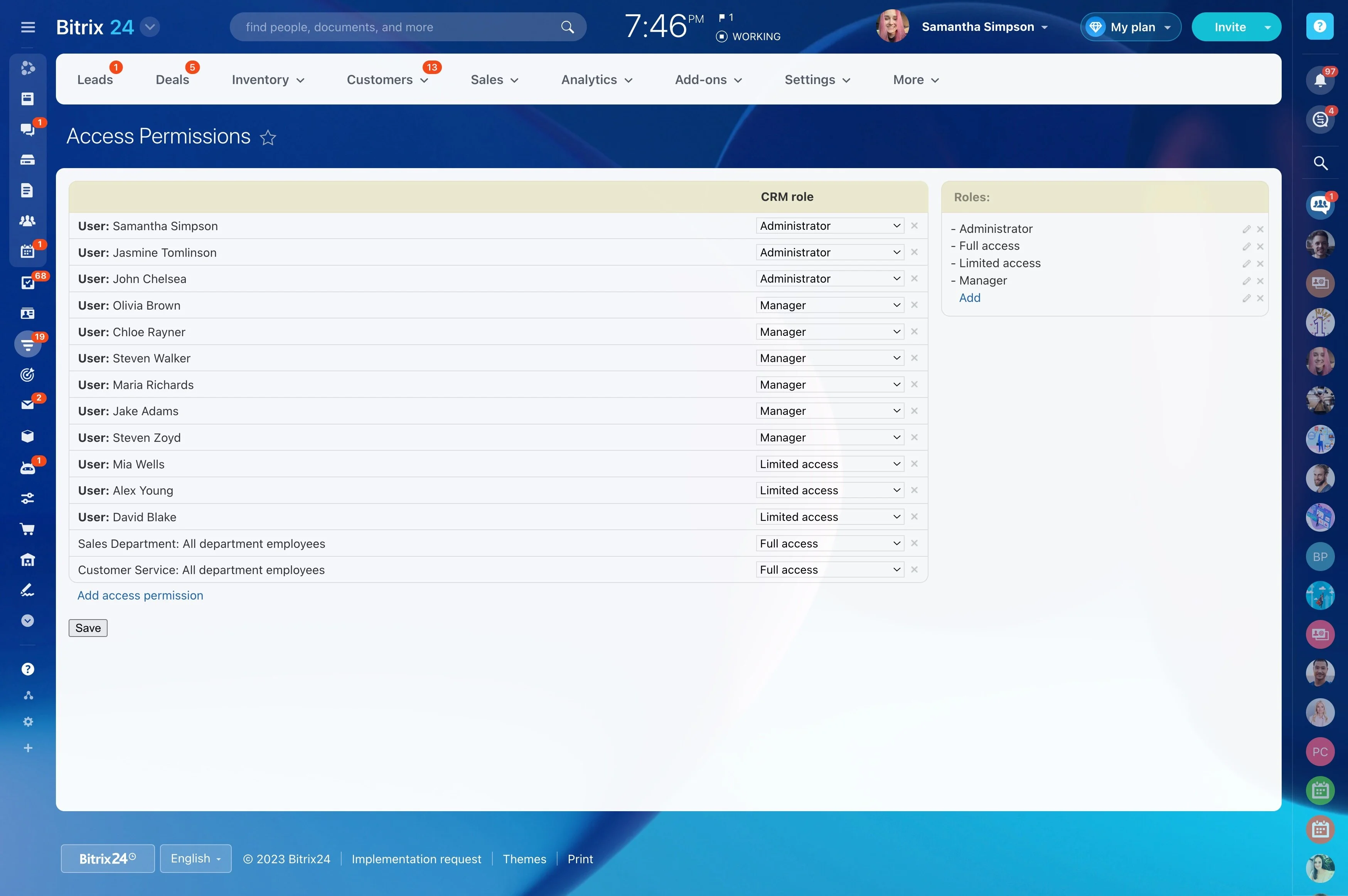
Sales representatives, managers, finance staff, and administrators rarely need identical access to CRM data. The right CRM roles and permissions define who can view records, edit fields, work in pipelines, open reports, or change administrative settings.
In Bitrix24, start with the responsibilities behind each role, then connect those responsibilities to the CRM actions users perform. For example, when a new representative joins, assign access to the records and pipeline work they need while keeping wider reporting and system administration with authorized users.
Review access as roles change
Revisit permissions when someone joins, changes teams, takes on management duties, or leaves the organization. Compare each role with current responsibilities and remove access that is no longer needed.
Check the model against lead, deal, contact, and activity workflows to confirm that it supports how the team works today.
Set boundaries for pipeline work
Teams may manage different sales processes, territories, or deal stages. Permission rules can define who works with specific pipeline activity and who may change structures that affect the wider sales process.
Representatives can update their opportunities while managers retain control over pipeline changes that require broader authority.
Define access before assigning roles
List the CRM objects and actions each team needs before creating access rules. A representative may work with assigned leads and deals, while a manager may need broader pipeline visibility and reporting access.
- Decide which records each role can view or edit.
- Separate routine CRM work from administrative actions.
- Set access for individuals, teams, or broader groups where appropriate.
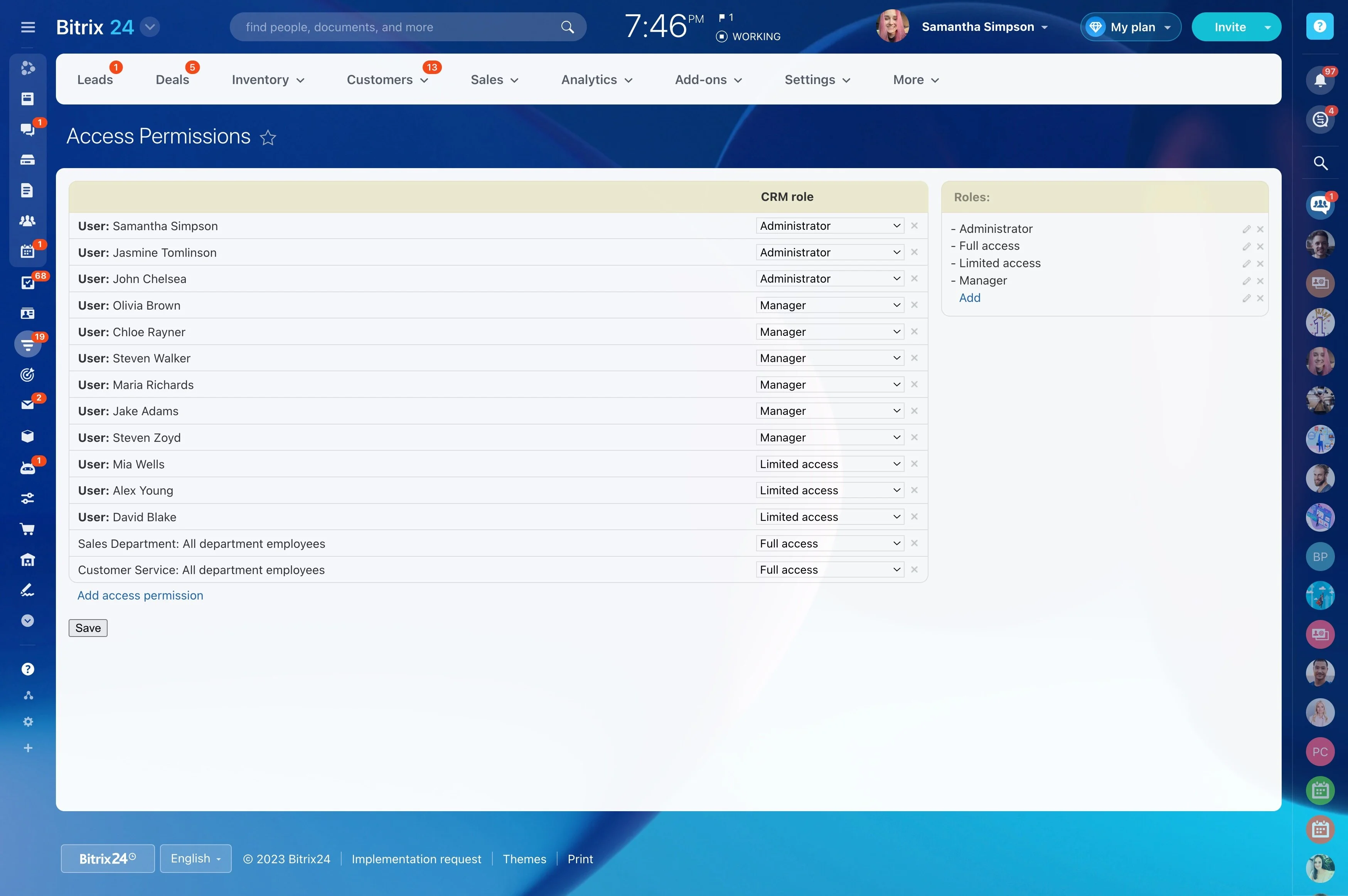
Align permissions with responsibilities
Build roles around actual CRM duties rather than job titles alone. People who enter customer information, manage pipelines, review performance, or administer the system may need different combinations of access.
When responsibilities change, review the role against the person’s current work and adjust permissions instead of leaving old access in place.
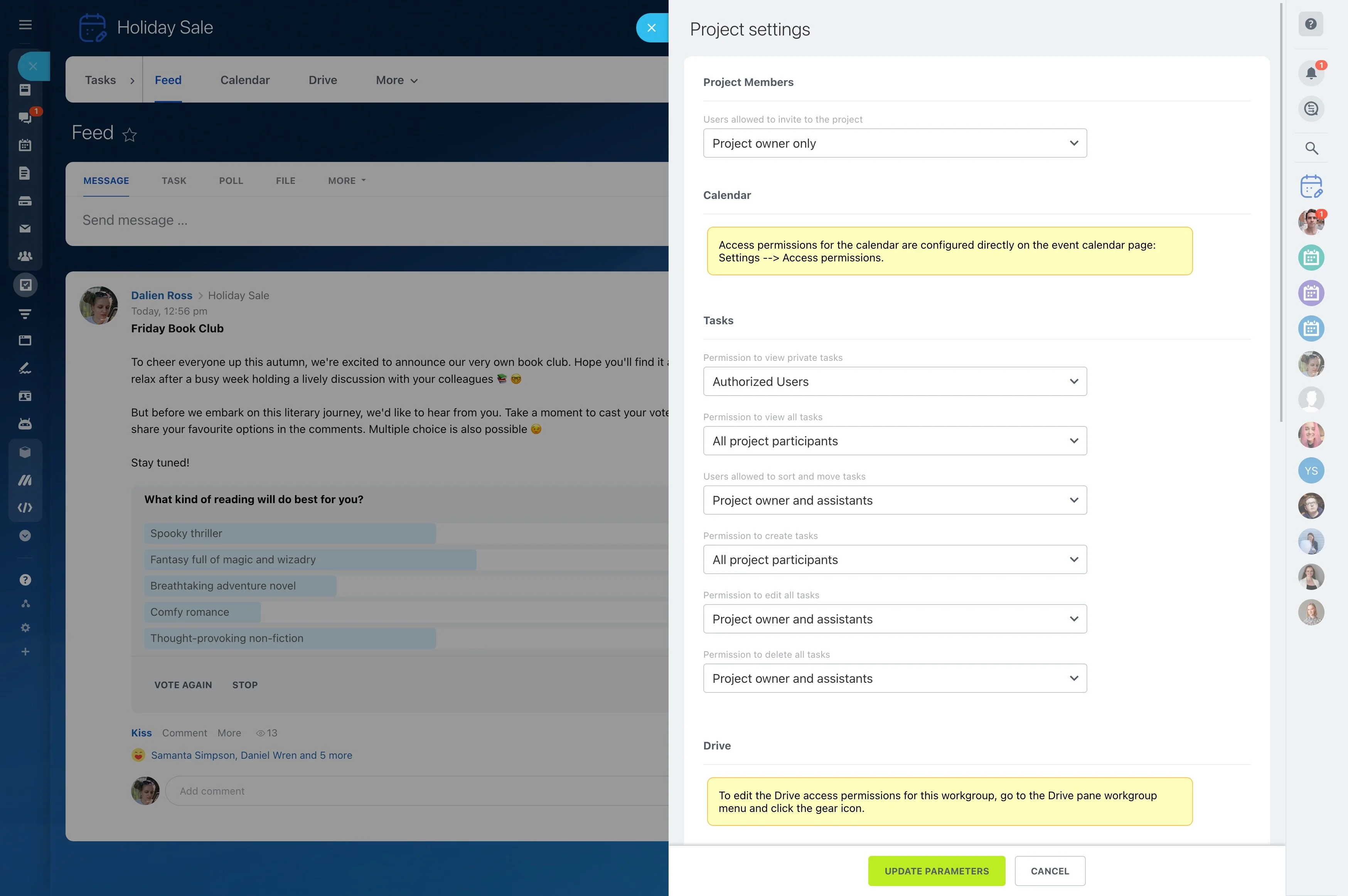
Limit records and sensitive fields
Separate general customer information from fields that only certain teams or managers should see or edit. Representatives can work with the details required for active opportunities, while managers retain the visibility needed for supervision.
This keeps relevant information available for daily work without making every CRM detail visible to every user.
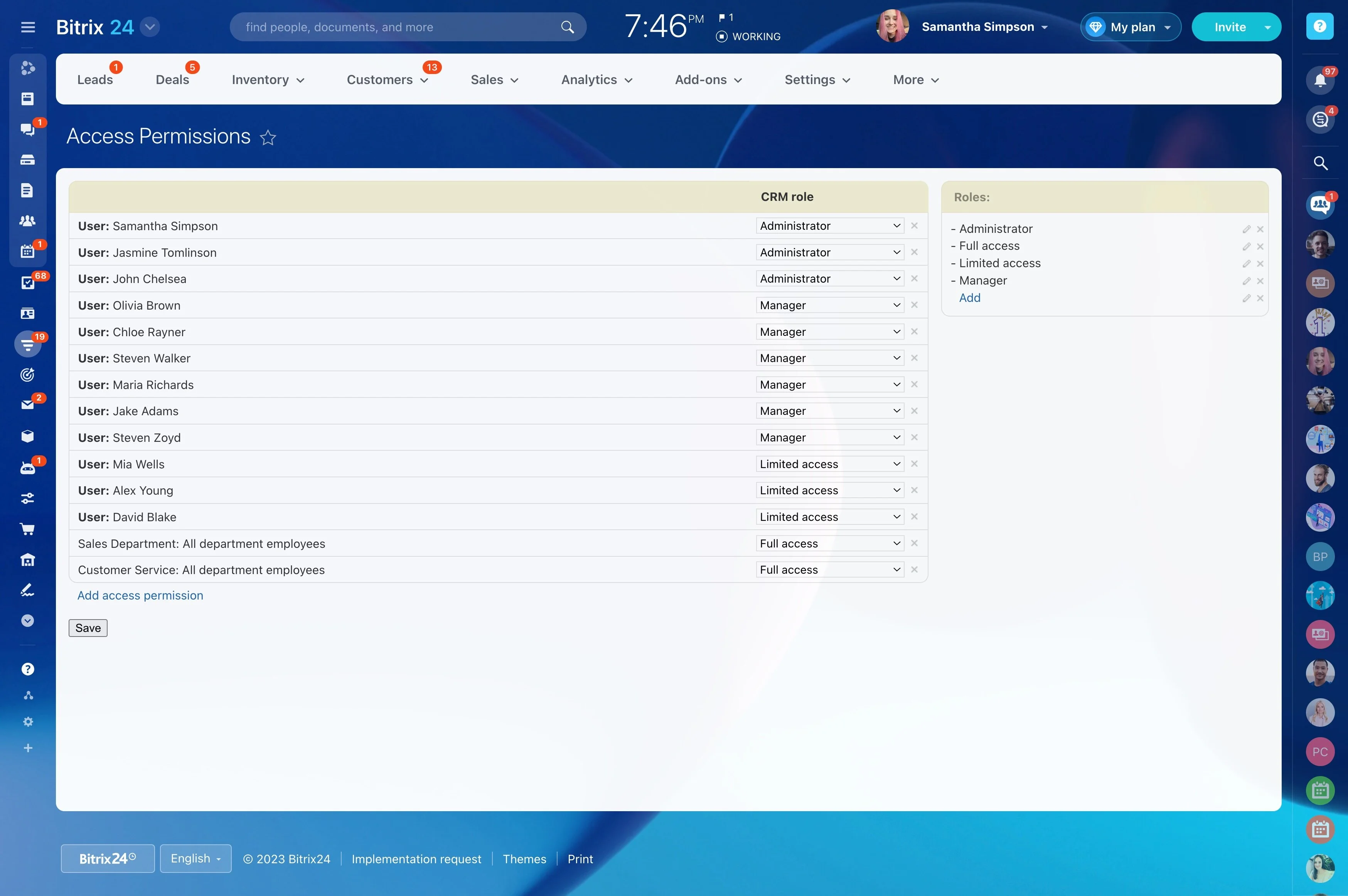
Match reporting access to authority
Reports can expose information beyond a user’s own records, so access should reflect the level of responsibility. Representatives may need personal activity views, managers may need team reporting, and administrators may oversee broader CRM visibility.
When a new representative starts, assign the role needed to update assigned opportunities while keeping management reporting limited to authorized users.
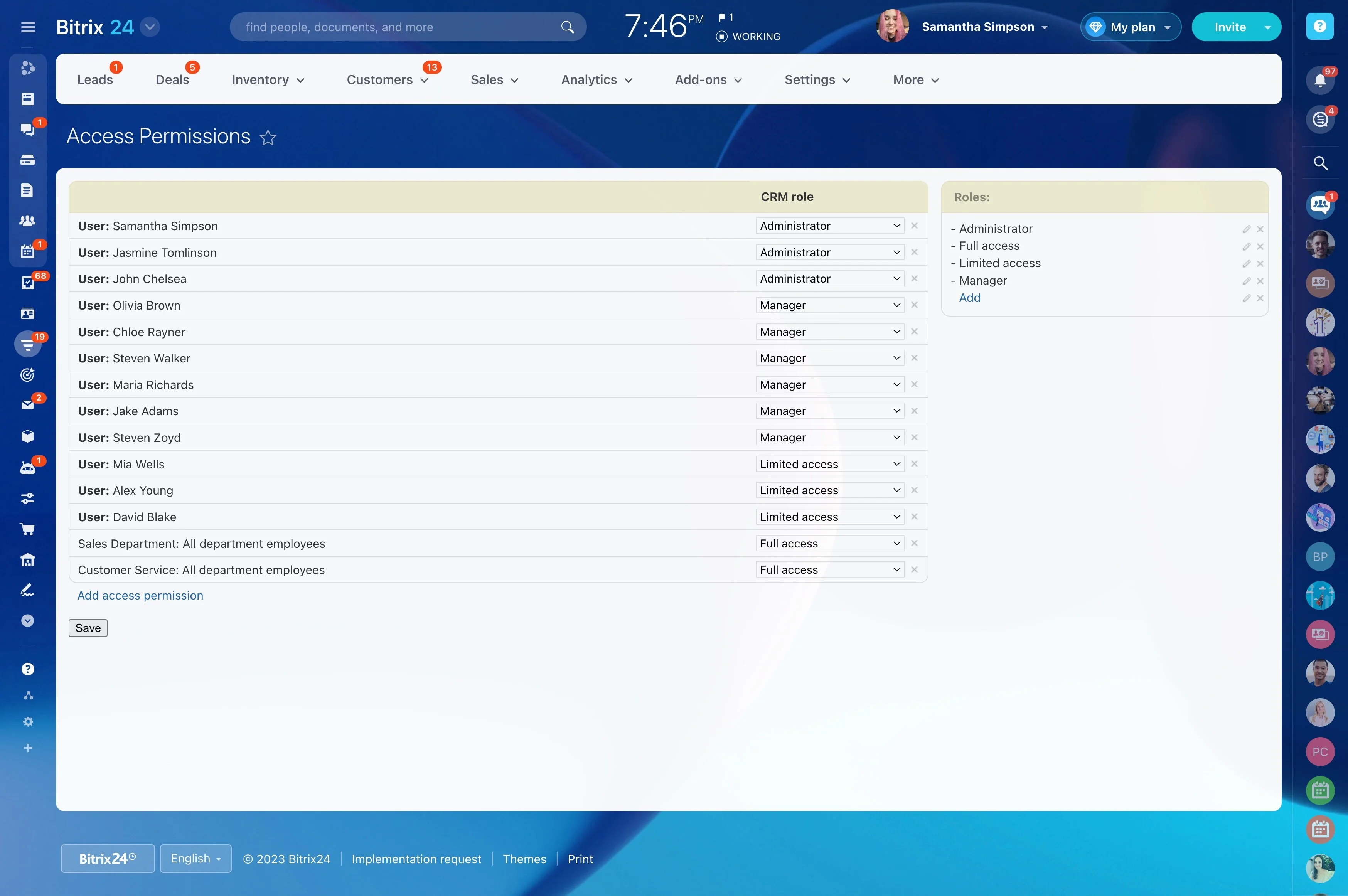
Keep administration separate
Editing a customer record is different from changing CRM-wide settings or access rules. Reserve administrative actions for users responsible for maintaining the system and its structure.
This separation reduces the chance that routine sales work will alter pipeline configuration or permissions.