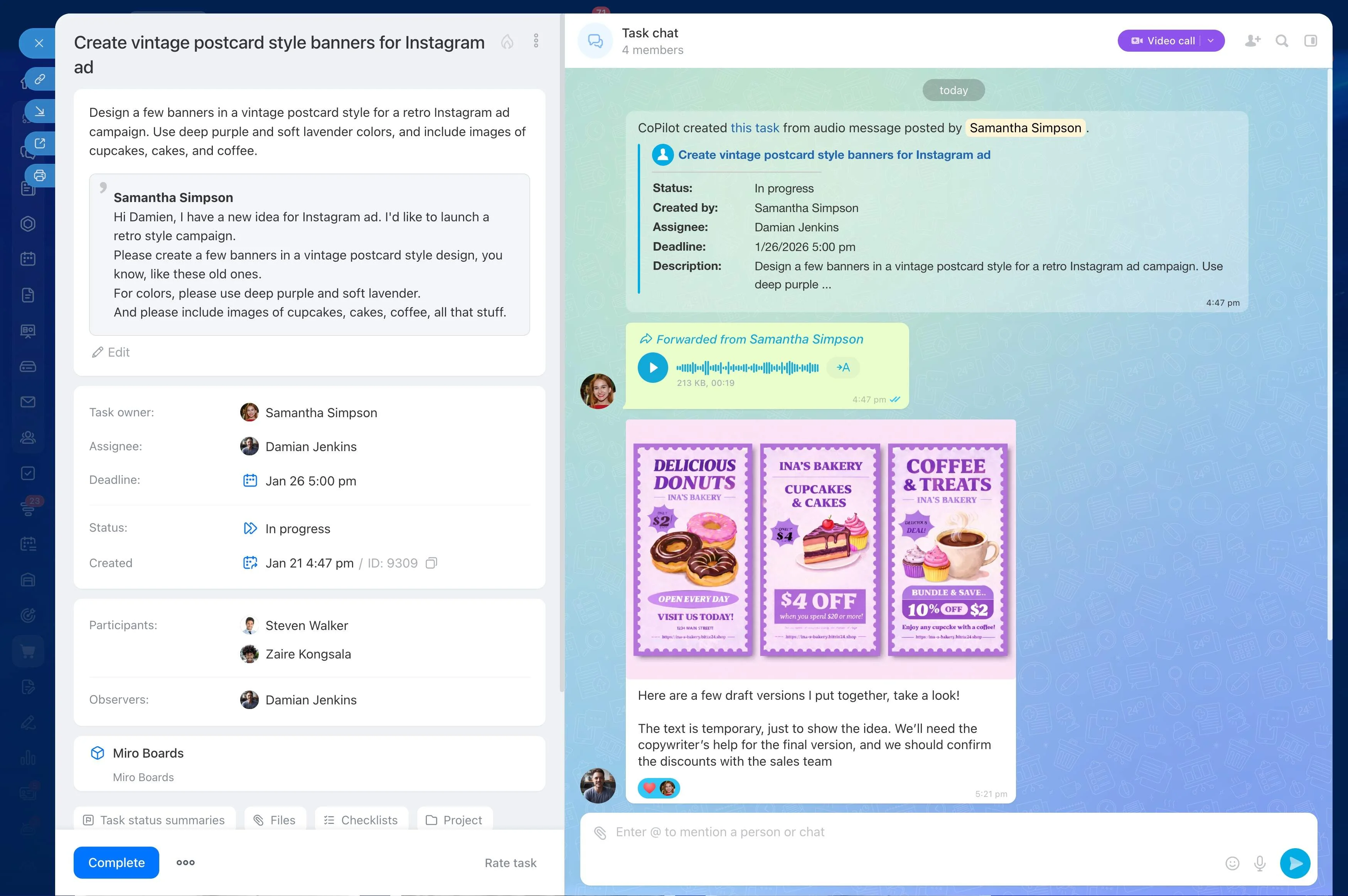
A project objective is only a starting point. To make it actionable, break the expected result into phases, deliverables, and tasks that can be reviewed before assignments are made.
WBS project management tools support this planning process by giving the team a structured view of the work. In Bitrix24, the breakdown can connect with project tasks, reusable templates, and Gantt timelines, allowing the plan to guide execution from the first phase through completion.
Reuse proven project structures
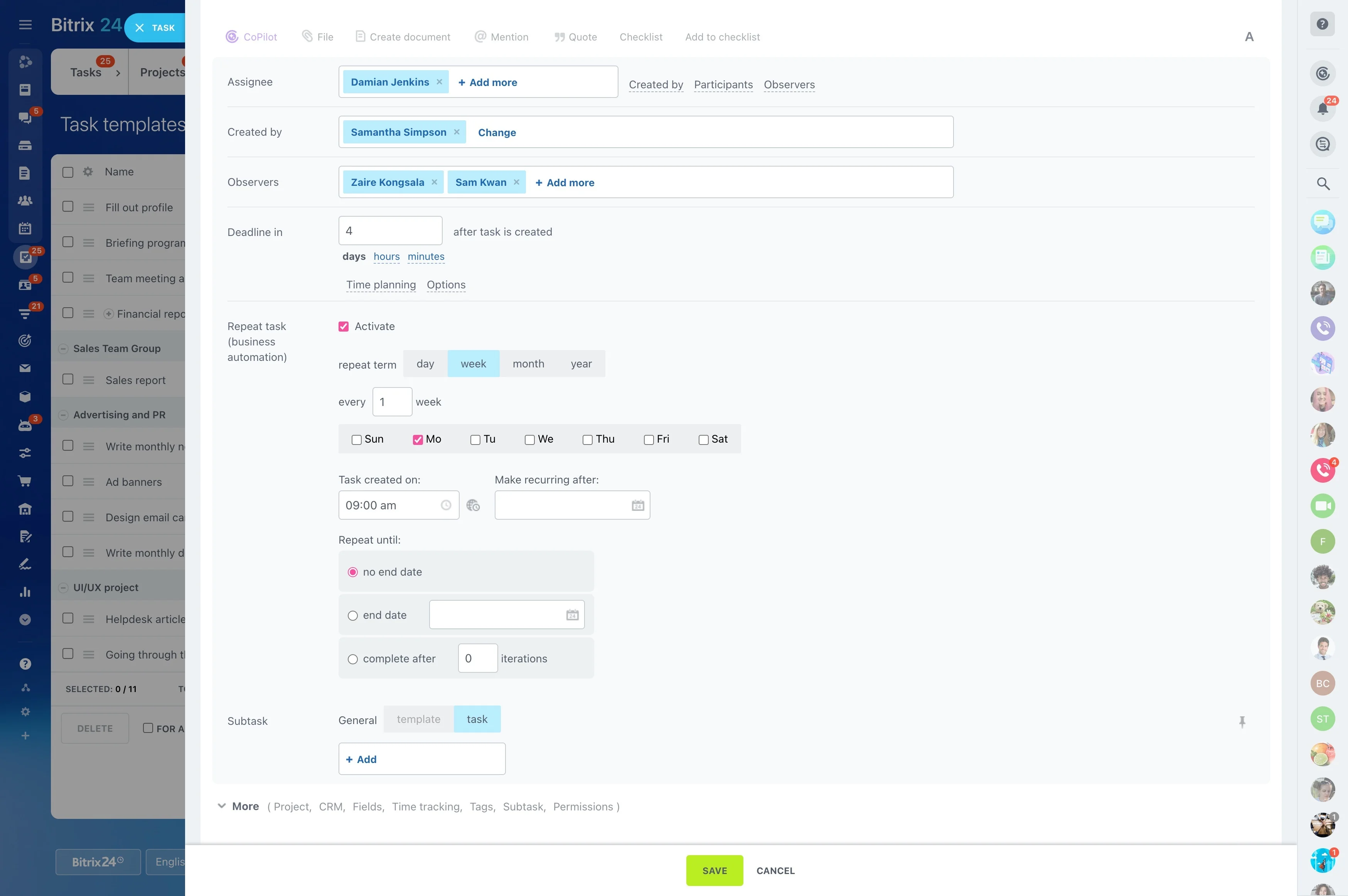
For recurring work, an established WBS can become the foundation for a project template. Preserve the phases, deliverables, and task pattern that represent the team’s usual lifecycle, then adapt them to the current project.
This is useful for repeatable implementations, launches, events, and other work that follows a consistent sequence.
Define phases around the final result
Start with what the project must deliver, then identify the phases or workstreams needed to produce it. This keeps the WBS focused on outcomes rather than a loose list of team activities.
- State the final project result.
- Group work into logical phases.
- Identify the deliverables created in each phase.
Break deliverables into assignable tasks
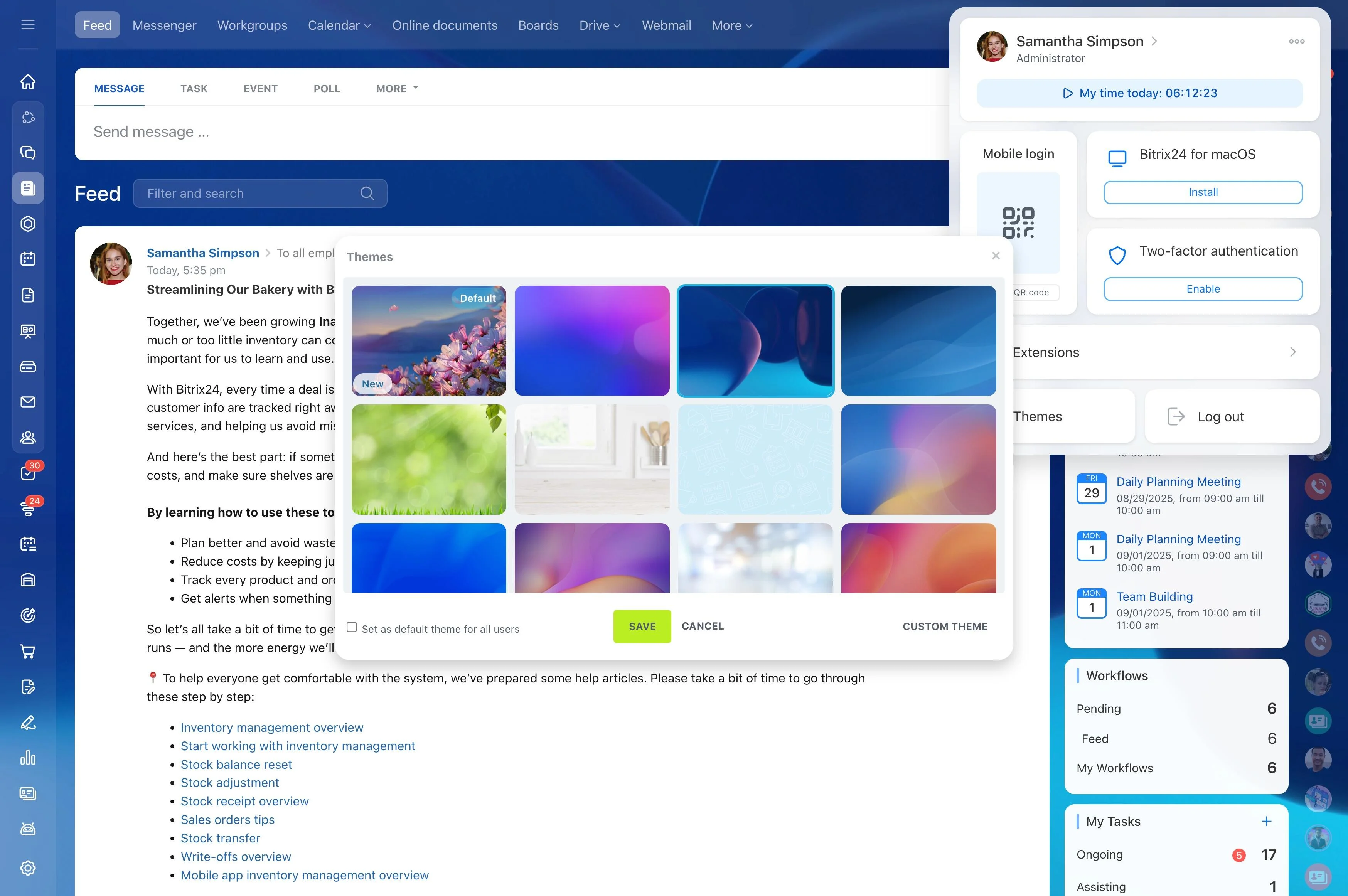
Turn each deliverable into tasks with a clear purpose and completion point. Review whether every task produces a needed result, depends on earlier work, or should be divided into smaller steps.
The resulting structure gives the team a practical starting point for assignment and execution instead of leaving work at the level of a broad project label.
Make ownership visible before kickoff
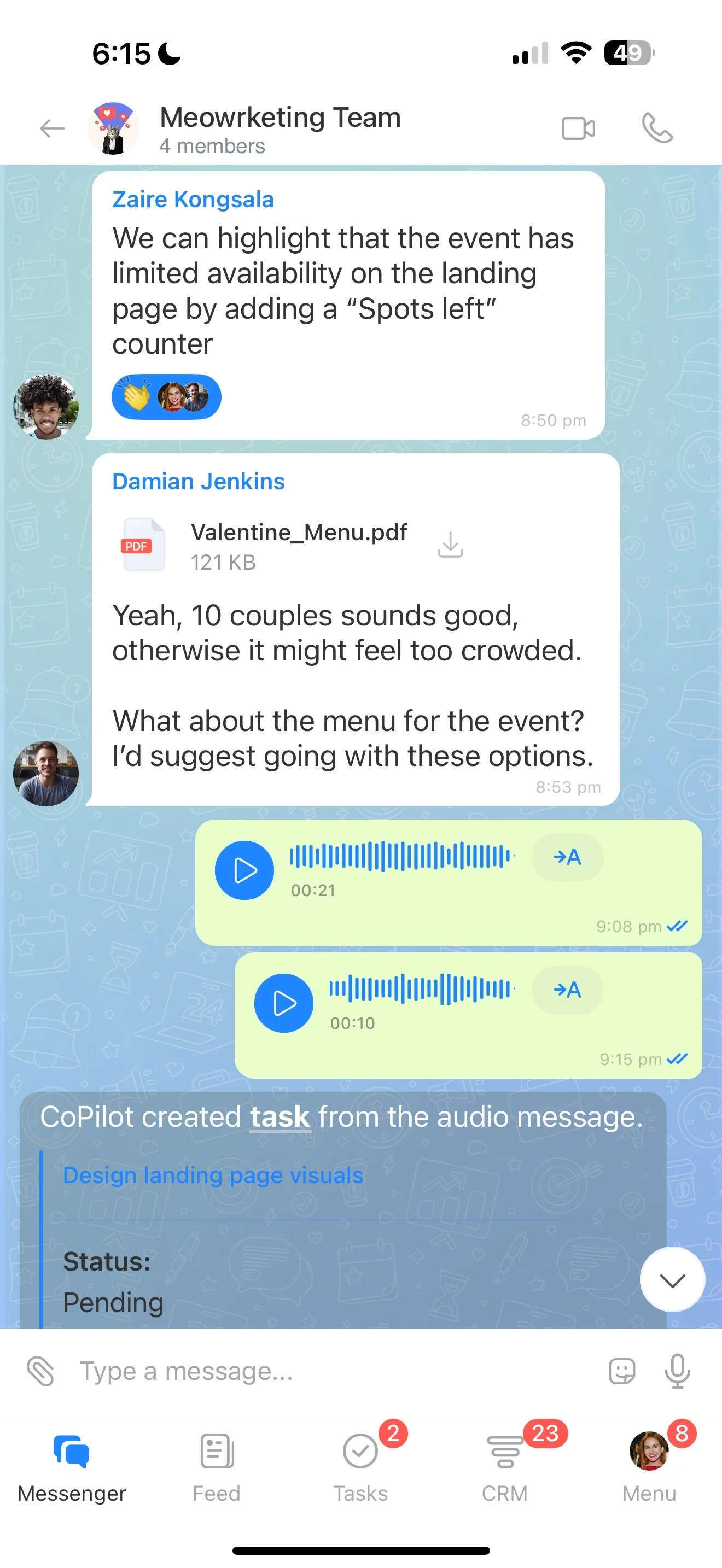
Once the hierarchy is clear, connect tasks with the people responsible for completing them. The WBS shows how each assignment contributes to a deliverable and how that deliverable fits into the wider project.
Reviewing the structure before execution also exposes unassigned work and makes responsibility clearer across each stage of the project lifecycle.
Schedule dependencies on a Gantt timeline
The WBS defines what the project contains; a Gantt timeline shows when the work should happen. Arrange tasks in sequence, review dependencies, and compare the timing of phases and deliverables.
This makes prerequisite work easier to identify and shows how a change in one task may affect the planned schedule for the rest of the project.
Use the breakdown throughout execution
Keep the WBS useful after planning by returning to the same structure during progress reviews. Confirm completed deliverables, focus on the next tasks, and update the plan as the project moves forward.
When planning and execution share one task structure, status discussions can stay tied to concrete work and outcomes.