Microsoft Project to Bitrix24 migration suits teams that depend on Gantt-based planning but want contributors to participate more easily in everyday project work. The aim is to carry forward useful schedules, milestones, and dependencies while giving the wider team a clearer way to work with the plan.
Bitrix24 brings project planning, assignments, calendar coordination, and project communication into a shared workspace. Project managers can retain a structured view of delivery, while contributors can follow responsibilities, provide updates, and coordinate handoffs in the same working context.
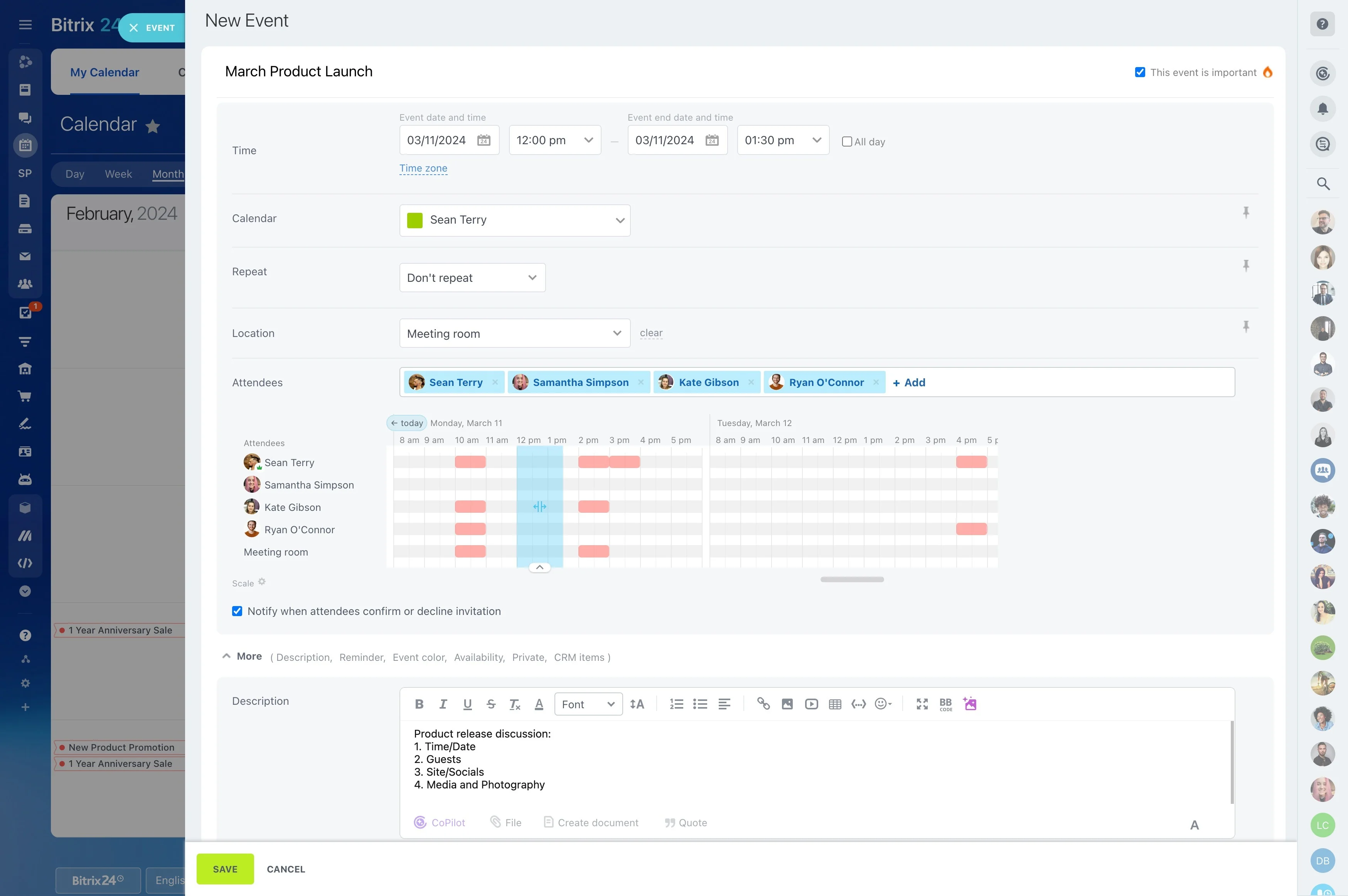
Relate project dates to working calendars
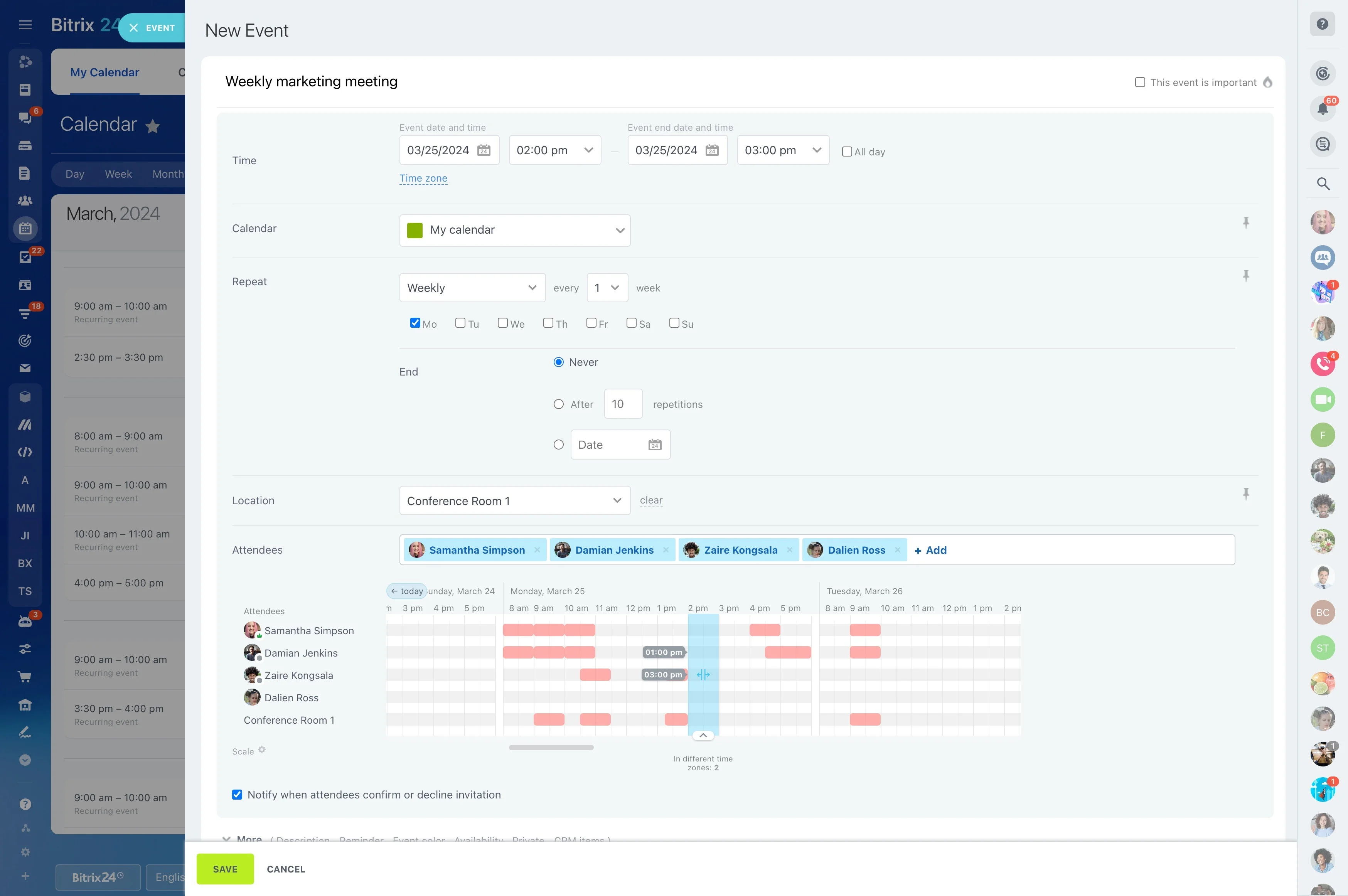
Timeline dates become more useful when they connect with the team’s working calendar. Reviewing deadlines, meetings, and scheduled activities together helps contributors understand when planned work needs attention.
This supports ongoing coordination after migration, when the priority is using the project plan consistently rather than simply recreating it.
Make project planning accessible to the wider team
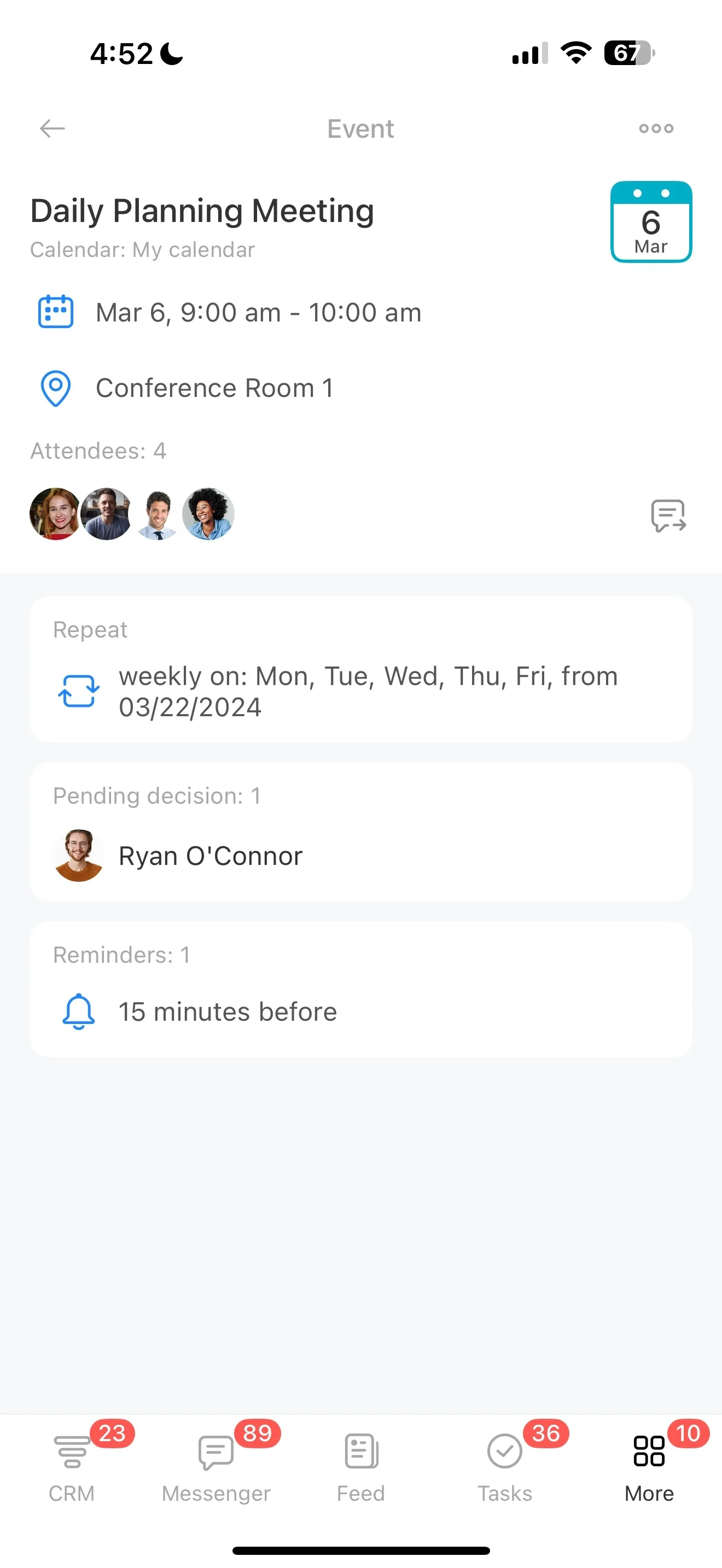
Microsoft Project works well for detailed schedules, task relationships, and milestones, but not every contributor needs to manage the full plan. Moving to Bitrix24 can keep the schedule structured while giving team members a simpler way to view responsibilities, discuss work, and report progress.
Carry forward Gantt planning and dependencies
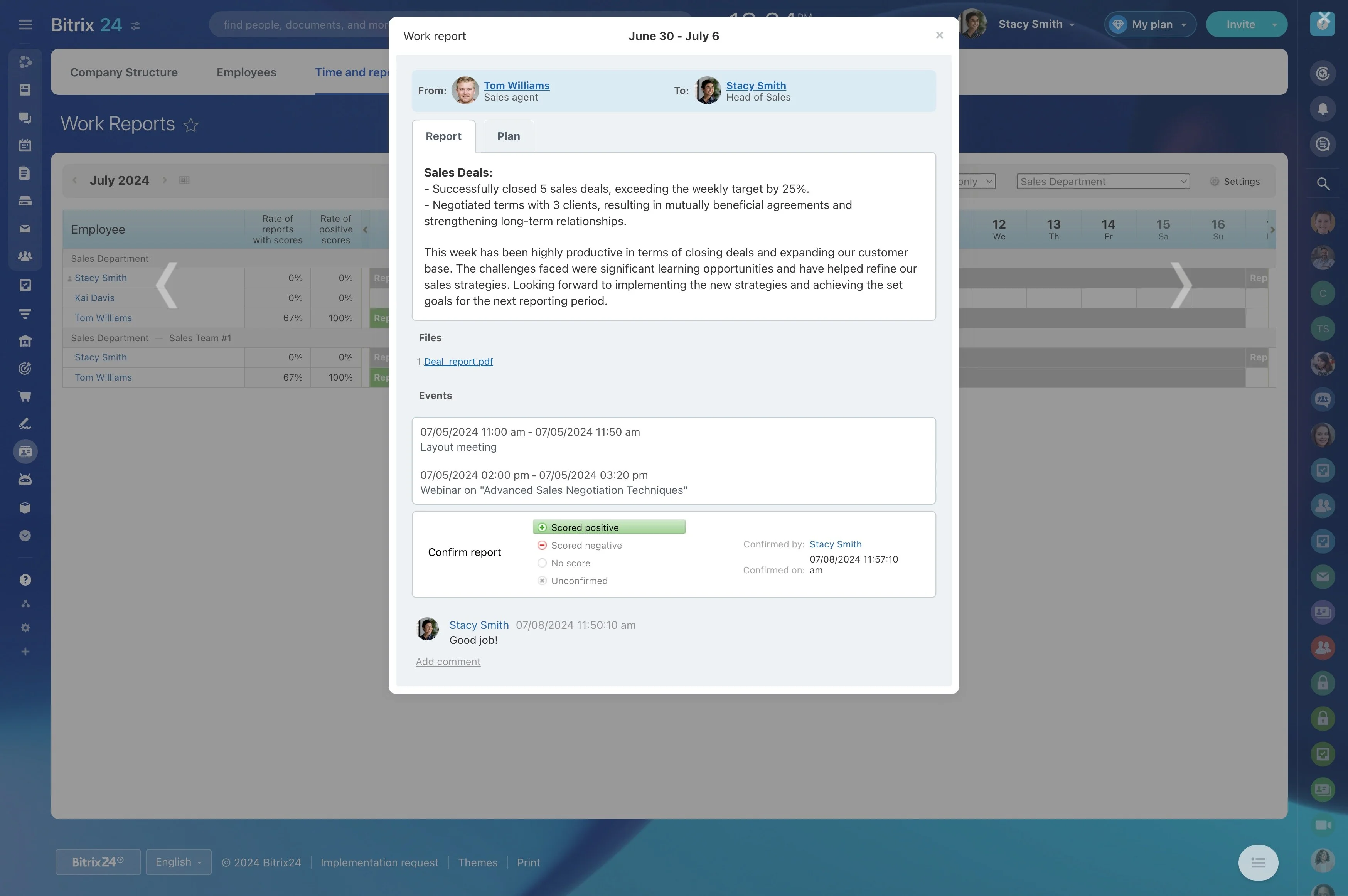
Teams with timeline-heavy workflows can continue organizing work by phases, dates, milestones, and dependent tasks. This preserves the logic of the project plan while connecting scheduled work with the tasks people complete each day.
- Set major phases and deadlines
- Show relationships between dependent tasks
- Review schedule changes as work develops
Clarify ownership and project participation
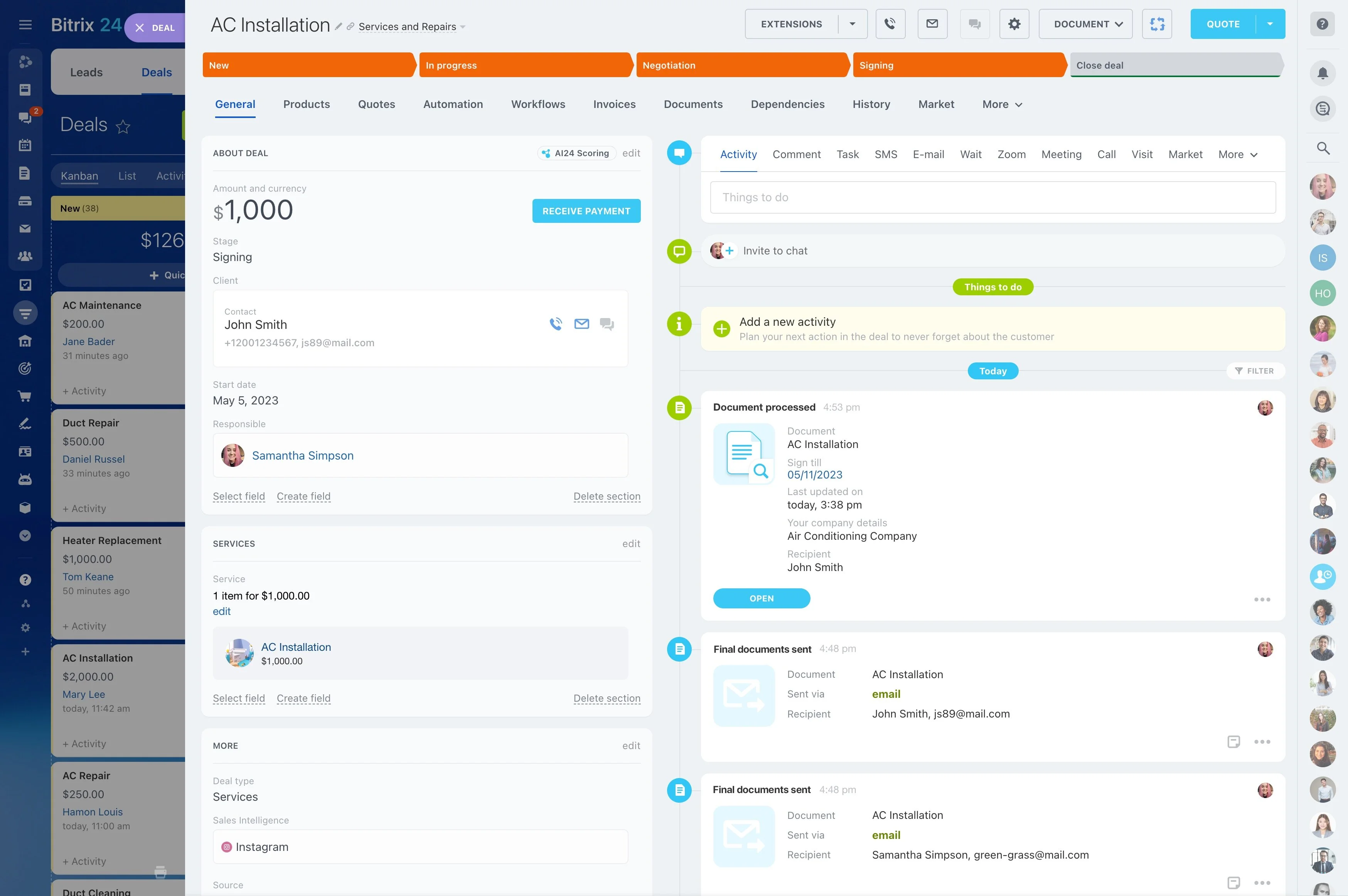
Each contributor should be able to see what they own, what is due next, and how their work affects the wider timeline. A shared Bitrix24 project workspace places assignments and project discussions in the same context, so contributors can provide updates and coordinate handoffs without maintaining the entire schedule.
Review assignments against team workload
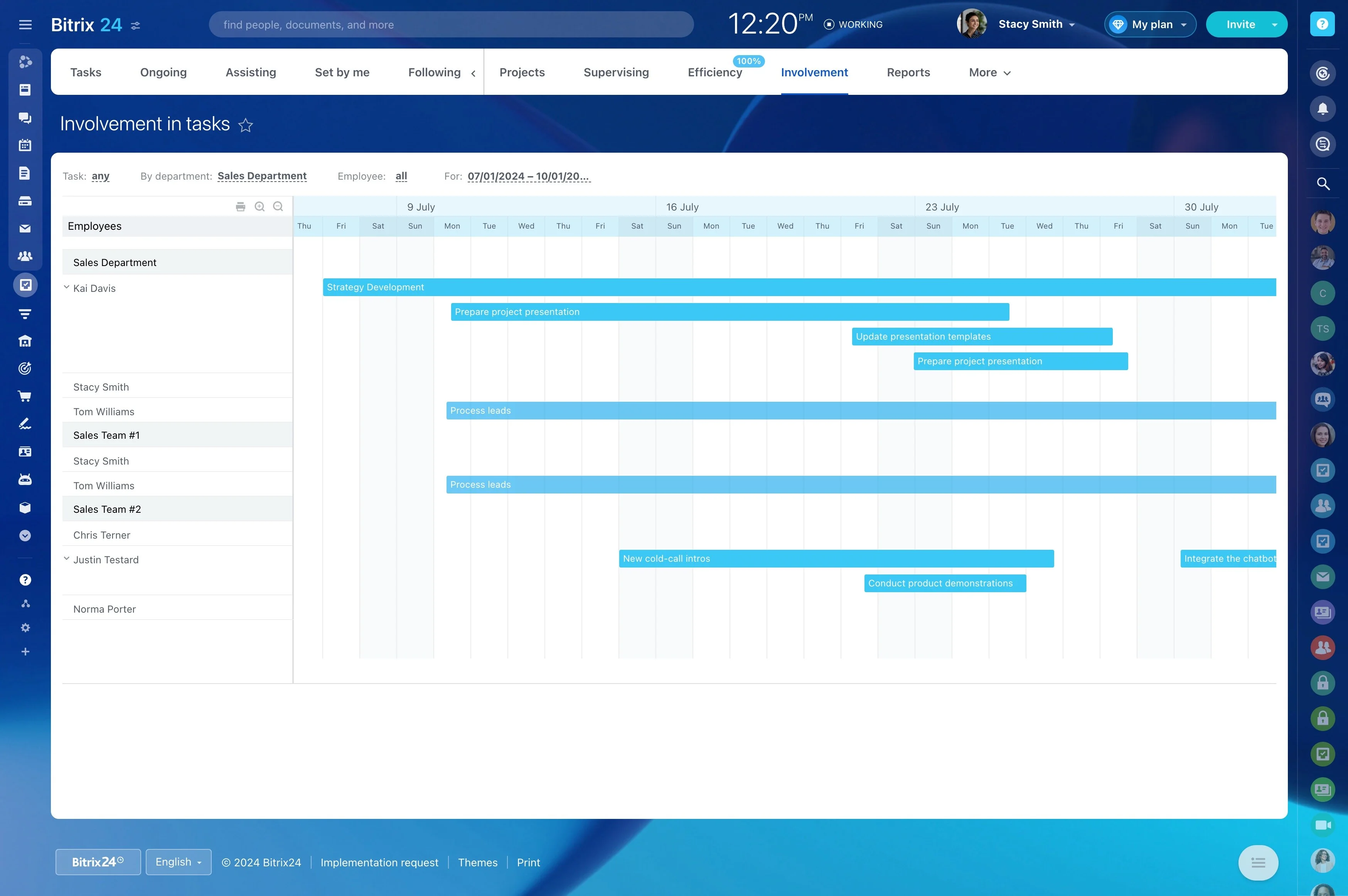
A collaborative project workspace also gives managers a clearer basis for reviewing how work is distributed. Workload views can show where assignments overlap, helping teams discuss capacity before schedule changes create pressure on the people responsible for delivery.
Prepare the migration for team adoption
Plan the move around the information the team will use: active projects, task details, dates, dependencies, milestones, and responsibilities. Define how updates and project communication will work in the new workspace.
Starting with a representative project lets the team check the structure against its planning habits before applying the approach to more projects.