Project work often continues between meetings, at customer sites, from home, or while traveling. Team members may need to check an assignment, answer a comment, confirm a deadline, or report progress without waiting to get back to a computer.
Bitrix24 gives mobile users access to the project activity they need to act on. They can review assigned tasks, follow discussions, update progress, and keep colleagues informed from a phone or tablet. This keeps mobile actions connected to the relevant project work instead of leaving updates until later.
Report progress at the point of work
Mobile updates are most useful when they are made as the work happens. A team member can mark a step complete, explain a delay, or leave context for the person who needs to continue the workflow.
Update assigned tasks from anywhere
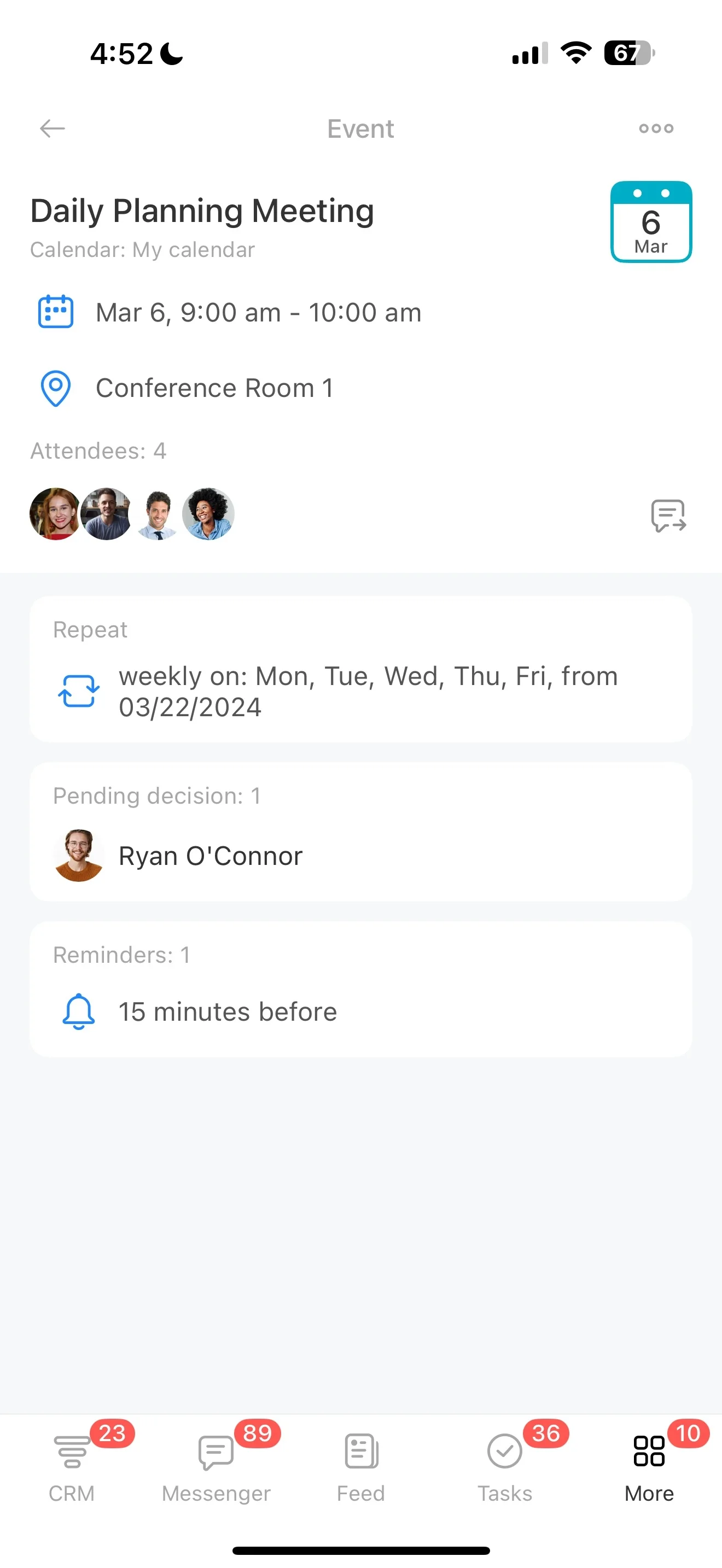
Open a task, check its expected result, and update progress while work is underway. Mobile access is useful for people working between locations or completing project steps away from their desks.
- Review task details and deadlines
- Record progress after completing a step
- Check the next responsibility
Keep decisions beside the task
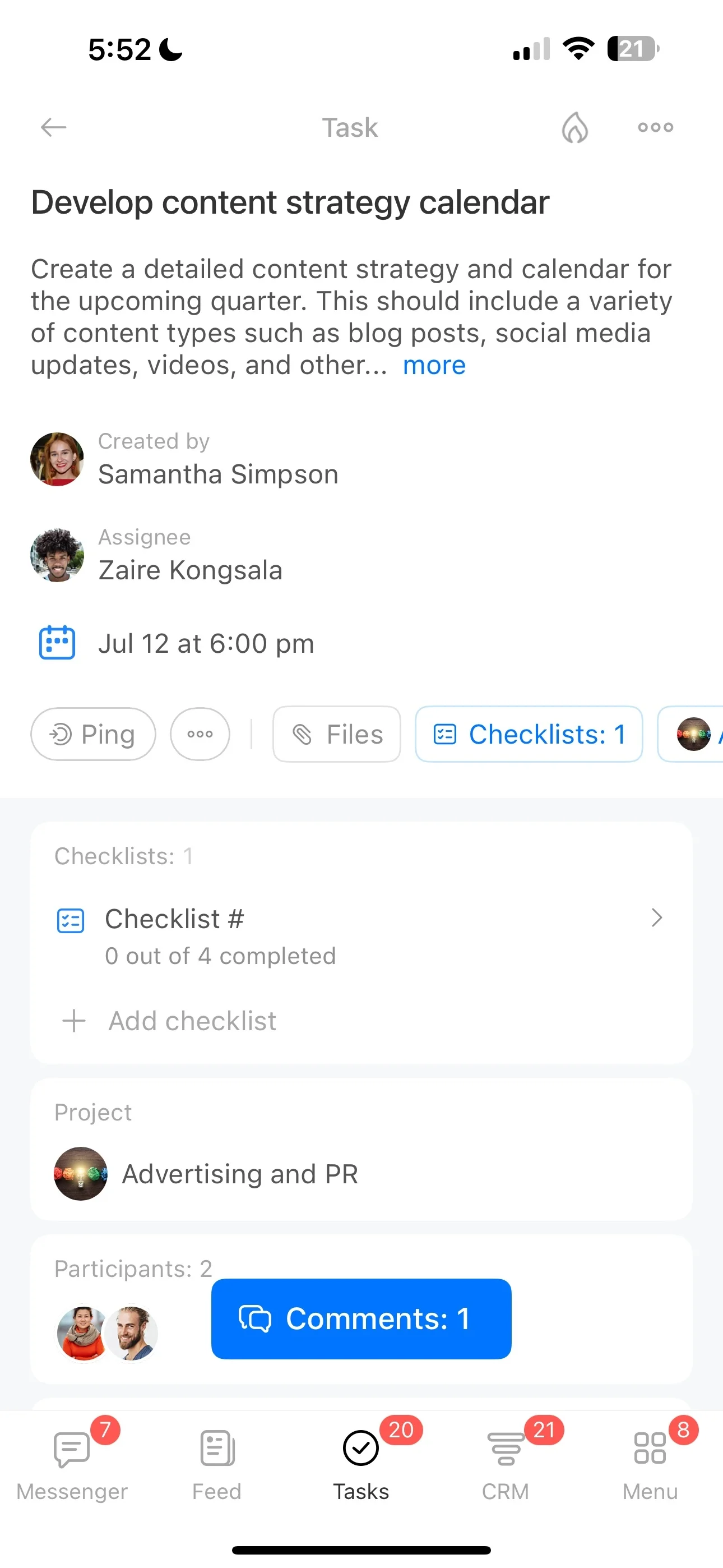
Comments stay connected to the task they explain, making project context easier to find. From a mobile device, team members can read the latest discussion, ask a question, or add information without moving the conversation to a separate channel.
Respond when deadlines change
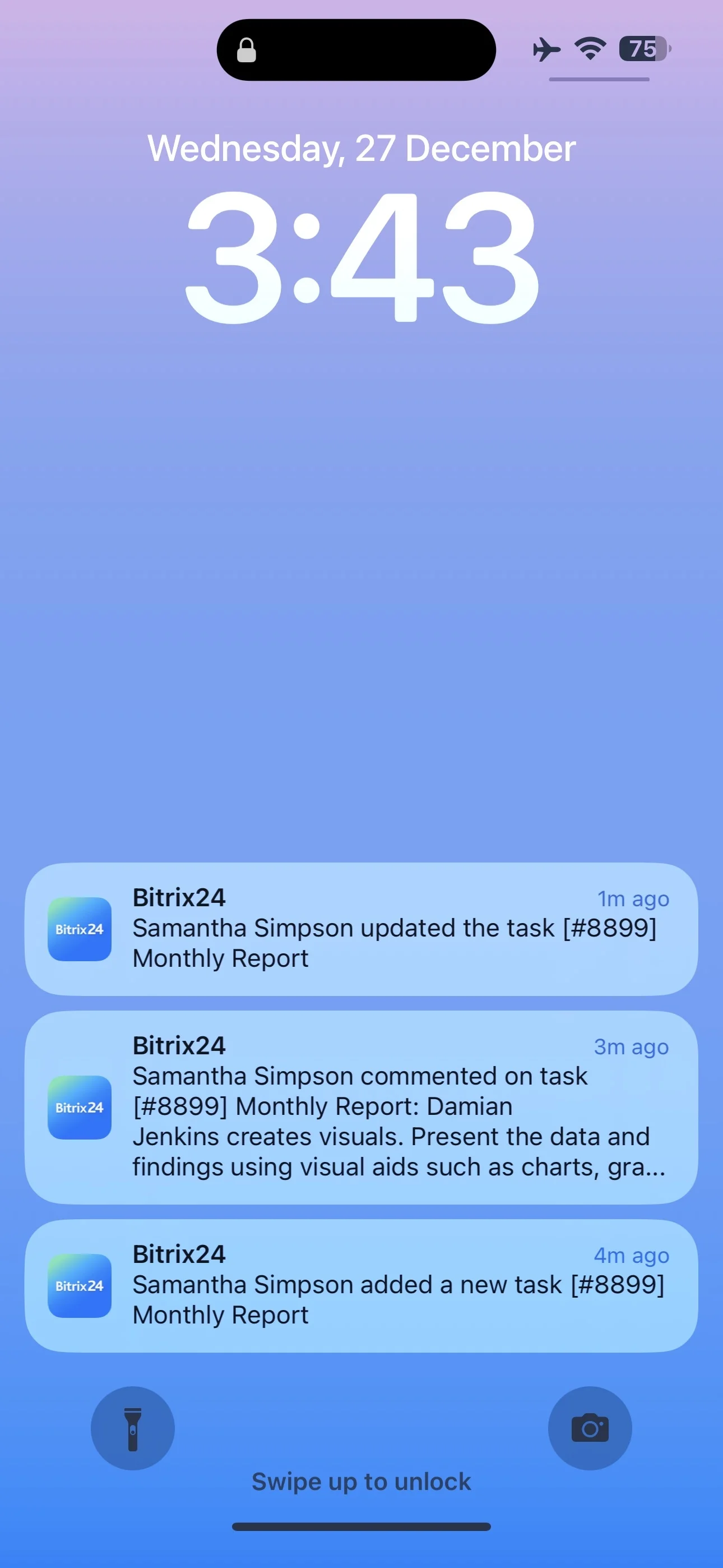
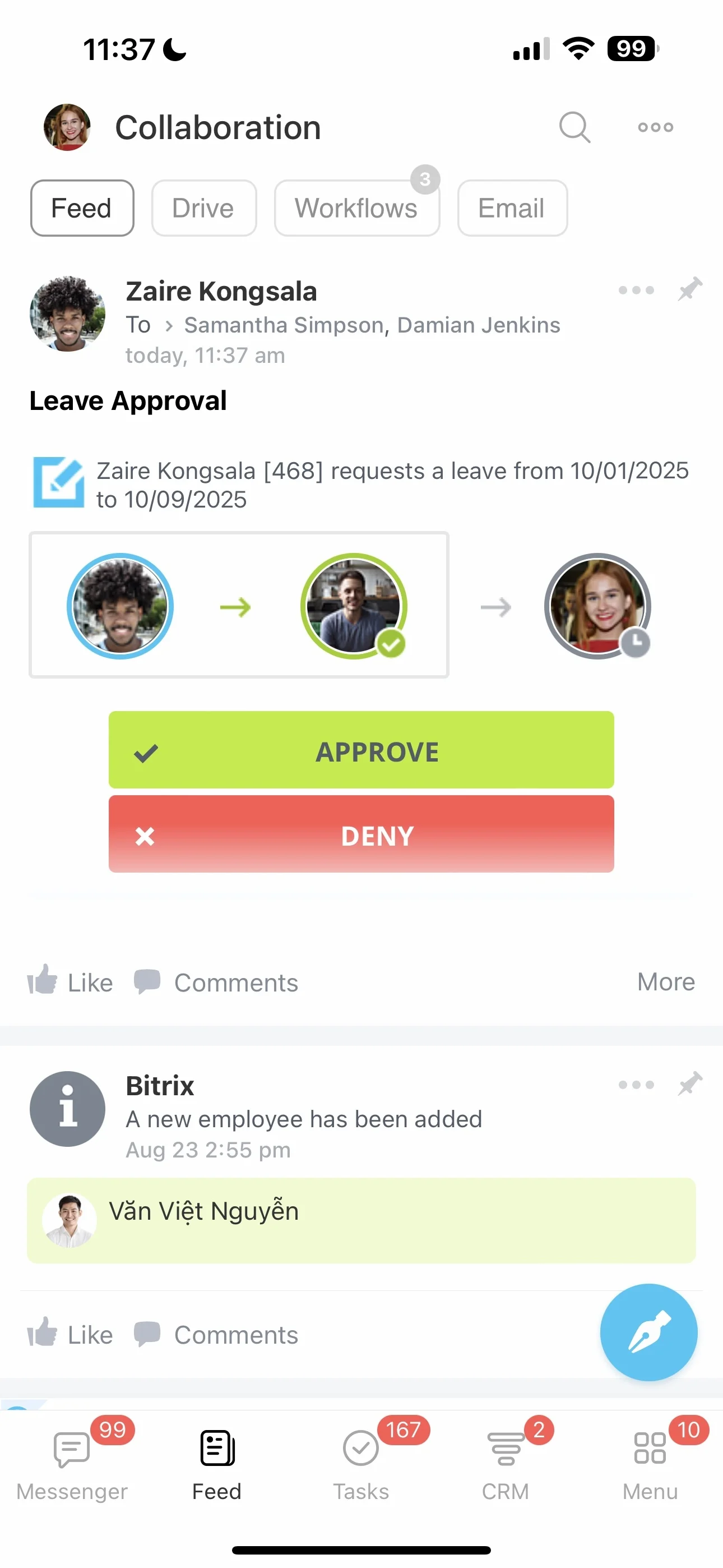
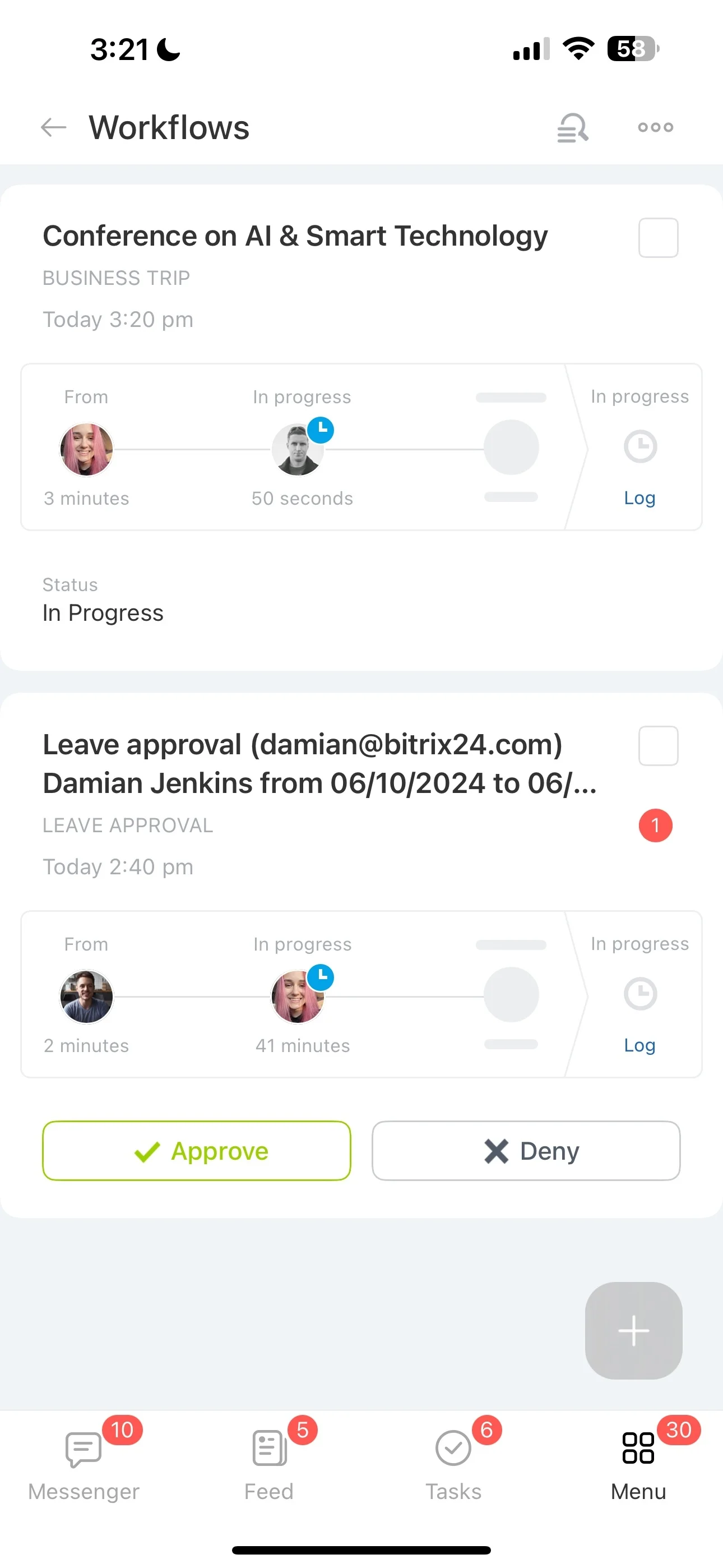
Notifications can bring task activity and approaching deadlines to your attention while you are away from a computer. That gives you a prompt to review pending work, respond to a change, or update the project record before the next handoff.
Keep distributed project members involved
Projects may include people at desks, in the field, at home, or between sites. Mobile access lets each participant review relevant work and share updates without being tied to a fixed location.
Build a mobile routine around project work
Start with the actions people genuinely need on a phone: checking assigned tasks, reading comments, watching deadlines, and recording progress. A simple routine for reviewing notifications and updating work helps the project record stay current throughout the day.