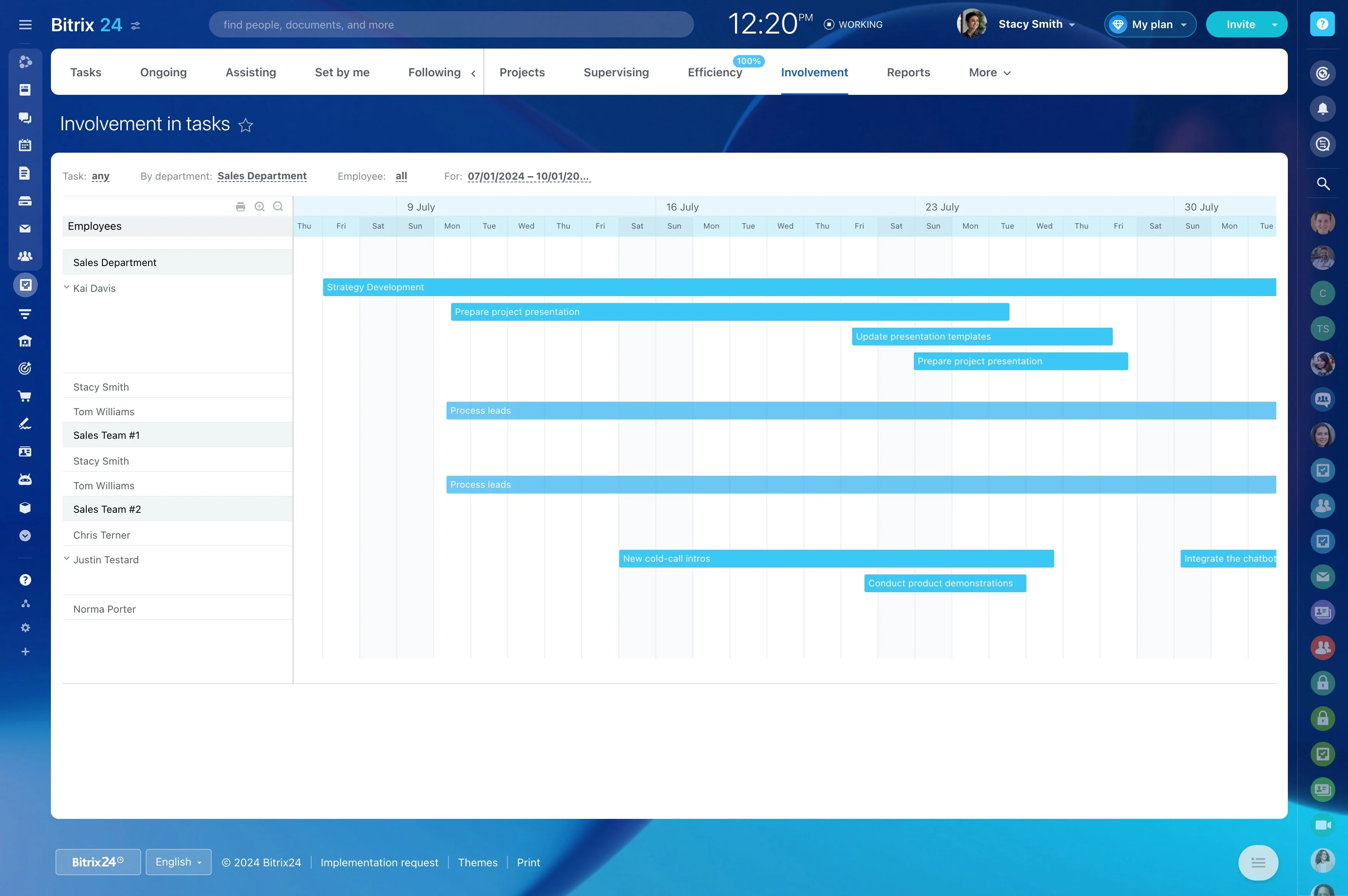
Log inquiries with session-critical details
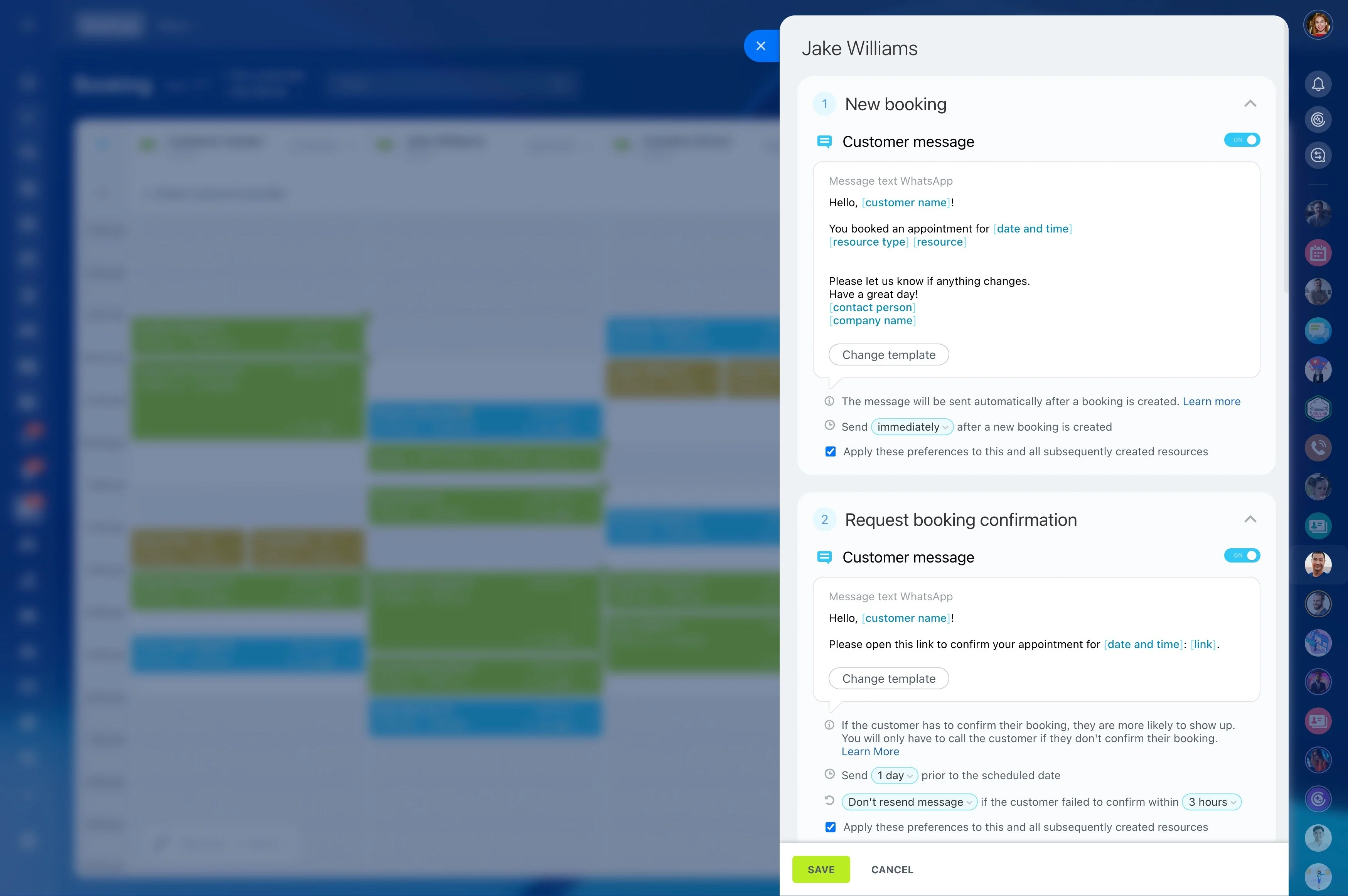
Running a photography business means managing a full client lifecycle: the first inquiry, the package decision, holding or confirming a date, getting the contract signed, collecting payment, and delivering the gallery—without losing context along the way.
Bitrix24 lets you set up that lifecycle as a clear set of CRM stages and tie the next step to each stage with tasks and reminders. Keep messages, documents, and job notes inside the client/deal record so you can see what’s waiting on you, what’s waiting on the client, and what needs to happen before the shoot and after delivery.
- Track inquiries, bookings, and deliveries in one deal pipeline
- Standardize packages and booking steps with repeatable actions
- Keep post-production and repeat-client follow-ups tied to the same relationship
Organize repeat sessions and referrals
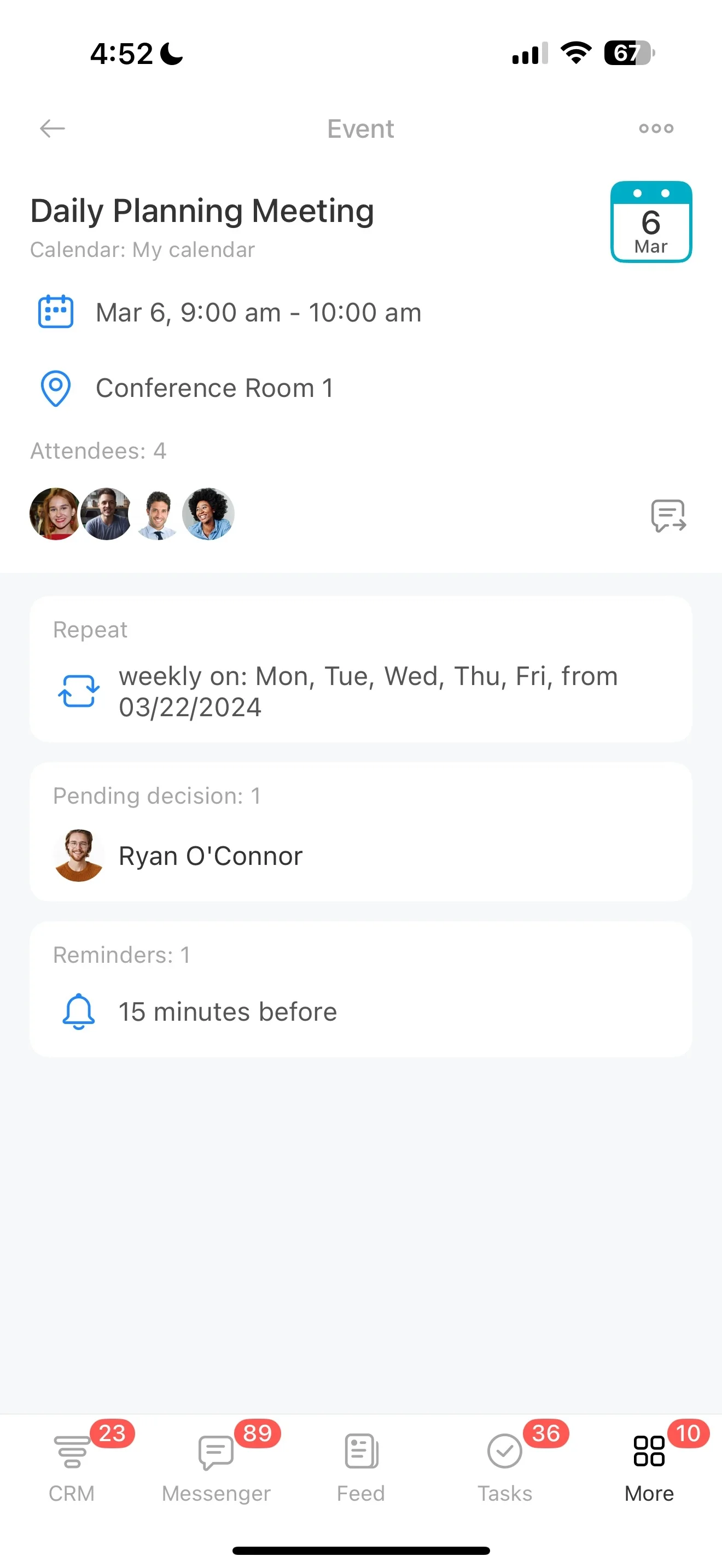
Use client history to segment past work (weddings, newborn, family, headshots, seasonal minis) and plan follow-ups that fit your business cadence. After delivery, move the deal to a “Nurture/Repeat” stage and schedule the next actions.
Typical follow-ups include review requests, referral outreach, anniversary reminders, and invitations to seasonal sessions.
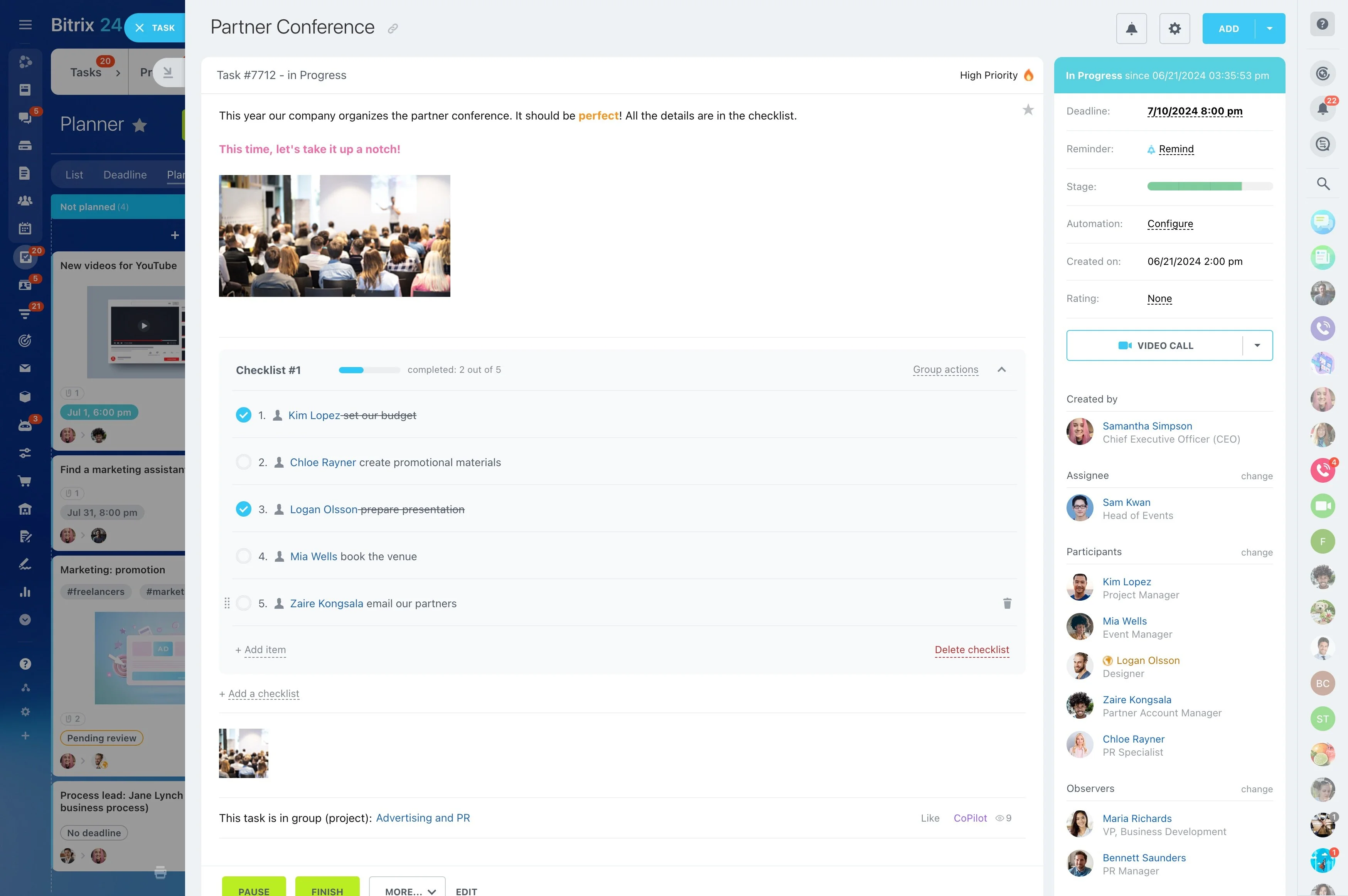
Turn bookings into a prep checklist
Once a date is on hold or confirmed, shift from selling to execution: prep call, shot list, venue notes, travel timing, and gear planning. Convert that work into assigned tasks with due dates so each booking is operationally ready before the shoot.
When a deal moves to “Booked,” trigger the standard set of prep tasks your process requires.
Set up a pipeline that matches your sessions
Build a pipeline around how you actually deliver work, not generic sales steps. A typical flow can look like: Inquiry → Consultation → Package selected → Date on hold → Contract sent → Booked → Pre-session prep → Shoot complete → Editing → Gallery delivered → Repeat/referral.
With stages in place, it’s easy to spot which jobs need a response, which are waiting on a signature or payment, and which are in post-production.
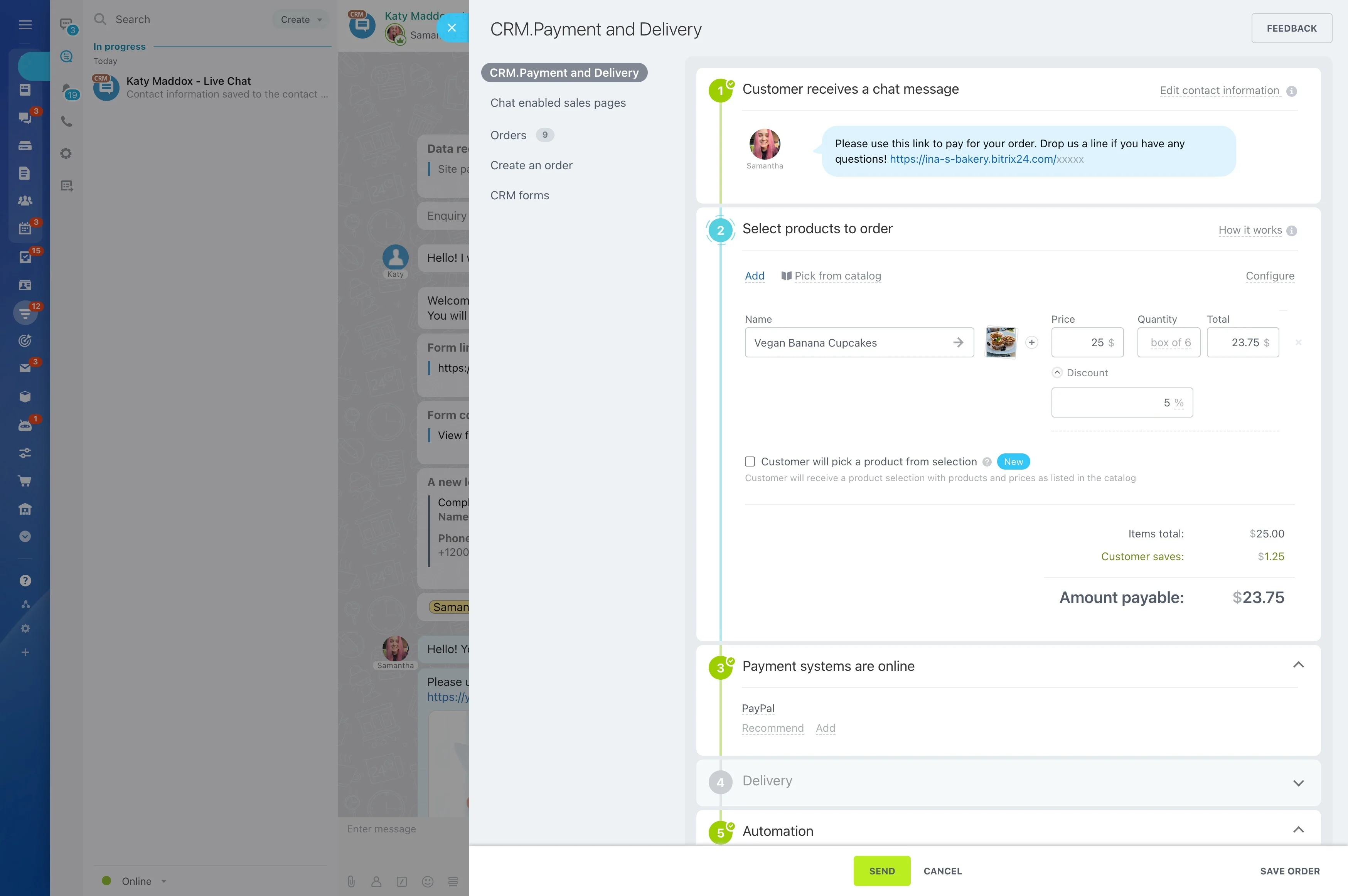
Log inquiries with session-critical details
Capture what matters for photographers at the first touch: preferred date, location, session type, style notes, and decision criteria. Storing these details on the lead/deal helps you qualify faster and respond with the right availability and package options.
As the inquiry comes in, create follow-up tasks (reply, schedule a consult, send a questionnaire) so early leads don’t go quiet.
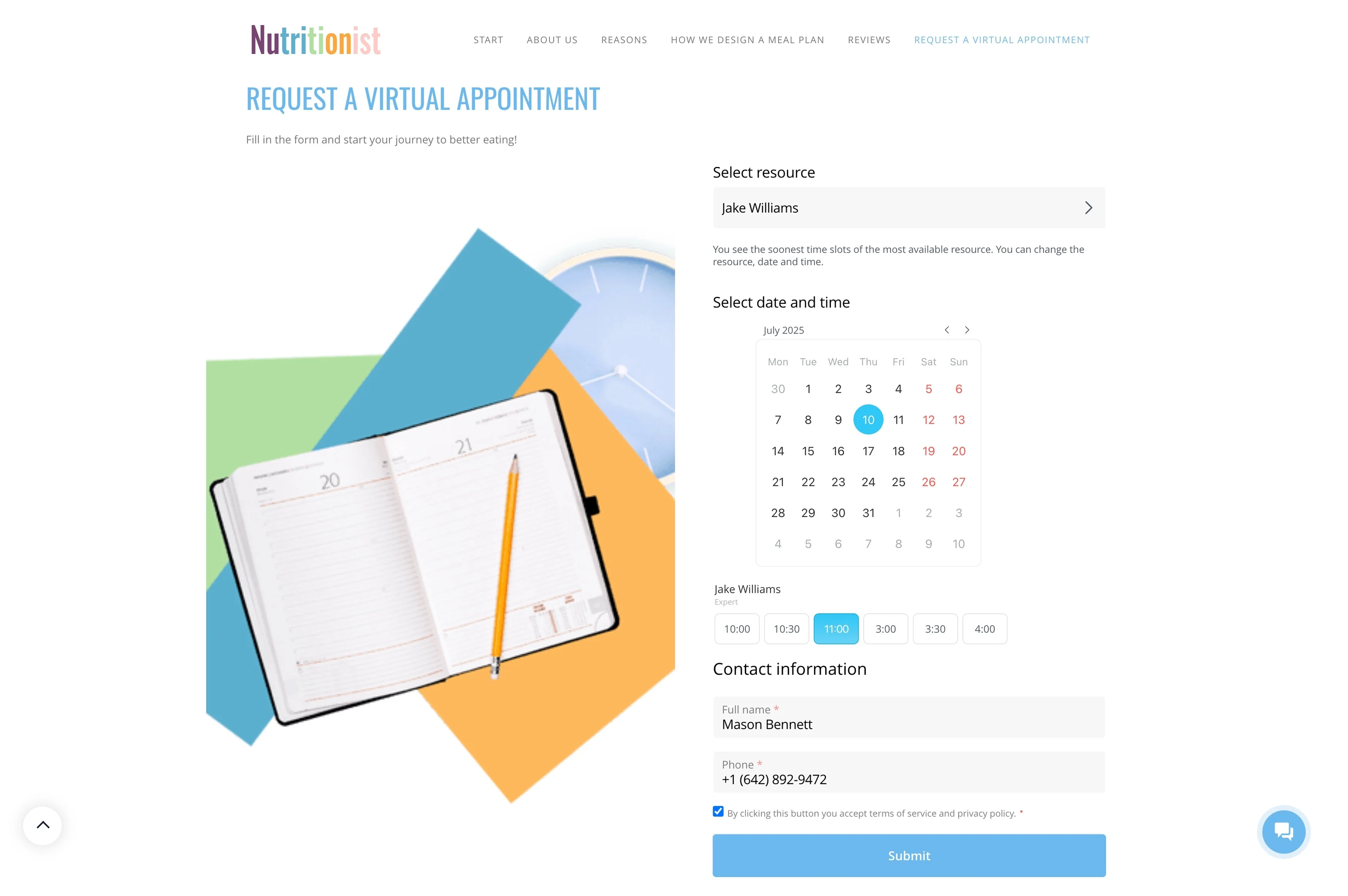
Track package selection and scope changes
Package decisions often include variables—coverage hours, add-ons, second shooter, delivery timelines, and usage needs. Keep what you offered and what the client chose attached to the deal so your next steps (booking, contract, payment) follow the same record.
This reduces rework and makes it clear what details still need confirmation before the date is locked.
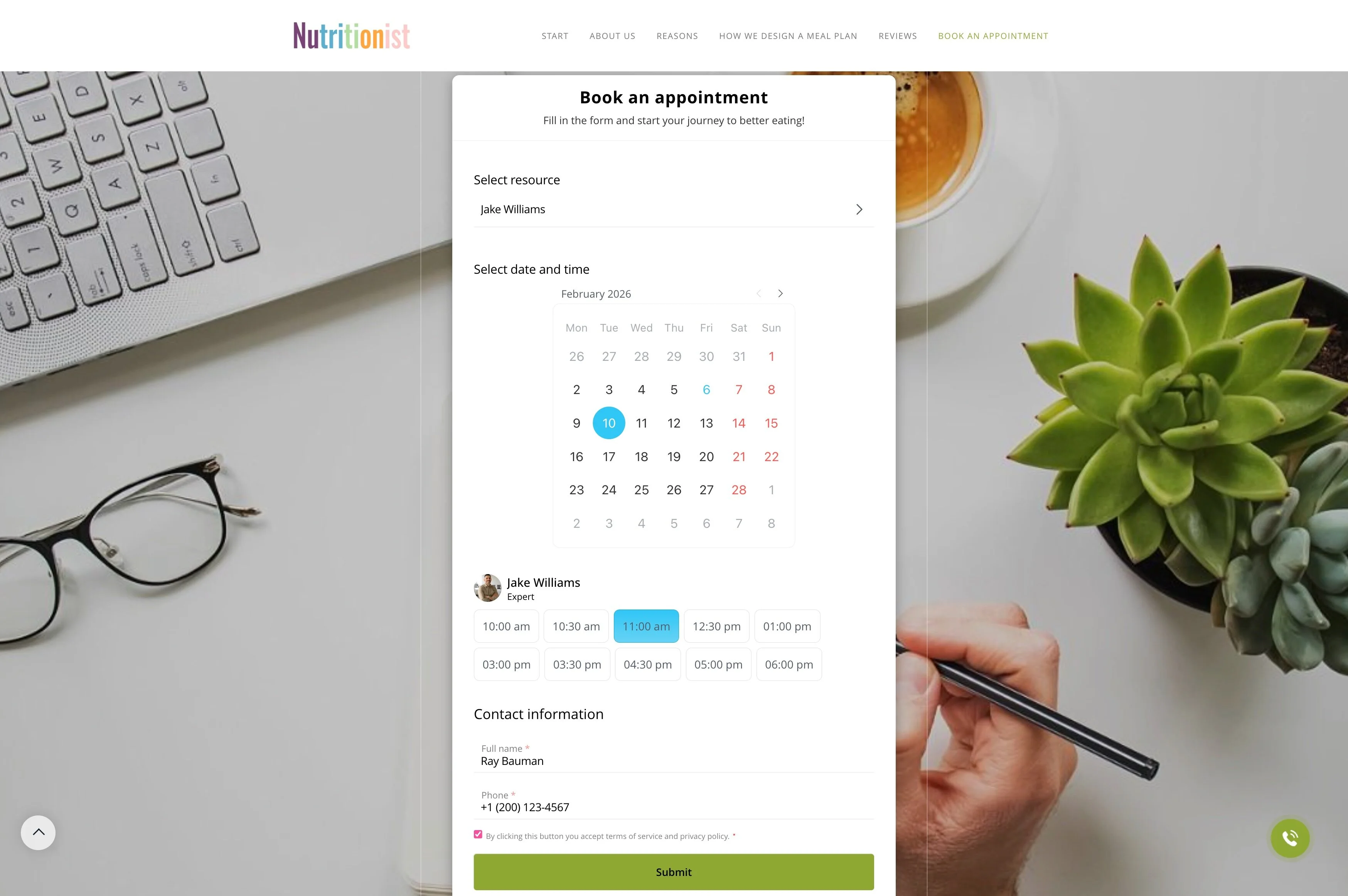
Keep signatures and payment milestones visible
Bookings commonly stall at “contract out” or “invoice sent” unless those steps are actively tracked. Use stages such as Contract sent → Signed → Invoice sent → Paid to show what’s outstanding and what’s confirmed for every job.
Add reminders and internal follow-up tasks so your send → remind → confirm routine stays consistent across clients.
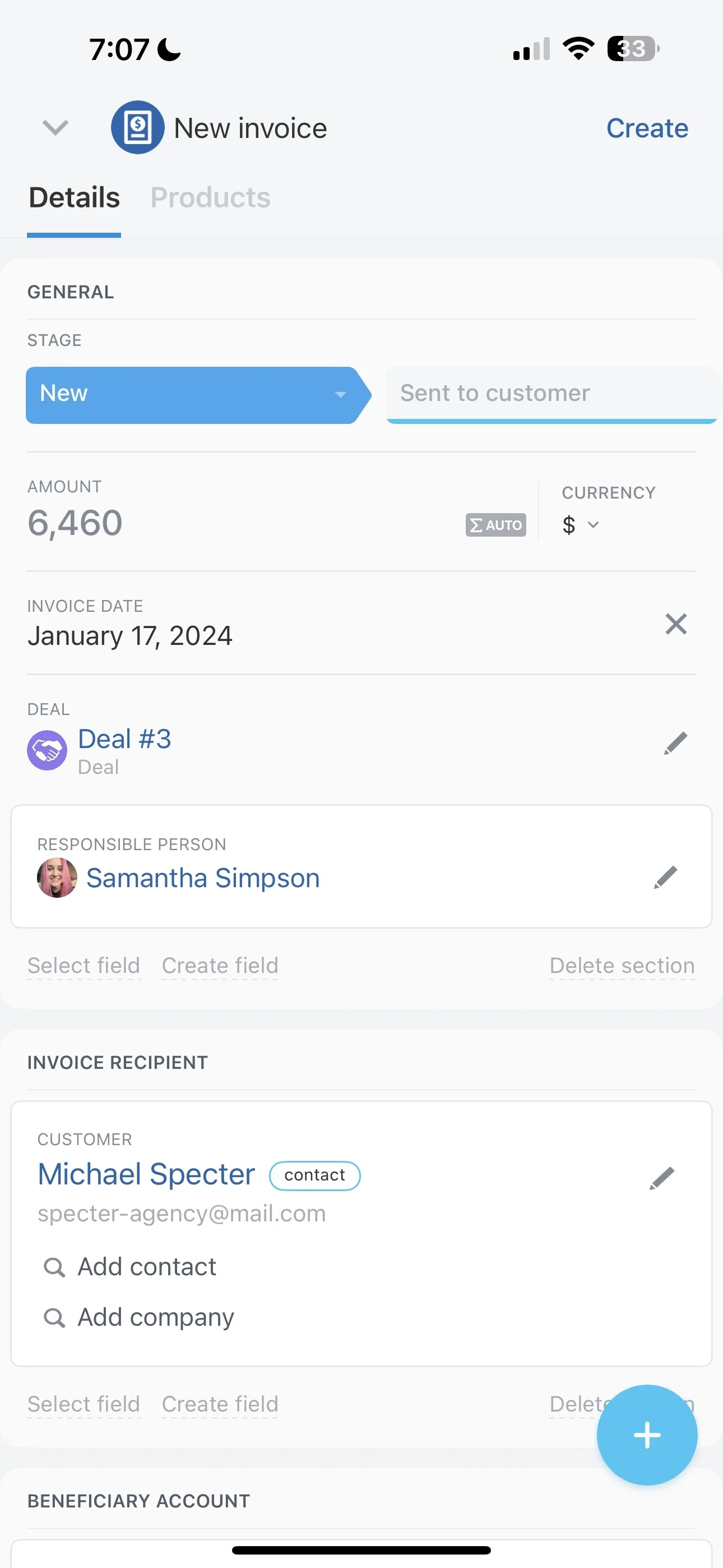
Run editing and delivery as a job workflow
Post-production has its own timeline: culling, editing, client selects, revisions (if applicable), export, and delivery. Keep those steps on the same deal record as the booking so deadlines, workload, and client communication stay tied together.
When a job enters “Editing,” assign tasks for editing, QC, upload, and the delivery message to standardize handoff.