Model territories with reliable CRM fields
Territory management only works when assignment rules are clear, applied the same way every time, and easy to review later. If you divide coverage by region, customer segment, product line, or rep capacity, you need a repeatable way to route leads and accounts to the right owner—and confirm the routing is actually happening.
In Bitrix24, territory logic can be built into your CRM workflow so new records are assigned from the fields you capture at intake. You can also restrict who can change ownership, keep reassignment decisions visible, and use CRM reporting to check whether your territory model is improving distribution balance and speed to first contact.
- Assign by geography, segment, source, or any standardized CRM field
- Distribute within a territory team to avoid overload and gaps
- Control and review reassignment activity
Small-team rollout checklist
For small teams, start with a version that’s easy to follow and enforce. Begin with one routing dimension (region or segment), validate data capture, and add complexity only after inputs are consistent.
- Standardize 3–6 required fields used for routing
- Document territory definitions and common exceptions
- Set reassignment permissions and manager override rules
- Review distribution and reassignment weekly for the first month

Restrict reassignments to protect territories
Territory models break when ownership changes happen ad hoc. Define who can reassign leads and accounts, and when—for example, allow moves within a team but require a manager for cross-territory transfers.
That makes territories enforceable, reduces exception drift, and gives you a cleaner trail to review when a record moves and what changed after the transfer.
Model territories with reliable CRM fields
Translate your coverage model into CRM data you can trust. Territories can reflect location (country/state/ZIP), segment (SMB/enterprise, industry), product interest, partner channel, or named-account ownership—anything you can capture consistently on the lead or account.
Keep the inputs simple: if it affects who should own the record, collect it early and standardize it so routing doesn’t depend on free-text interpretation.
Apply rules for repeatable assignment
Once the key fields are captured, turn them into routing rules so records land with the right owner by default. Use single-owner routing when one rep owns a territory, or route to a territory team when coverage is shared and distribution needs to stay balanced.
- Region: assign from country/state/city fields
- Segment: assign from company size, industry, or pipeline type
- Responsibility: route to named account owners or territory managers
- Workload: distribute within the eligible team
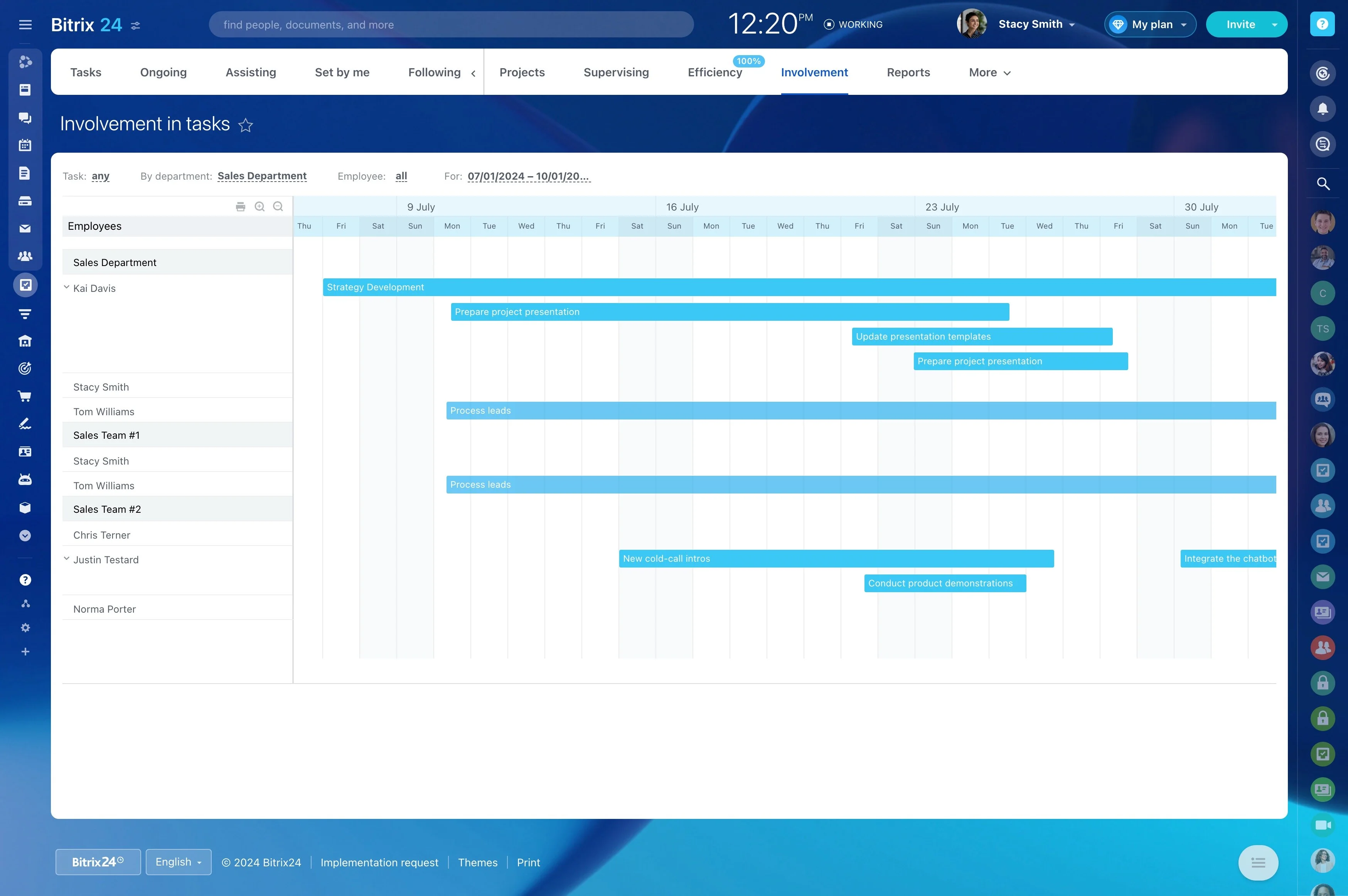
Trigger → CRM action → outcome example
Trigger: A new web lead arrives with Country = “Canada”, Segment = “SMB”, and Product Interest = “Subscriptions”.
CRM action: The lead is routed to the Canada SMB territory team, then assigned to an available rep within that group, with the responsible person set on the record.
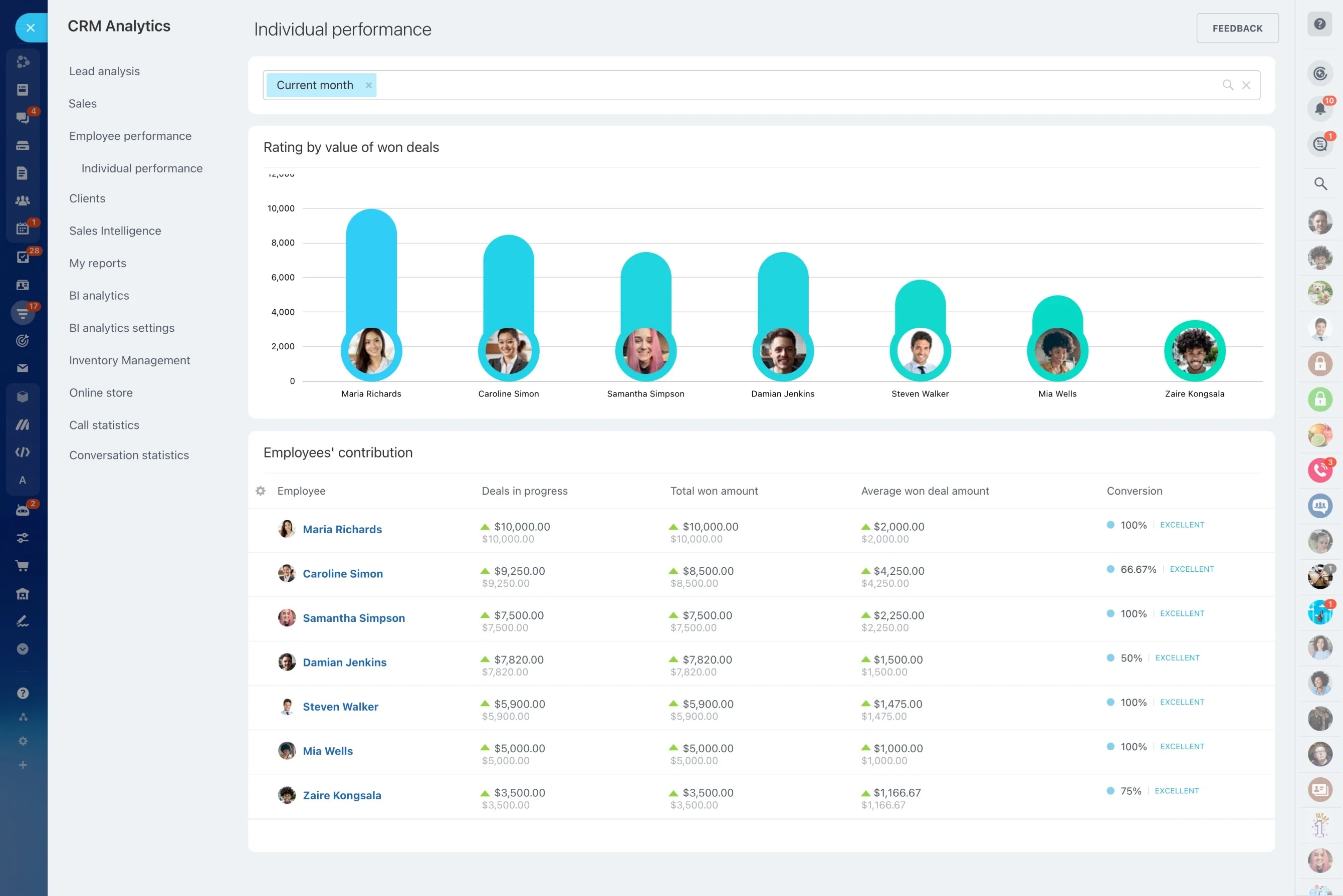
Outcome you can measure: Compare time-to-first-touch and conversion by territory/team to identify overloaded coverage areas, missing criteria, or segments that need different rules.
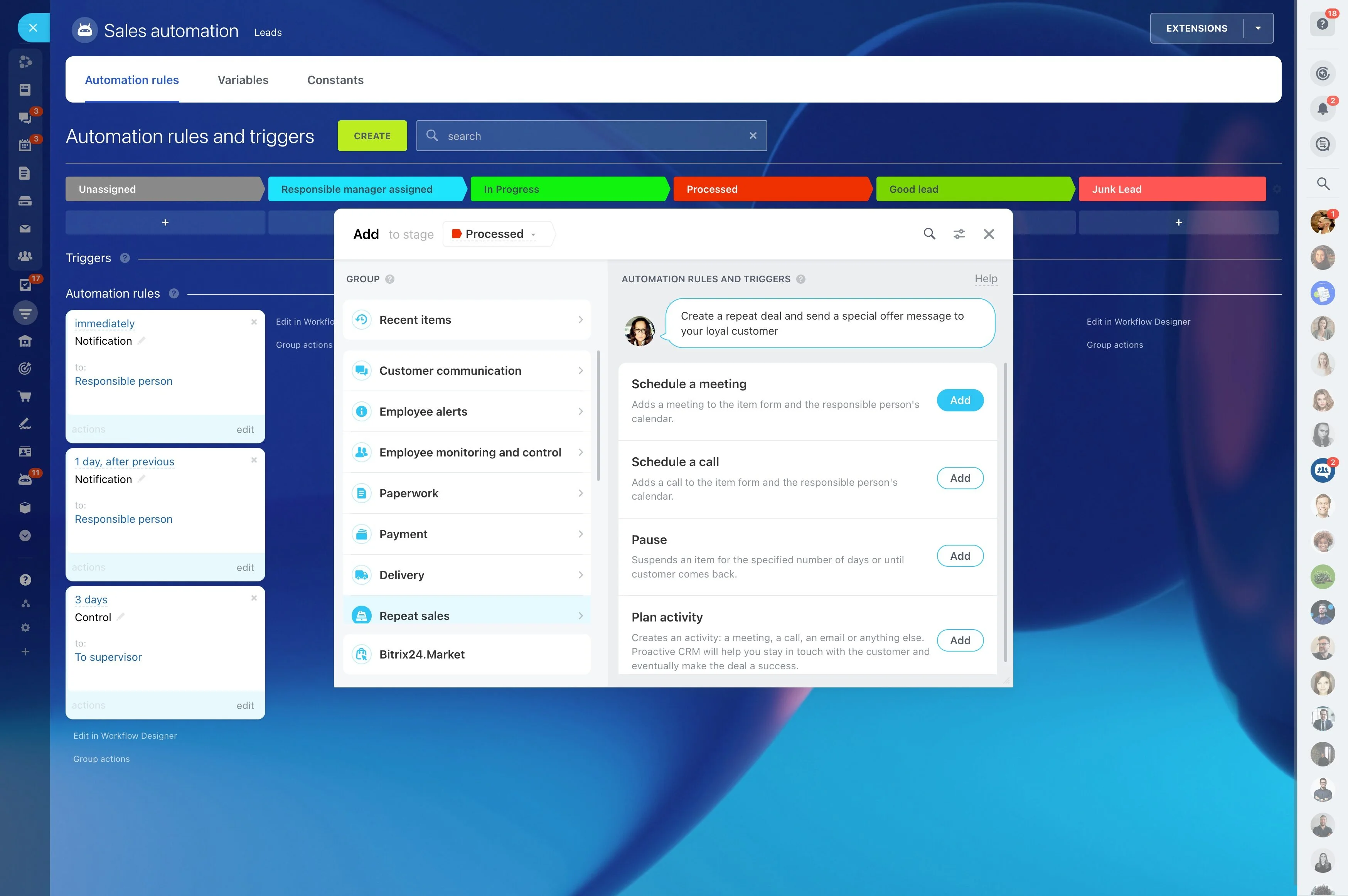
Keep ownership consistent across pipeline stages
Territory management often spans lead intake, qualification, deals, and ongoing account coverage. Decide what should stay stable (such as account owner) and what can change (such as a deal owner for a specialist stage) so handoffs don’t fragment responsibility.
Clear handoff rules reduce duplicate outreach and keep renewals, expansions, and follow-ups aligned with the right territory team.
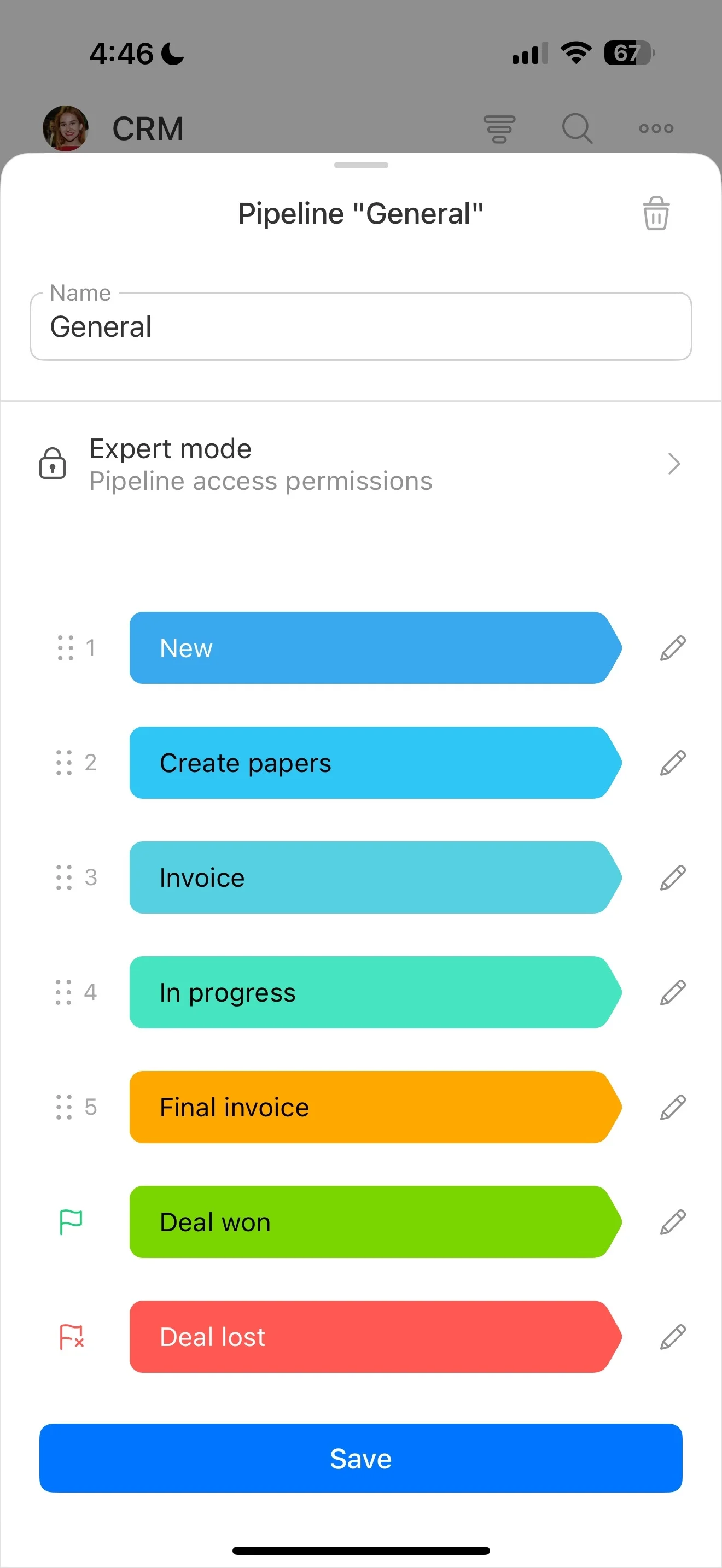
Review territory performance and exceptions
Territory reporting should answer control questions, not just totals. Track volume and performance by territory, owner, and segment, and review whether routing rules produce the distribution you intended.
- Which territories are consistently overloaded?
- Where is first response slower?
- Which regions show higher reassignment rates (a sign criteria is incomplete)?